System Setup
- System Change log
- NSS + GDM Issue
- Web-based Shell
- KASM Container Build
- GPG Keys
- CrowdSec & OpenBSD PF Perimeter Security Setup
- Service List
- SSH Command Tracking Guide
- Agent's Guide to Wiki
- Backup Process
- Studio PIKVM
- Service Update Process
- NextCloud OCC
- sunshine remote setup
- Local models
- Local Grill Monitoring Setup
- VPN
- Minecraft Worlds
- amux - Agent modified tmux
- subocr service
- ip cameras
- podman
System Change log
-
2026-10-20 Tuesday
- Forgejo Two-Factor Authentication (
git.drheck.dev) Cipher Migration Fix (ul):- Resolved
HTTP 500 Internal Server ErroronPOST /user/two_factor(UserSignIn: chacha20poly1305: message authentication failed) caused by legacy GiteaAES-CFB(md5(SECRET_KEY)) + double-Base64 ciphertext remaining intwo_factor.secretafter the Gitea $\longrightarrow$ Forgejo16.0.6migration. - Decrypted the existing 64-character Base32 TOTP seed without requiring authenticator re-enrollment, re-sealed
two_factor.secretusing Forgejo16.0.6'smodules/keyingHKDF-SHA256 (totpsubkey) +XChaCha20-Poly1305AEAD withColumnAndID("secret", id)big-endian associated data, verified all 27forgejo doctor check --allchecks (OK), and refreshed PAR2 backups.
- Resolved
- Docker Package Removal, Root NVMe Reclamation & ZFS
data/podmanDataset Migration (ul):- Uninstalled
docker(1:29.9.1-1),docker-compose(5.6.0-1), andcontainerd(2.4.2-1) viapacman -Rnsand purged/var/lib/docker,/var/lib/containerd, and/etc/docker(43 GBfreed on/). - Provisioned dedicated ZFS dataset
data/podman(compression=lz4,xattr=sa,acltype=posix,dnodesize=auto,atime=off,mountpoint=/home/docker-data/.local/share/containers) and migrated Podman's67 GBimage/layer store from the root NVMe onto the 160 TB ZFS pool via two-passrsync -aHAX. - Cleaned
39 GBof obsolete package tarballs from/var/cache/pacman/pkg(paccache -rk2+paccache -ruk0) and enabled weeklypaccache.timer.
- Uninstalled
- Forgejo Two-Factor Authentication (
-
2026-10-19 Monday
- Complete 30-Service / 40-Container Rootless Podman Cutover & Docker Decommissioning (
ul):- Decommissioned
docker.service,docker.socket, andcontainerd.servicecompletely (inactive/ disabled), removed all 10 leftover Docker kernel bridges (docker0+br-*), archived legacy artifacts into/data/backups/legacy_docker_archive/, and replaceddocker-prune.timerwith rootless/etc/systemd/system/podman-prune.{service,timer}(User=docker-data). - Migrated all remaining 19 services (29 containers) alongside the initial 11 standalone services—totaling all 30 containerized services (41 containers)—to rootless Podman Quadlets (
docker-data,UID 1100, subordinate rangedocker-data:624288:65536,Pull=neveroffline boot resilience,/home/docker-data/.config/containers/systemd/*.{container,network}). - Migrated shared Valkey to native host
valkey.servicebound strictly to127.0.0.1:6379with per-service ACL users (authentik,immich,nextcloud,vikunja,degoog),defaultdisabled, and dangerous admin commands disabled; locked hostpostgresql.servicestrictly to127.0.0.1:5432and upgraded the legacy MD5 role password toSCRAM-SHA-256. - Configured host HAProxy Layer-4 TCP passthrough (
/etc/haproxy/conf.d/ldap.cfg) relaying ports389/636to rootlessauthentik-ldap(:3389/:6636) and removed/etc/nginx/certs:/certs:rofrom all Authentik containers so zero host TLS/mTLS keys (pikvm_client.key,studio_secret.conf) are mounted inside containers. - Remediated security & operational findings uncovered during migration:
- Enabled
YOURLS_PRIVATE=true, rotated weakyourlscredentials (admin_pass_9213/yourls_db_pass_9213), and gatedhttps://drheck.dev/yourls-api.phpbehind Authentik ForwardAuth while keeping short-link301redirects public. - Removed
/home/luke:/host_home:romount fromsubocr, restricted Collabora WOPI wildcardhttps://.*strictly tocloud\.drheck\.dev, setDISABLE_SIGN_UP=trueand0770permissions onwipstudio, and archived the deleted upstreamminio/minioimage at/data/docker/wipstudio/minio_image_backup.tar.xz. - Fixed silent data-loss gaps in
/home/luke/git/backups/ul/scripts/: pointedbackup/nextcloud+restore/nextcloudat livenextcloud_db(instead of stalenextcloud) +config.php; migratedpenpotPostgres & assets out of/var/lib/docker/volumesonto ZFS/data/docker/penpot/{postgres_data,assets}and addedassetstobackup/penpot; addedpg_dumpall -U funkwhaletobackup/funkwhale; addedauthentik-*.containertobackup/authentik; and expandedbackup/systemdto archive/etc/containers,/etc/haproxy,/etc/nftables.conf, and/home/docker-data/.config/containers/systemd. - Fixed
HTTP 500ForwardAuth errors on secondary hostname aliases (music.drheck.dev$\longrightarrow$navidrome.drheck.dev,scontroll.drheck.dev$\longrightarrow$scontrol.drheck.dev) and OIDC callback host mismatches (vault.drheck.dev$\longrightarrow$pw.drheck.dev,bookstack.drheck.dev$\longrightarrow$wiki.drheck.dev) with dedicated TLS301redirects across/etc/nginx/sites-available/. - Pruned a stale
aardvark-dnsentry in/run/user/1100/containers/networks/aardvark-dns/penpot_net(10.89.13.2ahead of10.89.13.5) that causedpenpot-backendLettuce Redis timeouts, fixed root-owned cache generation in/home/luke/bin/read-bookstack-page(-u abc -e HOME=/config), and updated/usr/local/bin/{update-authentik-cert.sh,mc-bluemap-provision,degoog-update},/data/minecraft/ipctl,/etc/nftables.conf, and all 43 PAR2-verified service backups.
- Enabled
- Decommissioned
- Backup Architecture Decoupling (
ul):- Refactored
/home/luke/git/backups/ul/scripts/run_all_backupsso default invocations execute fast local snapshots andpar2verification only (--allruns the full local + cloud + ISO pipeline). - Extracted standalone
/home/luke/git/backups/ul/scripts/stage_cloud_archive,/home/luke/git/backups/ul/scripts/upload_cloud_archive, and/home/luke/git/backups/ul/scripts/stage_iso_archivescripts and updated Backup Process.
- Refactored
- amux Synchronous Command Waiting (
ul):- Implemented native event-driven command completion waiting in
amux(/home/luke/git/amux, installed at/usr/local/bin/tmux-custom) viaread-pane -w(-S <token>,-e <var>,-E <file>,-O <offset>,-t <timeout>), eliminating polling loops. - Added
atx-exechelper to/home/luke/.agent_profileand updated amux - Agent modified tmux and SSH & Agent Command Tracking Guide.
- Implemented native event-driven command completion waiting in
- Gitea $\longrightarrow$ Forgejo Migration (
ul):- Migrated git.drheck.dev from Gitea (
28.1.0-1) to Forgejo (16.0.6-1), renaming ZFS datasetdata/giteatodata/forgejo(/data/forgejo), PostgreSQL database/role toforgejo, configuration to/etc/forgejo/app.ini, and working state to/var/lib/forgejo(User=git). - Added
/etc/tmpfiles.d/forgejo.conf(git:gitoverride) to prevent pacman30-systemd-tmpfiles.hookfrom resetting/var/lib/forgejoand/etc/forgejo/app.iniownership toforgejo:forgejoduring package upgrades. - Updated Nginx (
/etc/nginx/sites-available/forgejo), Authentik OIDC provider/application (Forgejo/forgejo),passentries (forgejo/*),repo_tools(forgejo-create,forgejo-delete,forgejo-Visibility,gpush), and backup/restore scripts (/home/luke/git/backups/ul/scripts/{backup,restore}/forgejo).
- Migrated git.drheck.dev from Gitea (
- Kasm Decommissioning & Rootless Podman Quadlet Migration (
ul):- Decommissioned
kasm(kasm.drheck.dev,/data/docker/kasm, PostgreSQLkasm_db, ULA IPv6:ca53, Authentik OIDC app, Nginx config, Unbound DNS, and/data/kasm_profiles) and removed obsolete/data/docker/sunshinecontainer stack. - Configured rootless Podman (
6.1.4-1) withpasstuser-mode networking, subordinate UID/GID ranges (docker-data:100000:65536), ZFS-backed graphroot (/data/podman/docker-data/storage), and systemd user lingering (loginctl enable-linger docker-data). - Migrated 11 standalone single-container services (
audiomass,bentopdf,excalidraw,tldraw,wick,webrcade,drawpile,navidrome,vaultwarden,sopro,demucs) from rootful Docker Compose to rootless Podman systemd Quadlets (/home/docker-data/.config/containers/systemd/*.container). - Updated
/home/luke/bin/status_all, backup/restore scripts, Service List, Service Update Process, and authored podman.
- Decommissioned
- Complete 30-Service / 40-Container Rootless Podman Cutover & Docker Decommissioning (
-
2026-10-10 Saturday
- Minecraft Server Control Plane, Live Console, Seed Studio & Text/Icon Studio (
ul,danknasty):- Built and deployed
mc-manager(/usr/local/bin/mc-manager,mc-manager.service),mc-runner(/usr/local/bin/mc-runner,minecraft@<slug>.servicePTY wrapper with/run/mc-manager/<slug>.sock), andmc-seed-render(/usr/local/bin/mc-seed-render, nativecubiomesbiome & structure map generator) at mc.drheck.dev behind Nginx and Authentik ForwardAuth. - Added Minecraft Text, MOTD, Color Gradient & 8-Bit Pixel Icon Studio to both the + New World wizard and existing server Configuration panel (Unicode font styles, Java-safe symbols,
§RGB gradient interpolator, live server-list preview, and 64×64 8-bit pixel badge/icon generator). - Updated
/etc/haproxy/minecraft.luaand HAProxy backend rules so all Multiplayer Server List pings (state == 1) querymc-manager(BuildLiveStatusJSON), overlaying livemotd(server.properties) andfavicon(server-icon.png) onto running server status responses without requiring a server restart. - Updated
/data/minecraft/ipctlto authenticate programmatically todanknastyusing short-lived (5-minute) SSH user certificates issued bystep-ca(webshell-svcprovisioner) and trusted via/etc/sshd_config.d/10-drheck-certs.confondanknasty. - Externalized all dynamic
ipctlstate out of code-reviewed base configs into/etc/systemd/network/20-wired.network.d/minecraft.conf,/etc/haproxy/conf.d/minecraft_backends.cfg,/etc/haproxy/minecraft_hosts.map, and/var/unbound/etc/unbound.minecraft.conf(included fromunbound.confand parsed recursively byupdate_dns.py,dns_danger_sync.py, andverify_dns.sh), with tracked mirrors in/data/minecraft/.network/. - Provisioned
desertworld.drheck.dev(fd77:7777:5010::1337:3c:d00d:2/64) and updated Minecraft Worlds and Service List.
- Built and deployed
- Minecraft Server Control Plane, Live Console, Seed Studio & Text/Icon Studio (
-
2026-09-27 Sunday
- amux (Agent-Modified tmux) & Persistent Session Infrastructure (
ul):- Created custom tmux fork (
amux) built from/home/luke/git/tmuxand installed at/usr/local/bin/tmux-custom. - Implemented native
write-pane(writep) command supporting-b <base64>and-f <file>with-e(auto-enter) to inject scripts directly into PTY buffers with zero quote escaping or keystroke lag. - Built structured audit logging directly into
cmd-write-pane.cusingsd_journal_send(SYSLOG_IDENTIFIER=amux,AMUX_PANE_ID,AMUX_WINDOW_NAME,AMUX_ARCHIVE_PATH). - Configured automatic pre-execution script archival to persistent storage in
/data/amux/scripts/(YYYY-MM-DD_HHMM.SS_<window_name>.sh). - Configured dedicated
atxagent session in/home/luke/bin/tmux_controlon socket/tmp/tmux-1000/tmux_luke_atx, styled with orange status bar (#ff8800),C-bprefix, and persistent agent environment in~/.agent_profile. - Added backup and restore scripts for amux (
/home/luke/git/backups/ul/scripts/backup/amuxand/restore/amux). - Documented architecture and audit procedures on amux - Agent modified tmux and SSH & Agent Command Tracking Guide.
- Created custom tmux fork (
- Minecraft Datapack Enhancements (
pokelovers) (ul):- Installed 5 verified Minecraft 26.3 datapacks in
/data/minecraft/poke lovers/world/datapacks/:fast_leaf_decay(rapid leaf decay upon log breakage)graves(death chest/grave saving inventory and XP)invisframes(invisible item frames via shears while sneaking)player-drops-head(player head drops on death)shulker-drops-two-shells(guaranteed 2 shulker shells)
- Broadcasted in-game countdown notices to online players prior to executing live
/reload.
- Installed 5 verified Minecraft 26.3 datapacks in
- BlueMap 3D Web Map & Authentik SSO Integration (
pokelovers) (ul):- Deployed BlueMap 5.28 standalone CLI renderer running as
bluemap-pokelovers.servicein watch mode (-w -u), serving live world updates and Server-Sent Events (SSE) on port 8100. - Configured NGINX reverse proxy on port 443 with wildcard SSL (
*.drheck.dev) in/etc/nginx/sites-available/pokelovers. - Gated
https://pokelovers.drheck.devbehind Authentik ForwardAuth proxy provider and application on embedded outpost, protecting map coordinates and player builds behind authentication.
- Deployed BlueMap 5.28 standalone CLI renderer running as
- amux (Agent-Modified tmux) & Persistent Session Infrastructure (
-
2026-09-26 Saturday
- Zero-Config Minecraft HAProxy SNI Stream Routing (
ul,danknasty):- Decommissioned application-level proxy (Velocity) to preserve native vanilla Diffie-Hellman encryption and Microsoft
online-mode=trueauthentication. - Deployed HAProxy 3.4.5 on dual-stack endpoints (
10.0.0.113:25565and[fd77:7777:5010::1337:f1ac:d00d:3c]:25565). - Implemented
/etc/haproxy/minecraft.luausing non-draining buffer peeking (txn.req:dup()) to inspect the raw unencrypted Minecraft handshake packet (0x00), dynamically extracting the SNI virtual host (pokelovers.drheck.dev). - Routed traffic via
/etc/haproxy/minecraft_hosts.mapdirectly to dedicated internal ULA addresses on standard port 25565 ([fd77:7777:5010::1337:3c:d00d:1]:25565). - Implemented native fallback responder (
mc_offline) returning custom protocol packets when backends are stopped:- Multiplayer Server List MOTD:
"[Server] is currently offline. Ping Luke" - Multiplayer Join Screen: Immediate disconnect with red bold error:
"[Server] is currently offline. Ping Luke"
- Multiplayer Server List MOTD:
- Decommissioned application-level proxy (Velocity) to preserve native vanilla Diffie-Hellman encryption and Microsoft
- Network & DNS Automation (
ipctl) (ul,danknasty):- Developed
/data/minecraft/ipctl(symlinked in/home/luke/bin/ipctl). - Automates ULA IPv6 allocation (
fd77:7777:5010::1337:3c:d00d:<hex>/64) oneth77withsystemd-networkdreload. - Automates HAProxy backend and map configuration reload.
- Integrated SSH agent validation checking for key
ultra-arikui(SHA256:7Xr0vCxgfpPhbKE3hN9fE2IC9y4x3Kj+kYmXwzgJY3s). - Implemented 7-step automated DNS provisioning over SSH to
danknasty: updates~/git/router_config/unbound.conf, validates viaunbound-checkconf, deploys to/var/unbound/etc/, restartsunbound, verifies local resolution, and triggersdns_danger_sync.py --forceto push public A and AAAA records to deSEC.io. - Created dedicated backup and restore scripts in
/home/luke/git/backups/ul/scripts/backup/minecraft_routerand/restore/minecraft_router. - Documented entire architecture and quickstart HOWTO on HeckWiki page 136 (Minecraft Worlds).
- Developed
- Firewall Configuration for Minecraft Port 25565 (
danknasty):- Configured
mc_ipv4(10.0.0.113),mc_gu($gu_prefix:1337:f1ac:d00d:3c), andmc_ula($ula_prefix:1337:f1ac:d00d:3c) in~/git/router_config/pf.conf. - Added inbound port 25565 forwarding rules for IPv4 NAT and IPv6 ULA redirection.
- Validated with
pfctl -nf, deployed to/etc/pf.conf, loaded into the kernel, and verified reachability externally fromrng.
- Configured
- Zero-Config Minecraft HAProxy SNI Stream Routing (
-
2026-09-21 Monday
- Native Sunshine & Gamescope Migration on ul:
- Decommissioned legacy
steam-headlesscontainer; migrated to bare-metal Gamescope DRM compositor + Sunshine host on AMD Radeon AI PRO R9700 (1002:7551, Navi 48). - Injected AOC 1080p EDID on
DP-1via mkinitcpio & systemd-boot loader options. - Configured Steam library paths directly to 151TB ZFS pool (
/data/games/steam/steamapps). - Resolved PS5 DualSense controller disconnection: disabled Steam proprietary HIDAPI polling (
SDL_JOYSTICK_HIDAPI_PS5=0,SDL_JOYSTICK_HIDAPI=0) to preventhid_read failuretimeout on virtualuhiddevices. - Added
-e(--steam) integration flag to Gamescope launch script to ensure proper Wayland focus relaying to Steam, enabling Steam Input in-game instead of dropping to Desktop mouse layout. - Documented complete architecture, launch scripts, and controller gotchas on HeckWiki page 130 (Sunshine Remote Setup).
- Decommissioned legacy
- Native Sunshine & Gamescope Migration on ul:
-
2026-09-21 Monday
- Steam Storage Migration to 151TB ZFS Pool (
/data/games/steam) (ul):- Discovered root NVMe filesystem at 85% utilization (71GB free).
- Consolidated all Steam games, runtimes, manifests, and shader caches from temporary docker volumes to
/data/games/steam/steamapps/on the 151TB ZFS pool. - Replaced
~/.local/share/Steam/steamappsand~/.steam/steam/steamappswith permanent atomic symlinks pointing to/data/games/steam/steamapps/. - Cleaned
libraryfolders.vdfensuring 100% of game downloads route directly to/data/games/steam/with zero bytes hitting the root SSD.
- TTY1 Getty Deactivation & Display Console Fix (
ul):- Disabled
getty@tty1.service(systemctl disable --now getty@tty1.service) to prevent Linux console login prompts from broadcasting over KMS onDP-1.
- Disabled
- Steam Storage Migration to 151TB ZFS Pool (
-
2026-09-20 Sunday
- PS5 DualSense Controller Hardware Support & uhid Activation (
ul):- Identified PlayStation 5 DualSense controller emulation failure in Sunshine due to missing
/dev/uhid(User HID) device node. - Loaded
uhidkernel module and made persistent across reboots in/etc/modules-load.d/uhid.conf. - Configured udev rule in
/etc/udev/rules.d/85-sunshine-uinput.rulesgrantinginputgroup permissions to both/dev/uinputand/dev/uhid(MODE="0660", GROUP="input").
- Identified PlayStation 5 DualSense controller emulation failure in Sunshine due to missing
- Native Gamescope + Headless DRM Stack Migration (
ul):- Decommissioned legacy
steam_headlessDocker container to eliminate Xorg CPU dummy-driver bottleneck (xf86-video-dummy) and software rasterization (15 FPS). - Installed native Arch Linux gaming stack:
gamescope,steam,vulkan-radeon,lib32-vulkan-radeon,pipewire-pulse,wireplumber,seatd,socat, andsunshine-bin(AUR). - Granted real-time scheduling capabilities to Gamescope (
setcap cap_sys_nice=eip /usr/bin/gamescope) and rootless DRM frame capture to Sunshine (setcap cap_sys_admin,cap_sys_nice=eip /usr/bin/sunshine). - Configured
seatddaemon with groupvideooverride in/etc/systemd/system/seatd.service.d/group.confto allow Gamescope DRM session management without an active logind seat. - Configured Gamescope launcher script
/home/luke/bin/launch-gamescope-steam.shdriving connectorDP-1via--backend drmwith RADV Vulkan acceleration on the AMD Radeon AI PRO R9700.
- Decommissioned legacy
- Headless Virtual Display via Boot-Time EDID Injection (
ul):- Resolved
*ERROR* No EDID found on connector: DP-1kernel spam on headless AMD GPU. - Sourced verified 1080p 144Hz CEA-861 DisplayPort EDID (
aoc_1080p.bin) in/usr/lib/firmware/edid/. - Packaged EDID into early initramfs via
FILES=(/usr/lib/firmware/edid/aoc_1080p.bin)in/etc/mkinitcpio.confand regenerated boot image viamkinitcpio -P. - Configured bootloader kernel parameters in
/boot/loader/entries/arch.conf:drm.edid_firmware=DP-1:edid/aoc_1080p.bin video=DP-1:1920x1080@60e. - Pinned Sunshine KMS capture explicitly to
adapter_name = /dev/dri/card1andoutput_name = DP-1, preventing BMC graphics capture (VGA-1).
- Resolved
- Dual-Stack IPv4/IPv6
socatBridge (ul):- Bound native Sunshine directly to dedicated IPv6 ULA address
[fd77:7777:5010:0:1337:f1ac:d00d:4799]. - Deployed
/usr/local/bin/sunshine-ipv4-bridge.shand systemd unit/etc/systemd/system/sunshine-ipv4-bridge.servicelistening on10.0.0.112and forwarding all GameStream TCP and UDP ports bidirectionally to IPv6 to prevent asymmetric routing drops on dual-stack LANs.
- Bound native Sunshine directly to dedicated IPv6 ULA address
- Client Authentication & Stale Certificate Remediation (
ul):- Diagnosed
Warning: SSL Verification error :: Client certificate identity is not enabled(LizardByte issue #5696) caused by duplicate client certificates with conflicting UUIDs insunshine_state.json. - Cleared stale device records in
sunshine_state.jsonallowing clean one-time client pairing across desktop and TV clients.
- Diagnosed
- NetworkManager D-Bus Mock for Steam (
ul):- Diagnosed Steam Gamepad UI offline status (
An internet connection is required to load this content/ slashed Wi-Fi icon) caused by absence of NetworkManager onsystemd-networkdhost. - Implemented lightweight Python D-Bus daemon
/usr/local/bin/fake-networkmanager.pyand service/etc/systemd/system/fake-networkmanager.servicereportingNM_STATE_CONNECTED_GLOBAL(70) andNM_CONNECTIVITY_FULL(4) to satisfy Steam network checks.
- Diagnosed Steam Gamepad UI offline status (
- Documentation:
- Authored and published comprehensive architecture and setup runbook on HeckWiki: sunshine remote setup (Page 130).
- PS5 DualSense Controller Hardware Support & uhid Activation (
-
2026-09-19 Saturday
- Sunshine Network Tuning & Steam Container Bootstrap (
ul):- Diagnosed container web assets and API communication issues on
josh5/steam-headless. - Configured Sunshine CORS origins (
csrf_allowed_origins = https://sunshine.drheck.dev) and dual-stack network settings insunshine.conf. - Bootstrapped Steam runtime inside container and configured Steam Big Picture startup commands.
- Authored and published initial HeckWiki guide: Steam Streaming (Page 129).
- Updated LDAP group enrollment documentation (
ldap-sssd-client-enrollment-guide, Page 25) with corrected repository clone instructions.
- Diagnosed container web assets and API communication issues on
- Sunshine Network Tuning & Steam Container Bootstrap (
-
2026-09-18 Friday
- Immich Machine Learning AMD ROCm Migration (
ul):- Migrated
immich_machine_learningfrom NVIDIA CUDA to native AMD ROCm: pulledghcr.io/immich-app/immich-machine-learning:v3.1.0-rocm. - Updated
/data/docker/immich/.env(IMMICH_MACHINE_LEARNING_GPU_TYPE=rocm). - Recreated Immich stack and verified PyTorch ROCm device detection (
torch.cuda.is_available() = Trueon AMD Radeon AI PRO R9700gfx1201). - Verified VA-API hardware video acceleration on
/dev/dri/renderD128insideimmich_server.
- Migrated
- Sunshine & Steam-Headless Initial Deployment (
ul&danknasty):- Provisioned dedicated internal IPv4 (
10.0.0.112) and IPv6 ULA (fd77:7777:5010:0:1337:f1ac:d00d:4799). - Updated
unbound.confin~/git/router_configondanknastywithsunshine.drheck.devA and AAAA records; deployed via./sync_unbound. - Synced public DNS records via
dns_danger_sync.pyon deSEC.io. - Configured
/etc/nginx/sites-available/sunshinewith Authentik ForwardAuth and deployed reverse proxy. - Provisioned
sunshineapplication and ProxyProvider in Authentik embedded outpost. - Deployed
josh5/steam-headlesscontainer in/data/docker/sunshine/docker-compose.yml.
- Provisioned dedicated internal IPv4 (
- Immich Machine Learning AMD ROCm Migration (
-
2026-09-17 Thursday
- Tmux & SSH Auth Environment Maintenance (
ul):- Re-initialized Tmux Plugin Manager (
tpm) and checked plugin compatibility (check_tmux_version.sh). - Maintained persistent SSH agent socket symlinks.
- Re-initialized Tmux Plugin Manager (
- Tmux & SSH Auth Environment Maintenance (
-
2026-09-15 Tuesday
- System Package Maintenance & Initramfs Rebuild (
ul):- Upgraded system packages via
paru -Syu. - Rebuilt
initramfs-linux-lts.imgvia ALPM hooks. - Verified systemd service health.
- Upgraded system packages via
- System Package Maintenance & Initramfs Rebuild (
-
2026-09-12 Saturday
- System Package Maintenance & LTS Kernel Update (
ul):- Upgraded system packages via
paru -Syu/pacman -Syu. - Kernel update to
6.18.52-1-ltsand regeneratedinitramfs-linux-lts.img. - Re-verified NVIDIA kernel module conftest compilation checks for
580.178.04. - Media library maintenance: sorted and updated Adventure Time subtitle filenames.
- Upgraded system packages via
- System Package Maintenance & LTS Kernel Update (
-
2026-09-08 Tuesday - 2026-09-11 Friday
- System Maintenance & Driver Toolchain Compilation (
ul):- Executed routine system maintenance and package updates across
ul. - Kernel module conftest compilation and pacman keyring verification.
- Executed routine system maintenance and package updates across
- System Maintenance & Driver Toolchain Compilation (
-
2026-09-05 Saturday
- OpenBSD Router Reinstallation & CrowdSec Perimeter Restoration (
danknasty):- Reinstalled and configured
crowdsec-firewall-bouncerconnecting toul's LAPI over IPv6 ULA (http://[fd77:7777:5010:0:1337:f1ac:d00d:c70d]:8080/). - Restored OpenBSD PF firewall tables (
<crowdsec-blacklists>,<crowdsec6-blacklists>,<bruteforce>) with rate limiting (max-src-conn-rate 3/30), loading ~23,880 blacklisted attacker IPs directly into kernel tables. - Verified remote syslog forwarding of
auth,authpriv.infoover IPv6 UDP toul's CrowdSec syslog parser.
- Reinstalled and configured
- Router Network Mapping & Dynamic IPv6 DNS Cron Jobs (
danknasty):- Aligned network interface roles after hardware reinstallation (
em0WAN,em1LAN with delegated/64prefix). - Updated interface configurations across
/etc/hostname.em0,/etc/hostname.em1,/etc/dhcp6leased.conf,/etc/rad.conf, and/etc/dhcpd.conf. - Deployed dynamic deSEC.io IPv6 DNS updater (
/etc/update_dns.py) and keepalive monitor (/etc/ipv6_keepalive.sh). - Restored root crontab on
danknastyto run/etc/update_dns.pyevery minute and/etc/ipv6_keepalive.shevery 5 minutes. - Triggered manual sync: verified all 43 domain AAAA records updated on deSEC and verified public IPv6 reachability via
rngtohttps://auth.drheck.dev/.
- Aligned network interface roles after hardware reinstallation (
- Router Disaster Recovery & Reinstall Survival Automation (
danknasty):- Created single-command idempotent provisioning script
~/git/router_config/bootstrap.sh(doas ./bootstrap.sh): installs package dependencies, copies system configs, sets file permissions and ownership, restores root crontab, applies sysctl, and starts all services. - Created zero-touch OpenBSD post-install hook
~/git/router_config/install.siteto automatically pull repository and executebootstrap.shinsidechroot /mntat OS installation completion. - Added
/etc/sysctl.conf(net.inet.ip.forwarding=1,net.inet6.ip6.forwarding=1) to repo with automated activation viasysctl -f. - Added package manifests to repo:
pkglist(generated viapkg_info -mzfor native OpenBSDpkg_add -I -lrestoration) andpackages.txt(human-readable catalog with descriptions). - Added
/etc/dhcpd.conf(DHCPv4 server) and/var/unbound/etc/unbound.conf(DNS resolver) deployment and service management intobootstrap.sh. - Backed up all router configuration templates into
~/git/router_config(boot.conf,ttys,doas.conf,crontab.root,dhcp6leased.conf,rad.conf,pf.conf,syslog.conf,rc.conf.local,mygate,crowdsec-firewall-bouncer.yaml).
- Created single-command idempotent provisioning script
- Nextcloud Landing Page & occ Runbook Guide (
ul):- Configured post-authentication redirect on
cloud.drheck.devto default directly to/apps/files/files(occ config:system:set defaultapp files,occ config:app:set core defaultpage /apps/files/files). - Authored and published comprehensive Nextcloud occ Guide on HeckWiki documenting command-line administration, alias setups, user management, and maintenance mode operations.
- Configured post-authentication redirect on
- OpenBSD Router Reinstallation & CrowdSec Perimeter Restoration (
-
2026-09-04 Friday
- Danknasty Router Hardware & Platform Diagnostics (
danknasty):- Identified router hardware platform: Broachlink NOAH4C V10 (Intel Atom E3845 quad-core @ 1.91GHz, 4GB RAM, 4x Intel I210 Gigabit Ethernet ports
em0-em3). - Enabled RJ45 serial console access on
com0at 115200 baud via/etc/boot.conf(stty com0 115200,set tty com0) and/etc/ttys(tty00 std.115200 vt220 on secure). - Diagnosed periodic SSH responsiveness latency: traced kernel system CPU lockups and interrupt activity using
vmstat -i,sensorsd, andbsd.re-config.
- Identified router hardware platform: Broachlink NOAH4C V10 (Intel Atom E3845 quad-core @ 1.91GHz, 4GB RAM, 4x Intel I210 Gigabit Ethernet ports
- Split-Horizon Unbound Authoritative LAN Resolution (
danknasty):- Analyzed Unbound configuration on
danknastyacting as authoritative LAN resolver (local-zone/local-datawithaaflag set in LAN responses). - Evaluated DNS high-availability options: Git-based Unbound configuration replication vs authoritative secondary migration to NSD.
- Analyzed Unbound configuration on
- Danknasty Router Hardware & Platform Diagnostics (
-
2026-09-03 Thursday
- SSH CA Documentation Modularization (HeckWiki):
- Cleanly partitioned SSH Certificate Authority documentation into two focused reference runbooks under the
LDAP+PAM+SSH CAbook:- SSH CA setup (Page 26): Core architecture, Ed25519 CA keys, Vaultwarden storage, signing principles, and Certificate Revocation Lists (KRL).
- SSH Client and Host Onboarding Guide (Page 112): Step-by-step out-of-band bootstrap and verification workflows for onboarding new clients and servers without circular SSH dependencies.
- Cleanly partitioned SSH Certificate Authority documentation into two focused reference runbooks under the
- SSH CA Documentation Modularization (HeckWiki):
-
2026-09-02 Wednesday
- OpenBSD Router IPv6 Dynamic DNS Rewrite (
update_dns.py) (danknasty):- Diagnosed HTTP 400 bulk update failures on deSEC.io caused by regex string parsing errors and duplicate records in
unbound.conf. - Replaced legacy bash/awk script (
update_dns.sh) with robust Python 3 implementation (update_dns.py) using Python's nativeipaddresslibrary and typed dictionary deduplication. - Added unit test suite
test_update_dns.pywith 9 unit tests verifying zone record parsing, address synthesis, and deduplication. - Removed duplicate
libresprite.drheck.deventry and cleaned up interleaved records inunbound.conf. - Deployed
/etc/update_dns.py(0755 root:wheel), removed/etc/update_dns.sh, and signed/committed all changes to~/git/router_config.
- Diagnosed HTTP 400 bulk update failures on deSEC.io caused by regex string parsing errors and duplicate records in
- CrowdSec Log Synchronization & False-Positive Ban Remediation (
ul&danknasty):- Investigated repetitive
/var/log/authlogsession spam ondanknasty. - Identified redundant SSH polling in
crowdsec-sync-authlogonulrunning viacrowdsec-export-bans.timerevery 60s. - Disabled unnecessary SSH scraping, relying on native real-time UDP IPv6 syslog forwarding (
auth,authpriv.info) fromdanknastyto CrowdSec onul. - Resolved false-positive ban on VPS
rng(66.186.37.205) in<crowdsec-blacklists>PF table caused by unprivileged TCP connect scans.
- Investigated repetitive
- SSH CA Inventory Tracking & Streamlined Key Signing (
ul):- Implemented key archival and inventory management in
/usr/local/bin/sign-host-keyand/usr/local/bin/sign-user-keyarchiving signed public keys in/etc/ssh/ca_inventory/{hosts,users}with mandatory labeling for revocation tracking. - Built revocation utility
/usr/local/bin/revoke-ssh-key. - Documented out-of-band onboarding workflow on HeckWiki.
- Implemented key archival and inventory management in
- OpenBSD Router IPv6 Dynamic DNS Rewrite (
-
2026-08-31 Monday
- System Package Maintenance & Toolchain Updates (
ul):- Executed system upgrades via
paru/pacman. - Updated Haskell libraries (
haskell-uuid-types,haskell-vector,haskell-witherable),shellcheck, and system info documentation. - Updated Opencode CLI,
csvtools, andnethack-git.
- Executed system upgrades via
- System Package Maintenance & Toolchain Updates (
-
2026-08-30 Sunday
- Demucs Stem Separation Deployment (
https://demucs.drheck.dev/):- Added
demucs.drheck.devDNS records tounbound.confondanknasty(~/git/router_config). - Built and deployed container running Demucs v4 web service (
app.py, HTML5 Multi-Track Mixer) on dedicated ULA IPv6 (fd77:7777:5010:0:1337:f1ac:d00d:de3:8000). - Supports
htdemucs_ft(Fine-tuned 4-Stem),htdemucs(4-Stem),htdemucs_6s(6-Stem with Piano & Guitar), andmdx_extra. - Features synchronized multi-track audio playback with per-stem Solo, Mute, Volume faders, and ZIP export.
- Provisioned Authentik ForwardAuth
demucsProxyProvider and Application in Authentik Embedded Outpost. - Configured
/etc/nginx/sites-available/demucsreverse proxy with 512MB max body size and 600s read timeout. - Added firewall isolation reject rule in
/etc/nftables.conf. - Created
demucsbackup and restore scripts withpar2parity in~/git/backups.
- Added
- Demucs Stem Separation Deployment (
-
2026-08-29 Saturday
-
Sopro V2 TTS Deployment (
https://sopro.drheck.dev/):- Enhanced web interface and backend API to expose configurable acoustic solver
Steps(1-64 steps). - Added
sopro.drheck.devDNS records tounbound.confondanknasty(~/git/router_config). - Built and deployed container running
soprotts serve --device cpu --host 0.0.0.0 --port 7860 --no-openon dedicated ULA IPv6 (fd77:7777:5010:0:1337:f1ac:d00d:509:7860). - Provisioned Authentik ForwardAuth
soproProxyProvider and Application in Authentik Embedded Outpost. - Configured
/etc/nginx/sites-available/soproreverse proxy with WebSocket support and pushed to~/git/nginx. - Added firewall isolation reject rule in
/etc/nftables.confand pushed to~/git/configs. - Created
soprobackup and restore scripts withpar2parity in~/git/backups.
- Enhanced web interface and backend API to expose configurable acoustic solver
-
BentoPDF Deployment (
https://bentopdf.drheck.dev/):- Added
bentopdf.drheck.devDNS records tounbound.confondanknasty(~/git/router_config). - Deployed
ghcr.io/alam00000/bentopdf:latestcontainer on dedicated ULA IPv6 (fd77:7777:5010:0:1337:f1ac:d00d:bdf:8080). - Provisioned Authentik ForwardAuth
bentopdfProxyProvider & Application in Authentik Embedded Outpost. - Configured
/etc/nginx/sites-available/bentopdfreverse proxy and pushed to~/git/nginx. - Added firewall isolation reject rule in
/etc/nftables.confand pushed to~/git/configs. - Created
bentopdfbackup and restore scripts withpar2parity in~/git/backups.
- Added
-
SSL Certificate Automation & SSSD TLS:
- Fixed expired LDAP
CertificateKeyPairinside Authentik database viaak shelland restartedauthentik-ldap. - Deployed
/usr/local/bin/update-authentik-cert.shautomated renewal hook inacme.shconfiguration with/etc/sudoers.d/acme_sslNOPASSWD grant.
- Fixed expired LDAP
-
Docker
.env& Secret File Hardening:- Stripped POSIX extended ACLs (
setfacl -b) across all.envfiles and SSH keys in/data/docker/. - Restricted permissions to
0640 root:docker-dataand parent directories to0750.
- Stripped POSIX extended ACLs (
-
Universal Admin Account Transition:
- Transferred administrative roles to
akadmin/adminacross Authentik, Gitea, Immich, Anchor, BookStack, Nextcloud, Kavita, Navidrome, and RomM. - Demoted
luketo standard user on web applications while preservingwheel(sudo) access on host OS.
- Transferred administrative roles to
-
PostgreSQL Authentication Hardening:
- Removed obsolete
0.0.0.0/0and::/0wildcard rules for non-existentinfisicalrole from/data/postgres/data/pg_hba.conf.
- Removed obsolete
-
nftablesEgress Isolation (chain output):- Added reject rules (
meta skuid != { 0, 33, 1101 } reject) inchain outputfor all 26 active ULA IPv6 backend services to prevent unprivileged local processes onulfrom bypassing Authentik ForwardAuth. - Tracked
/etc/nftables.confin~/git/configs/nftables.conf.
- Added reject rules (
-
Nginx Hash Table Performance Tuning:
- Added
variables_hash_max_size 2048;andvariables_hash_bucket_size 128;to/etc/nginx/nginx.confand pushed to~/git/nginx.
- Added
-
Authentik 2026.8.0 Outpost & OIDC Remediation:
- Populated missing
authentication_flow(default-authentication-flow) andinvalidation_flow(default-invalidation-flow) UUIDs across all 19ProxyProviderdatabase records, fixing Rust Embedded Outpost deserialization crash and restoring ForwardAuth across all services. - Updated OpenID
emailScopeMapping expression to enforceemail_verified = Truefor Better-Auth (WIPStudio) / SSO client logins.
- Populated missing
-
Cockpit Removal:
- Uninstalled
cockpitandcockpit-dockerpackages; purged/etc/motd.d/cockpit,/etc/issue.d/cockpit.issue, and/run/cockpit.
- Uninstalled
-
Arch
.pacnewMerge & Maintenance:- Adopted updated upstream makepkg drop-ins and TPM2 FAPI JSON profiles.
- Tuned
/etc/pacman.confwithDownloadUser = alpmandParallelDownloads = 5. - Cleaned all lingering
.pacnewfiles in/etc/.
-
BMO95 Display Mirroring (
~/git/audio_config):- Installed
wl-mirroronbmo95and configured Sway (common/sway/config) to mirror DisplayPortDP-3to HDMIHDMI-A-1(TV) via zero-copy DMA-BUF. - Consumed Sway configuration into
~/git/audio_configand committed changes.
- Installed
-
Studio Control (
scontrol) UI & Toggle Controls:- Added
POST /api/power/{device}/{action}supporting individual Sub-GHz RF outlet toggling (pa,sub,rack,computer,tv,neewer,mrc,all) andPOST /api/atx/{action}for PiKVM motherboard ATX button clicks. - Added Individual Power Controls view with dedicated toggle buttons and view-switcher button to
scontrol.drheck.dev. - Checked in and pushed to
https://git.drheck.dev/luke/scontrol.git.
- Added
-
Kavita Arch Linux / AUR Upgrade & Database Migrations (
ul):- Checked SQLite database integrity on
/opt/kavita/config/kavita.db(PRAGMA integrity_check). - Created safety database backup at
/opt/kavita/config/kavita.db.pre_0.9.1_upgrade. - Restarted
kavita.servicefollowingparuupgrade to Kavitav0.9.1.0. - Executed automatic backup (
/opt/kavita/config/temp/migration/0.9.0.2) and applied database migrations (MetadataSettingFieldRenumber,ManualMigrateOriginalNameBackfill,ManualMigrateNormalizedOriginalNameBackfill,ManualMigrateLastReadDates,ManualMigrationExternalSeriesMetadataIds,ManualMigrationCorrectAuditStatus). - Verified service initialization and HTTP 200 on
http://[fd77:7777:5010:0:1337:f1ac:d00d:7ead]:5000/.
- Checked SQLite database integrity on
-
Full Docker Fleet Update & Service Migrations (
ul):- Authentik: Created PostgreSQL database backup at
/tmp/authentik_pre_upgrade.dump. Upgradedserver,worker, andldapto2026.8.0. Applied blueprint and Django migrations across all applications. Verifiedemail_verified: Trueinak shellscope mapping and testedhttps://auth.drheck.dev/. - Infra (Valkey): Upgraded shared Redis/cache container to
valkey/valkey:8.1-alpine(v8.1.9). Verified active session reconnection for Authentik, Immich, and Nextcloud. - Immich: Upgraded
immich-serverandimmich-machine-learningto latestv3.1.0builds with GPU acceleration. Verifiedhttps://photos.drheck.dev/. - Kasm Workspaces: Upgraded manager container to
lscr.io/linuxserver/kasm:latest(Kasm 1.19.0). Initialized internal services and verifiedhttps://kasm.drheck.dev/. - BookStack: Upgraded
bookstack(v26.05.4) and internalmariadb:latest. Verified Laravel migrations andhttps://wiki.drheck.dev/. - Penpot: Upgraded
frontend,backend,exporter(v2.17.2),postgres:15.19, andredis:7. Verifiedhttps://penpot.drheck.dev/. - Anchor: Upgraded image tag to
ghcr.io/zhfahim/anchor:0.16.0. Executed database schema migrations and verifiedhttps://keep.drheck.dev/. - Vaultwarden: Upgraded to
vaultwarden/server:latest(v1.37.2). Verifiedhttps://pw.drheck.dev/. - Navidrome: Upgraded to
deluan/navidrome:latest(v0.63.2). Verified web and Subsonic API endpoints onhttps://navidrome.drheck.dev/andhttps://music.drheck.dev/. - WebShell / Step-CA: Upgraded
smallstep/step-ca:latest(v0.30.2). Verified HTTPS on port 9000. - WIPStudio / MinIO: Upgraded storage backend to
minio/minio:latest. - YOURLS: Upgraded
yourls:latest(1.10.5) and internalmariadb:10.11. - Drawpile: Upgraded server to
drawpile/drawpile-srv:2(2.3.0). Verified TCP/WebSocket listeners on ports 27750-27752. - Stateless Web Services: Upgraded
wick(nginx:alpine),webrcade(webrcade:latest),excalidraw(excalidraw:latest), andtldraw(ratneo/tldraw:latest). - Offsite Cloud Backups: Executed full service backups and synced to Google Drive and Proton Drive via rclone (
2026-08-29_112824).
- Authentik: Created PostgreSQL database backup at
-
-
2026-08-28 Friday
- Funkwhale Audio Streaming & Range Request Fix (
ul):- Diagnosed audio playback failures and stream disconnects on Funkwhale API endpoints (
/api/v1/listen/.../?upload=...and transcoded audio streams). - Resolved Nginx reverse proxy byte-range streaming failure (
206 Partial Content) by updating/data/docker/funkwhale/funkwhale_nginx.templateand volume mounting custom/data/docker/funkwhale/mime.typesinside the container. - Recreated container and verified byte-range audio playback via
curl -i -r 0-65535returning HTTP206 Partial Content. - Updated Funkwhale backup and restore scripts (
/home/luke/git/backups/ul/scripts/backup/funkwhaleandrestore/funkwhale) to includemime.typesandfunkwhale_nginx.templatein backup tarballs (verified withshellcheck).
- Diagnosed audio playback failures and stream disconnects on Funkwhale API endpoints (
- Funkwhale Audio Streaming & Range Request Fix (
-
2026-08-27 Thursday
- System Package Maintenance & Kernel Audit (
ul):- Executed system package upgrades via
paru -Syu/pacman -Syu. - Updated mirrorlist and restarted
reflector.service. - Verified kernel image and module consistency using
kernel-checkagainst/boot/vmlinuz-linux-lts.
- Executed system package upgrades via
- System Package Maintenance & Kernel Audit (
-
2026-08-26 Wednesday
- Studio Control Gateway & ATX Power Automation (
ul&pikvm-studio):- Integrated ATX motherboard power button controls (
kvmd-cli atx) intostudio-powerCLI and synchronized executable betweenulandpikvm-studio. - Resolved container DNS and IPv6 resolution for
bmo95.drheck.devinsidescontrolDocker container oninfra_netbridge. - Updated and redeployed
app.pyin/data/docker/scontroland committed changes to/home/luke/git/scontrol.
- Integrated ATX motherboard power button controls (
- Studio Control Gateway & ATX Power Automation (
-
2026-08-24 Monday
- Studio PiKVM Hardware & Perimeter Ingress Security (
ul&pikvm-studio):- Configured dual-hostname architecture:
studio-kvm-ssh.drheck.dev(direct hardware & SSH) andstudio-kvm-web.drheck.dev(Authentik-gated Web UI). - Implemented kernel-level outbound firewall isolation in
/etc/nftables.conf(chain output) onulblocking non-root, non-nginx (http, UID 33) users from connecting to PiKVM ports 80/443. - Configured Pre-Shared Proxy Secret Header (
X-Proxy-Secret) in/etc/nginx/certs/studio_secret.conf(mode0600, owned byhttp:http). - Configured Mutual TLS (mTLS) with internal CA and client certificate authentication (
/etc/nginx/certs/pikvm_ca.crt,pikvm_client.crt,pikvm_client.key). - Updated Authentik
ProxyProviderandApplication(Studio PiKVM) with implicit consent (default-provider-authorization-implicit-consent) and groupstudioaccess restriction. - Set
kvmd.auth.enabled: falsein/etc/kvmd/override.yaml(committed in/home/luke/git/pikvm_studio). - Updated Studio PiKVM & Studio Control Gateway documentation.
- Configured dual-hostname architecture:
- Studio Control Gateway Deployment (
scontrol.drheck.dev) (ul):- Developed and deployed asynchronous FastAPI orchestration service (
scontrol) in/data/docker/scontrolbinding to dedicated ULA IPv6 address[fd77:7777:5010:0:1337:f1ac:d00d:5c01]:8000. - Implemented tactile mobile-optimized dark UI with dynamic state buttons, live monospace console, and status indicators.
- Generated dedicated service ed25519 key (
/data/docker/scontrol/id_scontrol) registered inluke@studio-kvm-ssh.drheck.dev:~/.ssh/authorized_keys. - Integrated real-time Server-Sent Events (SSE) streaming pipeline (
/api/stream/onand/api/stream/off):- RF Power Outlets: switches all 7 studio devices via
studio-power all onover SSH. - ATX Motherboard: queries PiKVM
/api/atxand pulses motherboard power button if off. - Studio PC Boot: probes DNS hostname
bmo95.drheck.devwith a 100-second boot timeout. - Soundcards & Audio: audits ALSA/JACK multi-channel recording interfaces.
- RF Power Outlets: switches all 7 studio devices via
- Created Nginx ForwardAuth reverse proxy configuration
/etc/nginx/sites-available/scontrol(symlinked to/etc/nginx/sites-enabled/scontrol) with SSE buffering bypass. - Configured Authentik
ProxyProviderandApplication(Studio Control) bound to Authentik Groupstudio. - Created Git repository at
/home/luke/git/scontroltrackingbuild.sh(verified withshellcheck),Dockerfile,entrypoint.sh,app.py,docker-compose.yml,templates/index.html, andREADME.md. - Created, tested, and verified backup/restore scripts (
scontrol_backupandscontrol_restorein/home/luke/git/backups/ul/scripts/) withpar210% redundancy.
- Developed and deployed asynchronous FastAPI orchestration service (
- Studio PC (
bmo95) Boot & Audio Stack Audit:- Resolved
libkmod: ERROR: conf_files_filter_out: Cannot stat directory entry: /etc/modprobe.d/no_intel_sound.confby replacing early-boot symlink with a direct regular file (blacklist snd_hda_intel). - Verified 4x Echo AudioFire 12 FireWire interfaces (
hw:AudioFire12,0..hw:AudioFire12_3,0), Emagic Unitor8 USB MIDI interface,jackd,zita-a2j/zita-j2abridges, and autostartingardour.serviceDAW instance.
- Resolved
- SSH Command Tracking Enhancement (
ul):- Upgraded
/usr/local/bin/audit-loghelper script to automatically decode hexadecimal kernel byte strings into plaintext and sort rotated log files (audit.log.*) in chronological order. - Updated SSH Command Tracking Guide documentation.
- Upgraded
- Studio PiKVM Hardware & Perimeter Ingress Security (
-
2026-08-22 Saturday
- Sub-GHz RF Studio Power Automation (
pikvm-studio):- Integrated Great Scott Gadgets YARD Stick One (
1d50:605b, CC1111) onpikvm-studioto switch 433.92 MHz RF wireless power relays. - Reverse-engineered 33-bit Princeton / Fosmon PWM baseband protocol ($T_e = 291.27\text{ }\mu\text{s}$, 3433.22 baud).
- Identified and resolved critical CC1111 24.0 MHz reference crystal mismatch (recalculated
FREQ = 0x121473from 26.0 MHz default0x10B071, resolving a 33 MHz carrier transmission error). - Resolved double sync gap bug and configured 30-frame contiguous burst streaming (630 bytes, 1.468 s) to satisfy superheterodyne receiver AGC settling.
- Installed
/usr/local/bin/studio-powerCLI tool managing all 7 studio devices and whole-studio batch switching. - Built standalone C direct transceiver utilities (
yard_tx.c,flipper_replay.c,cc1111_rfcat.h) withlibusb-1.0. - Created, configured, and pushed Gitea repository at studio_yardstick.
- Documentation
- Integrated Great Scott Gadgets YARD Stick One (
- PiKVM GPG / Pass Pinentry TUI Fix (
pikvm-studio):- Resolved
gpg: public key decryption failed: Screen or window too smallwhen executinggpush passin subshell pipes. - Configured
/home/luke/.gnupg/gpg-agent.confwithpinentry-program /usr/bin/pinentry-ttyandallow-loopback-pinentry. - Configured
export GPG_TTY="$(tty)"andgpg-connect-agent updatestartuptty /byein~/.bashrconpikvm-studio.
- Resolved
- 48-Channel FireWire Synchronous Audio Stack (
bmo95):- Consolidated 4x Echo AudioFire12 interfaces into a sample-accurate 48-channel synchronous recording engine on Linux 6.13 PREEMPT_RT kernel.
- Established hardware color mapping (
RedMasterfc79,BlueSlave 19815,GreenSlave 28525,YellowSlave 394e8) with 75Ω BNC Word Clock daisy-chain wiring. - Configured master
jackdbound to Red with synchronouszita-a2j/zita-j2aduplex ALSA bridges (locked at $\rho = 1.0000000000$). - Conducted 10-minute continuous 1 kHz stress test proving absolute phase synchronization (0.000 ms / 0 samples drift across 28.8M samples).
- Deployed systemd user services (
jack.service,zita-*-{blue,green,yellow}.service) and canonical port alias mapping (Red_01..12,Blue_01..12,Green_01..12,Yellow_01..12). - Documentation
- Studio Hardware Documentation (Setup Detail) (
ul):- Published comprehensive hardware register maps, wiring diagrams, and automation runbooks for the recording studio, audio stack, and RF power systems under the new Setup Detail book.
- BookStack KaTeX TeX Math & Typography Integration (
ul):- Globally enabled KaTeX 0.16.11 client-side LaTeX math rendering across BookStack via
app-custom-head. - Implemented a CSP
strict-dynamiccompliant nonced JavaScript loader to dynamically load KaTeX assets without violating browser security policies. - Published the Meta: Wiki Capabilities, TeX Math & Typography Reference guide documenting TeX math syntax, Japanese Furigana (
<ruby>), callout alert banners, and collapsible accordions. - Updated the Agent Guide: Updating BookStack Wiki Pages with typography standards, CLI helper workflows, and operational gotchas.
- Verified automated backup and restore scripts (
/home/luke/git/backups/ul/scripts/{backup,restore}/bookstack) properly archive and restore database settings and media withpar2parity.
- Globally enabled KaTeX 0.16.11 client-side LaTeX math rendering across BookStack via
- Sub-GHz RF Studio Power Automation (
-
2026-08-20 Thursday
- pikvm-studio (PiKVM V4 Plus) Configuration & Dotfile Management:
- 1080p60 Video Pass-Through & Capture Optimization:
- Imported and applied the
v4plus.no-1920x1200EDID preset viakvmd-edidconfto lock capture to uncropped 1920x1080 @ 60Hz. - Enabled
gpu_freq=700in/boot/config.txtfor H.264 60fps hardware encoding boost. - Configured
h264_boost: trueanddesired_fps: 60in/etc/kvmd/override.yaml.
- Imported and applied the
- Chezmoi Configuration Repository Setup:
- Installed and configured
chezmoionpikvm-studio(~/.config/chezmoi/chezmoi.yaml) withsourceDir: ~/git/pikvm_studioanddestDir: /. - Established clean 2-stage signed Git history: baseline vanilla OS configuration followed by 1080p60 optimizations.
- Connected and pushed repository to Gitea (
https://git.drheck.dev/luke/pikvm_studio.git) viagpush.
- Installed and configured
- 1080p60 Video Pass-Through & Capture Optimization:
- SSH Auth Socket & GPG Agent Fixes:
- Resolved SSH key retention issue in
/home/luke/bin/auth_socket.shby prioritizing existing live agent sockets and testing responsiveness withssh-add -lrather than relying on obsolete PID suffix parsing. - Cleaned up stale lockfiles in
~/.gnupg/onpikvm-studioand configuredpinentry-program /usr/bin/pinentry-cursesin~/.gnupg/gpg-agent.conf. - Successfully committed and pushed updated password store entry (
gitea/token/pikvm_studio) viagpush pass.
- Resolved SSH key retention issue in
- HeckWiki Documentation & Host Maintenance:
- Authored and verified HeckWiki documentation pages for pikvm-studio and automation.
- Verified LTS kernel update (
kernel-check), performed planned system reboot onul, and verified all running systemd services and Docker containers viastatus_all.
- pikvm-studio (PiKVM V4 Plus) Configuration & Dotfile Management:
-
2026-08-19 Wednesday
- VPS rng Assessment & Infrastructure Monitoring Plan:
- Inspected VPS
rng(rng.drheck.dev) hardware resources, memory, disk, network, and listening services. - Authored and published the Infrastructure Monitoring & Alerting Plan on HeckWiki detailing metrics, alerting strategy, and agent deployment.
- Inspected VPS
- PiKVM Network Configuration:
- Verified dual-stack IPv4/IPv6 reachability and latency response (
fping) forpikvm-studio. - Added host entry and identity mapping in
~/.ssh/configfor direct SSH connectivity.
- Verified dual-stack IPv4/IPv6 reachability and latency response (
- System Package & Media Maintenance:
- Upgraded host packages via
paru -Syuincluding Java runtime environment updates. - Built and installed latest
nethack-git(5.0.0 release) from AUR. - Restarted
plexmediaserverand monitored service journal logs.
- Upgraded host packages via
- VPS rng Assessment & Infrastructure Monitoring Plan:
-
2026-08-18 Tuesday
- ul NVIDIA Driver Upgrade & Container CDI Fix:
- Diagnosed Immich Outage: Immich server (
immich_server) and machine learning (immich_machine_learning) exited (127) after host NVIDIA driver upgrade (580.173.02→580.178.04). The OCI runtime failed mounting/usr/lib/libEGL_nvidia.so.580.173.02due to obsolete paths in/etc/cdi/nvidia.yaml. - Regenerated CDI Spec & Restored Services: Ran
nvidia-ctk cdi generate --output=/etc/cdi/nvidia.yamlto update the CDI specification for580.178.04, restarted the Immich container stack, and verified healthy container status and restored upstream proxying via Nginx (photos.drheck.dev). - Automated via Pacman Hook: Created
/etc/pacman.d/hooks/nvidia-cdi.hookwith aPostTransactiontrigger onnvidia*and*nvidia*packages to automatically regenerate/etc/cdi/nvidia.yamlon futureparu/pacmandriver updates.
- Diagnosed Immich Outage: Immich server (
- Opencode Wiki Skill & Knowledge Integration:
- Embedded HeckWiki / BookStack management rules and helper workflows into global Opencode instructions (
~/.config/opencode/INSTRUCTIONS.md). - Created dedicated skill
~/.config/opencode/skill/update-wiki/SKILL.mdfor seamless automated wiki editing and querying.
- Embedded HeckWiki / BookStack management rules and helper workflows into global Opencode instructions (
- Funkwhale Album Track Ordering Fix:
- Diagnosed track numbering and sort discrepancy in Funkwhale where album and artist views displayed tracks out of sequence.
- Directly updated track
positionattributes and calibratedcreation_datetimestamps in the Funkwhale database via Django management shell (/app/api/manage.py shell) for Album 10 so both default chronological sorting and album sequence sorting correctly align.
- ul NVIDIA Driver Upgrade & Container CDI Fix:
-
2026-08-17 Monday
- bmo95 Arch Linux Boot & dmesg Diagnostics & Resolution:
- Resolved FireWire Audio Crash Loop & Massive dmesg Spam:
- Diagnosed >50,000 repeating kernel errors (
snd_fireworks fw1.0: oPCR0: plug is already in use) and FireWire CMP stack trace warnings (sound/firewire/cmp.c:300/cmp.c:193). - Fixed missing ALSA period count in
zita-j2a.serviceandzita-a2j.serviceby adding-n 3(required bysnd_fireworksdriver) and fixed client naming (-j Up/-j Up_In). - Cleaned up
set-port-aliases.shto remove conflictingpkill -9invocations and background spawns that were killing services mid-handshake and wedging the FireWire CMP isochronous plug state. - Fixed hardware clock synchronization sequence: moved clock configuration into
firewire-ready.service(wait-for-firewire.sh) using dynamic GUID-to-node matching (0x00148602c583fc79-> Internal Master,0x001486a296a59815-> Word Clock Slave) with a 2-second bus settling delay before starting JACK. - Verified full 24-channel capture/playback routing stably running in JACK with zero kernel errors on boot.
- Diagnosed >50,000 repeating kernel errors (
- Udev Rules & System Tuning:
- Fixed udev substitution syntax in
50-firewire-irq.rules(pipingpgrepintoxargsto avoid invalid$()substitution error in udevd). - Fixed quote syntax and
power/controlattribute assignment in50-usb-midi.rulesfor low-latency Emagic Unitor8 USB MIDI operation. - Configured
WIRELESS_REGDOM="US"in/etc/conf.d/wireless-regdom.
- Fixed udev substitution syntax in
- Wireless Regulatory Database: Installed
wireless-regdbpackage to resolveDirect firmware load for regulatory.db failed with error -2. - PCIe Correctable AER Timeouts: Added
pci=noaertoGRUB_CMDLINE_LINUX_DEFAULTin/home/luke/git/audio_config/common/gruband regenerated GRUB config to eliminate spurious correctable error logging from the ASMedia USB 3.1 controller. - ASUS ACPI SuperIO Hardware Monitor Conflict: Added
acpi_enforce_resources=laxto GRUB kernel parameters to resolve ACPI OpRegion conflict on ASUS PRIME Z270-A motherboard.
- Resolved FireWire Audio Crash Loop & Massive dmesg Spam:
- bmo95 Arch Linux Boot & dmesg Diagnostics & Resolution:
-
2026-08-16 Sunday
- bmo95 Audio Workstation Infrastructure & Low-Latency Tuning:
- Multi-Profile Audio Config Repo: Established
/home/luke/git/audio_configgit repository tracking audio profiles (jack-alsa,pipewire), metadata mappings (filedata.json), and custom management scripts (apply-profile,consume). - Sound Card & Clock Synchronization: Configured dual Echo AudioFire12 interfaces with forced internal clock on primary card (Node 1 / Bottom card) and Word Clock sync on secondary card (Node 2 / Top card).
- ALSA + JACK2 Engine Setup: Configured JACK2 server via ALSA backend (48kHz / 512 period / 3 buffer) for low-latency audio processing.
- Systemd User Service Modularization: Modularized JACK audio services into individual systemd user units (
jack.service,firewire-ready.service,zita-j2a.service,zita-a2j.service,a2jmidid.service,jack-aliases.service,patchage.service,ardour.service). - Custom Port Aliases & Metadata: Scripted automatic routing and pretty-name metadata (
Down_01..Down_12andUp_01..Up_12) for hardware inputs and outputs. - Realtime System & Kernel Tuning: Configured GRUB kernel parameter
threadirqs, udev rules for FireWire IRQ thread scheduling (50-firewire-irq.rules), HPET/RTC audio timers, sysctl swappiness, and PAM realtime privileges. - Software & Documentation: Enabled Ardour 9 integration (
use-jack-pretty-names) and added comprehensive architecture and routing documentation (README.md).
- Multi-Profile Audio Config Repo: Established
- System SSH Audit Logging Setup on bmo95:
- Installed
auditpackage, enabledauditd, and configured/etc/audit/rules.d/execve.ruleswith strictauid >= 1000human session command tracking. - Deployed
/usr/local/bin/audit-logexecution tracking script.
- Installed
- bmo95 Audio Workstation Infrastructure & Low-Latency Tuning:
-
2026-08-12 Wednesday
- BookStack Wiki & Nginx Reverse Proxy SSO Integration:
- Reverse Proxy Routing: Configured Nginx
/loginredirect behavior. - Unauthenticated Homepage Auto-Redirect: Implemented DOMContentLoaded JavaScript trigger in BookStack's
app-custom-headsetting. - Ensured unauthenticated visitors accessing
https://wiki.drheck.dev/are automatically forwarded to Authentik (/login), while keeping deep links (e.g./books/...) publicly viewable. - this is for convenience, not security. I just don't want to click in "login" if I visit wiki/
- Reverse Proxy Routing: Configured Nginx
- BookStack Wiki & Nginx Reverse Proxy SSO Integration:
-
2026-08-10 Monday
- Opencode CLI Agent Configuration & Setup:
- Configured Opencode settings (
opencode.json/opencode.jsonc) and system instructions. - Added instruction mandate to comment bash tool command batches.
- Deployed global Opencode skills under
~/.config/opencode/skill/.
- Configured Opencode settings (
- SSH Audit Logging & Command Tracking:
- Configured Linux
auditdrules onulforauid >= 1000system call executions. - Configured OpenBSD process accounting (
acct) and verbose SSH payload auditing ondanknasty. - Implemented unified
audit-logCLI helper scripts across both machines. - Documented SSH command tracking guide and created
daily-change-listskill.
- Configured Linux
- Opencode CLI Agent Configuration & Setup:
-
2026-08-09 Sunday
- documenting services
- in this process saw that kavita permissions were messed up, fixed
- saw that moebius is like halfway removed but don't know why, leading to the realization that I need to track commands.
- SSH Command Tracking
- now I remember why it was removed, because it sucks. The "web service" is just a viewer for multiple drawers connecting with thier own clients.
- some updates to the crowdsec blocks. realized it has crowed sourced blocking rules, not sure about implementing them though.
- documenting services
-
2026-08-08 Saturday
- setting up navidrome, and other audio related software.
- put albums up on funkwhale
- power outtage caused IPv6 netblock to change, the IPv6 update scripts still suck. Tried to make them better
- had AI write a script to pull down missing artwork for Jellyfin
- noticed collation version mismatch when poking around in posgresql.
- created a short-link service
- drheck.dev/$short_link
- editable at drheck.dev/admin
- Check Which Databases Have Collation Version Mismatches
sudo -u postgres bash -c 'for db in $(psql -At -c "SELECT datname FROM pg_database WHERE datistemplate = false;"); do echo "=== DATABASE: $db ===" psql -d "$db" -c "SELECT 1;" 2>&1 done'- Run amcheck to Detect Corrupted B-Tree Indexes
sudo -u postgres bash -c ' for db in spacebar immich nextcloud_db anchor authentik postgres gitea nextcloud; do echo "=== AMCHECK: $db ===" psql -d "$db" -c " CREATE EXTENSION IF NOT EXISTS amcheck; SELECT c.relname, bt_index_check(c.oid, true) FROM pg_index i JOIN pg_class c ON c.oid = i.indexrelid JOIN pg_namespace n ON n.oid = c.relnamespace WHERE c.relkind = '\\\\\\\\''i'\\\\\\\\'' AND i.indisready AND i.indisvalid AND n.nspname = '\\\\\\\\''public'\\\\\\\\'';" 2>&1 done'- Reindex Databases and Refresh Collation Versions
sudo -u postgres bash -c ' for db in spacebar immich nextcloud_db anchor authentik postgres gitea nextcloud; do echo "=== REINDEXING & REFRESHING: $db ===" psql -d "$db" -c "REINDEX DATABASE \\\\\\\\"$db\\\\\\\\";" psql -d "$db" -c "ALTER DATABASE \\\\\\\\"$db\\\\\\\\" REFRESH COLLATION VERSION;" done'- Verify All Warnings Are Cleared
sudo -u postgres bash -c ' for db in $(psql -At -c "SELECT datname FROM pg_database WHERE datistemplate = false;"); do echo "=== VERIFY: $db ===" psql -d "$db" -c "SELECT 1;" 2>&1 done' -
2026-08-05 Wednesday
- updates to crowdsec
- parsing more SSH errors
- generated a table of banned IPs but it's not very interesting. Live world view would be cooler
- updates to crowdsec
-
2026-08-04 Tuesday
- docker updates
- anchor: 0.13.0 → 0.14.0
- authentik: 2026.5.5 → 2026.5.6
- bookstack: Updated to latest image
- immich: v3.0.3 → v3.1.0
- infra (valkey): Updated to latest image build
- kasm: Updated to latest image
- nextcloud: 34.0.1-apache → 34.0.2-apache
- penpot: Frontend, backend, exporter, postgres, and redis updated
- romm: Updated to latest image (5.1.0)
- vaultwarden: Updated to latest image
- webrcade: Updated to latest image
- wick: Updated to latest image
- installed crowdsec
- review of publicly accesible service logs (eg: wiki) shows no bot traffic (yet)!
- review of nginx logs straight from the public IPs shows bot traffic looking for common vulnerabilities, exploits, and staged malware.
- documentation
- docker updates
-
2026-08-03 Monday
- pull all new docker images and prepare for update
- in preparation for more users, ensure unencrypted backups aren't world readable
- gdrive backup credentials failed again
- finally cleaned up google cloud project, renamed properly and created two separate subprojects, google sso, and rclone for ul
- redid the certs for rclone, tested good
- ran a backup to repare for docker update and all the online backups had no files except the instructions!
- setting all the backups to root rendered the rclone script useless.
- Trying all backup files owned by my user with a plan
- create a dedicated backup user
- create a new gpg key for backups
- backup gpg key
- move rclone credentials to backup user
- chown all backups to 700 backup user
- Profit!
-
2026-08-02 Sunday
- Removed old unused "web shells" like the old ttyd, whatever else. Also warpgate.
- Made webshell awesome. Picked a single font, created a service to show ANSI art on login
- made big improvements to ansview
- first render is completely in memory, remove all jumps and relative and exact positions. This allows the final product to be rendered correctly when not placed at the first screen column.
- due to this success, added an auto wide mode, if artwork can fit on the screen multiple times horizontally, do it
- also truncate the artwork if viewing on a smaller screen rather than an awful wrap. This is great for the phone shell.
-
2026-08-01 Saturday
- Created webshell, and spent a lot time trying to make it customizable per user. This was a failure.
-
2026-07-31 Friday
- Set up moebius in KASM, generated a KASM setup guide.
-
2026-07-30 Thursday
- giving up on warpgate for now, trying ttyd again with step-ca to tie it into OIDC. I really want an authentik OIDC enabled direct web -> shell.
-
2026-07-28 Tuesday
- got warpgate to stop crashing but I'm not sure how I can use it for a web based terminal.. we'll see
-
2026-07-26 Sunday
- accidentally blocked the git users with the new firewall rules, allowed it to access the gitea service and we are able to upload again
- started to set up warpgate as it looks like it can provide a shell that can login with OIDC
-
2026-07-25 Saturday
- replaced gemini-cli with opencode, it's way better
- went through each docker service moving off of the default 1000 UID
- removed broken web "shells"
- Made a process to generate short lived ssh certs for web users to get a shell without typing a password but it felt really insecure and I think you could impersonate other users, so I killed it.
-
2026-07-23 Thursday
- Set nginx to cache large uploads on the ZFS array as / was filling up with video uploaded from immich
- Set permanent redirects on short names in the browser for convenience, eg: http://photos -> https://photos.drheck.dev/
-
2026-07-22 Wednesday
- Configured rclone for Google drive and Proton drive. Added this to the backup scripts. Now we have automated on-line backups.
- created rclone client config in Google's cloud console
-
2026-07-21 Tuesday
- transmission would timeout quickly since exposed behind authentik. After some research I modifed the nginx config to start forwarding
$host,$remote_addr,$proxy_add_x_forwarded_for, and$scheme.
- transmission would timeout quickly since exposed behind authentik. After some research I modifed the nginx config to start forwarding
-
2026-07-20 Monday
- IPv6 netblock was wrong again. This time an IPv6 netblock change was detected then the network went out. This caused the API call to desec.io to fail. We were writing the new IPv6 netblock unconditionally though so no more updates were going to happen. Script is updated 1 2
- also added logging to the desec.io call in change 2 ^
-
2026-07-19 Sunday
- Tested LDAP users
- could log in but did not have the ability to choose the window environment
- LDAP guide updated to fix this problem
- Tested LDAP users
-
2026-07-17 Friday
-
2026-07-16 Thursday
- router updates
- Remote IPv6 was not updated in public DNS. The router update script was failing to execute in cron
- shebang was /usr/local/bin/bash but
- cron executed /bin/ksh $script... (just openbsd things!)
- fixed
- also router IPv6 update script updated to use persistent storage for IPv6 address as a reboot would remove the older address
- bad firewall rule forwarded all IPv6 traffic arriving on 22 to ul
- fixed
- Remote IPv6 was not updated in public DNS. The router update script was failing to execute in cron
- router updates
-
2026-07-13 Monday
- created ldap enable doc and test on desktop
- works!
- completed SSH cert setup for deskop
- works!
- drafted a process to auto generate ssh keys and sign them with authentik
- created ldap enable doc and test on desktop
-
2026-07-12 Sunday
- created "admin" specific firefox profile on desktop
- cleared all old disparate passwords for the old individual service passwords
- fixed www server for mitsuki
- checked in kanji service in gitea
- added bounding boxes
- changed the stroke order color to be more legible and not run into the background
-
2026-07-11 Saturday
- created this server change log
- added "backup_all" script to run each service backup
- finally checked in backup/restore scripts
- separated backup output into current and all previous to simplify disk backup
- modified nginx config for immich, upload cap 30GB -> 100GB
NSS + GDM Issue
1. GDM Requests a Dynamic User
When GDM starts up it attempts to launch the graphical login screen. For security isolation GDM requests a session for a systemd dynamic user named gdm-greeter from systemd-logind.
- Systemd dynamically allocated a UID (60578 in this case) and registered the username gdm-greeter to it.
- Logind triggers the creation of the user's slice and runtime directory
systemd[1]: Created slice User Slice of UID 60578. systemd-logind[426]: New session '1' of user 'gdm-greeter' with class 'greeter' and type 'wayland'.
2. Systemd Spawns the User Manager and Invokes PAM
To run the background GNOME session, systemd attempts to spawn the per-user systemd instance (user@60578.service).
Before launching the service, systemd must authenticate and initialize the user's environment using the PAM stack configured in /etc/pam.d/systemd-user (which inherits /etc/pam.d/system-auth).
3. pam_sss.so Gracefully Rejects the Dynamic User
First, the account block in the PAM stack runs pam_sss.so:
account sufficient pam_sss.so
- pam_sss queries the SSSD daemon: "Do you have a user named gdm-greeter?"
- SSSD queries your LDAP server and finds nothing. SSSD replies: "No, this user is unknown to me."
- This generates the log entry:
1 (systemd)[508]: pam_sss(systemd-user:account): Access denied for user gdm-greeter: 10 (User not known to the underlying authentication module)
- Because pam_sss is configured as sufficient, its failure is non-fatal. PAM ignores this rejection and falls through to the next module in the stack: pam_unix.so.
4. pam_unix.so Spawns unix_chkpwd
To verify the local account, pam_unix.so spawns the setuid helper binary /usr/bin/unix_chkpwd to check the user's password and shadow database info:
1 account required pam_unix.so
5. The Silent NSS Database Lookup Failure
Inside the C code of /usr/bin/unix_chkpwd, the program makes a standard glibc library call to look up the shadow password entry for the username:
1 getspnam("gdm-greeter");
To resolve this call, glibc reads your /etc/nsswitch.conf file to see which databases are registered under the shadow: line. It saw:
1 shadow: compat sss
Glibc began querying the modules in order:
- compat (local files): It searched /etc/shadow for an entry starting with gdm-greeter:. Since gdm-greeter is a dynamic user, no such line exists in /etc/shadow. This returns:
NSS_STATUS_NOTFOUND.
- sss (SSSD): It asked SSSD if it has a cached shadow record for gdm-greeter. SSSD does not. This returns NSS_STATUS_NOTFOUND.
Because systemd was missing from that line, glibc reached the end of the databases and stopped. It never queried nss-systemd (which is the only place where GDM's dynamic users are registered).
As a result, getspnam("gdm-greeter") returned NULL (No such entry).
6. PAM Crashes, Locking Out the Session
- unix_chkpwd realized it was completely blind to this user and threw an error:
unix_chkpwd[509]: could not obtain user info (gdm-greeter)
- Because unix_chkpwd failed, pam_unix.so returned a fatal error to PAM.
- Because pam_unix.so is required, the entire PAM transaction aborted:
(systemd)[508]: PAM PAM failed: Authentication service cannot retrieve authentication info
- Systemd saw the PAM initialization failure and immediately aborted spawning the user manager:
(systemd)[508]: user@60578.service: Failed to set up PAM session: Operation not permitted
(systemd)[508]: user@60578.service: Failed at step PAM spawning /usr/lib/systemd/systemd: Operation not permitted
systemd[1]: Failed to start User Manager for UID 60578.
7. Crash and Lockout
Without a running systemd --user manager for UID 60578, the user-level D-Bus broker (org.freedesktop.systemd1) was never launched.
When the GDM Wayland session tried to initialize gnome-session, it attempted to talk to the systemd user manager over D-Bus. This lookup failed, causing the greeter worker to throw an unhandled assertion and crash (dumping core):
gnome-session-i[518]: Failed to start unit gnome-session@gnome.target: GDBus.Error:org.freedesktop.DBus.Error.NameHasNoOwner: Name "org.freedesktop.systemd1" does not exist
systemd-coredump[527]: Process 518 (gnome-session-i) of user 60578 dumped core.
GDM attempted to restart this sequence six times, failing every time, until it reached its failure threshold:
gdm[455]: Gdm: GdmLocalDisplayFactory: maximum number of display failures reached. Giving up.
At this point, GDM completely gave up on opening any graphical interfaces on your screen, leaving the system stuck in the console/tty mode.
By adding systemd back to the shadow: line in /etc/nsswitch.conf, the glibc call getspnam("gdm-greeter") was able to query nss-systemd, retrieve the dynamic user's shadow record, pass the PAM stack, start the user manager, and successfully launch the login screen.
Web-based Shell
Web based SSH Instant Access
This is a browser-based SSH terminal service (webshell.drheck.dev) authenticated via Authentik Single Sign-On (SSO) and short-lived OpenSSH certificates signed by Smallstep (step-ca), running under rootless Podman Quadlets (docker-data, UID 1100).
1. Architectural Overview
[ Browser Client ]
│
▼ (HTTPS / WebSocket)
[ Nginx Reverse Proxy (/etc/nginx/sites-available/webshell) ]
│
├── auth_request ──► [ Authentik Embedded Outpost ] (SSO Auth & Claims)
│
▼ (HTTP / WebSocket + X-Authentik-Username Header)
[ Webshell Rootless Container (ttyd + login-wrapper.sh) on eth77 fd77:...:771d:7681 ]
│
├── Step SSH Certificate Sign ──► [ Step-CA Container on webshell_net (step-ca:9000) ]
│
▼ (SSH with Ephemeral Ed25519 Certificate over IPv6)
[ Host ul OpenSSH Daemon on [fd77:7777:5010:0:1337:f1ac:d00d:337]:22 ]
Key Components
step-ca: Smallstep Certificate Authority issuing 5-minute ephemeral Ed25519 user certificates (step-ca.containeronwebshell.network).webshell: Debian Bookworm container running staticttyd1.7.4,stepCLI 0.25.0, andlogin-wrapper.sh(webshell.containeronwebshell.network).- Authentik: Provides OIDC integration for
step-caand ForwardAuth single sign-on (webshell.drheck.dev). - Nginx: Terminates TLS and proxies HTTP/WebSocket connections while passing authenticated identity headers (
X-Authentik-Username). - OpenSSH (
sshd): Configured to truststep-casigned user certificates for passwordless OS login on hostul.
2. Network & ULA IPv6 Allocation
Every web-facing service on host ul binds to a unique ULA IPv6 address on interface eth77 (fd77:7777:5010:0:1337:f1ac:d00d:.../64).
step-caIPv6:fd77:7777:5010:0:1337:f1ac:d00d:ca(Port9000, also used locally by/data/minecraft/ipctl)webshellIPv6:fd77:7777:5010:0:1337:f1ac:d00d:771d(Port7681)- Private Bridge Network:
webshell.network(webshell_net, servingstep-cacontainer DNS viaaardvark-dns) - Host
ulULA IPv6 SSH Target:fd77:7777:5010:0:1337:f1ac:d00d:337(Port22)
3. Step 1: Rootless Podman Quadlet Configuration (step-ca & webshell)
A. Quadlet Unit Definitions (/data/docker/webshell/)
Both Quadlets are symlinked into /home/docker-data/.config/containers/systemd/ and managed by user@1100.service:
/data/docker/webshell/step-ca.container:
[Unit]
Description=Smallstep SSH & X.509 CA (Rootless Podman)
After=network-online.target
Wants=network-online.target
[Container]
Pull=never
ContainerName=step-ca
Image=docker.io/smallstep/step-ca:latest
Network=webshell.network
AddHost=auth.drheck.dev:169.254.1.2
PublishPort=[fd77:7777:5010:0:1337:f1ac:d00d:ca]:9000:9000
EnvironmentFile=/data/docker/webshell/.env
Volume=/data/docker/webshell/step-ca:/home/step:rw
[Service]
Restart=always
RestartSec=5
[Install]
WantedBy=default.target
/data/docker/webshell/webshell.container:
[Unit]
Description=Webshell Browser SSH Terminal (Rootless Podman)
After=network-online.target step-ca.service
Requires=step-ca.service
[Container]
Pull=never
ContainerName=webshell
Image=localhost/webshell:latest
Network=webshell.network
PublishPort=[fd77:7777:5010:0:1337:f1ac:d00d:771d]:7681:7681
Environment=STEP_CA_URL=https://step-ca:9000
Volume=/data/docker/webshell/login-wrapper.sh:/usr/local/bin/login-wrapper.sh:ro
Volume=/data/docker/webshell/known_hosts:/etc/ssh/ssh_known_hosts:ro
Volume=/etc/passwd:/etc/ul_passwd:ro
Volume=/data/docker/webshell/step-ca/certs/root_ca.crt:/etc/step-ca/root_ca.crt:ro
Volume=/data/docker/webshell/step-ca/secrets/webshell_svc_pwd:/etc/step-ca/webshell_svc_pwd:ro
Volume=/data/docker/webshell/index.html:/etc/ttyd/index.html:ro
Exec=-W -H X-Authentik-Username -t theme={"background":"#000000"} -I /etc/ttyd/index.html /usr/local/bin/login-wrapper.sh
[Service]
Restart=always
RestartSec=5
[Install]
WantedBy=default.target
B. CA Directory Permissions (Rootless User Namespace)
Inside docker-data's rootless user namespace (docker-data:624288:65536), the step user inside smallstep/step-ca maps cleanly to an isolated unprivileged subordinate UID on the host with zero world permissions (o-rwx).
4. Step 2: Host ul OpenSSH Daemon Trust & Web Session Banner Setup
To allow sshd on host ul ([fd77:7777:5010:0:1337:f1ac:d00d:337]:22) to accept certificates signed by step-ca, enforce strict known_hosts checking, and serve a dedicated login banner exclusively for web sessions:
-
Extract the CA user public key:
(cd /tmp && sudo -u docker-data HOME=/home/docker-data XDG_RUNTIME_DIR=/run/user/1100 podman exec step-ca step certificate inspect --format json /home/step/certs/user_ca_key.pub) -
Append the public key (
ecdsa-sha2-nistp256 ...orssh-ed25519 ...) to/etc/ssh/drheck_ca_user_key.pub. -
Verify that
/etc/ssh/sshd_config.d/10-drheck-certs.confcontains:TrustedUserCAKeys /etc/ssh/drheck_ca_user_key.pub HostCertificate /etc/ssh/ssh_host_ed25519_key-cert.pub Match Address fd77:7777:5010:771d::/64 Banner /etc/ssh/webshell_banner.txt -
Web Session Banner & Rotation Script:
/etc/profile.d/webshell_banner.shexecutes when a web session connects. It randomly selects an ANSI art file from/data/nfo/ansi_list.txt(42,000+ files), renders it via/usr/local/bin/ansview --wide-dupeacross terminal width, right-aligns the file path, and exports$LAST_ANSIfor the/usr/local/bin/bad_ansiremoval command.The static fallback banner is stored at
/etc/ssh/webshell_banner.txt. -
Generate
/data/docker/webshell/known_hostsfrom hostul's public host key:echo "fd77:7777:5010:0:1337:f1ac:d00d:337 $(cat /etc/ssh/ssh_host_ed25519_key.pub)" > /data/docker/webshell/known_hosts chmod 644 /data/docker/webshell/known_hosts -
Reload OpenSSH daemon:
sudo systemctl reload sshd
5. Step 3: Web Terminal Backend (ttyd + login-wrapper.sh) Setup
A. Dockerfile (/data/docker/webshell/Dockerfile)
Rootless Podman ttyd Listener Note: Do NOT pass -6 -i :: under rootless Podman. When rootless Podman forwards traffic from host [fd77:...:771d]:7681 into webshell.network, the forwarded socket arrives over container IPv4 (10.89.X.X:7681). Omitting -6 -i :: allows ttyd to bind all interfaces inside the container cleanly instead of rejecting IPv4 forwards with 502 Bad Gateway.
FROM debian:bookworm-slim
ENV DEBIAN_FRONTEND=noninteractive
RUN apt-get update && apt-get install -y --no-install-recommends \
ca-certificates curl openssh-client bash procps libnss-sss \
&& sed -i 's/passwd: files/passwd: files sss/' /etc/nsswitch.conf \
&& rm -rf /var/lib/apt/lists/*
# Install static ttyd 1.7.4 & step CLI 0.25.0
RUN curl -sSL https://github.com/tsl0922/ttyd/releases/download/1.7.4/ttyd.x86_64 -o /usr/local/bin/ttyd \
&& chmod +x /usr/local/bin/ttyd \
&& curl -sSL https://dl.step.sm/gh-release/cli/docs-step-cli/v0.25.0/step_linux_0.25.0_amd64.tar.gz | tar -xz -C /tmp \
&& mv /tmp/step_0.25.0/bin/step /usr/local/bin/step \
&& chmod +x /usr/local/bin/step \
&& rm -rf /tmp/step_0.25.0
COPY login-wrapper.sh /usr/local/bin/login-wrapper.sh
RUN chmod +x /usr/local/bin/login-wrapper.sh
EXPOSE 7681
ENTRYPOINT ["/usr/local/bin/ttyd"]
CMD ["-W", "-H", "X-Authentik-Username", "-t", "theme={\"background\": \"#000000\"}", "-I", "/etc/ttyd/index.html", "/usr/local/bin/login-wrapper.sh"]
B. Backend Login Wrapper (/data/docker/webshell/login-wrapper.sh)
#!/usr/bin/env bash
set -euo pipefail
# Resolve username across CGI-style environment variables exported by ttyd/proxy
TARGET_USER="${X_AUTHENTIK_USERNAME:-${TTYD_USER:-${HTTP_X_AUTHENTIK_USERNAME:-${AUTHENTIK_USERNAME:-}}}}"
if [[ -z "${TARGET_USER}" ]]; then
echo "Authentication Error: Missing Authentik identity." >&2
exit 1
fi
# Strict alphanumeric regex check
if [[ ! "${TARGET_USER}" =~ ^[a-z_][a-z0-9_-]{0,31}$ ]]; then
echo "Authentication Error: Invalid username format." >&2
exit 1
fi
# Retrieve numeric UID from host passwd database
TARGET_UID=$(awk -F: -v u="${TARGET_USER}" '$1 == u {print $3}' /etc/ul_passwd 2>/dev/null || true)
if [[ -z "${TARGET_UID}" ]]; then
echo "Authentication Error: User does not exist on target host." >&2
exit 1
fi
# Reject system accounts (UID < 1000), admin, and docker* accounts
if (( TARGET_UID < 1000 )) || [[ "${TARGET_USER}" == "admin" ]] || [[ "${TARGET_USER}" == docker* ]]; then
echo "Authentication Error: Access to privileged or system account is forbidden." >&2
exit 1
fi
KEY_DIR="$(mktemp -d -t ssh_XXXXXX)"
KEY_PATH="${KEY_DIR}/id_ed25519"
cleanup() {
rm -rf "${KEY_DIR}"
}
trap cleanup EXIT INT TERM
# Generate ephemeral Ed25519 keypair silently
ssh-keygen -q -t ed25519 -f "${KEY_PATH}" -N "" >/dev/null 2>&1
# Sign user certificate via JWK provisioner (--sign flag is mandatory for non-interactive execution)
if command -v step >/dev/null 2>&1 && [[ -n "${STEP_CA_URL:-}" ]] && [[ -f "/etc/step-ca/webshell_svc_pwd" ]]; then
step ssh certificate "${TARGET_USER}" "${KEY_PATH}.pub" --sign --provisioner="webshell-svc" --provisioner-password-file="/etc/step-ca/webshell_svc_pwd" --ca-url="${STEP_CA_URL}" --root="/etc/step-ca/root_ca.crt" --not-after=5m --force >/dev/null 2>&1 || true
fi
# Login passwordless to host ul SSH daemon over local ULA IPv6 with strict known_hosts checking
exec ssh -o StrictHostKeyChecking=yes -i "${KEY_PATH}" "${TARGET_USER}@fd77:7777:5010:0:1337:f1ac:d00d:337" "$@"
6. Step 4: Authentik Single Sign-On Provisioning (ak shell)
To configure Authentik ForwardAuth without encountering 500 Internal Server Error, Redirect URI Error, or ERR_TOO_MANY_REDIRECTS, execute the following Python provisioning script in authentik-server:
(cd /tmp && sudo -u docker-data HOME=/home/docker-data XDG_RUNTIME_DIR=/run/user/1100 podman exec -i authentik-server ak shell) << 'EOF'
from authentik.core.models import Application
from authentik.providers.proxy.models import ProxyProvider, ProxyMode
from authentik.providers.oauth2.models import RedirectURI, RedirectURIMatchingMode, RedirectURIType
from authentik.outposts.models import Outpost
SERVICE_NAME = "webshell"
EXTERNAL_HOST = f"https://{SERVICE_NAME}.drheck.dev"
# 1. Inherit default scope property mappings from a working provider template
template_provider = ProxyProvider.objects.get(name="cockpit")
# 2. Create ProxyProvider with complete OAuth, redirect URI, and cookie settings
provider, _ = ProxyProvider.objects.get_or_create(
name=SERVICE_NAME,
defaults={
"external_host": EXTERNAL_HOST,
"mode": ProxyMode.FORWARD_SINGLE,
"authorization_flow_id": "f9ad5326-f668-4d1f-861d-43b47f0a002e",
"cookie_domain": "drheck.dev",
"grant_types": ["authorization_code", "client_credentials", "password"],
"redirect_uris": [
RedirectURI(
matching_mode=RedirectURIMatchingMode.STRICT,
url=f"{EXTERNAL_HOST}/outpost.goauthentik.io/callback?X-authentik-auth-callback=true",
redirect_uri_type=RedirectURIType.AUTHORIZATION
),
RedirectURI(
matching_mode=RedirectURIMatchingMode.STRICT,
url=f"{EXTERNAL_HOST}?X-authentik-auth-callback=true",
redirect_uri_type=RedirectURIType.AUTHORIZATION
),
]
}
)
provider.property_mappings.set(template_provider.property_mappings.all())
provider.save()
# 3. Create Application
app, _ = Application.objects.get_or_create(
slug=SERVICE_NAME,
defaults={
"name": SERVICE_NAME.capitalize(),
"meta_launch_url": f"{EXTERNAL_HOST}/",
"open_in_new_tab": True,
"provider": provider,
}
)
# 4. Mandatory: Assign provider to authentik Embedded Outpost
outpost = Outpost.objects.get(name="authentik Embedded Outpost")
if provider not in outpost.providers.all():
outpost.providers.add(provider)
outpost.save()
print(f"Successfully provisioned {SERVICE_NAME} and attached to Embedded Outpost.")
EOF
7. Step 5: Nginx Reverse Proxy Configuration (/etc/nginx/sites-available/webshell)
map $http_upgrade $proxy_target_connection_webshell {
default upgrade;
"" "";
}
server {
listen 443 ssl;
listen [::]:443 ssl;
http2 on;
server_name webshell.drheck.dev;
ssl_certificate /etc/nginx/certs/fullchain.pem;
ssl_certificate_key /etc/nginx/certs/privkey.pem;
client_max_body_size 64M;
# Authentik ForwardAuth Subrequest Configuration
auth_request /outpost.goauthentik.io/auth/nginx;
error_page 401 = @goauthentik_proxy_signin;
auth_request_set $auth_cookie $upstream_http_set_cookie;
add_header Set-Cookie $auth_cookie;
auth_request_set $authentik_username $upstream_http_x_authentik_username;
auth_request_set $authentik_email $upstream_http_x_authentik_email;
# Per-User Custom Fonts Route
location /user-fonts/ {
auth_request /outpost.goauthentik.io/auth/nginx;
auth_request_set $authentik_username $upstream_http_x_authentik_username;
alias /home/$authentik_username/.config/webshell/fonts/;
types {
font/woff2 woff2;
font/ttf ttf;
font/otf otf;
}
add_header Cache-Control "public, max-age=86400";
}
location / {
proxy_pass http://[fd77:7777:5010:0:1337:f1ac:d00d:771d]:7681;
proxy_http_version 1.1;
proxy_set_header Upgrade $http_upgrade;
proxy_set_header Connection $proxy_target_connection_webshell;
proxy_set_header Host $host;
proxy_set_header X-Real-IP $remote_addr;
proxy_set_header X-Forwarded-For $proxy_add_x_forwarded_for;
proxy_set_header X-Forwarded-Proto $scheme;
proxy_set_header X-Authentik-Username $authentik_username;
proxy_set_header X-Authentik-Email $authentik_email;
}
location /outpost.goauthentik.io {
proxy_pass https://auth.drheck.dev/outpost.goauthentik.io;
proxy_set_header Host auth.drheck.dev;
proxy_set_header X-Original-URL $scheme://$http_host$request_uri;
proxy_set_header X-Forwarded-Host $http_host;
proxy_set_header X-Forwarded-Proto $scheme;
add_header Set-Cookie $auth_cookie;
auth_request_set $auth_cookie $upstream_http_set_cookie;
proxy_pass_request_body off;
proxy_set_header Content-Length "";
}
location @goauthentik_proxy_signin {
internal;
add_header Set-Cookie $auth_cookie;
return 302 /outpost.goauthentik.io/start?rd=$scheme://$http_host$request_uri;
}
}
8. Step 6: Backup & Restore Scripts
Every service on host ul uses shellcheck-verified backup and restore scripts located in /home/luke/git/backups/ul/scripts/ with 10% par2 redundancy:
/home/luke/git/backups/ul/scripts/backup/webshell: Archives/data/docker/webshell/(.env,step-ca.container,webshell.container,webshell.network,step-ca/) towebshell_data.tar.xz, and system configuration/scripts (/etc/ssh/webshell_banner.txt,/etc/ssh/drheck_ca_user_key.pub,/etc/ssh/sshd_config.d/10-drheck-certs.conf,/etc/nginx/sites-available/webshell,/etc/profile.d/webshell_banner.sh,/usr/local/bin/bad_ansi,/data/nfo/ansi_list.txt) towebshell_system_config.tar.xz, generating.par2recovery files viapar2 create -r10./home/luke/git/backups/ul/scripts/restore/webshell: Verifies archives withpar2 verify, restores configurations into/data/docker/webshell/and/, and restartsstep-ca.serviceandwebshell.service.
9. Initial Assumptions & Attempts vs. Actual Working Configuration
| Technical Area | Initial Assumption / Attempt | Actual Working Configuration & Root Cause | Prevention Standard |
|---|---|---|---|
Outpost Assignment (500 Internal Server Error) |
Creating ProxyProvider in Authentik automatically activates ForwardAuth routing. |
Creating a provider does not assign it to an Outpost. Unassigned hostnames return 404 Not Found from /outpost.goauthentik.io/auth/nginx, which Nginx converts to 500 Internal Server Error. |
Explicitly attach providers to authentik Embedded Outpost (outpost.providers.add(provider)) before enabling Nginx traffic. |
Redirect URIs (Redirect URI Error) |
Instantiating ProxyProvider sets default authorization callback URLs. |
The Django ORM defaults redirect_uris to []. Authentik rejects callback URIs against an empty database list. |
Explicitly define RedirectURI objects for both /outpost.goauthentik.io/callback and root / in ProxyProvider.redirect_uris. |
Cookie Domain & Scopes (ERR_TOO_MANY_REDIRECTS) |
Providers operate without defining cookie_domain, grant_types, or property_mappings. |
Without property_mappings, the OAuth request omits critical scopes (ak_proxy). Without explicit cookie_domain='drheck.dev', Authentik refuses to grant ForwardAuth proxy tokens, causing an endless redirect loop. |
Clone property_mappings from cockpit and explicitly set cookie_domain='drheck.dev' and grant_types. |
CGI Env Mapping (Missing Authentik identity) |
ttyd -H X-Authentik-Username exports X_AUTHENTIK_USERNAME directly to child scripts. |
ttyd transforms HTTP headers into standard CGI environment variables (HTTP_X_AUTHENTIK_USERNAME). |
Always check CGI-style fallback variations: TARGET_USER="${X_AUTHENTIK_USERNAME:-${TTYD_USER:-${HTTP_X_AUTHENTIK_USERNAME:-${AUTHENTIK_USERNAME:-}}}}". |
Rootless Port Forwarding vs. -6 -i :: (502 Bad Gateway) |
Keeping legacy Docker "-6", "-i", "::" flags works identically in rootless Podman. |
Under rootless Podman, PublishPort=[fd77:...:771d]:7681:7681 forwards traffic into webshell_net over IPv4 (10.89.X.X:7681). Passing -6 -i :: restricts ttyd to IPv6-only and rejects forwarded connections. |
Omit -6 -i :: in webshell.container Exec= so ttyd listens on all interfaces inside the container namespace. |
Container Script Updates (old script execution) |
Modifying login-wrapper.sh on host ul and restarting runs the updated script only if mounted. |
Restarting only re-reads bind-mounted files, not COPYed image layers. |
Bind-mount operational scripts (Volume=/data/docker/webshell/login-wrapper.sh:/usr/local/bin/login-wrapper.sh:ro) in webshell.container. |
| CA Secret Privilege Restrictions | Administrative or personal user accounts own the CA keys and JWK provisioner secret. | Standard unprivileged or administrative (wheel) user accounts should not have read access to CA private keys or provisioner passwords. |
Isolate /data/docker/webshell/step-ca inside docker-data's rootless subordinate UID namespace with o-rwx permissions. |
SSH Client Host Warnings (Warning: Permanently added...) |
Invoking ssh with /dev/null as known_hosts prints key addition warnings on every login. |
Connecting without a populated known_hosts file causes OpenSSH to log a warning to stderr whenever an ephemeral host entry is added. | Mount a static /etc/ssh/ssh_known_hosts file generated from /etc/ssh/ssh_host_ed25519_key.pub and enforce StrictHostKeyChecking=yes. |
Cockpit Login MOTD Banner (Web console: https://ul...:9090) |
Cockpit's MOTD issue updater (update-issue) injects :9090 URLs into /etc/motd.d/. |
Cockpit's cockpit-issue.service inspects local interfaces and writes direct port URLs to /run/cockpit/issue, which /etc/motd.d/cockpit symlinks into login greetings. |
Remove /etc/motd.d/cockpit and /etc/issue.d/cockpit.issue symlinks and mask cockpit-issue.service (systemctl mask cockpit-issue.service). |
| Dynamic Host UID Verification | Hardcoding system username lists (`root | admin | ...`) in wrapper scripts to block system accounts. |
| Web-Session-Only Login Banner | Printing greetings via script echo or editing server-wide /etc/motd. |
Script echo output is lost before terminal attachment, while /etc/motd changes affect standard SSH logins. |
Configure Match Address fd77:7777:5010:771d::/64 in /etc/ssh/sshd_config.d/10-drheck-certs.conf with Banner /etc/ssh/webshell_banner.txt. |
Customization
Webshell Configuration Guide
Per-user web terminal preferences are stored in ~/.config/webshell/.
Directory Structure
~/.config/webshell/
├── config.json # Theme, font size, and cursor settings
└── fonts/ # Dir for local fonts
└── font.woff2 # (Optional) Local custom font file (.woff2, .ttf, or .otf)
config.json Options
| Key | Type | Default | Description |
|---|---|---|---|
fontFamily |
String | 'JetBrains Mono', monospace |
Font family stack |
fontSize |
Number | 15 |
Font size in pixels |
cursorStyle |
String | "block" |
Cursor shape ("block", "underline", or "bar") |
cursorBlink |
Boolean | true |
Enable or disable cursor blinking |
theme |
Object | See below | Color palette overrides |
Theme Options (theme object)
| Key | Description |
|---|---|
background |
Terminal background color (e.g. "#000000") |
foreground |
Default text color (e.g. "#e0e0e0") |
cursor |
Cursor color (e.g. "#ffffff") |
black – white |
Standard 8 ANSI colors |
brightBlack – brightWhite |
High-intensity 8 ANSI colors |
Example ~/.config/webshell/config.json
{
"fontFamily": "'JetBrains Mono', 'Fira Code', monospace",
"fontSize": 15,
"cursorStyle": "block",
"cursorBlink": true,
"theme": {
"background": "#000000",
"foreground": "#e0e0e0",
"cursor": "#00ff00",
"green": "#00ff00",
"cyan": "#00ffff"
}
}
Using Local Font Files
Location
Place your font file in ~/.config/webshell/ as one of the following:
font.woff2(Create your own if needed! See below)font.ttffont.otf
The webshell will automatically encode and load your font file into the web browser upon login.
Determining Font Family Name from a Font File
fc-scan will return the font family name for you. It is possible to return multiple aliases so you can use the first one to simplify the process.
$ fc-scan GoogleSansCodeNerdFontMono-SemiBoldItalic.ttf --format "%{family}\n" | cut -d, -f1
GoogleSansCode Nerd Font Mono
Use woff2 files instead of ttf or otf
These are normal font files, but compressed so it will be nicer for web use:
# one at a time
for f in *.ttf *.otf; do woff2_compress "$f"; done
# use all those cores!
parallel woff2_compress ::: *.[ot]tf
On 181 of my fonts the size dropped from 381M to 220M.
KASM Container Build
Archived / Decommissioned (2026-10-19): Kasm Workspaces on ul has been decommissioned. This page is retained as an archival reference for container packaging and KasmVNC configuration.
This guide covers the technical workflow for packaging desktop GUI applications into custom Docker images for Kasm Workspaces (version 1.19.0+), registering them in the database and web interface, configuring advanced features, and understanding display server architecture (X11 vs. Wayland).
1. Selecting a Base Image
Kasm Workspaces runs applications inside containerized desktop environments streamed via KasmVNC. Always extend an official Kasm 1.19 base image to ensure compatibility with session management, audio forwarding, clipboard synchronization, and dynamic resizing:
| Base Image | Base OS | Desktop Environment | Recommended Use Case |
|---|---|---|---|
kasmweb/terminal:1.19.0-rolling-weekly |
Ubuntu 24.04 (Noble) | XFCE4 + Terminal | GUI utilities, editors, lightweight tools |
kasmweb/core-ubuntu-noble:1.19.0 |
Ubuntu 24.04 (Noble) | Minimal XFCE4 Core | Clean custom application desktop builds |
kasmweb/core-debian-bookworm:1.19.0 |
Debian 12 (Bookworm) | Minimal XFCE4 Core | Debian-focused software packaging |
kasmweb/desktop:1.19.0-rolling-weekly |
Ubuntu 24.04 (Noble) | Full XFCE4 + Apps | Full desktop environments |
2. Dockerfile Packaging Workflow
Key Packaging Rules
- User Isolation: Official Kasm base images run under non-root user
1000:1000(kasm-user). Switch toUSER rootfor package installation and explicitly switch back toUSER 1000at the end of the Dockerfile. - Ubuntu 24.04 Package Renaming (
libasound2t64): In Ubuntu 24.04 (Noble), the 64-bittime_ttransition renamed ALSA runtime packages (e.g.libasound2$\rightarrow$libasound2t64). Uselibasound2t64(orlibasound2*) to prevent dependency resolution issues on 24.04 bases. - Autostart Configuration: To launch an application automatically when the workspace opens, copy an XFCE
.desktopshortcut into/home/kasm-user/.config/autostart/. - Custom Startup Scripts: For applications requiring pre-launch environment variables or wrapper logic, place a script in
/dockerstartup/custom_startup.sh.
Example Dockerfile (kasmweb/moebius:latest)
FROM kasmweb/terminal:1.19.0-rolling-weekly
USER root
# Install required X11, GTK3, and audio runtime dependencies (Ubuntu 24.04 Noble)
RUN apt-get update && \
apt-get install -y --no-install-recommends \
wget curl libnotify4 libnss3 libxss1 libxtst6 xdg-utils \
libsecret-1-0 libgbm1 libasound2t64 && \
wget -q -O /tmp/Moebius.deb https://github.com/blocktronics/moebius/releases/latest/download/Moebius.deb && \
apt-get install -y /tmp/Moebius.deb && \
rm -rf /var/lib/apt/lists/* /tmp/Moebius.deb && \
mkdir -p /home/kasm-user/Desktop /home/kasm-user/.config/autostart && \
cp /usr/share/applications/moebius.desktop /home/kasm-user/Desktop/moebius.desktop && \
cp /usr/share/applications/moebius.desktop /home/kasm-user/.config/autostart/moebius.desktop && \
chmod +x /home/kasm-user/Desktop/moebius.desktop && \
chown -R 1000:1000 /home/kasm-user/Desktop /home/kasm-user/.config
USER 1000
Building inside Standalone Kasm Containers
When running standalone Kasm Workspaces (lscr.io/linuxserver/kasm), Docker images must be built inside the Kasm container engine (kasm):
sudo docker exec -i kasm docker build -t kasmweb/moebius:latest - < Dockerfile
3. Registering the Workspace in the Web Interface
Automated Database Registration (kasm_db)
In standalone Kasm deployments, workspaces can be registered directly in the PostgreSQL database (kasm_db). Each entry in the images table defines the container parameters, and group_images grants access to user groups.
[!IMPORTANT] Unused foreign-key UUID columns (
session_banner_id,server_id,zone_id,filter_policy_id,server_pool_id) must be explicitly set toNULL. Empty strings ('') cause PostgreSQL UUID syntax errors.
-- 1. Insert Workspace definition into images table
INSERT INTO images (
image_id, cores, description, docker_registry, docker_token, docker_user,
image_src, enabled, available, friendly_name, hash, memory_bytes, name,
session_banner_id, session_banner_force_disabled, x_res, y_res, run_config,
volume_mappings, persistent_profile_path, restrict_to_network, restrict_network_names,
allow_network_selection, restrict_to_server, server_id, exec_config,
restrict_to_zone, zone_id, filter_policy_id, filter_policy_force_disabled,
categories, require_gpu, gpu_count, gpu_graphics_acceleration, gpu_video_encoding,
hidden, notes, override_egress_gateways, image_type, server_pool_id, link_url,
cpu_allocation_method, uncompressed_size_bytes, launch_config, rdp_client_type,
is_remote_app, remote_app_icon, remote_app_name, remote_app_program, remote_app_args,
created_at, updated_at, enforce_workspace_persistence
) VALUES (
'a1111111-60eb-4000-a000-0000000060eb', 2,
'Moebius ANSI and ASCII Art Editor full desktop client.',
'https://index.docker.io/v1/', NULL, NULL,
'img/thumbnails/terminal.png', true, true, 'Moebius', NULL, 2902458368,
'kasmweb/moebius:latest', NULL, false, 1280, 720, '{"hostname": "moebius"}',
'{}', '/data/kasm_profiles/{username}/', false, '[]', false, false, NULL, '{}',
false, NULL, NULL, false, '["Design"]', false, 0, '["MESA"]', '["SW"]',
false, NULL, false, 'Container', NULL, NULL, 'Inherit', 1500000000, '{}', NULL,
false, NULL, NULL, NULL, NULL, NOW(), NOW(), true
) ON CONFLICT (image_id) DO NOTHING;
-- 2. Assign image to default All Users group (68d557ac-4cac-42cc-a9f3-1c7c853de0f3)
INSERT INTO group_images (group_image_id, group_id, image_id)
VALUES (
'a2222222-60eb-4000-a000-0000000060eb',
'68d557ac-4cac-42cc-a9f3-1c7c853de0f3',
'a1111111-60eb-4000-a000-0000000060eb'
) ON CONFLICT (group_image_id) DO NOTHING;
Manual UI Registration
4. Advanced Configuration Options
When packaging complex software, evaluate these key operational options:
1. Persistent Profiles (persistent_profile_path)
- Purpose: Retains user files, application settings, and browser profiles across session restarts.
- Configuration: Set
persistent_profile_pathto/data/kasm_profiles/{username}/. - Behavior: When a session launches, Kasm bind-mounts the user's persistent directory to
/home/kasm-user/. Setenforce_workspace_persistence = trueto prevent unmanaged ephemeral sessions.
2. GPU Hardware Acceleration (AMD, Intel & NVIDIA)
- Purpose: Offloads WebGL, 3D rendering, compute, and video stream encoding to host GPUs.
- Configuration for AMD & Intel GPUs:
- Pass
/dev/driand/dev/kfddevice nodes inrun_config:{ "devices": [ "/dev/dri:/dev/dri", "/dev/kfd:/dev/kfd" ], "group_add": ["render", "video"] } - Graphics Acceleration: Set
gpu_graphics_acceleration: ["MESA"](RADV Vulkan / OpenGL). - Hardware Video Encoding: Set
gpu_video_encoding: ["VAAPI", "SW"]for hardware H.264/HEVC/AV1 encoding. - Set
require_gpu = trueandgpu_count = 1.
- Pass
- Configuration for NVIDIA GPUs:
- Ensure NVIDIA Container Toolkit is enabled on the host.
- Set
gpu_graphics_acceleration: ["NVIDIA"]andgpu_video_encoding: ["NVENC", "SW"].
3. Bidirectional Audio & Microphone Forwarding
- Purpose: Streams 48 kHz stereo audio output and enables low-latency WebRTC microphone input.
- Configuration:
- Kasm base images include ALSA and PulseAudio (
pulseaudio -D) bridged to WebRTC / WebSocket audio codecs. Ensure packages installlibasound2t64andpulseaudio-utils. - Enable microphone pass-through in
launch_configif recording or voice chat is required:{ "allow_microphone": true }
- Kasm base images include ALSA and PulseAudio (
4. Gamepad & Controller Passthrough
- Purpose: Passes browser HTML5 Gamepad API inputs directly into container
/dev/input/js*virtual joystick devices. - Configuration: In
launch_config, enable gamepad forwarding:{ "allow_gamepad": true }
5. Network Isolation & Security (restrict_to_network)
- Purpose: Restricts container egress or connects workspaces to internal backend VLANs/docker networks.
- Configuration: Set
restrict_to_network = trueand specify target Docker network names inrestrict_network_names:["infra_net", "isolated_workspaces"]
5. Display Server Architecture: X11 vs. Wayland
1. Current KasmVNC Standard (X11)
- Architecture: Official Kasm Workspaces desktop containers (
kasmweb/desktop,kasmweb/terminal) operate on the X11 display server protocol usingXvfb/Xorgvirtual framebuffers on display:1. - Why X11 is Default:
- Input Injection: Keyboard and mouse event simulation across web browsers maps reliably to X11 input extensions (
libxtst6). - Dynamic Resolution Resizing: Automatic desktop resizing when browser windows resize relies on
xrandr/ X11 Resize and Rotate extensions. - Clipboard Synchronization: Web-to-desktop clipboard sharing uses standard X11 selection buffers (
PRIMARYandCLIPBOARD).
- Input Injection: Keyboard and mouse event simulation across web browsers maps reliably to X11 input extensions (
2. Wayland & Xwayland Support
- Can Kasm run Wayland?: Yes. Modern KasmVNC releases support Wayland compositors (such as Sway or Weston) via Xwayland and virtual DRM/KMS backend framebuffers.
- Limitations in Wayland Mode:
- Clipboard & Capture: Pure Wayland restricts client-to-client screen capture and clipboard access by design. Applications running natively under Wayland require
xdg-desktop-portal-wlror compositor-specific protocols to share clipboards with KasmVNC. - Application Compatibility: Most packaged Linux GUI applications (Electron, GTK3, Qt5) run under X11 or Xwayland by default. For production packaging in Kasm Workspaces, X11 remains the recommended display server unless testing specialized Wayland-only compositors.
- Clipboard & Capture: Pure Wayland restricts client-to-client screen capture and clipboard access by design. Applications running natively under Wayland require
GPG Keys
Current
Luke
https://keys.openpgp.org/search?q=lukeisgreat@gmail.com
pub rsa4096 2019-11-30 [SC]
9F9AC4567EDC8E2B86E5CB9475D6600BEF4E8E8F
uid Luke Tidd <lukeisgreat@gmail.com>
sub rsa4096 2019-11-30 [E]
-----BEGIN PGP PUBLIC KEY BLOCK-----
Comment: 9F9A C456 7EDC 8E2B 86E5 CB94 75D6 600B EF4E 8E8F
Comment: Luke Tidd <lukeisgreat@gmail.com>
xsFNBF3ifkcBEADU/riY8J3FRkZ+2qVvMQPHiwqEmZYCeSEtCsFxuXamEfRMhPEO
bD2B6DXsHWXYw4g14Q0TF0A5OezSIXUt3au0d9AiSSFJtlXdUCAber5CGfQT44IU
UgjBSww3FPTp9QJ7t7eUbNluablI4bt82piFJEgc0619bXmUMjZOyQps7xeFdRD0
FKNnSs7rgNgvZdTHwOvoqy0JKky/YKLgTU4jRieuVNT1mdR+IxfzbOzS7mJxa1Ur
RX/FbrDp6+INMPFWoHOJaspc5jAcTtUAkjREyZmgn/Ki/KAe8A6agFseK7gKX3SS
XIPhAgHfRbS9xr9vG5+QOlsksKqlEzGOxjgRGtloXBkk4H2oOJNgQfGccKl4ADel
PZ3tXJGZlphZ/86kHFt1XNgr+/wsFpE5XCMiHiFo63t6jGEIQr2QgfJNZSTv1Lrr
B1gt8lakaTHEOAdJafb0VAGFQPxNiiGYP6bfh9dXeKWOg0sdyBWCS0hHv29neEal
rwrYTLNeEVDSxbMgw+dG53CKWZTkvRuPgGK+hcjPXOmByqFJzUJSHCHwpH073ret
UgP8SGpkcC+7Sv3HP/qBe4UNAXrQnSXi2oPdHejaLXryCxEmLx+1mycGTkhkfXQ2
XFZsLWm8FSbXsnzELFPsB4gxZqOlL1k6zEk5gyW/KH+IkFulf/pRf9QQgQARAQAB
zSFMdWtlIFRpZGQgPGx1a2Vpc2dyZWF0QGdtYWlsLmNvbT7CwZQEEwEIAD4CGwMF
CwkIBwIGFQoJCAsCBBYCAwECHgECF4AWIQSfmsRWftyOK4bly5R11mAL706OjwUC
aUVLcwUJDUQArAAKCRB11mAL706OjyQyD/9jlYzHboeOyabPqkscgGunDhBnNjrA
uWSd2tyhP3/vRtv3vY8Vzp0VNdxXDD16oKmCZgj85qmpCl4ZhctZ1enyhDJKKeK/
JdwrdvZIL1atNufkzl3mko5wSISRK0dnDfOWhTOtsDFScIsQyBCOe41eU0eg3Jp/
2SlEu3kQC6WIUXk5CeziHlPCMfoK3GS/i7caKwixelE2Ju35yDzTnrBIhN3Zykpj
Fy/qn5M7TDlZZU+JzV6kKu7Q3rTnWkDJMcwv7a20P0chhZnonxKN/p5ktlgYMcWn
KXkt9lGv3Kssu5CIAO9qIRTZMck0j2gxI1QCcFtRE+ZwPV2ToX12YunQAWbAhwEP
scfPOYb08cNPCoZy7xvrRsY+hlxx47sc9iHvxHdqzf6B36QDyzEoJ6hSgHQYXiV5
A0dSLFDwJWxx4VfzYO9UDaKm6FwT0ocD/eZ+ZfPS4dcae0ftFBnj/S+Y7pxW3skU
TywRZKsu+XQakL4chGtOi42Ii8sQMTWc50Qfc82ynnXDqlnD8s+VUcUmCYBhN4J+
QFuzIS4Dk7m8Zp6gSM8Vbr5ZYAsLkSm4ekAZcus8RBxZhODWo4l18G4EWxmLlJyz
H/I5ztbnuJlUT20ZbKBjth8xT/X8SHJQPqtZ1sT1iPZGuoqEZpU81pIfLAi8Bey+
5eon0j1/mFKnu8LBlAQTAQgAPgIbAwULCQgHAgYVCgkICwIEFgIDAQIeAQIXgBYh
BJ+axFZ+3I4rhuXLlHXWYAvvTo6PBQJe4kecBQkC4PzVAAoJEHXWYAvvTo6PnvwP
/3jg9RcHaDxnTgi/J8HaXE6AtLgZ05Qku+TW/nYE+gyL3/EuHk8TfwyqiuBv85oa
oMHR9b3IP3fUZ5cdWVi/npEMm5/Tfv19DzYzVw84cFxGBDO2GnwshW9HnhBn56UG
YDJ1J/8u9VutkC33JirAqd1DCAWn1KZOV6M9AFxvF5lSPXwMEXRiQr9A8rVjR8oc
6mTQKMluW6D918F6v+4MqtB7eamsMvym2ixNnyW3SuqPrvevEZRPmOv61g3e/vS8
00tBlcjAveE85rTgjZKdyXkUTD8FhPzqXW6pHx6AzhiqSS4FLwk9yLtMjC85RHvQ
Texoc5WS9SwVPXhKpEc4QXIS66L5jf4mJNqdyUAeAqrbbRqcCQsSlMe3SU+9CMS0
coa4piedhO6wirFnH8sWxN2CQVCRIwrZqZDlNBEaNQinyBWmr0c+VN0EQwdv4p2c
ImYpb1GhUE/FsuW2TC6EJppITz3ipTBvD1MYBdpho1TzizAQympMKmTJMrdup2FM
zfVTs7q8pXDQIQCwZjYismLUIhRVLp0YJldm/uTg/UhN/R7JrQ9bmbAKjcfXcXIw
1t4ORsApEO+GkAk6YTO759CqrZw0Cg5OoaVZprg83yT+77Y9GE+OEkpzbj8n8bLo
C81vgMzDkMvkk/n2klm4O+lKCd3QyK00sRhSShmIqtv9zsFNBF3ifkcBEADNeG+l
45CuegVep4ti1q6J3AAj1kDeZfNYF5IMCNmgC2mLoxQzxGUd2aPdr1zOFqo2B2TP
m/FvXooZMa4Iocue+/BIpxUqJNGqCEv6B3/EzUQzomOSiy8yxm6fvMpBhS32+KKq
AdhRyq32dUBdEwy20+7EcYi2sFGdJXaqf0NAM5VXp1UHx/4Q0SCdezswi8WU1a03
cDYfAc/GF1ZPucYjCa9yB3stbBTHc3VBgcbcWmpRB2Lv063e3NswLyqrKMWBxYZq
HK+h/deYMRh3fmmL4OeUmzT2e1CvJxBEl9OsTo1Q1NAnByRhee+3AwLwLsA3a4jz
NDz4igGhLVFS0yEWc7xQtYePfQi/0uXLezujAxrNT7ugAKyPzxtIG3Qto2O0Q+zP
5BzOFZ8XyCuRCPojd2pN6u2/Z2dQpUtwH+fbQ8c5Xui356asqBhpBCjH/nV360bd
WgKNpmgnSbIGkqoUr2LjXZFA2Qt+N+HvUFl+zEm11OwFuuXvu6waaSiCkkevuA+E
Ec/hsVujUkj437vF2S3hQsNcmuHtfEg4ld/d1Be4lu86tUAhsTjeyQYKhHBP5dKj
qkUJwrkVP+f0zRVigedof5LG38XGxcv2KOmW2y9Pg+BIncPLHYK9pg4vJ1qvvTp2
nThVOfT7tKpiOhkbeQOvhI+DJLCedvXkcYperwARAQABwsF8BBgBCAAmAhsMFiEE
n5rEVn7cjiuG5cuUddZgC+9Ojo8FAmlFS3MFCQ1EAKwACgkQddZgC+9Ojo/uiw/+
I52aAPI7S2AFX8BLD6rHCzzqNKx822e36yK3AUny6UUv51ou5YeDpO3H+O8U8bZX
+L4GRT1VDUBR/B75AlBdZXtu9RTQ5AfXJYgoK8j796jH3cNTgN5iOrREjYCrFrqc
V0etLOrCVXvhsBbOuznLgDoN+n3tQnme0zghB+RINoWZaOji9Ut3FaOWxzcoB6dC
Swtg1kZqxhWN1VKtwSbNGX1Q9uqrtR6AoRbtG0CX8S9CDFEidDTonngspY5ICj6i
Pq6Wf9DgOqT+fpwDGjV9gjM6etY6TV1vA1pLfwf7JB04faFN4KxnN7UHPvd6R2qa
NJ7QfOsGHsTh5sugV2IOAuazl/xUhn3iyftSQ1F2Q+9vRhWW0AgOhWEQzVuFYq8O
IB4BnzT5rt6rrsLyKHVOgc6T+3lVP8o3c2s8TXCcbYnbtiy6dlAwrLfSpxcAPXWi
K4M4rS5DoxCkgt/sTdMT9BqYVCJjR7ud8Ffn76OfIM6EqYwENAPQqZPHgFE0fzOR
kV9thvsvMne/a1zr6Ys1RXK3Yfv+EyxuLvH4houZ0vHfMgzrxOop5/X7u+2TcPaX
XWG+U8t+SWngnYDTq93Nwg82rNazKftlYFR8TuMCYedJc+BC1+guhGkqxImA/GlZ
0wBvFkvp73MrOoPaVxHgK8f/TGZK9tggNwIo5vTOeYvCwXwEGAEIACYCGwwWIQSf
msRWftyOK4bly5R11mAL706OjwUCXuJH3QUJAuD9FgAKCRB11mAL706Oj2YQD/9q
Jzkn1G/palkUfAA6lFisfSY7Ej0INmxJZpI/RHOiOipcZvh2PWzAfTh1w0yLtLw+
D+vEedRpGVKvqS+CjUAKyV6Z3uP48cy93FPnLi/kiDq2eCkB+GZYTNjP2IDsLR5Z
YFj/qK5olpmNff3BOMIRR55QIWT0ETgI2oG1KSJ/iqQYBxpQQ51gyWqroP8XaX0W
0Dcii4pscXL/Mj6okDO5QlN7o7pQOGShkWcsqmIbGJ3DOdArGZpi3Cm6zdBarsKg
mgKE8XIVZ3XGynUh0K74TIZMGqErX3/RX6Tg8qb2T0vnSwagN8hpI5EyxGquwD0G
FUyXtvW6xi2jjCQUzfE59QCpkxOL4vIsf3fRmP9UtlSgf8MhDaTR5Fjqs8C3YoHZ
lAK16NmDP+rjkxdlhiPsKRS4I3AOStbtORMPB4ig4MRzRNFUtxZJgFN0yEkf42QL
QOBMude+jIsi+zrwI1NqimpqTyKw248s9n+5Fir5rGYj9y3cfBFCqqfz5JqjGknf
UiFXaG7MrWFz9S/Dy8for+IFUjHrs22TMGJGZL89gblbGHFqQIjFxTsj/f1ehijk
G/WOWDXRMukLUBLk/R3N/sQz9lfWIGi4XdMHk2UU32OQKZU2BgB/xCNQ7U52LnlI
Ga1nOpOXmBUUtXKfOgJmGU17aKNMa5SGS72XN4kWPA==
=0mJb
-----END PGP PUBLIC KEY BLOCK-----
Obsolete
Luke
https://pgp.mit.edu/pks/lookup?op=get&search=0xAD7D030C881A4A29
Type bits/keyID Date User ID
pub 1024D/881A4A29 2004-12-26 *** KEY REVOKED *** [not verified]
Luke Tidd <c60@bellsouth.net>
Public Key Server -- Get "0xad7d030c881a4a29"
-----BEGIN PGP PUBLIC KEY BLOCK-----
Version: SKS 1.1.6
Comment: Hostname: pgp.mit.edu
mQGiBEHOIAIRBACJI1tNSFOEJ0F2xPOpbtnaxqiwoseGKK6oNAFN5k8VntQVQrir5n9A8ocp
uFPsB47dsHyBn7X8bFuR1Umz7tgO09lrvfulCvGRLpmSkm2E1VbOEj9IBekbng8ByzjGVLOQ
RCAWoqxzdGLSxcTUGutTNRaA0RJms1CJeqQze2PYNwCggeJa5orn6FhZZcmVaaRx4iIxKkcD
/1ICPOhXlO1Q0Q1zWQYjuMJIstA7pGeb+wMmN2JEHgra+ClpBU2ZafkHBz+SPR1K85F8ufZY
deXcvc3gruBtYrKdlucRbelMT0gMWOtw/2f+mX5n0zvbzJQXIJN+rRJfqs9VVN5emRisvAWy
60Gja/pGBTzkwhM1+4Qt7S1iyQ4qA/9diGL6Ft0oph0zMYZSKAYIArkyEB19UrwX1mhenxsw
f7WXrOoW/Vq3y6TBldtfGTclBqpMwgpbfOr5HtYoer007izKIQVzyI2UfEPkCdSc7mlvy3RY
rejVMFwgwZ4rUy5miAqmcPYoz8b2ECE4KCt0M0eW0vfk+vMp7Jb4f4N0xYhJBCARAgAJBQJB
7yRNAh0AAAoJEK19AwyIGkopkNEAmgKSZ+rREOPVofe3aNP3KTrxEEh8AJ0UnNPfYJUY8Xk8
GspO0SfenryshrQdTHVrZSBUaWRkIDxjNjBAYmVsbHNvdXRoLm5ldD6IXgQTEQIAHgUCQc4g
AgIbAwYLCQgHAwIDFQIDAxYCAQIeAQIXgAAKCRCtfQMMiBpKKbYhAJ9kqM6c2GGCosftce/Y
nNDyfkqYegCfa/7irE2R2MKtm8x9O/v5qSMALC65BA0EQc4hbBAQAIHmEr8VvBJ838gTAv++
8snvnrckpTfLenSUdG5IbbcJrJyWEwMC3V3i669RMpsDO0t8Z9mSa8B12A8pN3g1DqHJAJv6
WRnH3FOOkcI54ypBTUJBYhp8FYOxFEEi7B0a8c4w3/Zic3mXdnvbkHa3n6OnJ11ugFrIVJUz
wmynfk69QmaHnY9st0NC/TqRLmcq2iWEbdk76GBA0stiitjAIYwSEkRXZzMYyq3QwJM0FLfg
U2xuves+PjfnXbxiEi9l13FSXerhgZWxVkdGIp+3fmuBqa1dUrJLsMLM8IalEKiAue9vFqgH
cF/ZVBKpCQnyAZLih9DBzvRF8kiqTgayyjIN+oF7kYIZuwbIBjP1PwFF/ILwKUMIG5uTdyJ1
C0yQj3HC/R7qjB1QRP7pQVvUrjgI6W7oT0t0Cy8thchW5PJmR48zQIepOQodc/EKsLL2l2ii
BdTcXdTBsJbOzelMIMnOJaedOqLEZvNFFCIGmoPumm+mOVXAzzOY2R48n4oTE1xwkk3clZ6G
2Lhk0yvdGYsW6+TrhXx53O+JSzOqz4C96SKclIhrVmzJAi+gmIX1giiWnW3jwgrAFFvEoLFa
4egF//beOPVaBFMHe6bXabMLsG4dst+f3O6h1tJk79VTurTHLb4JVrSg7nOJ+Ye03BXFpGzG
bftEIwJR5cHn6lurAAMFD/wMQsd/3DgkrlO5diVnBvVuLVrCewKj49aP9j69zsc18BLFcLKu
I7/JJBOhiyvAeYiWXF1Z2rdzkHA32eolkNoRyN2zBh+17U9BZxXtiLlqf3y+YmpqzJexn4t1
yXLh23EcHIdSwcQtAH2VRFf+MQHlQY9Z7omQRGILyS6dvBLz0iHHR/XdtMk+6dxlQ+7a/r6s
rPAsct5nKa0D8UhYeUzE7xSp7RvH9fBQBM+XRb5Zk/gF7acj5lklO0a4CdLHcDXlxGyLrdyg
EZo4HdvK4E2xYm/bnLRMh8uFACWlKOwyi+dpd20R2l6V+dSEvgsRR+WR9PGCel+QlL1tjV6p
WKnGvK3WbGPNvNanto1wn0HlbtMBwKUgy3+DzAkpjdjrrJy1tgSnfy+XBw5PkvICx16Za6hT
cTcyTxmpwK13UZ9M6+oXEDOaFCF33U+HrR5EL9VMkRpkwJ1qzIwjCjsdlkvEQmN9eZNnakr6
9SZXDVHcQDE3OqmzycutBMmyVRJupcnE+GEHe4eWvEcf+4C9lEcyMxSdI/Pn71UWJvODqOVL
wma+4Md83L2JBvUHRSgLuI8AY9cfx9R7EoBa8gEtlRP+CqWpStxl597ZR2qJYFk/gtL4hh3N
t0dotxone2fozW1xn7cJnz8qhpchABW1GtpWntawuzwNpCVAT87TeUbbz4hJBBgRAgAJBQJB
ziFsAhsMAAoJEK19AwyIGkopb4wAniDf4xRYStRvlozVTmUnqYl2hj+PAJ4tXfl2456EOvqp
5/XNFKNEpAmuaA==
=z7x2
-----END PGP PUBLIC KEY BLOCK-----
CrowdSec & OpenBSD PF Perimeter Security Setup
1. Overview & Architectural Concept
This document outlines the distributed intrusion detection and perimeter enforcement setup across the local infrastructure (drheck.dev).
[ Public Internet (WAN) ]
│
▼
┌─────────────────────────────────┐
│ danknasty (OpenBSD Router) │
│ ─────────────────────────────── │
│ • OpenBSD PF Kernel Firewall │
│ • Kernel SSH Rate Limiter │
│ • Syslog SSH Forwarder (UDP 514)│
│ • CrowdSec PF Firewall Bouncer │
└────────────────┬────────────────┘
│ Drops banned IPs at WAN edge
│ Stream bans via IPv6 LAN ([fd77:...:c70d]:8080)
▼
┌─────────────────────────────────┐
│ ul (Arch Linux Server) │
│ ─────────────────────────────── │
│ • Dedicated IPv6: ...:c70d/64 │
│ • Nginx Web Reverse Proxy │
│ • Remote Syslog Ingestion (514) │
│ • CrowdSec LAPI Decision Engine │
│ • 53-Hour Ban Policy Engine │
│ • Public Active Enriched JSON │
│ • Append-Only NDJSON Stream │
└─────────────────────────────────┘
Design Philosophy & Conventions
- Dedicated Service IPv6 Address (
ul):- Per local network convention (
20-wired.network), CrowdSec LAPI listens on a dedicated IPv6 ULA:fd77:7777:5010:0:1337:f1ac:d00d:c70don port8080(LAPI) and UDP port514(Syslog Ingestion).
- Per local network convention (
- Offload All Heavy Detection to Powerful Hardware (
ul):- All heavy log analysis, regex pattern matching, SQLite/LAPI database operations, and scenario evaluations run on the Arch Linux server (
ul). - Nginx Web Probes & Direct IP Hits: Parses Nginx access logs to detect scanner bots (e.g.,
.envharvesting, WordPress probes, webshell attempts, open proxy CONNECT attempts, and direct IP connection attempts). - Router SSH Probes, Invalid Users & Root Attempts: Receives OpenBSD SSH authentication logs (
/var/log/authlog) forwarded over UDP IPv6 syslog fromdanknastyto detect SSH brute-force attempts, instant invalid username bans, and instant root attempt bans. - 53-Hour Ban Policy: Issues a global 53-hour ban for any detected web probe, direct IP scan, or SSH brute-force/invalid user/root attempt.
- All heavy log analysis, regex pattern matching, SQLite/LAPI database operations, and scenario evaluations run on the Arch Linux server (
- Perimeter Enforcement at Gateway (
danknasty):- The OpenBSD router (
danknasty) runs only the lightweight CrowdSec PF Bouncer (crowdsec_firewall_bouncer) and nativesyslogd. - Banned IPs are pulled from
uland injected into OpenBSD PF's kernel<crowdsec-blacklists>table. Banned packets are dropped at the network interface before entering the local network.
- The OpenBSD router (
- Zero-Overhead Edge SSH Protection (
danknasty):- OpenBSD PF tracks TCP connection rates directly in kernel state space (
max-src-conn-rate 3/30). - Any bot opening more than 3 SSH connections in 30 seconds is added to the OpenBSD PF
<bruteforce>table and dropped with 0% CPU and ~0 MB RAM usage.
- OpenBSD PF tracks TCP connection rates directly in kernel state space (
- LAN Subnet & Dynamic IPv6 Whitelisting:
- Private subnets (
10.0.0.0/24,fd77:7777:5010::/64), loopbacks (127.0.0.1/32,::1/128), and the dynamic public ISP IPv6 prefix (auto-detected via/usr/local/bin/crowdsec-update-ipv6-whitelist) are whitelisted onulso internal LAN users and SSH typos can never trigger bans.
- Private subnets (
- Rich Context & OSINT Enriched Export (
ul):- Every banned IP is automatically enriched with Reverse DNS (PTR), Country, Region, City, Coordinates (Lat/Lon), Timezone, ISP, Organization, and Autonomous System (ASN) details.
- Active Array File:
/var/log/crowdsec-bans-public.json(chmod 644). - Append-Only NDJSON Stream:
/var/log/crowdsec-bans.json(chmod 644).
Detection Latency & Pipeline Timeline
| Protection Layer | Target Threat | Latency | Mechanism / Action |
|---|---|---|---|
| Layer 1: OpenBSD PF Kernel Limiter | SSH Connection Spikes | Instant (Nanoseconds / ~0s) | In-kernel TCP state tracking (max-src-conn-rate 3/30) instantly moves abusive IPs into <bruteforce> table. |
| Layer 2: CrowdSec Distributed Ban | Web Probes, SSH Invalid Users & Root Attempts | ~5 seconds (Max 10s) | Syslog/Nginx logs stream to ul. ul triggers 53h ban. danknasty bouncer pulls decision and injects IP into OpenBSD PF <crowdsec-blacklists>. |
CrowdSec Distributed Pipeline Timeline:
- Event Generation:
sshd-sessionor Nginx emits log event (< 1 ms). - Log Forwarding: UDP IPv6 syslog or Nginx log tailer streams log to
ul(< 1 ms). - Scenario Trigger & Ban Creation: CrowdSec parses line, leaks scenario bucket, and writes 53h ban to LAPI database (
~20–50 ms). - Router Bouncer Polling:
danknastybouncer pollsulLAPI over IPv6 LAN (update_frequency: 10s, average~5 seconds). - Kernel Table Injection: Bouncer executes
pfctl -t crowdsec-blacklists -T add <IP>(~10 ms).
2. Implementation & Configuration Details
A. Central Decision Engine on ul
-
Interface Configuration (
/etc/systemd/network/20-wired.network):# crowdsec Address=fd77:7777:5010::1337:f1ac:d00d:c70d/64 -
Listen URI (
/etc/crowdsec/config.yaml): Bound to dedicated IPv6 ULA[fd77:7777:5010:0:1337:f1ac:d00d:c70d]:8080:api: server: listen_uri: "[fd77:7777:5010:0:1337:f1ac:d00d:c70d]:8080" -
Nginx Log Acquisition (
/etc/crowdsec/acquis.d/nginx.yaml):filenames: - /var/log/nginx/*.log - /var/log/nginx/access.log labels: type: nginx -
Router SSH Syslog Ingestion (
/etc/crowdsec/acquis.d/danknasty-ssh.yaml):source: syslog listen_addr: "fd77:7777:5010:0:1337:f1ac:d00d:c70d" listen_port: 514 labels: type: syslog -
LAN & Dynamic IPv6 Whitelist Override (
/etc/crowdsec/parsers/s02-override/00-lan-whitelist.yaml):name: custom/lan-whitelist description: "Whitelist internal LAN subnets and dynamic public IPv6 prefix" filter: "evt.Meta.source_ip != nil" whitelist: reason: "Exempt internal LAN subnets and dynamic public IPv6 prefix" cidr: - "10.0.0.0/24" - "fd77:7777:5010::/64" - "127.0.0.1/32" - "::1/128" - "2603:3001:626:9d80::/64" # Auto-updated by crowdsec-update-ipv6-whitelist -
Custom Honeypot Scenario (
/etc/crowdsec/scenarios/honeypot-endpoints.yaml):type: leaky name: custom/honeypot-endpoints description: "Instant trigger on bot/scanner endpoints" filter: | evt.Parsed.request in ["/.env", "/cgi-bin/authLogin.cgi", "/IndoSec.php", "/alfa.php", "/luxe.php", "/BDKR28WP.php"] || evt.Parsed.request matches "(?i)^/(wp-admin|wp-login|wp-includes|\\.env|cgi-bin|alfa\\.php|1\\.php|222\\.php|8\\.php|shell\\.php)" capacity: 1 leakspeed: 1h groupby: evt.Meta.source_ip blackhole: 1m labels: service: nginx type: honeypot_scan remediation: true -
Custom SSH Invalid User Scenario (
/etc/crowdsec/scenarios/ssh-invalid-user.yaml): Instant 53-hour ban for any attempt to log in using an invalid username:type: leaky name: custom/ssh-invalid-user description: "Instant 53h ban for any SSH login attempt using an invalid user" filter: | evt.Meta.log_type == "ssh_failed-auth" && ( evt.Parsed.sshd_invalid_user != "" || evt.Meta.target_user != "" ) capacity: 1 leakspeed: 1h groupby: evt.Meta.source_ip blackhole: 1m labels: service: ssh type: bruteforce remediation: true -
Custom SSH Root Attempt Scenario (
/etc/crowdsec/scenarios/ssh-root-login-attempt.yaml): Instant 53-hour ban for any attempt targeting therootaccount:type: leaky name: custom/ssh-root-login-attempt description: "Instant 53h ban for any SSH login attempt targeting user root" filter: | evt.Meta.log_type == "ssh_failed-auth" && ( evt.Meta.target_user == "root" || evt.Parsed.sshd_invalid_user == "root" || evt.Parsed.sshd_user == "root" ) capacity: 1 leakspeed: 1h groupby: evt.Meta.source_ip blackhole: 1m labels: service: ssh type: bruteforce remediation: true -
Direct IP Access Scenario (
/etc/crowdsec/scenarios/direct-ip-access.yaml): Instant 53-hour ban for any HTTP/HTTPS connection made directly by IP address or invalid host header:type: leaky name: custom/direct-ip-access description: "Instant 53h ban for any HTTP/HTTPS connection made directly to IP address or non-domain host" filter: | evt.Meta.log_type == "http_access-log" && ( evt.Meta.http_status in ["444", "400", "403"] || evt.Parsed.status in ["444", "400", "403"] || evt.Parsed.target_fqdn matches "^([0-9]{1,3}\\.){3}[0-9]{1,3}$" || evt.Parsed.http_host matches "^([0-9]{1,3}\\.){3}[0-9]{1,3}$" ) capacity: 1 leakspeed: 1h groupby: evt.Meta.source_ip blackhole: 1m labels: service: nginx type: direct_ip_scan remediation: true -
53-Hour Ban Policy (
/etc/crowdsec/profiles.yaml):name: default_ip_remediation filters: - Alert.Remediation == true && Alert.GetScope() == "Ip" decisions: - type: ban duration: 53h notifications: - file_default on_success: break --- name: default_range_remediation filters: - Alert.Remediation == true && Alert.GetScope() == "Range" decisions: - type: ban duration: 53h notifications: - file_default on_success: break -
File Notification Plugin (
/etc/crowdsec/notifications/file.yaml): Appends real-time events upon trigger to/var/log/crowdsec-notifications.log:type: file name: file_default log_level: info group_wait: 0s group_threshold: 1 format: | {{range . -}} {{$alert := . -}} {{range .Decisions -}} {"timestamp":"{{$alert.CreatedAt}}","ip":"{{.Value}}","action":"{{.Action}}","duration":"{{.Duration}}","reason":"{{.Scenario}}","country":"{{$alert.Source.Cn}}","as_name":"{{$alert.Source.AsName}}"} {{end -}} {{end -}} log_path: "/var/log/crowdsec-notifications.log" rotate: enabled: false -
Host Firewall Rules (
/etc/nftables.conf):ip6 saddr fd77:7777:5010::/64 ip6 daddr fd77:7777:5010:0:1337:f1ac:d00d:c70d tcp dport 8080 accept comment "Allow CrowdSec LAPI from local IPv6 LAN" ip6 saddr fd77:7777:5010::/64 ip6 daddr fd77:7777:5010:0:1337:f1ac:d00d:c70d udp dport 514 accept comment "Allow CrowdSec Syslog Ingestion from local IPv6 LAN" -
Automated OSINT & Threat Pipeline (
/usr/local/bin/crowdsec-export-bans): Runs every 60 seconds (crowdsec-export-bans.timer):- Updates dynamic public IPv6 whitelist (
/usr/local/bin/crowdsec-update-ipv6-whitelist). - Ingests all router SSH auth failures in real time via native UDP IPv6 syslog (
auth.info;authpriv.info-> port 514), triggering instant sub-second bans (custom/ssh-invalid-userviatype: trigger). - Updates
/var/log/crowdsec-bans-public.json(active JSON array) and appends newly discovered ban events with full GeoIP/ASN/rDNS metadata to/var/log/crowdsec-bans.json(chmod 644).
- Updates dynamic public IPv6 whitelist (
B. Perimeter Enforcement & Syslog Forwarding on danknasty (Router)
-
Syslog Forwarding Configuration (
/etc/syslog.conf):auth.info;authpriv.info @[fd77:7777:5010:0:1337:f1ac:d00d:c70d]:514Note: OpenBSD
syslogd(8)requires the:514port suffix when enclosing IPv6 addresses in square brackets@[...]. Without:514,syslogdsilently skips UDP forwarding. -
Bouncer Configuration (
/etc/crowdsec-firewall-bouncer/crowdsec-firewall-bouncer.yaml):mode: pf retry_initial_connect: true update_frequency: 10s api_url: http://[fd77:7777:5010:0:1337:f1ac:d00d:c70d]:8080/ api_key: <hunter2> deny_action: DROP blacklists_ipv4: crowdsec-blacklists blacklists_ipv6: crowdsec6-blacklists pf: anchor_name: "" -
Router Firewall Rules (
/etc/pf.conf):# CrowdSec Blacklist Tables table <crowdsec-blacklists> persist table <crowdsec6-blacklists> persist block drop quick from <crowdsec-blacklists> block drop quick from <crowdsec6-blacklists> # Table for SSH Brute-force Auto-Blocking table <bruteforce> persist block drop quick from <bruteforce> # SSH rules with stateful connection tracking pass in quick on $ext proto tcp to self port ssh \ flags S/SA keep state \ (max-src-conn 10, max-src-conn-rate 3/30, overload <bruteforce> flush global)
3. Interaction, Operations & Data Format
A. Enriched Public JSON Data Schema
The exported JSON files (/var/log/crowdsec-bans-public.json and /var/log/crowdsec-bans.json) contain rich OSINT, network, and threat context for each banned IP:
{
"decision_id": 4,
"alert_id": 4,
"ip": "119.30.119.3",
"ip_version": "IPv4",
"origin": "crowdsec",
"reason": "crowdsecurity/netgear_rce",
"action": "ban",
"duration": "52h59m18s",
"country": "Pakistan",
"country_code": "PK",
"region": "Punjab",
"city": "Sialkot",
"latitude": 32.426,
"longitude": 74.3644,
"timezone": "Asia/Karachi",
"isp": "Mobilink GSM, Pakistan Mobile Communication Ltd.",
"org": "Linkdotnet Telecom Limited",
"as_name": "AS58470 IX Peering for Mobilink and Link Direct International.",
"rdns": "static-host119-30-119-3.link.net.pk",
"target_uri": "/setup.cgi?next_file=netgear.cfg&todo=syscmd&cmd=rm+-rf+/tmp/*...",
"user_agent": "-",
"method": "GET",
"status_code": "301",
"created_at": "2026-08-05T02:44:21Z"
}
B. Viewing Active System State & OpenBSD PF Kernel Tables
1. View Active Bans on ul (CrowdSec LAPI)
# View all active decisions (untruncated):
sudo cscli decisions list -a
# Query if a specific IP is banned in CrowdSec:
sudo cscli decisions list --ip <IP_ADDRESS>
2. View Active Enriched JSON Array
cat /var/log/crowdsec-bans-public.json
3. Tail the Append-Only Ban Stream (NDJSON)
tail -f /var/log/crowdsec-bans.json
4. View Active Bouncers & Connection Status
sudo cscli bouncers list
5. View Detection Metrics & Statistics
Shows lines read via Nginx logs and remote router syslog:
sudo cscli metrics
6. View Active OpenBSD PF Kernel Tables on Router (danknasty)
# List all blocked IPs in CrowdSec's PF Radix Tree table:
SSH_AUTH_SOCK=/home/luke/.local/ssh_auth_sock/ssh_auth_sock ssh danknasty "doas pfctl -t crowdsec-blacklists -T show"
# View packet & byte drop statistics for the CrowdSec PF table:
SSH_AUTH_SOCK=/home/luke/.local/ssh_auth_sock/ssh_auth_sock ssh danknasty "doas pfctl -v -t crowdsec-blacklists -T show"
# Test if a specific IP is currently blocked in the OpenBSD PF kernel table:
SSH_AUTH_SOCK=/home/luke/.local/ssh_auth_sock/ssh_auth_sock ssh danknasty "doas pfctl -t crowdsec-blacklists -T test <IP_ADDRESS>"
# View OpenBSD SSH kernel brute-force bans:
SSH_AUTH_SOCK=/home/luke/.local/ssh_auth_sock/ssh_auth_sock ssh danknasty "doas pfctl -t bruteforce -T show"
C. Manual Interactivity & Ban Management
1. Manually Ban an IP for 53 Hours
sudo cscli decisions add --ip <IP_ADDRESS> --duration 53h --reason "Manual administrative ban"
2. Remove a Ban (Unban an IP)
sudo cscli decisions delete --ip <IP_ADDRESS>
3. Force Immediate Synchronization & OSINT Enrichment
sudo /usr/local/bin/crowdsec-export-bans
4. Inspect Recent Detection Alerts
sudo cscli alerts list
sudo cscli alerts inspect <ALERT_ID>
5. Flush Banned IP Tables on the Router (Emergency Reset)
SSH_AUTH_SOCK=/home/luke/.local/ssh_auth_sock/ssh_auth_sock ssh danknasty "doas pfctl -t crowdsec-blacklists -T flush"
D. Whitelisting Local Trusted Networks
Internal LAN subnets and your dynamic public IPv6 prefix are protected from accidental bans via /etc/crowdsec/parsers/s02-override/00-lan-whitelist.yaml:
name: custom/lan-whitelist
description: "Whitelist internal LAN subnets from all CrowdSec scenarios"
filter: "evt.Meta.source_ip != nil"
whitelist:
reason: "Exempt internal LAN subnets"
cidr:
- "10.0.0.0/24"
- "fd77:7777:5010::/64"
- "127.0.0.1/32"
- "::1/128"
- "2603:3001:626:9d80::/64"
After modifying whitelists or scenarios, reload CrowdSec:
sudo systemctl reload crowdsec
E. Adding More Scanner Endpoints
/etc/crowdsec/scenarios/honeypot-endpoints.yaml
Current Configuration:
type: leaky
name: custom/honeypot-endpoints
description: "Instant trigger on bot/scanner endpoints"
filter: |
evt.Parsed.request in ["/.env", "/cgi-bin/authLogin.cgi", "/IndoSec.php", "/alfa.php", "/luxe.php", "/BDKR28WP.php"] || evt.Parsed.request matches "(?i)^/(wp-admin|wp-login|wp-includes|\\.env|cgi-bin|alfa\\.php|1\\.php|222\\.php|8\\.php|shell\\.php)"
capacity: 1
leakspeed: 1h
groupby: evt.Meta.source_ip
blackhole: 1m
labels:
service: nginx
type: honeypot_scan
remediation: true
How to Add More Scanner Endpoints
- Add new exact paths to the evt
- Parsed.request in [...] list (e.g. "/setup.php", "/config.json"), or append regex patterns to evt.Parsed.request matches "(?i)...".
- Reload Crowd
$ sudo cscli scenarios reload
$ sudo systemctl reload crowdsec
Service List
Runtime Architecture Note: All 30 containerized applications on ul run under rootless Podman Quadlets (docker-data, UID 1100) fronted by Nginx TLS + Authentik SSO on dedicated eth77 ULA IPv6 addresses. See podman for full operational reference.
Anchor
Anchor is a fast, self-hosted collaborative note-taking and checklist application integrated with Authentik OIDC Single Sign-On and backed by PostgreSQL on ul.
AudioMass
AudioMass is a full-featured, open-source web-based audio waveform editor and recorder. Running entirely inside the browser using Web Audio and WebAssembly, it provides users with a desktop-class digital audio editing workspace without requiring local software installation. Users can load audio files, record microphone input, view real-time visual spectrums, cut, copy, paste, trim, and mix audio tracks.
The tool includes an extensive suite of built-in DSP effects and processing tools, such as equalizers, gain adjusters, compressors, pitch shifters, delay, reverb, and noise gates. It allows quick audio editing, podcast clips creation, or sound snippet modifications with instant rendering and export in WAV or MP3 formats directly from the browser.
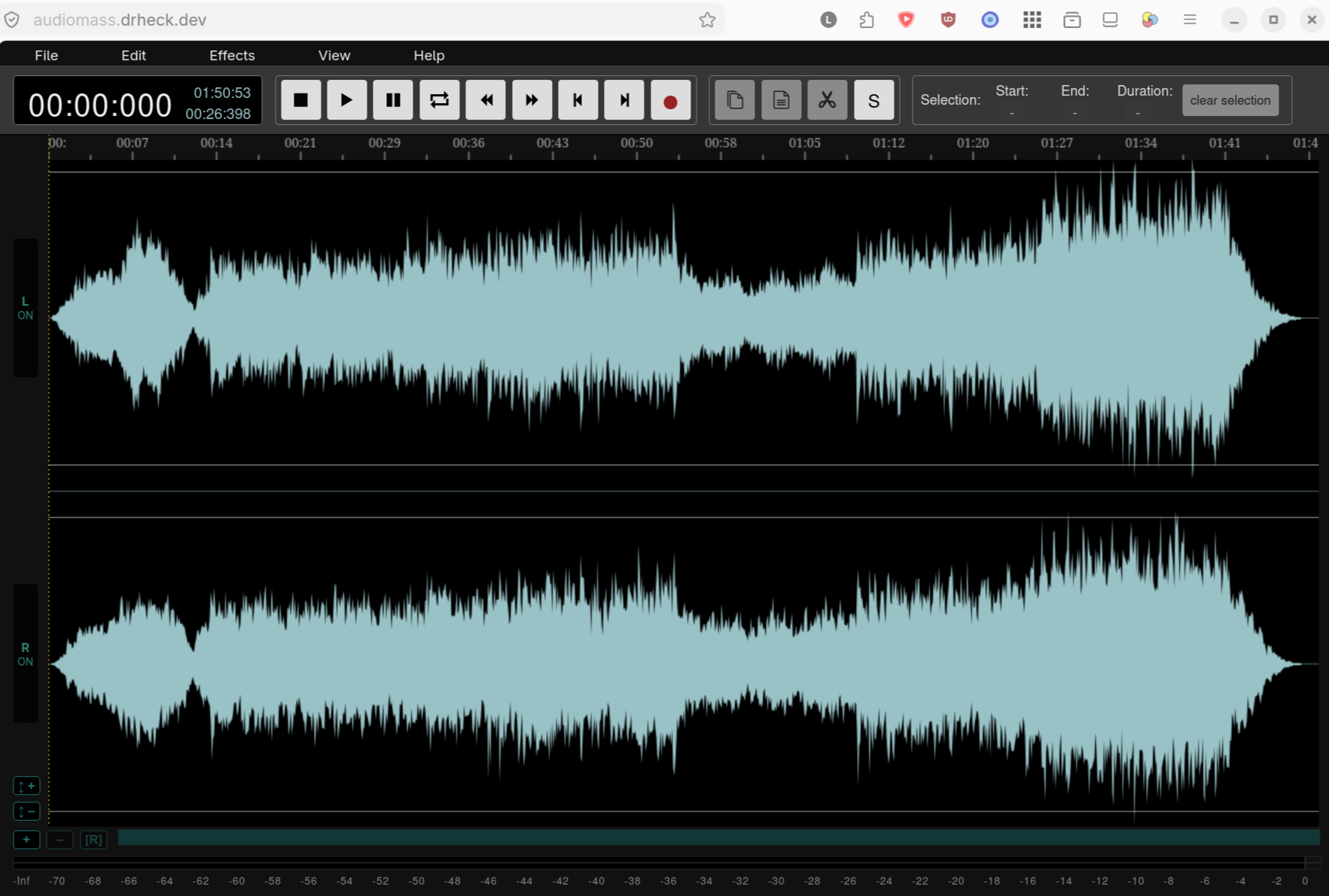
Authentik Identity Provider
Authentik is the central OpenID Connect (OIDC), ForwardAuth proxy, and LDAPS (ldap.drheck.dev:636) Single Sign-On identity provider powering unified authentication across web apps and Linux workstations on drheck.dev.
BentoPDF
BentoPDF is a privacy-preserving, browser-based PDF manipulation toolkit gated behind Authentik ForwardAuth for merging, splitting, compressing, rotating, watermarking, and converting PDF documents with zero external cloud uploads.
BookStack
BookStack is a wiki platform designed to make storing and organizing information simple and structured. BookStack breaks content down into an intuitive real-world book hierarchy: Shelves, Books, Chapters, and Pages. This visual structure ensures that technical documentation, standard operating procedures, personal notes, and knowledge bases remain easy to search, navigate, and maintain.
BookStack offers both WYSIWYG rich text and Markdown editors, built-in version control with page revisions, image management, cross-linking, and granular role-based access controls.
Single Sign-On support: yes, with SSO can visit the site and be signed in directly.
Camera Hub (cam)
DrHeck Camera Hub provides live low-latency video and MP3 audio streaming, two-way RTSP ONVIF backchannel talk, YOLOv8n + hardware AI event capture timelines, 5X optical zoom controls, floodlight/IR controls, and a Google TV 10-foot UI for the PoE Reolink RLC-811A cameras, restricted to the camera_access group.
Console Games (Arcade Launcher)
Console Games is a web-based retro gaming launcher and front-end interface built on top of webЯcade. It provides end users with an interactive, TV- and controller-friendly library for browsing and launching classic console video games directly in modern web browsers using WebAssembly emulation cores.
Users can connect gamepad controllers via USB or Bluetooth, save game states, customize controller mappings, and stream classic retro titles across desktop computers, mobile devices, and smart TVs without installing native emulators or software dependencies.
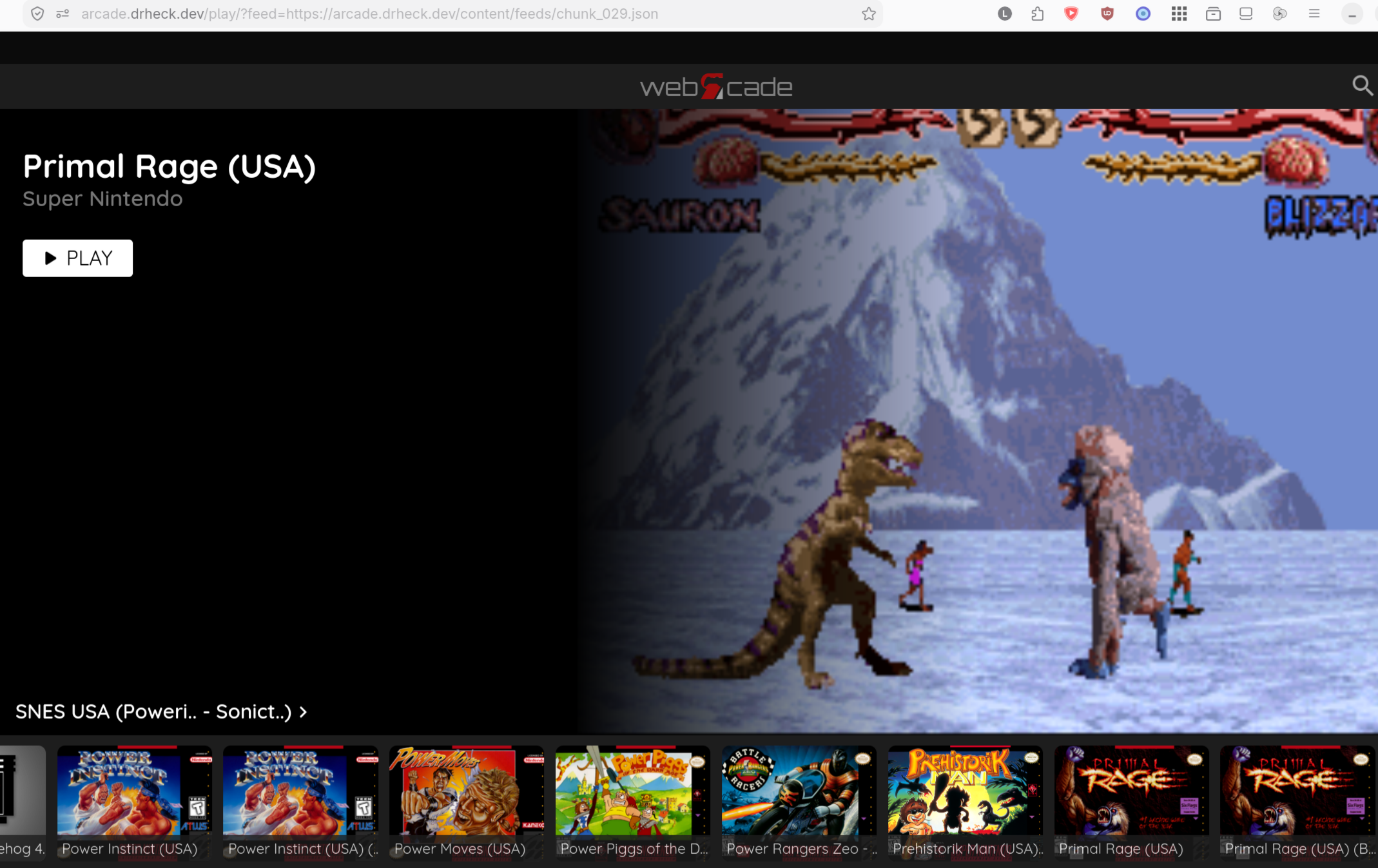
Degoog Search
Degoog is a self-hosted privacy metasearch engine at https://search.drheck.dev (https://s.drheck.dev) backed by host Valkey caching without tracking or ad profiling.
Demucs Stem Splitter
Demucs is a GPU-accelerated music source separation studio running on the AMD Radeon AI PRO R9700 (ROCm), splitting songs into isolated vocals, drums, bass, guitar, piano, and accompaniment stems.
Drawpile
Drawpile is a free, open-source collaborative drawing program that allows multiple artists to draw on the same canvas simultaneously over the internet. The server component hosted on drheck.dev manages shared session state, brush strokes, layer ordering, and user permissions for real-time multiplayer digital art sessions.
Users can host private or public drawing rooms, sketch together in real time, record and playback drawing sessions, lock specific layers to prevent accidental edits, and chat with co-creators. Authentik integration ensures authenticated users can easily jump into ongoing canvas sessions or manage drawing servers.
This is just the server, create a room and connect with your client.
Excalidraw
Excalidraw is a virtual, hand-drawn style collaborative whiteboard application designed for quick sketching, architecture diagrams, wireframes, and visual brainstorming. Its distinctive hand-drawn aesthetic removes the pressure of high-fidelity graphics, encouraging rapid ideation and clear visual communication.
Featuring real-time end-to-end encryption, infinite canvas navigation, rich shape libraries, customizable arrows, text blocks, and exported PNG/SVG diagrams, Excalidraw allows end users to draft system architectures, mind maps, and workflow diagrams quickly within their browser.
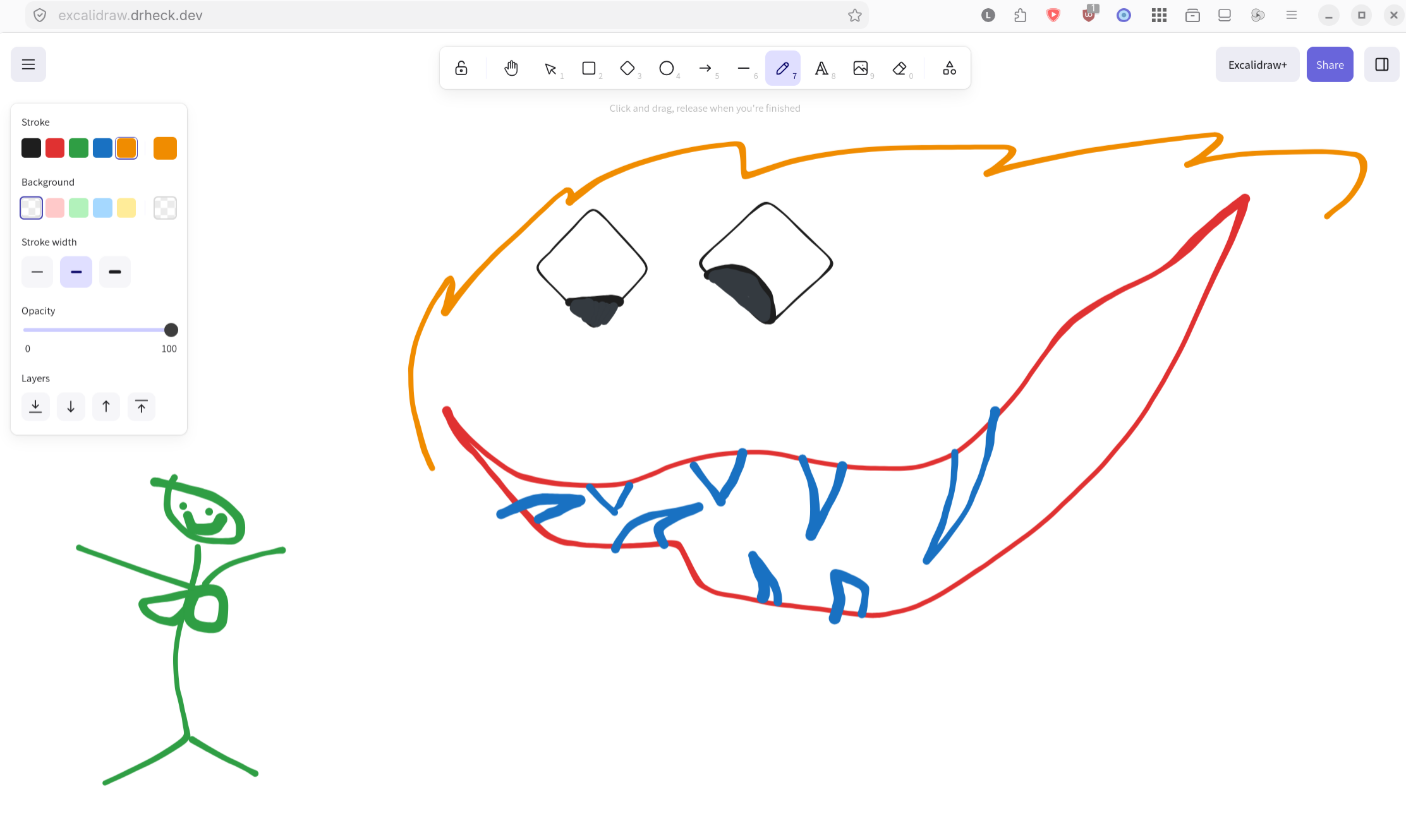
Funkwhale
Funkwhale is a self-hosted, decentralized audio and music streaming platform built on open web protocols (ActivityPub). It allows end users to import, organize, stream, and share their personal music collections and podcasts across devices while connecting with audio libraries on other federated instances.
End users can create custom playlists, follow public audio channels, listen to high-quality audio streams in the web application or via Subsonic-compatible mobile apps, and share music tracks with friends without depending on centralized commercial streaming services.
Forgejo
Forgejo is a self-hosted, community-governed lightweight software forge that provides complete software development workflows similar to GitHub. It offers source code hosting, Git repository management, pull requests, code reviews, issue tracking, wikis, and organization management in a fast, low-footprint application.
Integrated with Authentik via Single Sign-On (OIDC), users can log into Forgejo with their unified credentials to push and pull Git repositories, manage SSH keys, configure webhook integrations, run automated CI/CD pipelines, and collaborate on software projects.
Grill Monitor (FireBoard 2)
Local cloud-free BLE-to-Wi-Fi telemetry and multi-channel temperature graphing dashboard (grill.drheck.dev / fireboard.drheck.dev) for the hardware-switched Seeed XIAO ESP32-C3 + FireBoard 2 6-probe smoker thermometer.
Immich
Immich is a high-performance, self-hosted photo and video management solution designed as a privacy-respecting alternative to Google Photos or Apple Photos. It provides seamless background photo backup from mobile devices (iOS and Android) as well as an intuitive web interface for browsing, searching, and sharing media libraries.
Immich includes machine-learning features such as face recognition, object detection, spatial map views based on EXIF GPS data, album sharing, and multi-user support with quota management. SSO authentication via Authentik allows smooth, secure onboarding across all web and mobile client applications.
Jellyfin
Jellyfin is a free, open-source media system that puts users in control of managing and streaming their personal movies, TV shows, music, and live TV broadcasts. Unlike commercial alternatives, Jellyfin contains no tracking, premium paywalls, or central server dependencies, running entirely self-hosted.
Jellyfin automatically fetches metadata, artwork, and subtitle tracks for media libraries, transcoding video streams on-the-fly for smooth playback across web browsers, smart TVs, Roku, Fire TV, and mobile devices. Authentik LDAP integration allows unified credentials for all household members.
Kanji Practice
Kanji Practice is a specialized web application built for Japanese language learners to practice stroke order. There are two modes. In the first, each stroke will be animated in the correct order in a single pane, or there is an view showing each character being assembled one stroke at a time in successive panes.
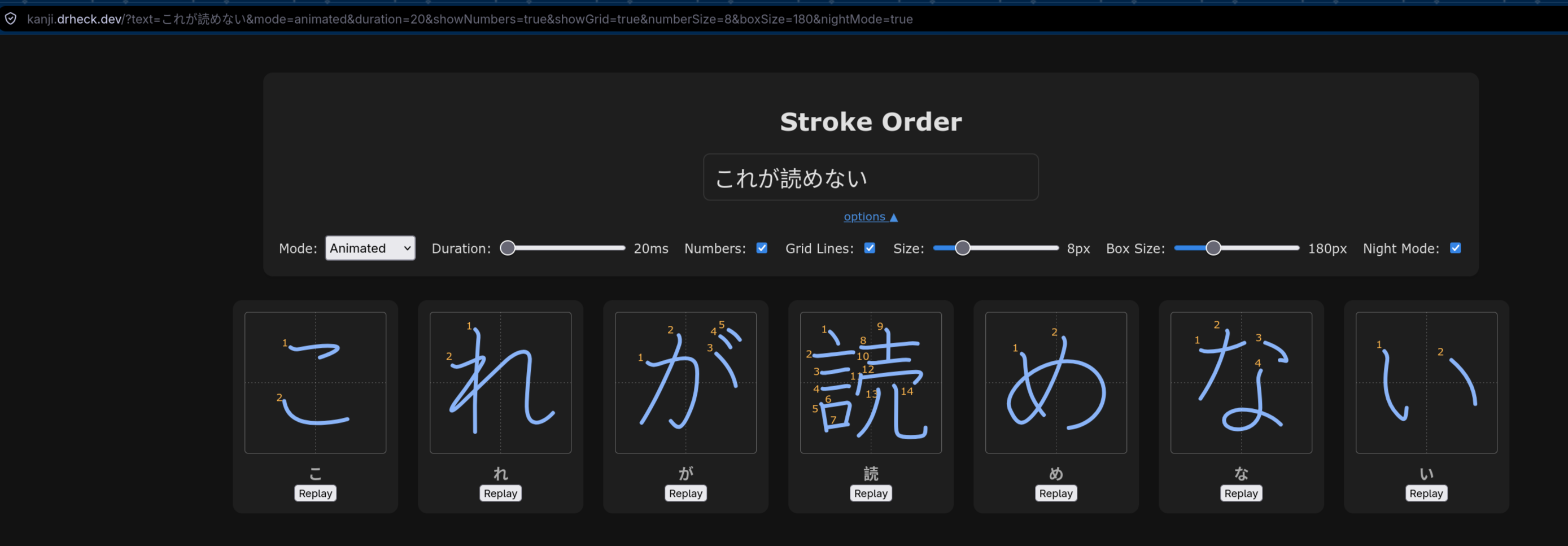
Kavita
Kavita digital library designed specifically for reading and managing digital comics, manga, light novels, and traditional e-books. It automatically organizes files (EPUB, CBZ, CBR, PDF) into series, volumes, and chapters with cover art and metadata tagging.
Kavita includes built-in responsive web readers tailored for mobile devices, tablets, and desktop screens, offering custom reading modes (continuous scroll, dual page, manga right-to-left mode), bookmark sync, reading progress tracking, and user library permissions.
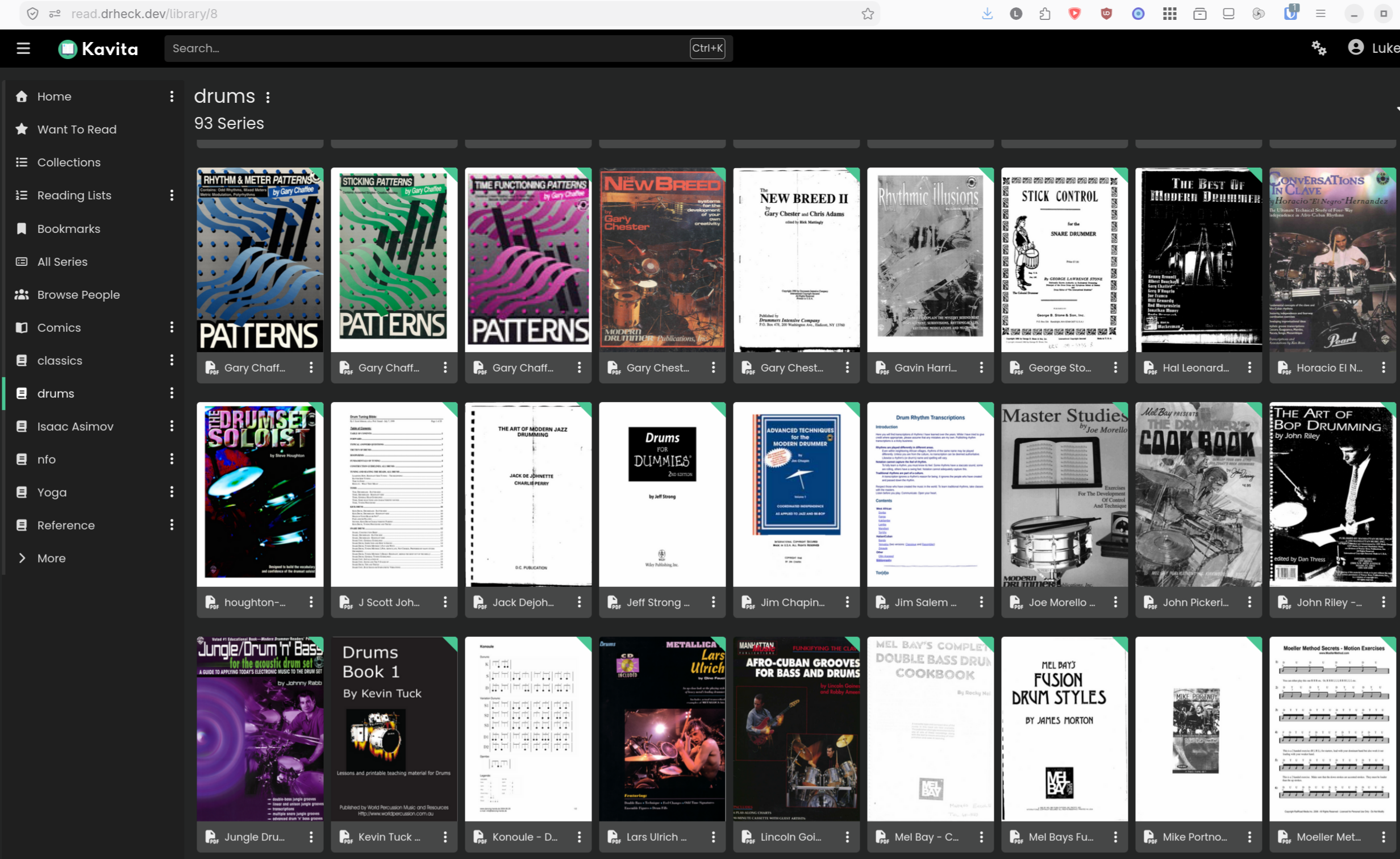
LibreSprite
LibreSprite is an open-source animated sprite editor and pixel art tool compiled to WebAssembly. Running 100% client-side in the browser, it provides a full-featured digital drawing and animation workspace for creating 2D game assets, animated GIFs, and pixel graphics without requiring local software installation.
Users can draw pixel artwork, construct frame-by-frame sprite animations, manage custom color palettes, and export finished graphics as sprite sheets or animated images, bringing classic pixel art editing into a cloud-hosted web environment.
Minecraft Control Plane
Minecraft Control Plane (mc-manager) is the unified web administration and world provisioning studio for all Minecraft servers hosted on ul. Protected behind Authentik ForwardAuth, it provides real-time server lifecycle management (On-Demand wake-on-join via HAProxy, Always On, and Manual), a live WebSocket PTY server console (mc-runner), interactive cubiomes 2D biome & structure seed previews, and a built-in Minecraft Text, MOTD, Color Gradient & 8-Bit Pixel Icon Studio with live Multiplayer Server List ping updates.
It also integrates with automated network, HAProxy SNI, and DNS provisioning (ipctl using short-lived step-ca SSH certificates and external config files) as well as 3D world maps such as PokeLovers BlueMap.
Navidrome
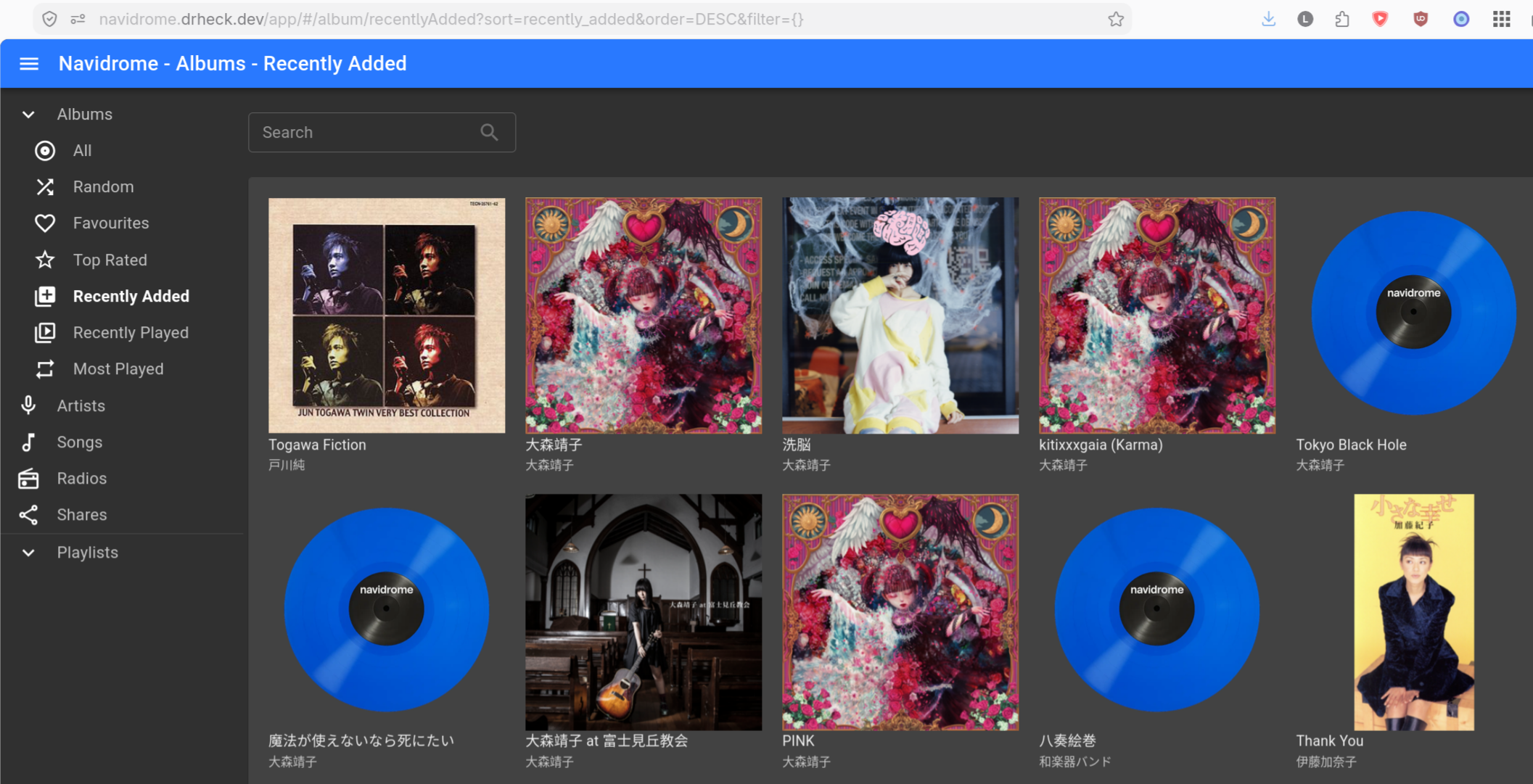
Nextcloud & Collabora Online
Nextcloud is a productivity and cloud storage platform that provides file storage and access, documents, calendars, contacts, and communication tools. It serves as a privacy-focused alternative to proprietary cloud services like Google Drive and Microsoft 365.
End users can sync files across desktop and mobile clients, edit office documents collaboratively in real time via Collabora Online (office.drheck.dev), schedule events, manage task lists, and share files securely via public password-protected web links. Authentik OIDC Single Sign-On grants secure access across all Nextcloud modules.
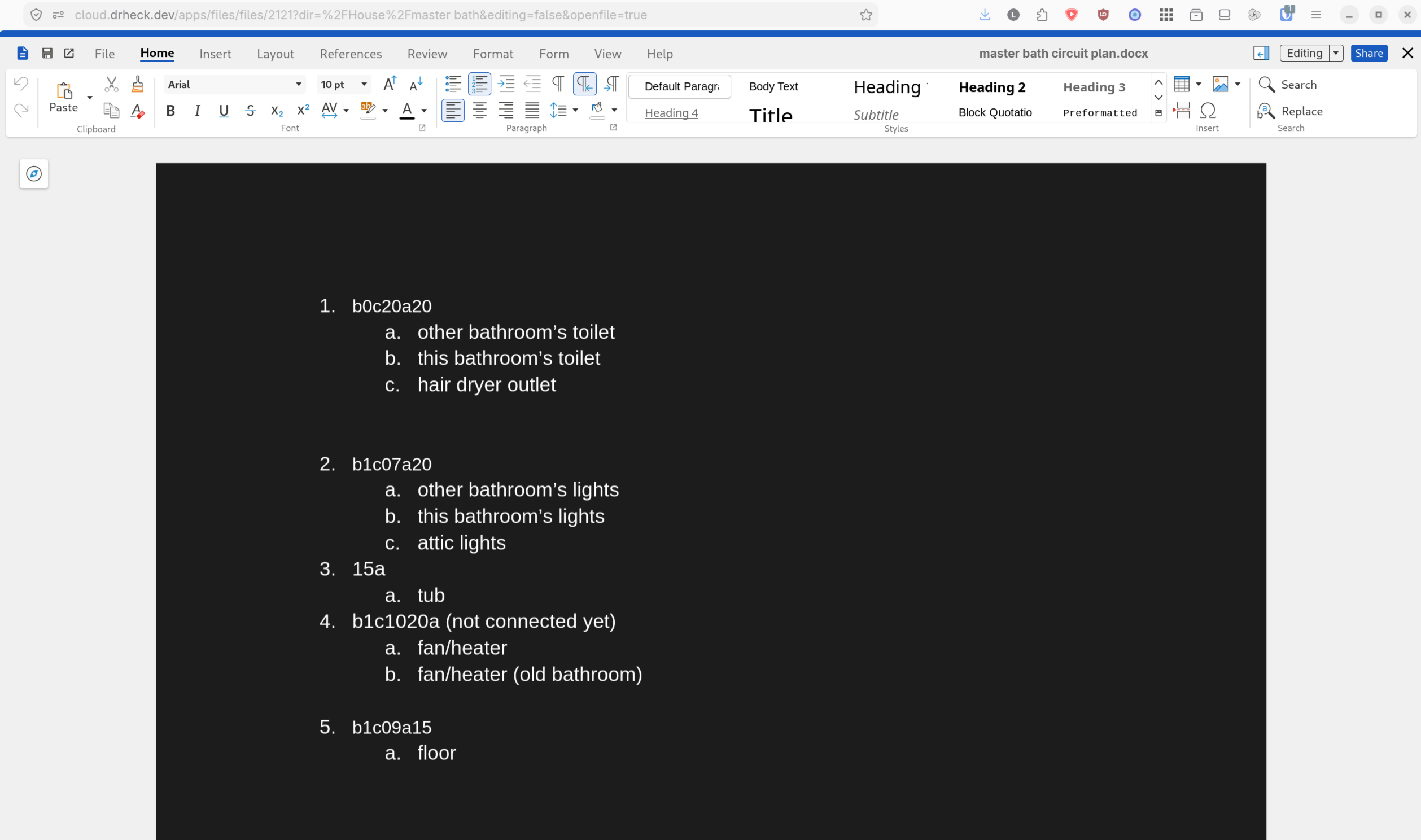
Penpot
Penpot is the first open-source, web-based design and prototyping tool built natively on open web standards (SVG). Created as an alternative to proprietary platforms like Figma, Penpot allows design and development teams to craft UI/UX wireframes, interactive component prototypes, and vector illustrations.
Because Penpot uses SVG as its native domain model, vector designs render with absolute fidelity for web Developers. It supports real-time multiplayer collaboration, shared design systems, component libraries, layout grids, and CSS code generation. Single Sign-On via Authentik enables instant user authentication.
Pixelorama
Pixelorama is a free, open-source pixel art editor built with the Godot engine and deployed to the web for creating 2D sprites, tilesets, pixel animations, and retro game art directly in the browser.
It features a rich toolkit tailored specifically for pixel artists, including custom pencil and eraser brushes, color palettes, onion skinning for frame-by-frame animation, layer management, pixel-perfect lines, tile mode previewing, and export options to sprite sheets or animated GIFs.
Plex
Plex is a comprehensive media streaming application that organizes personal video, audio, and photo collections into a clean, beautifully formatted media streaming service. Plex automatically matches files against online databases to attach movie posters, plot summaries, cast lists, trailers, and themes.
End users can stream content seamlessly across a vast ecosystem of devices, including smart TVs, streaming sticks, mobile phones, game consoles, and web browsers, with intelligent server-side video transcoding to match client device capabilities and network bandwidth.
RomM (ROM Manager)
RomM (ROM Manager) is a modern web application designed for organizing, scanning, and managing retro video game ROM libraries. RomM connects with online databases (such as IGDB and SteamGridDB) to automatically enrich game titles with high-resolution box art, screenshots, release dates, genre tags, and game descriptions.
End users can browse their game collection by console platform, search titles, manage save states and ROM variants, and launch games directly in the browser using integrated web emulators or send game files to local emulation devices.
Sopro Text-to-Speech
Sopro is a self-hosted neural text-to-speech synthesis web studio gated behind Authentik ForwardAuth on ul.
Studio Control Gateway (scontrol)
Studio Control (scontrol.drheck.dev / studio-kvm-web.drheck.dev) orchestrates one-touch RF power sequencing, ATX motherboard ignition, and Echo AudioFire 12 / Ardour DAW readiness across the recording studio rack.
SubOCR Japanese Subtitle Study Platform
SubOCR extracts burned-in Japanese video subtitles via ROCm PP-OCRv5 GPU inference on the AMD Radeon AI PRO R9700, refines dialogue via local qwen2.5:32b, and generates Kanji-only furigana, JLPT tags, conjugation tables, and interactive video study decks.
Sunshine Game Stream Host
Bare-metal KMS/DRM Gamescope + Sunshine low-latency streaming server running directly on the AMD Radeon AI PRO R9700 with Steam libraries hosted on ZFS /data/games/steam.
tldraw
tldraw is a collaborative, infinite-canvas drawing tool and visual whiteboarding app designed for instant sketching, diagramming, and visual note-taking. Built around speed and simplicity, tldraw provides a minimal canvas interface with immediate tool accessibility.
End users can create vector shapes, freehand ink lines, sticky notes, connective arrows, and text labels. Supporting multiplayer real-time collaboration and SVG/PNG exports, tldraw is ideal for quick technical diagrams, architecture brainstorming, and informal remote collaboration.
Transmission
Transmission is a fast, lightweight BitTorrent client equipped with a clean web interface for managing peer-to-peer file transfers remotely. The web UI allows users to monitor active downloads and uploads, add new torrent files or magnet links, adjust bandwidth rate limits, and organize downloads into destination folders.
Protected behind Authentik ForwardAuth reverse-proxy authentication, users can safely monitor long-running torrent transfers and manage media downloads on drheck.dev from any web browser without exposing unauthenticated torrent control endpoints to the public internet.
Vaultwarden
Vaultwarden (pw.drheck.dev / vault.drheck.dev) is a lightweight, self-hosted implementation of the Bitwarden secrets and password management server API written in Rust. It provides full compatibility with official Bitwarden desktop applications, browser extensions, mobile apps, and CLI tools while consuming minimal memory resources.
End users can securely store end-to-end encrypted login credentials, credit cards, secure notes, personal identities, and two-factor authentication (TOTP) seed keys. Enforced with Authentik OIDC Single Sign-On and strict password policies, Vaultwarden ensures seamless, secure password management across all user devices.
(secrets)
Vikunja Task Manager
Vikunja is a self-hosted project, Kanban board, Gantt chart, and task management platform backed by host PostgreSQL, host Valkey caching, and Authentik OIDC Single Sign-On.
Wavacity
Wavacity is an open-source web browser port of the popular Audacity audio editing application. Compiled to WebAssembly, it brings Audacity's iconic multi-track audio editing workspace directly into modern web browsers without requiring local software installation or native binaries.
Users can import multi-track audio files, perform non-destructive editing, apply audio filters, cut and align tracks, inspect frequency spectrums, and export finished master tracks in standard audio formats, carrying the familiar Audacity interface into a cloud-hosted web environment.
webЯcade Setup
webЯcade is a cloud-based retro gaming ecosystem that allows users to play classic console and arcade games directly inside modern web browsers across desktop computers, mobile phones, tablets, and smart TVs.
The webЯcade setup application allows users and administrators to configure game feeds, set up cloud save game synchronization, map custom controller inputs, and manage retro emulator settings for seamless web-based retro gaming.
Webshell
Webshell is a web-based terminal interface (powered by ttyd and short-lived 5-minute step-ca SSH certificates) that provides authenticated users with direct, browser-based command-line shell access to host environment tools.
Protected behind Authentik Single Sign-On, Webshell enables administrators and authorized users to safely perform terminal administration tasks, check system diagnostics, run scripts, and manage files from mobile devices or workstations without needing native SSH client software.
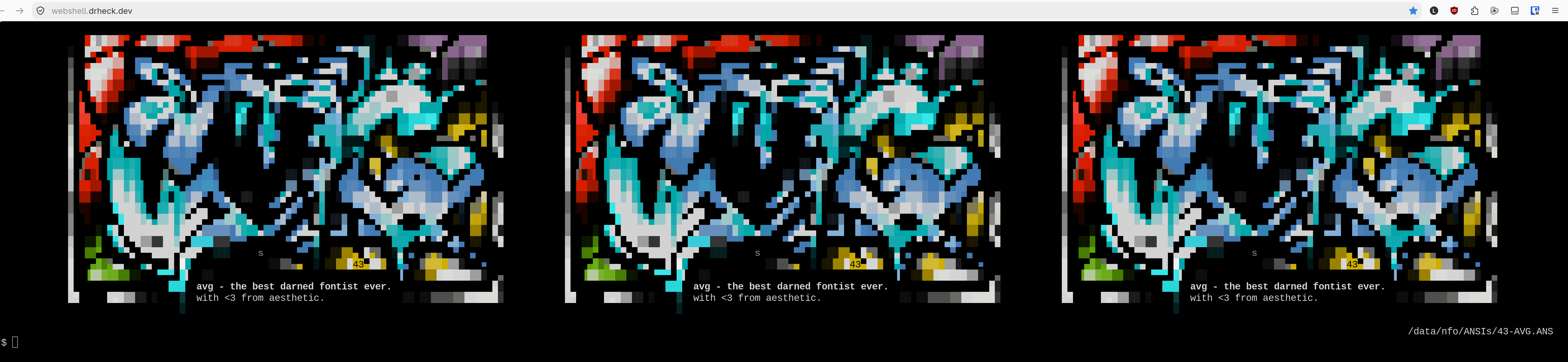
Wick Editor
Wick Editor is an open-source, web-based tool for creating animations, games, and interactive code projects. Combining the accessibility of classic Flash software with modern web standards (HTML5/JavaScript), Wick Editor makes interactive media creation approachable directly in the browser.
Users can draw vector artwork, build timeline-based frame animations, program interactivity with beginner-friendly JavaScript code snippets, attach sound effects, and export projects as interactive HTML5 games, standalone web apps, animated GIFs, or video files.
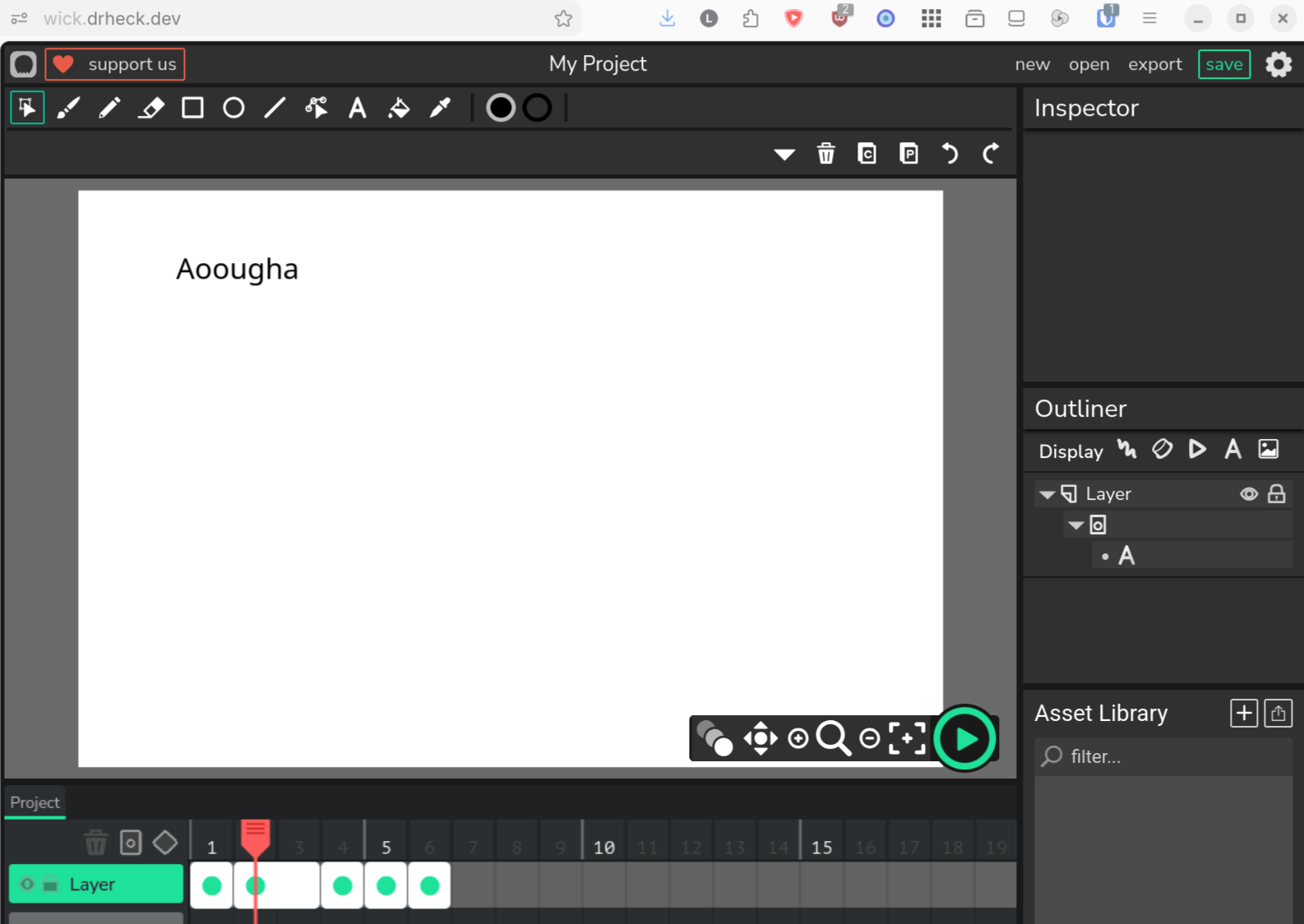
WIPStudio
WIPStudio (Work-In-Progress Studio) is a self-hosted creative media and web development studio platform designed for managing ongoing multimedia projects, interactive web prototypes, and creative assets.
Integrated with Authentik via OpenID Connect (OIDC), WIPStudio provides authenticated creators with a unified workspace to draft visual concepts, organize project files, review media builds, and collaborate on experimental digital projects.
YOURLS Shortener (drheck.dev)
YOURLS powers custom short links on https://drheck.dev/<slug>, with public HTTP 301 resolution and private admin/API management protected behind Authentik ForwardAuth (/yourls-api.php and /admin/).
SSH Command Tracking Guide
Detail of command execution auditing and tracking across human SSH sessions and AI agent sessions (amux).
Part 1: Arch Linux (ul, bmo95, studio-kvm-ssh)
The Linux Audit Framework (auditd) captures execve system calls triggered by human user sessions (auid >= 1000), recording all interactive and SSH payload commands while strictly filtering out background system and rootless Podman container noise.
1. Installation & Service Setup
Install the audit package and enable the auditd daemon:
$ sudo pacman -S --noconfirm audit
$ sudo systemctl enable --now auditd
2. Configuration Rules & Interactive User Filtering
Create /etc/audit/rules.d/execve.rules with Audit User ID filtering (auid >= 1000):
CRITICAL: Do NOT include catch-all
execverules without-F auid>=1000. Background system daemons and rootless Podman containers started byuser@1100.service(e.g. MinIO healthchecks, Authentik workers) haveauid = 4294967295(unset). An unfiltered rule generates ~8 MB of log noise every 7 minutes, rotating out entire log histories within 30 minutes.
$ sudo tee /etc/audit/rules.d/execve.rules > /dev/null << 'EOF'
# Delete pre-existing rules
-D
# Set kernel buffer size
-b 8192
# Log all command executions strictly for human/login users (auid >= 1000)
-a always,exit -F arch=b64 -S execve -F auid>=1000 -k remote_commands
-a always,exit -F arch=b32 -S execve -F auid>=1000 -k remote_commands
EOF
Load rules into the active kernel:
$ sudo auditctl -D && sudo augenrules --load
$ sudo auditctl -e 1
Verify active rules:
$ sudo auditctl -l
Process UID (uid) vs Audit User ID (auid)
- Process UID (
uid=1100docker-data& subordinate624288–689823): Controls unprivileged host kernel UIDs for rootless Podman containers. - Audit User ID (
auid/loginuid): Assigned exclusively by PAM when a human authenticates via SSH or TTY (auid = 1000). Background containers started via systemd lingering (user@1100.service) haveauid = 4294967295(unset). - Result: Filter by
auid >= 1000.
Part 2: Agent Execution Auditing (amux / systemd journal)
When AI agents or automated scripts run multi-line code via write-pane -f <file> or write-pane -b <base64> in amux, those commands can bypass standard auditd execve logging (because they are streamed directly into an already-running shell's PTY or an interactive Python/Node REPL).
To ensure complete, tamper-resistant auditing and forensic recovery:
1. Structured Journal Logging
Every call to write-pane in amux automatically logs directly into the systemd journal with structured fields:
SYSLOG_IDENTIFIER=amuxAMUX_PANE_ID: Target pane (%0,%1, etc.)AMUX_WINDOW_NAME: Hierarchical task window (e.g.mc-pokelovers-bluemap)AMUX_SOURCE: Original script file path orbase64AMUX_ARCHIVE_PATH: Permanent snapshot location in/data/amux/scripts/AMUX_PAYLOAD_SIZE: Injected byte count
Querying agent execution logs:
# Stream live agent injections
$ journalctl -t amux -f
# Inspect detailed metadata for recent agent commands
$ journalctl -t amux -n 20 -o verbose
2. Permanent Script Archival (/data/amux/scripts/)
Before any byte is written to the terminal PTY, amux automatically saves a bit-for-bit snapshot to:
/data/amux/scripts/YYYY-MM-DD_HHMM.SS_<window_name>.sh
- Durability: Stored on
/datawith ownershipluke:luke. - Zero Loss: Even if an agent immediately removes a temporary file from
/dev/shmafter execution, the exact script executed is preserved permanently. - Disaster Recovery:
/data/amux/scripts/is automatically backed up during the daily backup run via/home/luke/git/backups/ul/scripts/backup/amux.
Part 3: Python Command Inspection & Summarization (audit-log)
The /usr/local/bin/audit-log Python utility parses, decodes, and summarizes EXECVE records from /var/log/audit/audit.log.*.
CLI Command Options & Usage
# 1. Default view: last 20 executed commands
$ audit-log
# 2. View specific number of entries (e.g. last 50 commands)
$ audit-log 50
$ audit-log -n 50
# 3. Stream all recorded command history
$ audit-log all
$ audit-log --all
# 4. Filter by specific day (YYYY-MM-DD)
$ audit-log --day 2026-08-29
# 5. Filter date range (since date / until date)
$ audit-log --since 2026-08-25 --clean
# 6. Filter repetitive background noise (tmux status bars, pollers)
$ audit-log --clean -n 30
# 7. Regex / substring search across command history
$ audit-log --search "funkwhale|podman" --clean
# 8. Deduplicate identical commands in output
$ audit-log --unique --since 2026-08-28
# 9. Generate automated daily change log summary outline
$ audit-log --daily --since 2026-08-25 --clean
Part 4: OpenBSD (Router danknasty)
OpenBSD uses native kernel process accounting (acct) to track binary executions, alongside syslog-based sshd verbose logging and doas auditing.
1. Kernel Process Accounting (acct)
Enable Accounting:
# Create log file
$ doas touch /var/account/acct
# Enable accounting at boot
$ echo "accounting=YES" | doas tee -a /etc/rc.conf.local
# Start accounting daemon immediately
$ doas /usr/sbin/accton /var/account/acct
2. Real-Time Command Inspection (audit-log)
Query process execution history using the matching audit-log helper script:
# View the last 20 executed commands (Default)
$ doas audit-log
# View a specific number of recent commands (e.g. 50 entries)
$ doas audit-log 50
# View ALL recorded command history
$ doas audit-log all
3. SSH Verbose Payload & doas Logging
To log non-interactive SSH connections and payload commands to /var/log/authlog:
- Edit
/etc/ssh/sshd_config:LogLevel VERBOSE - Reload
sshd:$ doas rcctl reload sshd - Monitor logs:
$ doas tail -f /var/log/authlog
Agent's Guide to Wiki
Agent Guide: Updating BookStack Wiki Pages
This guide outlines how AI agents can directly query, read, edit, and update pages in the self-hosted BookStack Wiki (https://wiki.drheck.dev/).
1. Golden Rules for Agents
🚨 MANDATORY RULE: READ LIVE CONTENT FIRST BEFORE EDITING
NEVER generate or overwrite page content from memory or scratch without first reading the current live page and its latest revisions. Humans frequently make live edits in the BookStack browser interface between agent turns. Overwriting a page without reading its latest
markdownandpage_revisionsdestroys user contributions, custom links, code blocks, and embedded images.Every page update MUST follow this sequence:
- Fetch live markdown to a file via
/home/luke/bin/read-bookstack-page <page_id> <output_file>.- Query attached images from the
imagestable.- Incorporate existing content, user edits, and image tags into the updated document.
- Deploy changes with
/home/luke/bin/update-bookstack-page <page_id> <file_path>.- Pull down the live rendered page and verify HTML and KaTeX formula output via
/home/luke/bin/verify-bookstack-page <page_id_or_slug>.
🚨 MANDATORY RULE: PULL DOWN & VERIFY THE RENDERED PAGE & FORMULAS AFTER EVERY EDIT
Mathematical formulas (
$$...$$and$...$), signal chains (\longrightarrow), matrices, and TeX output are desired and encouraged across the wiki—but once an edit is made, you MUST pull down the live rendered page and check the output.Never assume a formula rendered properly just because the Markdown source looks right or
LENGTH(html)is non-zero in MariaDB. BookStack's server-side CommonMark parser transforms backslash-punctuation sequences before client-side KaTeX runs, and unquoted shell expansions can corrupt either the page source or the globalapp-custom-headKaTeX loader.After every wiki edit, you MUST:
- Run
/home/luke/bin/verify-bookstack-page <page_id_or_slug>(also executed automatically byupdate-bookstack-pageandcreate-bookstack-page), which pulls down the live rendered page over HTTPS (https://wiki.drheck.dev/books/<book>/page/<slug>) and validates:
- Every inline
<script>and the globalapp-custom-headKaTeX auto-render loader in<head>(vm.Scriptsyntax check + intact$$and$delimiter verification).- Every
$$...$$display formula and$...$inline formula in the rendered.page-contentDOM using real KaTeX0.16.11(katex.renderToStringwiththrowOnError: true, strict: 'error').- Zero unrendered TeX macros (
\text{...},\longrightarrow,\frac{...},\begin{...}), stray$$delimiters, CommonMark-stripped matrix row breaks (\\), CommonMark-stripped percent signs (\%), or accidental$prose collisions.- Inspect the live rendered HTML of the edited section via
curl -skL https://wiki.drheck.dev/books/<book_slug>/page/<page_slug>to confirm clean rendering.
🚨 ABSTRACT DATABASE-INTERNAL IDS FROM USER-FACING TEXT
Never include internal database IDs or object identifiers in user-facing page bodies, changelogs, or documentation summaries. Database IDs are internal implementation details strictly for CLI helper execution (
read-bookstack-page <id>,update-bookstack-page <id>). Humans navigate the wiki by title and URL slug. Always use human-readable titles, book names, and standard markdown hyperlinks (e.g.[Setup Detail](https://wiki.drheck.dev/books/setup-detail)), never raw numeric IDs.
🚨 DUAL STORAGE RULE (
markdownvshtml)BookStack stores page source in the
entity_page_datatable:
markdown: Source text loaded by BookStack when a page is opened in the browser editor.html: Rendered HTML displayed to public visitors on the website.Never update
htmlalone! Updatinghtmlalone causes the editor to load the outdatedmarkdowncolumn and wipe out HTML changes upon saving. Agents must update themarkdownsource via the official helper scripts.
2. Environment & Database Access
- Service Host:
ul(ul.drheck.dev) - Rootless Podman Container (Database):
bookstack_db(MariaDB, running underdocker-data,UID 1100) - Rootless Podman Container (Web/App):
bookstack(runs PHP-FPM as userabc) - Env File:
/data/docker/bookstack/.env - Database Name:
bookstackapp
Note on Execution Context: The helper utilities interact directly with local rootless Podman containers under
docker-data(UID 1100) onul(executingartisanas container userabcwithHOME=/configso root-owned cache/log files are never created). If the agent is running on another workstation, execute helper commands over SSH toulusing single-quoted outer SSH blocks or heredocs (ssh ul << 'EOF') so$and$$in LaTeX formulas are never expanded by the local shell.
3. Recommended Workflow & Utilities
Official CLI utilities in /home/luke/bin/ on host ul eliminate shell quoting bugs, SQL newline escaping artifacts, and cache desync:
Step 1: Find Page ID or Book ID by Slug or Keyword
/home/luke/bin/find-bookstack-page <search_term>
Output:
id name slug type
31 System Change log system-change-log page
Step 2: Export Live Markdown to a File (MANDATORY)
Export the live markdown directly to a clean file using the base64-safe reader:
/home/luke/bin/read-bookstack-page <page_id> /tmp/page_<page_id>.md
(Do NOT use raw mariadb -e "SELECT markdown..." queries, as the MariaDB CLI client escapes newlines into literal \n strings).
Step 3: Check Attached Images & Revisions
Check image attachments:
(cd /tmp && sudo -u docker-data HOME=/home/docker-data XDG_RUNTIME_DIR=/run/user/1100 podman exec bookstack_db mariadb \
-ubookstack -p"$(sudo grep DB_PASSWORD /data/docker/bookstack/.env | cut -d= -f2)" \
bookstackapp -e "SELECT id, name, url FROM images WHERE uploaded_to=<page_id>;")
Step 4: Edit Content Locally in the File
Modify /tmp/page_<page_id>.md, ensuring that all existing user edits, links, and image references () are preserved.
Step 5: Update Existing Page or Create New Page
To update an existing page:
/home/luke/bin/update-bookstack-page <page_id> /tmp/page_<page_id>.md
To create a new page in a book:
/home/luke/bin/create-bookstack-page <book_id> "<page_title>" <file_path>
These helpers Base64-encode content, invoke BookStack's native PHP PageContent models inside Docker as user abc (artisan tinker), compile both markdown and html columns, update revision tracking, clear the application and view caches, and automatically run /home/luke/bin/verify-bookstack-page against the live rendered URL.
Remember to clean up your temporary file afterwards (rm -f /tmp/page_<page_id>.md).
4. Mandatory Rendered-Page & Formula Verification
After every page update or creation, verify the live rendered output over HTTPS using /home/luke/bin/verify-bookstack-page:
/home/luke/bin/verify-bookstack-page <page_id_or_slug_or_url>
Example Output:
Verified live rendered page: https://wiki.drheck.dev/books/system-setup/page/subocr-service
Title: subocr service | Math blocks verified: 2 display ($$...$$), 7 inline ($...$)
STATUS: PASS (0 script errors, 0 KaTeX errors, 0 unrendered TeX blocks)
Also inspect the rendered HTML of any modified formulas or sections directly from the live web server:
curl -skL https://wiki.drheck.dev/books/<book_slug>/page/<page_slug> | grep -C 3 "<search_term>"
Why Database Length Checks Are Insufficient: Checking only SELECT LENGTH(markdown), LENGTH(html) FROM entity_page_data does not detect CommonMark backslash stripping (such as \\ turned into \ or \% turned into a TeX comment %), Markdown <em> tags splitting a formula across DOM text nodes, or JavaScript syntax errors in app-custom-head. Always verify the live rendered page.
5. Advanced Features & Typography Standards for Agents
BookStack on ul is enhanced with rich typographical, mathematical, and layout capabilities. Agents are encouraged to leverage these features:
5.1 KaTeX TeX Mathematical Engine (Globally Enabled)
A client-side KaTeX (0.16.11) rendering engine is active across all wiki pages, paired with server-side KaTeX verification in /home/luke/bin/verify-bookstack-page.
- Display Equations (Block Math): Enclose in
$$ ... $$on their own lines with blank lines before and after:$$\text{FREQ} = \frac{433,920,000}{24,000,000} \times 2^{16} = 1,184,883 = \mathbf{0x121473}$$ - Inline Math: Enclose in single
$ ... $directly within sentences:$T_e = 291.27\text{ }\mu\text{s}$ - Signal Chains & Architecture Pipelines: Use
\longrightarrowwith\text{...}for hardware, DSP, and ML pipelines:$$\text{Video Frame } I(t) \longrightarrow \text{PP-OCRv5 (MIGraphX FP32)} \longrightarrow \text{Qwen2.5-32B (ROCm)} \longrightarrow \text{UniDic + JMdict/JLPT Study View}$$ - Matrix &
casesRow Breaks Require\\\\(Four Backslashes) or\crin Markdown: Because BookStack's server-side CommonMark parser unescapes\\into a single\before KaTeX runs, writing\\in Markdown produces\(a TeX space) in HTML and collapses multi-row matrices onto a single line. Always write\\\\(four backslashes) or\crin Markdown so the rendered HTML contains\\:$$\begin{pmatrix} y_1 \\\\ y_2 \end{pmatrix} = \begin{bmatrix} a_{11} & a_{12} \\\\ a_{21} & a_{22} \end{bmatrix} \begin{pmatrix} x_1 \\\\ x_2 \end{pmatrix}$$ - Percent Signs Inside Math Require
\\\%in Markdown: CommonMark unescapes\%into%in HTML. In TeX/KaTeX, an unescaped%is a comment character that swallows the%symbol and everything up to the closing$. Always write\\\%in Markdown (e.g.$\le 1\\%$) so the rendered HTML passes\%to KaTeX. - Subscript / Underscore Safety: Do not put multiple unescaped underscores on the same line in LaTeX (e.g.
\text{DRATE_M}...\text{DRATE_E}), as CommonMark will interpret them as Markdown italics (<em>...</em>) and split the DOM text node so KaTeX cannot match the closing$. Use hyphens (e.g.\text{DRATE-M}) or single subscripts (x_1). - No Backslash-Punctuation Spacing Macros (
\;,\,,\!): Never use backslash-punctuation spacing commands inside Markdown math blocks. CommonMark strips backslashes before ASCII punctuation characters prior to client-side KaTeX rendering, turning\;into a literal;and\,into a literal,. Always use alphabetic TeX spacing macros (\quad,\qquad,\text{ }) or rely on built-in relation spacing around\longrightarrow. - Wrap Shell/Nginx Variables & Multiple Currency Amounts Carefully: In prose outside code blocks, always wrap
$variablenames (e.g.`$host`,`$proxy_add_x_forwarded_for`) in backticks so KaTeX does not pair two$signs in the same paragraph as an inline math expression.
5.2 Native BookStack Callout Banners
Use BookStack's native HTML callout classes for colored, professional alert callouts:
<p class="callout info"><strong>Info Note:</strong> Background context and operational instructions.</p>
<p class="callout success"><strong>Success:</strong> Empirical tests verified with zero errors.</p>
<p class="callout warning"><strong>Warning:</strong> Ensure Word Clock is 75Ω terminated on the final device.</p>
<p class="callout danger"><strong>Danger / Critical:</strong> Never run recursive find commands on host ul.</p>
5.3 Japanese Typography & Furigana (Ruby Text)
HTML5 Ruby annotations are fully supported in page bodies:
- Whole-word Furigana:
<ruby>漢字<rt>かんじ</rt></ruby> - Per-character Furigana:
<ruby>振<rt>ふ</rt>り<rt></rt>仮<rt>が</rt>名<rt>な</rt></ruby> - Japanese in TeX Math:
$$\text{周波数 } f = 433.92\text{ MHz}$$
5.4 Collapsible Accordions (<details>)
Use collapsible details to tuck away long raw data logs, register dumps, or secondary tables:
<details>
<summary><strong>Click to expand technical registers</strong></summary>
<p>Detailed register addresses and bitfield descriptions go here.</p>
</details>
5.5 High-Resolution Gallery Images with Lightbox Links
To embed images stored in the BookStack gallery with centering, scaling, and lightbox popup support:
<p align="center">
<a href="https://wiki.drheck.dev/uploads/images/gallery/YYYY-MM/image-name.jpg" target="_blank">
<img src="https://wiki.drheck.dev/uploads/images/gallery/YYYY-MM/image-name.jpg" alt="Description" width="65%" style="border-radius: 8px; box-shadow: 0 4px 12px rgba(0,0,0,0.15); display: block; margin: 0 auto;">
</a>
<em style="display: block; text-align: center; margin-top: 6px; font-size: 0.9em; color: #666;">Figure 1: Descriptive caption.</em>
</p>
5.6 Comprehensive Capabilities Reference
For an exhaustive cheat sheet, math examples, and live test cases, refer to: 📖 Meta: Wiki Capabilities, TeX Math & Typography Reference
6. Critical Operational Gotchas for Agents
- Always Pull Down & Verify the Live Rendered Page: Run
/home/luke/bin/verify-bookstack-page <page_id_or_slug>after every edit to verify live HTTPS delivery,<script>syntax inapp-custom-head, and strict KaTeX compilation of every$$...$$and$...$formula. - Never Expose Internal Database IDs in Documentation: Do not write internal numeric book or page IDs in user-facing text, changelogs, or documentation summaries. Always use human-readable titles and standard hyperlinks.
- Never Parse SQL Output or Update
app-custom-headvia Double-Quoted Shell Strings: Double-quoted bash strings (ssh ul "..."ormariadb -e "...") strip single quotes and expand$$into the bash PID, which corrupts both LaTeX formulas and the globalapp-custom-headKaTeX loader. Always use/home/luke/bin/read-bookstack-page,/home/luke/bin/update-bookstack-page, or hex/base64-encoded payloads. - Strip Top-Level
# <Page Title>Headers: BookStack renders the page title as an<h1>header automatically. Strip# <Page Title>from markdown source to prevent duplicate headers. - Preserve Attached Images: Always check for image links before overwriting.
- Execute
artisanas Userabc(-u abc -e HOME=/config -w /app/www): Runningartisanasrootcreates root-owned cache/log files in/config/www/framework/cacheand/config/log/bookstack/laravel.log, causingphp-fpm(abc) to return HTTP 500 errors. - CommonMark Escaping Inside KaTeX: Use
\\\\(or\cr) for matrix/cases row breaks,\\\%for literal percent signs inside math, and\quad/\qquad/\text{ }instead of\;/\,/\!.
Backup Process
1. Overview & Architecture
This server (ul) implements an automated, multi-tiered backup system designed around high reliability, cryptographic security, redundancy, and verified recoverability. The backup infrastructure covers 43 containerized and native host services, maintaining local PAR2-protected rollbacks and GPG-encrypted multi-cloud offsite copies.
Key Philosophy
- Self-Contained Service Scripts: Each service has dedicated backup and restore scripts encapsulating its exact data dependencies (databases, ACLs, Quadlet definitions, and persistent volumes).
- Parity & Error Correction: Local backups utilize PAR2 (Parity Volume Set 2) with 10% redundancy to protect against bit-rot and silent disk corruption.
- Zero-Trust Offsite Storage: Cloud backups are client-side encrypted using GPG (AES-256 / SHA-512) before leaving local disk, preventing cloud storage providers from inspecting sensitive server state or database contents.
- Strict Verification Before Retention Pruning: Old backups (local and remote) are pruned only after a new backup run completes and passes 100% integrity verification checks (
rclone check/par2 verify).
2. Directory & Data Structure
| Path | Purpose | Access Control |
|---|---|---|
/home/luke/git/backups/ul/scripts/ |
Shell and Python backup/restore execution scripts (GPG-signed git repository) | Executable |
/data/backups/services/current/<service>/ |
Most recent local backup run for each service | 700 luke:luke |
/data/backups/services/archive/<service>/ |
Previous local backup run(s) for point-in-time recovery | 700 root:root |
/data/backups/cloud/ |
Staged GPG-encrypted net archive ready for cloud upload | 700 luke:luke |
/data/backups/isos/ |
Staged optical media ISO images (when generating disk media) | 700 luke:luke |
3. End-to-End Backup Workflow
Local service archive creation, cloud staging, cloud upload, and optical ISO creation are separated into distinct commands under /home/luke/git/backups/ul/scripts/:
+-----------------------------------------------------------------------------------+
| 1. Local Service Backups (`sudo ./run_all_backups`) |
| Loop over /ul/scripts/backup/* -> Dump DBs, tar files, generate PAR2 -> /current |
| Self-archive backup scripts themselves into /current/backup |
+-----------------------------------------------------------------------------------+
| |
v v
+-----------------------------------------+ +-------------------------------------+
| 2a. Cloud Staging | | 2b. Optical ISO Staging |
| (`./stage_cloud_archive`) | | (`./stage_iso_archive`) |
| Pack /current -> GPG Encrypt -> /cloud | | Pack /current -> GPG ISOs -> /isos |
+-----------------------------------------+ +-------------------------------------+
| |
v v
+-----------------------------------------+ +-------------------------------------+
| 3a. Cloud Upload & Remote Rotation | | 3b. Optical Media Burn & Verify |
| (`./upload_cloud_archive [remotes]`) | | (`./burn_and_verify_iso <iso>`) |
| Upload /cloud -> rclone check -> Rotate | | Burn DVD/M-DISC -> Verify SHA256 |
+-----------------------------------------+ +-------------------------------------+
Commands & Flags
sudo ./run_all_backups: Creates local archives for all services in/data/backups/services/current/<service>/and archives the backup scripts themselves into/data/backups/services/current/backup/(default: local archives only, no cloud staging or upload).sudo ./run_all_backups --upload [remotes]: Runs all local service backups and then executesstage_cloud_archiveandupload_cloud_archive [remotes]../stage_cloud_archive [--upload [remotes]]: Stages the GPG-encrypted cloud archive in/data/backups/cloud/(and optionally uploads it immediately if--uploadis passed)../upload_cloud_archive [remotes]: Uploads the staged/data/backups/cloud/directory to all configured cloud remotes, or to specific comma-separated remotes (e.g.,./upload_cloud_archive gdrive,protondrive)../stage_iso_archive: Packs and GPG-encrypts/data/backups/services/current/into 4.7GB optical DVD ISO images in/data/backups/isos/.
4. Service-Level Backups (/ul/scripts/backup/)
Every service backup script performs atomic snapshots using the following standard pattern:
- Root Verification & Timestamping: Requires root permissions (
EUID == 0) to preserve subordinate container UID/GID ownership (1100,624288--689823), POSIX ACLs (--acls), and extended attributes (--xattrs). Timestamp format:YYYY-MM-DD_HHMM.SS. - Local Archive Rotation: Moves existing
/current/<service>/*directories to/archive/<service>/. - Consistent Database & Cache Snapshots:
- Native Host PostgreSQL (
authentik,anchor,forgejo,immich,nextcloud_db,vikunja,wipstudio): Staged to/tmp/<fn>.dumpfirst viasudo -u postgres pg_dump -F c -b -vbefore moving into/data/backups/services/current/<service>/. - Containerized PostgreSQL (
penpot-postgres,funkwhale): Executed rootlessly via(cd /tmp && sudo -u docker-data podman exec penpot-postgres pg_dump -U penpot -F c -b penpot)andpodman exec -u funkwhale funkwhale pg_dumpall -U funkwhale. - Containerized MariaDB (
bookstack_db,romm-db,yourls-db):(cd /tmp && sudo -u docker-data podman exec <db_container> mariadb-dump --single-transaction --routines --triggers ...). - SQLite WAL Checkpoints (
navidrome,subocr,vaultwarden): Consistent online.backuporPRAGMA wal_checkpoint(TRUNCATE). - Native Valkey (
valkey.service): TriggersBGSAVEwith dedicated read/save-only ACL userbackupand archives/var/lib/valkey/dump.rdb+/etc/valkey/.
- Native Host PostgreSQL (
- Configuration, Quadlet & Volume Compression:
- Compressed using multi-threaded XZ (
XZ_OPT="-T0" tar --acls --xattrs -cJf ...). - Preserves
.env,<service>.container,<service>.network, application data/assets, and host configs (systemdarchives/etc/systemd,/etc/containers,/etc/haproxy,/etc/nftables.conf, and/home/docker-data/.config/containers/systemd).
- Compressed using multi-threaded XZ (
- PAR2 Recovery Generation:
- Generates 10% parity redundancy (
par2 create -r10) directly alongside every database dump and tarball.
- Generates 10% parity redundancy (
- Execution Logging: Captures output to
backup_execution.loginside each timestamped service backup folder.
Backed-Up Services (43 Targets)
acme, amux, anchor, audiomass, authentik, bentopdf, bookstack, cam, craft, crowdsec, degoog, demucs, drawpile, excalidraw, forgejo, funkwhale, grill, immich, jellyfin, mc_manager, minecraft_router, navidrome, nextcloud, nginx, penpot, rclone, romm, scontrol, sopro, subocr, sunshine, systemd, tldraw, transmission, valkey, vaultwarden, vikunja, wavacity, webrcade, webshell, wick, wipstudio, wireguard, yourls.
5. Cloud Archiving & Encryption (archive_pack.py)
Local service backups are consolidated into a secure net package by archive_pack.py invoked via stage_cloud_archive:
- Input Directory:
/data/backups/services/current - Output Directory:
/data/backups/cloud/ - GPG Recipient: Key fingerprint
9F9AC4567EDC8E2B86E5CB9475D6600BEF4E8E8F - Cryptographic Specifications: AES-256 cipher, SHA-512 digest.
- Manifests & Hashes: Generates
manifest.json,manifest.txt,SHA256SUMS, andDECRYPT_INSTRUCTIONS.txtmapping original file sizes, staged sizes, SHA-256 hashes, and GPG metadata. - Optical Media Support:
archive_pack.pyalso supports--mode disk(for CD/DVD/Blu-ray ISO image staging with optional splitting and PAR2 protection viastage_iso_archive).
6. Cloud Orchestration & Provider Synchronization
Cloud synchronization is orchestrated by upload_cloud_archive calling provider scripts in upload/:
Configured Providers
- Google Drive (
upload/gdrive) - Proton Drive (
upload/protondrive)
Upload Reliability Features
- Exponential Backoff & Retries: Up to 3 main attempt loops with exponential delay scaling (10s/15s initial delays). Low-level HTTP retries configured up to 20 attempts.
- Self-Healing Draft Cleanup: If
rclone copyencounters mid-transfer errors or failed file copies, the upload script parsesrclonelogs and explicitly deletes failed/corrupted draft files from the remote before retrying. - Strict Integrity Verification: Post-upload,
rclone check --one-way --size-onlyverifies that remote file sizes match local files exactly. - Atomic Failure Safety Guard: If upload or verification fails across all attempts, the script deletes the partial remote upload directory (
rclone purge) and skips retention rotation to preserve existing valid cloud backups.
Remote Retention Policy
- Max Remote Backups: Retains the newest 3 successful cloud backups (
MAX_BACKUPS=3). - Automated Proton Trash Cleaning: Executes custom Go binary (
proton-trash-cleaner) to automatically purge deleted backup files from Proton Drive's cloud trash bin.
7. Restoration Practice & Recovery Procedure
Restoration scripts reside in /home/luke/git/backups/ul/scripts/restore/. Each service script handles full state recovery:
Standard Restore Procedure
- Target Selection: Accepts an explicit backup directory or timestamp as argument. If omitted, defaults to the latest backup in
/data/backups/services/current/<service>/. - PAR2 Integrity Check & Self-Repair: Runs
par2 verifyon database dumps and file tarballs prior to performing any system modifications. Automatically executespar2 repairif corruption is detected. - Interactive Confirmation: Prompts user for explicit confirmation (
yes/no) before stopping services or modifying state. - Service Suspension: Gracefully stops active rootless Podman Quadlet units (
sudo -u docker-data XDG_RUNTIME_DIR=/run/user/1100 systemctl --user stop <service>.service) or native systemd units. - Rollback Snapshot Creation: Preserves current configurations in a timestamped rollback folder (
<service_dir>_rollback_<timestamp>). - File & Database Restoration:
- Extracts compressed tarball over service data directory with POSIX ACL/xattr and subordinate UID/GID preservation.
- Re-creates target database schema and imports the SQL dump or PostgreSQL custom binary dump.
- Service Resumption: Reloads and restarts rootless Quadlets (
sudo -u docker-data XDG_RUNTIME_DIR=/run/user/1100 systemctl --user daemon-reload && sudo -u docker-data XDG_RUNTIME_DIR=/run/user/1100 systemctl --user start <service>.service).
8. Retention Pruning Practice (prune_old_local_backups)
To prevent local storage exhaustion on the server, local service backup folders are managed by /home/luke/git/backups/ul/scripts/prune_old_local_backups:
- Local Retention Limit: Retains the 2 most recent backups per service (
KEEP_COUNT=2) across/data/backups/services/currentand/data/backups/services/archive. - Safe Dry-Run Flag: Supports
--dry-run(-n) to inspect directories eligible for pruning without performing deletions.
Studio PIKVM
This document details the network architecture, perimeter/host firewall projections, Authentik Single Sign-On (SSO) integration, mutual TLS (mTLS), Nginx reverse proxy configuration for the Studio PiKVM device, and the complete technical specification for the Studio Control Gateway (scontrol.drheck.dev).
1. Network & DNS Architecture
Clean separation between administrative direct terminal access and Authentik-gated browser access is maintained across dedicated DNS records and network flows:
| Hostname | Target IPs | Purpose | Protection Mechanism |
|---|---|---|---|
studio-kvm-ssh.drheck.dev |
10.0.0.7fd77:7777:5010:0:e65f:1ff:fee4:8911 |
Direct hardware & SSH administration | SSH Key Authentication (id_ultra / id_scontrol) |
studio-kvm-web.drheck.dev |
10.0.0.100fd77:7777:5010:0:1337:f1ac:d00d:aaaa |
Authentik-protected browser Web UI | Authentik SSO + ForwardAuth + mTLS |
scontrol.drheck.dev |
10.0.0.100fd77:7777:5010:0:1337:f1ac:d00d:aaaa |
Studio One-Touch Orchestration Gateway | Authentik SSO ForwardAuth (Group studio) |
bmo95.drheck.dev |
10.0.0.6fd77:7777:5010:0:a236:9fff:fe29:bc72 |
Studio Recording PC | Subnet Isolation & SSH Key Auth |
2. Security Projections & Layered Defense
Layer 1: Outbound Gateway Isolation on Host ul (nftables)
Unprivileged SSH users logged into host ul are blocked by the kernel from directly connecting to PiKVM web ports (TCP 80/443) or Studio Control backend (TCP 8000). Only Nginx worker processes (http, UID 33), rootless Podman containers (docker-data, UID 1100, so scontrol can query the PiKVM ATX API), and administrative users (root, UID 0; akadmin, UID 1101) are permitted outbound connections:
Rules in /etc/nftables.conf (chain output):
# Studio PiKVM (Direct KVM Access Protection — permits root 0, nginx 33, docker-data 1100, akadmin 1101)
ip daddr 10.0.0.7 tcp dport { 80, 443 } meta skuid != { 0, 33, 1100, 1101 } reject with tcp reset comment "Block direct local access to Studio PiKVM IPv4"
ip6 daddr fd77:7777:5010:0:e65f:1ff:fee4:8911 tcp dport { 80, 443 } meta skuid != { 0, 33, 1100, 1101 } reject with icmpx admin-prohibited comment "Block direct local access to Studio PiKVM IPv6"
# Studio Control Gateway Isolation
ip6 daddr fd77:7777:5010:0:1337:f1ac:d00d:5c01 tcp dport 8000 meta skuid != { 0, 33, 1101 } reject with icmpx admin-prohibited comment "Block direct access to Studio Control backend"
Layer 2: Pre-Shared Proxy Secret Header (X-Proxy-Secret)
- A high-entropy pre-shared token is stored in
/etc/nginx/certs/studio_secret.conf(mode0600, owned byhttp:http). - Nginx injects this header alongside
X-KVMD-User: $authentik_usernamewhen proxying upstream requests to PiKVM.
Layer 3: Mutual TLS (mTLS) Client Certificate
- Dedicated internal CA certificate:
/etc/nginx/certs/pikvm_ca.crt - Nginx client certificate:
/etc/nginx/certs/pikvm_client.crt - Nginx client private key:
/etc/nginx/certs/pikvm_client.key(mode0600, owned byhttp:http) - Nginx presents this client certificate to PiKVM during TLS handshake (
proxy_ssl_certificate).
Layer 4: Inbound Host Firewall on PiKVM (studio-kvm-ssh)
On PiKVM itself, firewall rules reject all incoming HTTP/HTTPS connections unless sourced from host ul:
iptables -A INPUT -p tcp -m multiport --dports 80,443 -s 10.0.0.100 -j ACCEPT
iptables -A INPUT -p tcp -m multiport --dports 80,443 -j DROP
ip6tables -A INPUT -p tcp -m multiport --dports 80,443 -s fd77:7777:5010:0:1337:f1ac:d00d:aaaa -j ACCEPT
ip6tables -A INPUT -p tcp -m multiport --dports 80,443 -j DROP
3. Authentik SSO Configuration
- Applications:
- Studio PiKVM (
studio-kvm-web): URLhttps://studio-kvm-web.drheck.dev/(with secondary aliasscontroll.drheck.devredirecting cleanly via301tohttps://scontrol.drheck.dev/) - Studio Control (
scontrol): URLhttps://scontrol.drheck.dev/
- Studio PiKVM (
- Proxy Provider: ForwardAuth Single Mode with
cookie_domain='drheck.dev'and explicit callback redirect URIs. - Authorization Flow:
default-provider-authorization-implicit-consent(transparent single-click launch). - Access Control: Bound to Authentik Group
studio(members:luke,ikura) viaPolicyBinding. Non-members receive access denied.
4. Studio Control Gateway (scontrol.drheck.dev)
4.1 Architecture & Implementation
- Git Repository:
/home/luke/git/scontrol(tracked with.gitignore,build.sh, andDockerfile). - Deployment Location:
/data/docker/scontrol(scontrol.containerandscontrol.network, symlinked into/home/docker-data/.config/containers/systemd/under rootless Podmandocker-data,UID 1100). - Network Binding: Dedicated ULA IPv6 address
[fd77:7777:5010:0:1337:f1ac:d00d:5c01]:8000. - Dedicated Service Key:
/data/docker/scontrol/id_scontrol(ed25519 key registered inluke@studio-kvm-ssh.drheck.dev:~/.ssh/authorized_keys).
4.2 Building & Restarting
# Build image in rootless Podman store and restart Quadlet service
(cd /data/docker/scontrol && sudo -u docker-data HOME=/home/docker-data XDG_RUNTIME_DIR=/run/user/1100 podman build -t localhost/scontrol:latest /data/docker/scontrol)
sudo systemctl --user -M docker-data@ restart scontrol.service
4.3 Orchestration Execution Pipeline (/api/stream/on)
- RF Power Outlets (YARD Stick One on PiKVM):
- Connects to
studio-kvm-ssh.drheck.devvia SSH usingid_scontrol. - Runs
sudo /home/luke/git/studio_yardstick/bin/studio-power all onto power Moroccan Lamp (mrc), Recording Rack (rack), Studio Computer (computer), Subwoofer (sub), Main PA Speakers (pa), TV Monitor (tv), and Neewer LED Lights (neewer).
- Connects to
- Motherboard ATX Power Ignition:
- Queries PiKVM ATX state via
GET https://studio-kvm-ssh.drheck.dev/api/atx. - If power rail is off, triggers
POST https://studio-kvm-ssh.drheck.dev/api/atx/click?button=powerand polls for rail confirmation.
- Queries PiKVM ATX state via
- Studio Computer Boot Verification (
bmo95.drheck.dev):- Probes DNS hostname
bmo95.drheck.devwith a 100-second boot timeout.
- Probes DNS hostname
- Soundcards & Audio Readiness:
- Audits 4x Echo AudioFire 12 interfaces (
hw:AudioFire12,0throughhw:AudioFire12_3,0) and Emagic Unitor8 USB MIDI interface. - Confirms
jackd,zita-a2j,zita-j2a,a2jmidid, andardour.serviceDAW readiness.
- Audits 4x Echo AudioFire 12 interfaces (
4.4 Strict Error Gating & Real-Time SSE Console
- If any step fails, the sequence immediately aborts and transitions the UI to
ERROR / FAILED. - Real-time progress is streamed live via Server-Sent Events (
/api/stream/onand/api/stream/off). - Monospace console displays colored tags for
[RF],[ATX],[HOST],[AUDIO],[SYSTEM], and[ERROR]. - Secondary actions allow querying live hardware state (
🔄 Refresh Status) and one-touch shutdown (🛑 Power Off All).
Service Update Process
This document outlines the standard operational procedures for updating all containerized and native services hosted on ul. All 30 containerized services (41 containers) run under rootless Podman Quadlets (docker-data, UID 1100); dockerd and containerd are retired. See podman for full architecture and troubleshooting details.
Authentik Update Process
Authentik runs as three rootless Podman Quadlet units (authentik-server.service, authentik-worker.service, and authentik-ldap.service) on authentik_net in /data/docker/authentik/, backed by native loopback PostgreSQL (169.254.1.2:5432) and native ACL-isolated Valkey (169.254.1.2:6379, database 0), with host HAProxy (/etc/haproxy/conf.d/ldap.cfg) forwarding ports 389/636 to :3389/:6636.
1. Determining When an Update is Available
Authentik follows Calendar Versioning (YYYY.M.P, e.g., 2026.8.3).
-
Admin Web UI: Log in to auth.drheck.dev as an administrator and navigate to Admin Interface → System → Overview.
-
GitHub Releases: Monitor the official Authentik Releases page for release tags, changelogs, and release notes.
-
Current Installed Version: Check the running image tags on
ul:# Check configured Quadlet image tags grep '^Image=' /data/docker/authentik/authentik-*.container # Check live running rootless containers (cd /tmp && sudo -u docker-data HOME=/home/docker-data XDG_RUNTIME_DIR=/run/user/1100 podman ps --filter name=authentik --format "table {{.Names}}\t{{.Image}}\t{{.Status}}") -
Read the Release Notes for every release between your current version and the target version.
Do not skip minor versions if you are multiple releases behind (e.g., upgrade one minor
YYYY.Mseries at a time and allow database migrations inauthentik-workerandauthentik-serverto finish before proceeding).
2. Update Procedure
Step 1: Perform Pre-Update Backup
Always create an atomic, PAR2-verified snapshot of the PostgreSQL database, configuration files, and .container Quadlet units first:
sudo /home/luke/git/backups/ul/scripts/backup/authentik
Creates /data/backups/services/current/authentik/<YYYY-MM-DD_HHMM.SS>/ containing authentik_db_backup.dump and authentik_files_backup.tar.xz with 10% PAR2 recovery parity.
Step 2: Pull New Container Images
Because all .container units set Pull=never for offline boot resilience, pull the new target images into docker-data's store before editing units:
NEW_VER="2026.8.3"
(cd /tmp && sudo -u docker-data HOME=/home/docker-data XDG_RUNTIME_DIR=/run/user/1100 podman pull "ghcr.io/goauthentik/server:${NEW_VER}")
(cd /tmp && sudo -u docker-data HOME=/home/docker-data XDG_RUNTIME_DIR=/run/user/1100 podman pull "ghcr.io/goauthentik/ldap:${NEW_VER}")
Step 3: Update Quadlet .container Image Tags
Update Image= in /data/docker/authentik/authentik-{server,worker,ldap}.container:
sudo sed -i "s|^Image=ghcr.io/goauthentik/server:.*|Image=ghcr.io/goauthentik/server:${NEW_VER}|" \
/data/docker/authentik/authentik-server.container \
/data/docker/authentik/authentik-worker.container
sudo sed -i "s|^Image=ghcr.io/goauthentik/ldap:.*|Image=ghcr.io/goauthentik/ldap:${NEW_VER}|" \
/data/docker/authentik/authentik-ldap.container
Step 4: Reload Systemd User Manager & Restart Services
sudo systemctl --user -M docker-data@ daemon-reload
sudo systemctl --user -M docker-data@ restart authentik-worker.service authentik-server.service authentik-ldap.service
Step 5: Monitor Startup & Database Migrations
sudo -u docker-data XDG_RUNTIME_DIR=/run/user/1100 journalctl --user -u authentik-worker.service -u authentik-server.service -f
3. After-Update Verification Checks
- Container & Unit Health:
(cd /tmp && sudo -u docker-data HOME=/home/docker-data XDG_RUNTIME_DIR=/run/user/1100 podman ps --filter name=authentik) curl -sk -o /dev/null -w "%{http_code}\n" https://auth.drheck.dev/-/health/live/ - LDAPS Certificate & SSSD Online Check:
(If TLS certificate sync is needed at any time, runopenssl s_client -connect 10.0.0.100:636 -servername auth.drheck.dev </dev/null 2>&1 | grep "Verify return code" sudo sssctl domain-status goauthentik.io --onlinesudo /usr/local/bin/update-authentik-cert.sh.) - SSO Flow Check: Open
https://auth.drheck.dev/and test an OIDC or ForwardAuth app (e.g.,https://scontrol.drheck.dev/orhttps://pw.drheck.dev/).
4. Rollback Procedure (If Upgrade Fails)
# Restore latest backup (or pass an explicit YYYY-MM-DD_HHMM.SS timestamp)
sudo /home/luke/git/backups/ul/scripts/restore/authentik
The restore script verifies PAR2 parity archives, stops authentik-{ldap,server,worker}.service under docker-data, snapshots current files to /data/docker/authentik_rollback_<timestamp>/, restores .env, Quadlets, templates, and PostgreSQL schema/data, and restarts all three units.
Standard Rootless Podman Quadlet Update Workflow
Every containerized service in /data/docker/<service>/ follows a unified backup-first workflow under docker-data:
1. Pre-Update Backup
sudo /home/luke/git/backups/ul/scripts/backup/<service>
2. Updating Registry-Backed Services
- Rolling-Tag Services (
audiomass,bentopdf,bookstack,collabora,degoog,drawpile,excalidraw,funkwhale,navidrome,penpot,romm,step-ca,tldraw,vaultwarden,vikunja,webrcade,wick,yourls):# Pull the new image(s) into docker-data's storage (cd /tmp && sudo -u docker-data HOME=/home/docker-data XDG_RUNTIME_DIR=/run/user/1100 podman pull <image_name>) # Restart the Quadlet service unit(s) sudo systemctl --user -M docker-data@ restart <service>.service - Pinned-Tag Services (
anchor,authentik,immich,nextcloud):- Pull the new pinned image tag as
docker-data. - Update
Image=in/data/docker/<service>/<unit>.container(and.envif mirrored there). - Run
sudo systemctl --user -M docker-data@ daemon-reload && sudo systemctl --user -M docker-data@ restart <unit>.service.
- Pull the new pinned image tag as
3. Rebuilding Locally Built Dockerfile Services
Use TMPDIR=/dev/shm so multi-gigabyte builds (demucs and subocr ROCm images) stage layers in RAM:
(cd /data/docker/<service> && sudo -u docker-data HOME=/home/docker-data XDG_RUNTIME_DIR=/run/user/1100 TMPDIR=/dev/shm podman build -t localhost/<service>:latest /data/docker/<service>)
sudo systemctl --user -M docker-data@ restart <service>.service
Applies to: cam, demucs, grill, scontrol, sopro, subocr, webshell, and wipstudio (localhost/wipstudio:latest).
4. Service-Specific Update Notes
- Degoog (
/data/docker/degoog,search.drheck.dev): Automated source/dependency updates run cleanly inside the container namespace viasudo systemctl start degoog-update.service(/usr/local/bin/degoog-update), preserving subordinate container UID625287ownership. - Immich (
/data/docker/immich,photos.drheck.dev): Pull bothghcr.io/immich-app/immich-server:vX.Y.Zandghcr.io/immich-app/immich-machine-learning:vX.Y.Z-rocm, updateimmich_server.containerandimmich_machine_learning.container, reload, and restart both units. Verify viacurl -sk https://photos.drheck.dev/api/server/ping. - Nextcloud & Collabora (
/data/docker/nextcloud,cloud.drheck.dev,office.drheck.dev): Upgradenextcloud:<version>-apacheone major release at a time, then run post-upgrade index maintenance:(cd /tmp && sudo -u docker-data HOME=/home/docker-data XDG_RUNTIME_DIR=/run/user/1100 podman exec -u www-data nextcloud php occ status) (cd /tmp && sudo -u docker-data HOME=/home/docker-data XDG_RUNTIME_DIR=/run/user/1100 podman exec -u www-data nextcloud php occ db:add-missing-indices) - RomM (
/data/docker/romm,romm.drheck.dev): Keepfilesystem.structure(default: "roms/{platform}/{game}",firmware: "bios/{platform}") in/data/docker/romm/config/config.ymlfor RomM5.3.0+. - WIPStudio MinIO (
/data/docker/wipstudio,wipstudio.drheck.dev): Upstream removed prebuilt Docker Hub tags; a local xz image archive is preserved at/data/docker/wipstudio/minio_image_backup.tar.xz(podman load -i /data/docker/wipstudio/minio_image_backup.tar.xz), and source updates build via/data/docker/wipstudio/Dockerfile.minio.
Native Systemd Services (postgresql, valkey, nginx, haproxy, forgejo, ollama, podman, openssh)
- Run configuration backups first:
sudo /home/luke/git/backups/ul/scripts/backup/systemd sudo /home/luke/git/backups/ul/scripts/backup/nginx sudo /home/luke/git/backups/ul/scripts/backup/forgejo sudo /home/luke/git/backups/ul/scripts/backup/valkey - Upgrade packages via
pacman:sudo pacman -Sy --noconfirm podman netavark aardvark-dns passt nginx haproxy valkey forgejo ollama ollama-vulkan openssh - Restart updated host services and verify health:
sudo systemctl restart nginx haproxy valkey forgejo ollama sshd systemctl is-active postgresql valkey nginx haproxy forgejo ollama sshd
NextCloud OCC
occ (ownCloud/Nextcloud Console) is Nextcloud's command-line interface for configuration, maintenance, user administration, and system upgrades.
In this environment, Nextcloud runs inside rootless Podman (docker-data, UID 1100) as the nextcloud container (nextcloud.container systemd user Quadlet). All occ commands must be executed as the web server user (www-data) inside the container.
Running occ in Rootless Podman
Standard Command Pattern
(cd /tmp && sudo -u docker-data podman exec -u www-data nextcloud php occ <command>)
Shell Alias
To simplify running commands across your terminal sessions, define an alias:
alias occ='(cd /tmp && sudo -u docker-data podman exec -u www-data nextcloud php occ)'
(All commands below assume this alias is active.)
Getting Started: Status and Help
# Check Nextcloud version, installation status, and maintenance state
occ status
# List all available commands
occ list
# Get detailed help for any specific command
occ help config:system:set
Practical Example: Redirecting Root / to Files
By default, Nextcloud directs authenticated users to the Dashboard app (/apps/dashboard/). You can customize the landing page using config:system:set and config:app:set:
# Set the default application to Files
occ config:system:set defaultapp --value="files"
# Configure core default page to redirect root / directly to user files
occ config:app:set core defaultpage --value="/apps/files/files"
To verify the current values:
occ config:system:get defaultapp
occ config:app:get core defaultpage
System Configuration (config:system:*)
System configurations directly inspect or modify config/config.php.
Reading & Writing Settings
# Get a configuration value
occ config:system:get trusted_domains
# Set a scalar string or boolean value
occ config:system:set defaultapp --value="files"
occ config:system:set htaccess.IgnoreFrontController --value="true" --type=bool
# Set array elements by index
occ config:system:set trusted_domains 2 --value="cloud.drheck.dev"
# Remove a setting
occ config:system:delete defaultapp
App Configuration & Management (config:app:* & app:*)
Managing App Settings
# List all config keys for an app
occ config:app:get core
# Get a single key
occ config:app:get core defaultpage
# Set a key value
occ config:app:set core defaultpage --value="/apps/files/files"
# Delete a setting
occ config:app:delete core defaultpage
Enabling, Disabling, and Updating Apps
# List installed, enabled, and disabled apps
occ app:list
# Enable or disable an app
occ app:enable files_rightclick
occ app:disable dashboard
# Update all installed apps
occ app:update --all
Filesystem Operations (files:*)
Useful when files are added, modified, or deleted externally on disk (e.g. through local mounts or background syncing).
# Rescan files for all users
occ files:scan --all
# Rescan files for a single user
occ files:scan luke
# Rescan a specific subdirectory for a user
occ files:scan --path="/luke/files/Documents"
# Clean up stale file cache entries
occ files:cleanup
Maintenance & Database Tasks
Maintenance Mode
# Enable maintenance mode (blocks user web access)
occ maintenance:mode --on
# Disable maintenance mode
occ maintenance:mode --off
Database Optimization & Missing Indices
Nextcloud updates occasionally recommend adding missing indices or columns:
# Add missing database indices
occ db:add-missing-indices
# Add missing columns
occ db:add-missing-columns
# Add missing primary keys
occ db:add-missing-primary-keys
Post-Upgrade Migration
After pulling a newer container image:
occ upgrade
User Management (user:*)
# List all registered users
occ user:list
# View details for a user
occ user:info luke
# Reset user password interactively
occ user:resetpassword luke
# Enable or disable a user account
occ user:disable username
occ user:enable username
sunshine remote setup
This guide documents the complete, native, headless gaming and remote streaming stack on Arch Linux (ul.drheck.dev) using Sunshine, Gamescope, and Steam, accelerated by the dedicated AMD Radeon AI PRO R9700 (32GB VRAM).
Clients connect using the open-source Moonlight client across any device (Desktop, Android TV, iOS, handhelds).
1. System Architecture & Network Topology
- Host OS: Arch Linux (Rolling, LTS Kernel
6.18.x+) - Primary Gaming GPU: AMD Radeon AI PRO R9700 (
1002:7551, Navi 48, DRM/dev/dri/card1&/dev/dri/renderD128) - Server BMC Graphics: ASPEED AST2600 (
card0/VGA-1— ignored for gaming) - Compositor: Valve's Gamescope micro-compositor (DRM mode, Vulkan/RADV accelerated)
- Streaming Server: Sunshine (Native binary from AUR, KMS capture + VA-API hardware encoding)
- Audio Engine: PipeWire & PipeWire-Pulse
- Network Binding:
- Dedicated IPv6 Address:
[fd77:7777:5010:0:1337:f1ac:d00d:4799] - Dedicated IPv4 Address:
10.0.0.112 - Admin Web Portal:
https://sunshine.drheck.dev(Authentik forward-auth protected, routed via Nginx)
- Dedicated IPv6 Address:
2. Required Packages
Install the native gaming stack, graphics drivers, and audio subsystems:
# Core tools, AMD Vulkan drivers, Gamescope, Steam, and audio
sudo pacman -S --needed gamescope steam vulkan-radeon lib32-vulkan-radeon \
pipewire pipewire-pulse wireplumber seatd socat libcap
# Sunshine binary from AUR
paru -S sunshine-bin
Ensure user luke belongs to the required hardware access groups:
sudo usermod -aG video,audio,input,render,seat luke
Enable systemd lingering so the user's services run 24/7 in the background without requiring an active shell login:
loginctl enable-linger luke
3. Headless Display via Custom Boot EDID
On a headless server with no physical monitor plugged into the AMD GPU, the amdgpu driver will report disconnected and reject mode setting. To solve this without purchasing physical HDMI/DP dummy dongles, the kernel is configured to load an EDID firmware file at boot to simulate a physical 1080p 144Hz monitor on DP-1.
Step 1: Place Verified EDID Binary
Download and save a verified 1080p DisplayPort EDID (256-byte CEA-861 compliant binary) to the firmware directory:
sudo mkdir -p /usr/lib/firmware/edid
curl -s "https://git.linuxtv.org/v4l-utils.git/plain/utils/edid-decode/data/aoc-c24g1-dp" | sudo tee /usr/lib/firmware/edid/aoc_1080p.bin > /dev/null
Step 2: Bundle EDID into Initramfs
Because amdgpu loads early during boot (via the kms hook), the EDID binary must be packaged inside the initramfs. Edit /etc/mkinitcpio.conf:
FILES=(/usr/lib/firmware/edid/aoc_1080p.bin)
Regenerate the initramfs:
sudo mkinitcpio -P
Step 3: Configure Bootloader Kernel Parameters
In /boot/loader/entries/arch.conf, append the drm.edid_firmware and video parameters to the options line:
title Arch
linux /vmlinuz-linux-lts
initrd /amd-ucode.img
initrd /initramfs-linux-lts.img
options root="UUID=4496ac5e-4538-4ce4-8ca2-afc0b828ee80" rw drm.edid_firmware=DP-1:edid/aoc_1080p.bin video=DP-1:1920x1080@60e
After rebooting, the kernel recognizes DP-1 as a permanently connected 1080p DisplayPort monitor with all standard refresh rates.
4. Dual-Stack Networking & IPv4 socat Bridge
In our dual-stack architecture on ul, Sunshine binds natively to its dedicated IPv6 ULA address. To allow IPv4 clients to connect without asymmetric routing issues, a dedicated socat systemd service listens on 10.0.0.112 and forwards bidirectionally to the IPv6 address.
Bridge Script: /usr/local/bin/sunshine-ipv4-bridge.sh
#!/usr/bin/env bash
IPV4="10.0.0.112"
IPV6="fd77:7777:5010:0:1337:f1ac:d00d:4799"
TCP_PORTS=(47984 47989 47990 48010)
UDP_PORTS=(47998 47999 48000 48002 48010)
pids=()
term_handler() {
for pid in "${pids[@]}"; do
kill -TERM "$pid" 2>/dev/null
done
wait
exit 0
}
trap term_handler SIGINT SIGTERM
for port in "${TCP_PORTS[@]}"; do
socat TCP4-LISTEN:"$port",bind="$IPV4",reuseaddr,fork TCP6:["$IPV6"]:"$port" &
pids+=($!)
done
for port in "${UDP_PORTS[@]}"; do
socat UDP4-LISTEN:"$port",bind="$IPV4",reuseaddr,fork UDP6:["$IPV6"]:"$port" &
pids+=($!)
done
wait
Make executable: sudo chmod +x /usr/local/bin/sunshine-ipv4-bridge.sh
Systemd Unit: /etc/systemd/system/sunshine-ipv4-bridge.service
[Unit]
Description=Sunshine IPv4 to IPv6 socat Bridge
After=network.target
[Service]
Type=simple
ExecStart=/usr/local/bin/sunshine-ipv4-bridge.sh
Restart=always
RestartSec=3
[Install]
WantedBy=multi-user.target
Enable and start:
sudo systemctl daemon-reload
sudo systemctl enable --now sunshine-ipv4-bridge.service
Nginx Reverse Proxy Config
Nginx on ul handles SSL termination and Authentik ForwardAuth for the web interface in /etc/nginx/sites-available/sunshine:
location / {
proxy_pass https://10.0.0.112:47990;
proxy_ssl_verify off;
proxy_http_version 1.1;
proxy_set_header Upgrade $http_upgrade;
proxy_set_header Connection $connection_upgrade_keepalive_sunshine;
proxy_set_header Host $host;
proxy_buffering off;
}
5. Permissions & Hardware Capabilities
1. Game Controller Permissions (/dev/uinput and /dev/uhid)
Sunshine emulates Xbox controllers via uinput and native PlayStation 5 DualSense controllers via uhid. Ensure /etc/udev/rules.d/85-sunshine-uinput.rules contains:
KERNEL=="uinput", SUBSYSTEM=="misc", GROUP="input", MODE="0660"
KERNEL=="uhid", SUBSYSTEM=="misc", GROUP="input", MODE="0660"
Ensure the uhid kernel module loads at boot:
echo "uhid" | sudo tee /etc/modules-load.d/uhid.conf
2. Session Management (seatd)
To allow Gamescope to open DRM display sessions without an interactive login seat, configure /etc/systemd/system/seatd.service.d/group.conf:
[Service]
ExecStart=
ExecStart=seatd -g video
Enable and start: sudo systemctl enable --now seatd
4. DualSense HIDAPI Permissions (/dev/hidraw*)
Steam accesses DualSense controllers via its raw HIDAPI driver on /dev/hidraw*. On a headless server without an interactive physical seat, the default uaccess tag fails to grant permissions to non-root users. Create /etc/udev/rules.d/99-steam-controller-perms.rules:
KERNEL=="hidraw*", KERNELS=="*054C:0CE6*", GROUP="input", MODE="0666"
KERNEL=="hidraw*", ATTRS{idVendor}=="054c", ATTRS{idProduct}=="0ce6", GROUP="input", MODE="0666"
SUBSYSTEM=="hidraw", ENV{HID_NAME}=="*DualSense*", GROUP="input", MODE="0666"
SUBSYSTEM=="hidraw", ENV{HID_NAME}=="*Wireless Controller*", GROUP="input", MODE="0666"
SUBSYSTEM=="hidraw", ENV{HID_PHYS}=="libvirtualhid/uhid/*", GROUP="input", MODE="0666"
Reload udev rules:
sudo udevadm control --reload-rules && sudo udevadm trigger
3. Binary Capabilities
Allow Gamescope to set real-time thread scheduling and Sunshine to capture DRM frames without root:
sudo setcap 'cap_sys_nice=eip' /usr/bin/gamescope
sudo setcap 'cap_sys_admin,cap_sys_nice=eip' /usr/bin/sunshine
6. Sunshine Configuration
File: ~/.config/sunshine/sunshine.conf
system_tray = disabled
min_log_level = info
origin_pin_allowed = lan
origin_web_ui_allowed = lan
csrf_allowed_origins = https://sunshine.drheck.dev
# Network binding
bind_address = fd77:7777:5010:0:1337:f1ac:d00d:4799
address_family = both
external_ip = 10.0.0.112
# Explicit GPU & Display pinning (prevents capturing motherboard ASPEED VGA)
adapter_name = /dev/dri/card1
output_name = DP-1
gamepad = ds5
File: ~/.config/sunshine/apps.json
{
"env": {
"PATH": "$(PATH):$(HOME)/bin:$(HOME)/.local/bin"
},
"apps": [
{
"name": "Steam Big Picture",
"cmd": "/home/luke/bin/launch-gamescope-steam.sh",
"image-path": "steam.png"
}
]
}
7. Gamescope Launch Script
Create /home/luke/bin/launch-gamescope-steam.sh:
#!/usr/bin/env bash
set -e
WIDTH="${SUNSHINE_CLIENT_WIDTH:-1920}"
HEIGHT="${SUNSHINE_CLIENT_HEIGHT:-1080}"
FPS="${SUNSHINE_CLIENT_FPS:-60}"
export XDG_RUNTIME_DIR="/run/user/1000"
export LIBSEAT_BACKEND="seatd"
export RADV_PERFTEST="video_encode"
export MESA_VK_DEVICE_SELECT="1002:7551"
# Force Steam to use SDL evdev instead of broken HIDAPI on virtual DualSense
export SDL_JOYSTICK_HIDAPI_PS5=0
export SDL_JOYSTICK_HIDAPI=0
# Verified DualSense mapping for Sunshine virtual pad (including PS Guide button b10)
export SDL_GAMECONTROLLERCONFIG="050057564c050000e60c000000006800,PS5 Controller,crc:5657,platform:Linux,a:b0,b:b1,x:b3,y:b2,dpleft:h0.8,dpright:h0.2,dpup:h0.1,dpdown:h0.4,leftx:a0,lefty:a1,leftstick:b11,rightx:a3,righty:a4,rightstick:b12,leftshoulder:b4,lefttrigger:a2,rightshoulder:b5,righttrigger:a5,back:b8,start:b9,guide:b10,steam:2,050000004c050000e60c000011810000,PS5 Controller,crc:519b,platform:Linux,a:b0,b:b1,x:b3,y:b2,dpleft:h0.8,dpright:h0.2,dpup:h0.1,dpdown:h0.4,leftx:a0,lefty:a1,leftstick:b11,rightx:a3,righty:a4,rightstick:b12,leftshoulder:b4,lefttrigger:a2,rightshoulder:b5,righttrigger:a5,back:b8,start:b9,guide:b10,steam:2,"
exec gamescope -e --backend drm --prefer-vk-device 1002:7551 -W "$WIDTH" -H "$HEIGHT" -r "$FPS" -- steam -bigpicture
Make executable: chmod +x /home/luke/bin/launch-gamescope-steam.sh
8. Sunshine Systemd User Service
Create ~/.config/systemd/user/sunshine.service:
[Unit]
Description=Sunshine Game Stream Host (Headless)
After=network.target pipewire.service
Wants=pipewire.service
[Service]
Type=simple
ExecStart=/usr/bin/sunshine /home/luke/.config/sunshine/sunshine.conf
Restart=always
RestartSec=3
[Install]
WantedBy=default.target
Enable and start:
systemctl --user daemon-reload
systemctl --user enable --now sunshine.service
9. Dedicated Game Storage Configuration (/data/games/steam)
To prevent Steam games, shader caches, and downloading staging files from filling up the root NVMe SSD (/), the game library is permanently linked to the 151 TB ZFS storage pool at /data/games/steam/:
- Storage Directory:
mkdir -p /data/games/steam/steamapps chown -R luke:luke /data/games/steam/steamapps - Permanent Symlinks:
ln -sfn /data/games/steam/steamapps ~/.local/share/Steam/steamapps ln -sfn /data/games/steam/steamapps ~/.steam/steam/steamapps - Steam Library Config (
~/.local/share/Steam/config/libraryfolders.vdf): Only library folder"0"(/home/luke/.local/share/Steam) is configured, seamlessly routing 100% of game downloads directly to/data/games/steam/steamapps/. Zero bytes of game files touch the root drive.
10. Troubleshooting & Gotchas
Gotcha 1: Moonlight Pairing Fails with "Client is not authorized"
- Symptom: You enter the 4-digit PIN in the Sunshine web UI and it reports success, but Moonlight immediately says "Host PC returned error: client is not authorized".
- Root Cause: A known Sunshine bug (Issue #5696). If
sunshine_state.jsonaccumulates duplicate device entries or certificate collisions from multiple re-pair attempts, TLS verification fails. - Fix:
- Stop Sunshine:
systemctl --user stop sunshine.service - Clear the paired devices array:
python3 -c ' import json p = "/home/luke/.config/sunshine/sunshine_state.json" with open(p) as f: d = json.load(f) d["root"]["named_devices"] = [] with open(p, "w") as f: json.dump(d, f, indent=4) ' - Start Sunshine:
systemctl --user start sunshine.service - Pair your Moonlight client with a fresh PIN.
- Stop Sunshine:
Gotcha 2: Sunshine Startup Encoder Probe Delay ("Establishing Connection...")
- Symptom: When connecting right after starting/restarting Sunshine, Moonlight hangs at "Establishing connection..." for up to 50 seconds.
- Explanation: At startup, Sunshine runs sequential self-tests for all hardware codecs (H.264, HEVC, AV1 in 8-bit and 10-bit). During this probe, the streaming engine is busy and pauses client connections. Wait ~50 seconds after service start before initiating a stream.
Gotcha 3: Motherboard ASPEED Video Hijacking Stream
- Symptom: The stream opens but displays the Linux text console (TTY1) with kernel messages instead of the game.
- Root Cause: Dual-GPU servers have an onboard ASPEED AST2600 BMC chip (
card0/VGA-1). Without explicit configuration, Sunshine selectscard0. - Fix: Ensure
adapter_name = /dev/dri/card1andoutput_name = DP-1 gamepad = ds5are explicitly set in~/.config/sunshine/sunshine.conf.
Gotcha 4: PS5 DualSense Controller Layout & Android TV
- Sony / Android TV Home Button: Android TV consumes the physical PS button as an OS-level Home key. To access the Steam menu in Big Picture:
- Hold the
Start / Optionsbutton for 1.5 seconds, OR - Press
Share + Optionssimultaneously.
- Hold the
- Touchpad as Mouse: Android TV does not pass through gamepad touchpad data over Bluetooth; use the analog stick or Moonlight's built-in mouse mode (
Hold Start).
Gotcha 5: Native Linux Builds vs. Proton
- For games that offer official Linux binaries (e.g. Hollow Knight, VirtuaVerse), force the native build in Steam:
- Game page → Properties (Gear) → Compatibility → Check "Force the use of a specific Steam Play compatibility tool" → Select "Steam Linux Runtime".
- This runs the game natively on Linux without Wine or DXVK overhead.
Gotcha 6: Linux Console Displaying on TV on Multi-GPU Servers
- Symptom: Moonlight displays a Linux text console instead of Steam Big Picture.
- Root Cause: On dual-GPU servers (ASPEED BMC
card0+ discrete gaming GPUcard1), Linuxfbconbinds console output across all framebuffers (fb0andfb1). If Gamescope is not actively running,tty1mirrors toDP-1. - Fix: Keep
getty@tty1.serviceenabled for the BMC/VGA console. Ensure Gamescope is active so it claims the display surface, or mapfbconexclusively to the BMC adapter (fbcon=map:0).
Gotcha 7: Controller Registers as Keyboard & Mouse in Games (e.g. Portal)
- Symptom: The mouse moves on screen and clicks, but physical controller buttons are not registering in the game or act like keyboard keys.
- Root Cause:
- For PC releases of games like Portal and Half-Life 2, Steam Input defaults to a community layout called "Keyboard (WASD) and Mouse".
- Additionally, Moonlight Android TV features an on-screen mouse emulation mode toggled by holding Options / Start for 1.5 seconds.
- Fix:
- In Steam Big Picture: Navigate to the game page → click the Controller Icon → change Current Layout to "Gamepad".
- On your controller: Ensure Moonlight is not in mouse mode by holding Options / Start for 1.5s to toggle back to Gamepad mode.
Gotcha 8: PS5 Controller Drops After 5 Seconds (hid_read failure)
- Symptom: The virtual DualSense appears in Steam Controller Settings upon connection, but after ~5 seconds it disconnects, reports
Controller device closed after hid_read failurein~/.local/share/Steam/logs/controller.txt, and disappears from the UI. - Root Cause: Steam has a built-in HIDAPI driver for Sony DualSense (
054c:0ce6). When permissions are granted to/dev/hidraw*, Steam attempts to poll proprietary Sony hardware feature reports (gyro calibration, adaptive trigger registers). Sunshine's virtualuhidcontroller does not implement these low-level reports, causinghid_readto time out and Steam to terminate the controller connection. - Fix: In
/home/luke/bin/launch-gamescope-steam.sh, export:
This forces Steam to bypass raw HIDAPI and interact with the controller via standard Linux evdev (export SDL_JOYSTICK_HIDAPI_PS5=0 export SDL_JOYSTICK_HIDAPI=0sdl://), which works reliably.
Gotcha 9: Controller Moves Mouse Cursor / "NO CONTROLLER" in Games (e.g. Hollow Knight)
- Symptom: Controller navigation works in Steam Big Picture, but when launching a game (e.g., Hollow Knight), no gamepad buttons work, the right stick or touchpad moves the desktop mouse cursor, and the in-game controller menu displays "NO CONTROLLER".
- Root Cause:
- Gamescope was run without the
-e/--steamflag, preventing Gamescope from relaying Wayland window focus state back to Steam. - For games flagged in Steam's database with "Native Controller Support", Steam defaults Steam Input to Disabled for that specific game (
Opted-in Controller Mask: 1000). When Steam Input is disabled or window focus is ambiguous, Steam drops the controller into Desktop Layout (PollState Changed from 2 to 1), translating physical buttons into mouse clicks and keyboard keys.
- Gamescope was run without the
- Fix:
- Ensure Gamescope is executed with
-e(gamescope -e --backend drm ...) in the launch script. - In Steam Big Picture, navigate to the game page (e.g. Hollow Knight) → click the Controller Icon (next to Play) → set Steam Input to "Enable Steam Input".
- Under Steam Settings → Controller → Desktop Layout → Edit, set the template to "Gamepad". This ensures the controller continues sending standard gamepad events even if a game triggers desktop state.
- Ensure Gamescope is executed with
Gotcha 10: Accessing Steam Menu & Quitting Games with PS5 Controller
- Symptom: Pressing the physical PlayStation (PS) button does not open the Steam Overlay or allow quitting the game.
- Explanation & Navigation Shortcuts:
- Client OS Interception: On most client devices (especially Android TV, Fire TV, and Apple TV), the operating system captures the physical PS/Home button to return to the host OS home launcher rather than forwarding it to Moonlight.
- Moonlight Guide Emulation: Moonlight allows sending the Steam Guide command to the host:
- Hold
Start / Optionsfor 1.5 - 2 seconds, OR - Press
Share / Select + Options / Startsimultaneously.
- Hold
- Steam Chord Shortcut to Force Quit: Once Steam receives the Guide input, hold Guide + B for 3 seconds to force-kill the currently running game and return directly to Steam Big Picture.
- Moonlight Stream Disconnect / Exit:
- On Android TV / Shield: Double-tap or hold Start/Options to trigger Moonlight's on-screen menu overlay, where you can select "Quit Current Session".
- On Desktop Moonlight: Press
Ctrl + Alt + Shift + Qto disconnect.
Local models
System Overview & Hardware Architecture
The local AI inference stack on ul leverages dedicated AMD hardware acceleration paired with extensive system memory and high-capacity storage:
- GPU: AMD Radeon AI PRO R9700 (Navi 48, RDNA 4 /
gfx1201)- VRAM: 32 GB GDDR6 high-bandwidth dedicated video memory
- Compute Runtime: Vulkan (RADV GFX1201) / ROCm 7.2 stack
- Host CPU: AMD Ryzen Threadripper PRO 5955WX (16 Cores / 32 Threads @ up to 4.5 GHz)
- Host Memory: 128 GB DDR4 ECC RAM (125 GiB addressable)
- Model Storage:
/data/ollamaon the 160 TB ZFS storage pool - Inference Server: Ollama 0.34.2 managed via systemd (
ollama.service)
With 32 GB of dedicated GPU VRAM and 128 GB of host RAM, the system supports both 100% GPU-offloaded execution (models up to ~27–30 GB running at maximum throughput) and hybrid GPU/CPU offload (models up to 70B+ spanning across VRAM and system memory).
Active Model Roster & Hardware Allocation
All models are tuned with num_ctx 32768 and verified with autonomous tool calling.
1. Tier 1: 100% GPU VRAM Offload (Ultra-Fast, ~40–55 tok/s)
These models fit completely inside the 32 GB GDDR6 VRAM buffer with 10–16 GB of VRAM headroom for deep 32k KV-caches:
qwen3-coder:30b(30B Active-MoE)- Quantization: Q5_K_M (~21 GB)
- Architecture: Mixture-of-Experts (30B parameters with 3B active per token).
- Throughput: ~50–60 tokens/sec (100% GPU VRAM offload).
- Best For: Cutting-edge software engineering, autonomous tool calling, refactoring, and multi-file code generation.
deepseek-r1-abliterated:32b(32B Uncensored)- Quantization: Q4_K_M (~19 GB)
- Throughput: ~35–45 tokens/sec (100% GPU VRAM offload).
- Best For: Deep multi-step
<think>chain-of-thought reasoning with mathematical refusal vectors stripped. Unfiltered, unaligned analysis for security research, reverse engineering, exploit analysis, and technical problem solving.
qwen3.8:27b(27B)- Quantization: Q4_K_M (~16 GB)
- Throughput: ~45–55 tokens/sec (100% GPU VRAM offload).
- Best For: Modern general intelligence, agent execution, and command orchestration.
qwen2.5:32b(32B)- Quantization: Q4_K_M (~19 GB)
- Throughput: ~35–42 tokens/sec. Reliable fallback workhorse.
deepseek-r1:32b(32B)- Quantization: Q4_K_M (~19 GB)
- Throughput: ~35–40 tokens/sec. Standard alignment reasoning.
2. Tier 2: Hybrid VRAM + RAM Partitioning (~6–9 tok/s)
llama3.3:70b(70B)- Quantization: Q4_K_M (~42 GB)
- Memory Partition: 48 of 81 layers offloaded to GPU VRAM (~24 GB); remaining layers in system DDR4 ECC memory.
- Best For: Frontier-grade multi-document synthesis and complex creative analysis.
Censorship, Alignment & Abliteration
Standard commercial and base open weights (e.g. standard Llama releases) include safety-tuning that often produces unwanted refusals, disclaimers, or moralizing lectures on benign technical queries (e.g. penetration testing, reverse engineering, security research, or creative writing).
What is Weight Abliteration?
Abliteration mathematically identifies the specific activation directions and weight vectors responsible for refusal responses and orthogonally projects them out of the model layers.
- Unlike coarse fine-tuning, abliteration does not induce catastrophic forgetting or degrade benchmark reasoning capabilities.
- The model complies directly with technical, security, and administrative tasks without artificial guardrail refusals.
Running Models via CLI
Ollama is running as a local service listening on 127.0.0.1:11434.
Interactive Chat Session
# Run Qwen 2.5 32B interactively
ollama run qwen2.5:32b
# Run DeepSeek-R1 32B reasoning model
ollama run deepseek-r1:32b
# Run Llama 3.3 70B
ollama run llama3.3:70b
Management Commands
# List all locally cached models and their disk usage
ollama list
# Check currently active loaded models in VRAM/RAM
ollama ps
# Pull a new model
ollama pull <model-name>
# Remove a model
ollama rm <model-name>
Using with OpenCode CLI (opencode)
You can run opencode directly against the local Ollama daemon using its OpenAI-compatible API interface.
1. Configuration in ~/.config/opencode/opencode.jsonc
Add the local Ollama provider to your OpenCode configuration:
{
"$schema": "https://opencode.ai/config.json",
"instructions": [
"~/.config/opencode/INSTRUCTIONS.md"
],
"provider": {
"ollama": {
"name": "Local Ollama",
"npm": "@ai-sdk/openai-compatible",
"options": {
"baseURL": "http://127.0.0.1:11434/v1",
"apiKey": "ollama"
},
"models": {
"qwen2.5:32b": {
"name": "Qwen 2.5 32B Local",
"limit": {
"context": 32768,
"output": 8192
}
},
"deepseek-r1:32b": {
"name": "DeepSeek R1 32B Local",
"reasoning": true,
"limit": {
"context": 32768,
"output": 8192
}
},
"llama3.3:70b": {
"name": "Llama 3.3 70B Local",
"limit": {
"context": 32768,
"output": 8192
}
}
}
}
}
}
2. Invoking OpenCode with Local Models
# Launch interactive session with local Qwen 32B
opencode -m ollama/qwen2.5:32b
# Run a one-off prompt
opencode run -m ollama/qwen2.5:32b "Analyze the system logs in /var/log/nginx/access.log"
# Use DeepSeek-R1 for complex architectural reasoning
opencode -m ollama/deepseek-r1:32b
3. Model Inspection & Auto-Sync Tool (opencode_list)
A dedicated CLI tool /home/luke/bin/opencode_list is installed in $PATH to monitor local models, their hardware execution profile, installation date/age, and capabilities:
# View all installed models with stats, age, and capabilities (newest at bottom)
opencode_list
# Sort by size or name if preferred
opencode_list --sort size
opencode_list --sort name
# Output raw JSON for scripting
opencode_list --json
Auto-Synchronization:
Whenever you pull a new model via ollama pull <name>, simply running opencode_list automatically detects the new weights, derives its capabilities, and writes the model entry directly into ~/.config/opencode/opencode.jsonc. No manual JSON configuration is required.
Sourcing & Discovering Models: Why NOT to Rely on Ollama's Catalog
1. Ollama's Library is Severely Outdated
Ollama's official online catalog (ollama.com/library) is manually curated by the Ollama maintainers. Official tags (e.g. ollama pull ...) are only created weeks or months after open-source model releases have saturated the community.
Never rely on Ollama's catalog to see what models exist.
2. Hugging Face is the Upstream Source of Truth
All cutting-edge open weights drop first on Hugging Face (https://huggingface.co/), often within hours of release:
- Quantizers to watch:
unsloth(unsloth/Qwen...),bartowski, and model creators directly (Qwen,meta-llama,mistralai). - VRAM Sizing Rule of Thumb (for 32 GB R9700):
- 27B – 32B Models (Q4_K_M): ~15–18 GB file size. Consumes ~17–21 GB VRAM with full 32,768 context KV-cache. 100% GPU offload, zero system RAM penalty.
- 70B Models (Q4_K_M): ~42–44 GB file size. Automatically partitions across VRAM (~24 GB) and host DDR4 RAM.
3. The Direct Hugging Face → Ollama Workflow
Because Ollama's internal pull tool sometimes blocks CDN redirects from Hugging Face (hf.co), download directly and import:
- Download the GGUF file to
/data/llm/models/:curl -L -C - -o /data/llm/models/Qwen3.8-27B-UD-Q4_K_M.gguf \ "https://huggingface.co/unsloth/Qwen3.8-27B-GGUF/resolve/main/Qwen3.8-27B-UD-Q4_K_M.gguf" - Create a clean Modelfile (
/tmp/Modelfile):FROM /data/llm/models/Qwen3.8-27B-UD-Q4_K_M.gguf PARAMETER num_ctx 32768 - Import into Ollama:
sudo -u ollama ollama create qwen3.8:27b -f /tmp/Modelfile
Tool Calling & Autonomous Agent Execution (OpenCode / Aider)
For local models to successfully execute commands, access the filesystem, and write code inside autonomous agents:
1. The 2k Context Window Trap (num_ctx)
- By default, Ollama sets a 2,048-token context window on all models if not specified in the Modelfile.
- When agents like OpenCode or Aider send system instructions and 15+ JSON tool schemas, the initial prompt is often 8,000+ tokens.
- Ollama silently discards everything past 2,048 tokens, chopping off the tool definitions before the model even reads your message.
- Fix: Every Modelfile must explicitly define
PARAMETER num_ctx 32768.
2. Schema Validation Strictness (JSON Typing)
OpenCode validates tool arguments with strict TypeScript schemas. If a model passes numeric parameters (like timeout) as quoted strings ("timeout": "120000"), the schema validator rejects the call.
- Add an explicit instruction to
~/.config/opencode/INSTRUCTIONS.md:# Tool Calling Schema Rule When invoking tools, all numeric parameters (such as timeout) MUST be passed as unquoted integers (e.g. timeout: 120000), NEVER as strings.
3. Upstream Parser Differences: Qwen 3.8 & Qwen 2.5 vs. Qwen-Coder
qwen3.8:27bandqwen2.5:32b: Properly emit structured<tool_call>XML tags that Ollama recognizes, allowing OpenCode to executebash,read,write, andeditcommands in real time.qwen2.5-coder:32b: Dumps raw JSON without<tool_call>tags, causing Ollama's regex to fail and dump the text to the chat window instead of triggering the tool.
Other Interfaces & Integrations
The local Ollama instance exposes standard APIs that integrate seamlessly with any LLM client or Web UI.
1. OpenAI-Compatible API Endpoint
- Base URL:
http://127.0.0.1:11434/v1 - API Key: Any string (e.g.
ollama)
Example curl call:
curl http://127.0.0.1:11434/v1/chat/completions \
-H "Content-Type: application/json" \
-d '{
"model": "qwen2.5:32b",
"messages": [
{"role": "system", "content": "You are a Linux systems engineering assistant."},
{"role": "user", "content": "Provide a Bash one-liner to find open sockets by PID."}
],
"temperature": 0.2
}'
2. Python Client (openai SDK)
from openai import OpenAI
client = OpenAI(
base_url="http://127.0.0.1:11434/v1",
api_key="ollama",
)
response = client.chat.completions.create(
model="qwen2.5:32b",
messages=[{"role": "user", "content": "How do I optimize ZFS ARC on Linux?"}],
)
print(response.choices[0].message.content)
3. Open WebUI (Rootless Podman Setup)
To deploy a ChatGPT-style web interface connected directly to the local Ollama instance (169.254.1.2:11434 mapped via passt user-mode networking to 127.0.0.1:11434):
(cd /tmp && sudo -u docker-data podman run -d \
--name open-webui \
--network pasta:--map-host-loopback,169.254.1.2 \
-p [fd77:7777:5010:0:1337:f1ac:d00d:0e81]:8080:8080 \
-v /data/open-webui:/app/backend/data \
-e OLLAMA_BASE_URL=http://169.254.1.2:11434 \
ghcr.io/open-webui/open-webui:main)
(Configure reverse proxy with Authentik SSO in /etc/nginx/sites-available/).
4. VS Code / JetBrains (Continue.dev Extension)
In ~/.continue/config.json:
{
"models": [
{
"title": "Local Qwen 2.5 32B",
"provider": "ollama",
"model": "qwen2.5:32b",
"apiBase": "http://127.0.0.1:11434"
}
],
"tabAutocompleteModel": {
"title": "Local Qwen 2.5 Coder 7B",
"provider": "ollama",
"model": "qwen2.5-coder:7b",
"apiBase": "http://127.0.0.1:11434"
}
}
Service Configuration & Storage
- Service Unit:
/usr/lib/systemd/system/ollama.service - Override Config:
/etc/systemd/system/ollama.service.d/override.confOLLAMA_MODELS=/data/ollama(routes all model weights to the fast 160 TB pool)OLLAMA_SCHED_SPREAD=1OLLAMA_MEMORY_VALIDATION=false
- GPU Permissions: User
ollamabelongs tovideoandrendergroups (/dev/kfdand/dev/dri/renderD128). - Service Management:
sudo systemctl restart ollama sudo journalctl -u ollama -f
Local Grill Monitoring Setup
System Overview: The Local Grill Monitoring Setup provides a 100% self-hosted, cloud-free telemetry and historical graphing pipeline for the FireBoard 2 (FBX2-GJ8RC3JRD) 6-probe grill thermometer. The FireBoard 2 itself has no IP address and no Wi-Fi connection. Instead, an internal Seeed Studio XIAO ESP32-C3 bridge (hostname fireboardctl.drheck.dev, static DHCP IP 10.0.0.71, Wi-Fi MAC 80:f1:b2:51:49:20), switched on and off in hardware by an IRLB8721PBF N-Channel MOSFET driven directly from the FireBoard's [Pin 35: TXD0] pad, reads all probe channels over Bluetooth Low Energy GATT (94:54:c5:f7:1c:fa) and posts live updates over Wi-Fi to https://grill.drheck.dev (http://10.0.0.3:8088/api/ingest).
1. Hardware Wiring & Flashing Guide (Seeed Studio XIAO ESP32-C3 + IRLB8721PBF MOSFET)
1.1 Parts Used
- Microcontroller (
fireboardctl.drheck.dev): Seeed Studio XIAO ESP32-C3 ($21\text{ mm} \times 17.5\text{ mm}$, Wi-Fi STA MAC80:f1:b2:51:49:20, static DHCP IP10.0.0.71, built-in Li-Ion battery pads on underside + externalU.FLantenna socket). - External Antenna: Included Seeed
U.FL(IPEX) 2.4 GHz flexible dipole sticker antenna (snap onto the XIAO'sANTsocket before powering on; adhere inside the plastic FireBoard shell away from the metal Li-Ion pouch cell). - Hardware Power Switch MOSFET:
IRLB8721PBFTO-220 Logic-Level N-Channel MOSFET ($V_{\text{GS(th)}} = 1.35\text{ V–}2.35\text{ V}$, $R_{\text{DS(on)}} \approx 0.013\text{ }\Omega$ at $V_{\text{GS}} = 3.3\text{ V}$).
1.2 Step-by-Step Pin Connections (4 Wires Total)
MOSFET Pin Orientation (IRLB8721PBF): Hold the MOSFET with the black printed label facing you and the metal heatsink tab facing away (legs pointing down). From left to right, the 3 legs are:
• Pin 1 (Left Leg): Gate (G) — Trigger input ($3.3\text{ V}$ ON / $0.0\text{ V}$ OFF)
• Pin 2 (Middle Leg): Drain (D) — Switched ground going to XIAO BAT-
• Pin 3 (Right Leg): Source (S) — True ground going to FireBoard Battery - (GND)
- Wire 1 (
BAT+Power): FireBoard Battery+(Red) $\longrightarrow$ XIAO undersideBAT+pad. - Wire 2 (
SourceGround): FireBoard Battery-(Black /GND) $\longrightarrow$ MOSFET Pin 3 (Right Leg,Source). - Wire 3 (
DrainSwitched Ground): MOSFET Pin 2 (Middle Leg,Drain) $\longrightarrow$ XIAO undersideBAT-pad. - Wire 4 (
Gate3.3V Trigger): FireBoard 6-pin header top-left pad ([Pin 35: TXD0]) $\longrightarrow$ MOSFET Pin 1 (Left Leg,Gate).- When the FireBoard 2 is turned ON,
[Pin 35: TXD0]outputs $3.30\text{ V}$, turning theIRLB8721PBFMOSFET ON and connecting the XIAO'sBAT-pad to ground so the XIAO boots immediately. - When the FireBoard 2 is turned OFF,
[Pin 35: TXD0]drops to $0.00\text{ V}$, turning theIRLB8721PBFMOSFET OFF and completely disconnecting the XIAO from the battery ($0.000\text{ mA}$ standby drain).
- When the FireBoard 2 is turned ON,
1.3 Complete 4-Wire Schematic
FIREBOARD 2 MAIN PCB / BATTERY IRLB8721PBF MOSFET SEEED XIAO ESP32-C3
============================== (Label Facing You) ===================
1S Li-Ion Battery (+) [3.7V-4.2V] ---------------------------------------------> Underside [BAT+] Pad
6-Pin Header [35 TXD0] (3.3V ON / 0V OFF) ----> Pin 1 [Gate (G) - Left]
1S Li-Ion Battery (-) / [GND] ----------------> Pin 3 [Source (S) - Right]
Pin 2 [Drain (D) - Middle] ----> Underside [BAT-] Pad
Why Power Connects to the Underside BAT+ / BAT- Pads (Not the Top 5V Pin): On the Seeed Studio XIAO ESP32-C3, the top 5V (VBUS) pin passes through a protection Schottky diode ($\Delta V_{\text{diode}} \approx 0.34\text{ V}$) before feeding the XC6206P332MR $3.3\text{ V}$ LDO ($\Delta V_{\text{drop}} \approx 0.25\text{ V}$), requiring at least $3.85\text{ V}$ on 5V before the $3.3\text{ V}$ rail sags. Soldering to the underside BAT+ pad bypasses the Schottky diode and feeds the LDO directly ($V_{\text{min}} = 3.30\text{ V} + 0.25\text{ V} = 3.55\text{ V}$), running cleanly across the entire $3.5\text{ V–}4.2\text{ V}$ discharge curve of the 1S Li-Ion cell.
1.4 Building, Flashing & Bench Testing (PlatformIO)
- Snap the
U.FLantenna onto the XIAO ESP32-C3 before powering on. - Copy
include/secrets.example.htoinclude/secrets.hin~/git/grill-syncand set your 2.4 GHz Wi-Fi credentials:#define WIFI_SSID "Your_2.4GHz_WiFi_SSID" #define WIFI_PASSWORD "Your_WiFi_Password" - Compile, flash over USB-C, and open the live serial monitor (
115200baud):$ pio run -t upload -t monitor - Turn on the FireBoard 2 nearby with a probe plugged into Channel 1. Within 5 seconds, the serial console outputs:
=== FireBoard 2 BLE -> Wi-Fi Sync (fireboardctl.drheck.dev) === [WiFi] Connected, IP: 10.0.0.71, MAC: 80:F1:B2:51:49:20 [BLE] Found FireBoard (94:54:c5:f7:1c:fa, RSSI -42 dBm) [BLE] Connected to FireBoard 2 [BLE] Subscribed and sent 0x01 start command [BLE] Ch 1: 72.5 F [HTTP] POST http://10.0.0.3:8088/api/ingest -> 200
2. FireBoard 2 Hardware Forensics & PCB Pinout Reference
2.1 Internal ESP32-WROVER-E Photograph & Pin Labels
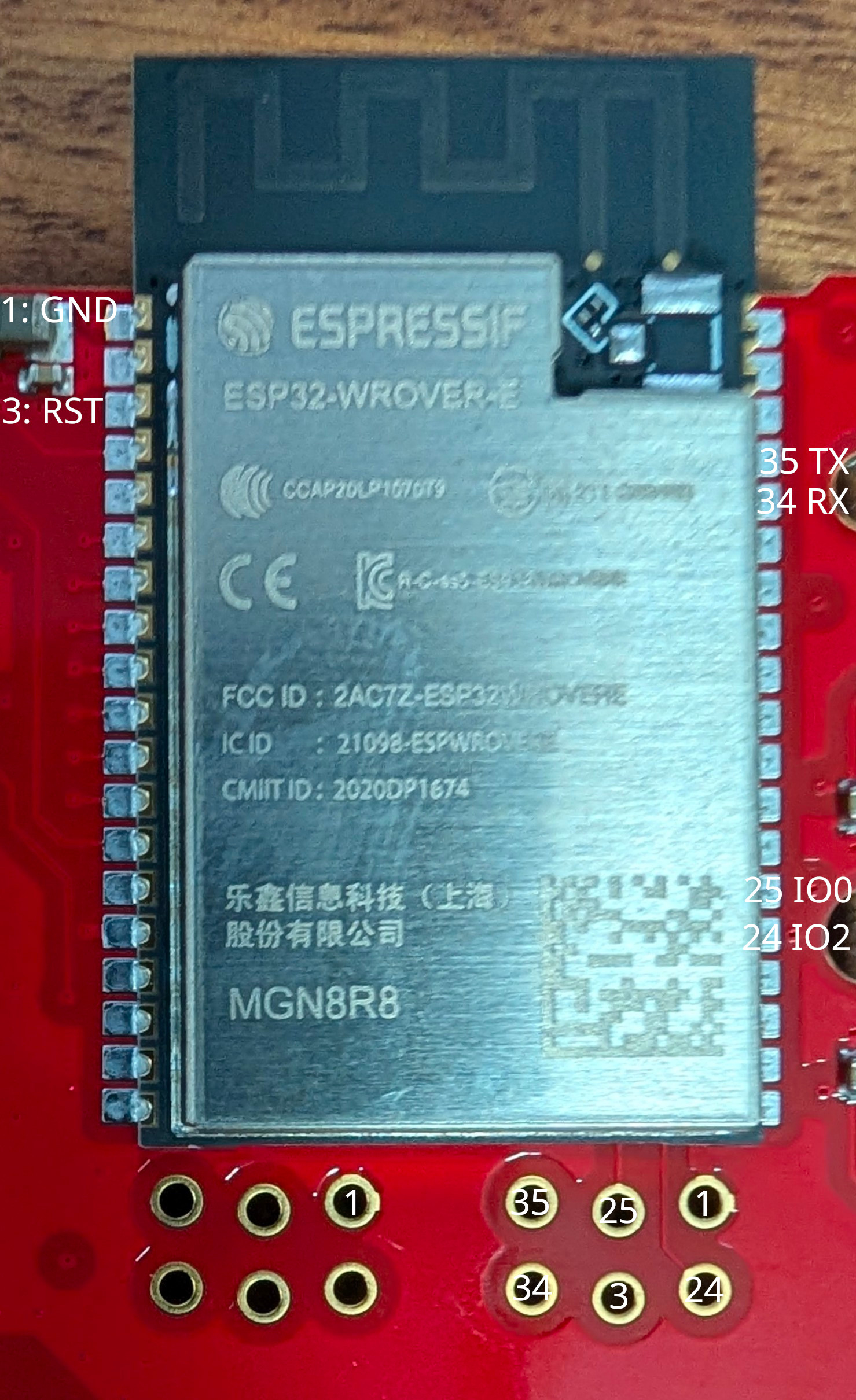 Figure 1: FireBoard 2 internal ESP32-WROVER-E (MGN8R8) module and unpopulated 6-pin 1.27mm UART bootloader header with verified pin numbers.
2.2 Unpopulated 6-Pin 1.27mm (0.050") Debug Header Pinout
Located immediately below the ESP32-WROVER-E module on the main PCB. All pads were verified by continuity against the castellated ESP32-WROVER-E pins:
TOP ROW (Closer to ESP32 bottom edge)
+----------------+----------------+----------------+
| [Pin 35] * | [Pin 25] | [GND] |
| UART0 TXD0 | GPIO0 (BOOT) | Ground |
| (Right #23) | (Right #14) | (Shield/1/15) |
+----------------+----------------+----------------+
| [Pin 34] | [Pin 3] | [Pin 24] |
| UART0 RXD0 | EN / RST | GPIO2 (Strap) |
| (Right #22) | (Left #3) | (Right #13) |
+----------------+----------------+----------------+
BOTTOM ROW (Closer to PCB edge)
* [Pin 35: TXD0] (top-left pad) outputs 3.30V when FireBoard is ON
and 0.00V when FireBoard is OFF — wire this pad to MOSFET Pin 1 (Gate).
| Header Pad | ESP32 Module Pin | Function | Voltage (FireBoard ON) | Voltage (FireBoard OFF) | Notes |
|---|---|---|---|---|---|
[35 TXD0] |
Pin 35 (Right #23) |
GPIO1 / U0TXD |
$3.30\text{ V}$ (Idle High) | $0.00\text{ V}$ | Used as the $3.3\text{ V}$ ON/OFF trigger for MOSFET Pin 1 (Gate) |
[34 RXD0] |
Pin 34 (Right #22) |
GPIO3 / U0RXD |
$3.30\text{ V}$ | $0.00\text{ V}$ | UART0 receive input |
[25 IO0] |
Pin 25 (Right #14) |
GPIO0 (Boot Strap) |
$3.30\text{ V}$ | $0.00\text{ V}$ | Hold at $0\text{ V}$ (GND) while pulsing [3 RST] to enter UART Download Mode |
[3 RST] |
Pin 3 (Left #3) |
CHIP_PU (EN / RST) |
$3.30\text{ V}$ | $0.00\text{ V}$ | Active-low hardware reset ($0\text{ V}$ resets ESP32) |
[24 IO2] |
Pin 24 (Right #13) |
GPIO2 (Boot Strap) |
$0.00\text{ V}$ | $0.00\text{ V}$ | Must be low/floating to enter serial bootloader |
[GND] |
Pins 1, 15, 38, 39 | Common Ground | $0.00\text{ V}$ | $0.00\text{ V}$ | Connected to ESP32 RF shield can and battery negative (-) |
Additional Module Reference Pad: Left #2 (Pin 2: 3V3) carries the regulated $3.30\text{ V}$ rail when the FireBoard is powered on and drops to $0.00\text{ V}$ when powered off.
2.3 Hardware & Network Identity Reference
| Device / Component | Property | Value | Notes |
|---|---|---|---|
| XIAO ESP32-C3 Bridge | Hostname (FQDN) |
fireboardctl.drheck.dev (fireboardctl) |
Only device on Wi-Fi; resolved in Unbound on danknasty |
| XIAO ESP32-C3 Bridge | Static DHCP IPv4 | 10.0.0.71 |
Reserved in /etc/dhcpd.conf (~/git/router_config/dhcpd.conf) on danknasty |
| XIAO ESP32-C3 Bridge | Wi-Fi STA MAC | 80:f1:b2:51:49:20 |
Seeed Studio XIAO ESP32-C3 2.4 GHz Wi-Fi interface |
| FireBoard 2 Unit | Device ID / Serial | FBX2-GJ8RC3JRD |
FireBoard 2 6-Channel Thermometer (ESP32-WROVER-E / ESP32-D0WD-V3 rev v3.1) |
| FireBoard 2 Unit | Bluetooth LE MAC (Base + 2) |
94:54:c5:f7:1c:fa |
Active whenever the FireBoard 2 is powered on |
| FireBoard 2 Unit | Wi-Fi STA MAC (Base) |
94:54:c5:f7:1c:f8 (Unconfigured / No IP) |
FireBoard 2 is not connected to Wi-Fi and holds no IP address |
| FireBoard 2 Unit | Battery Pack | 1S Li-Ion Pouch Cell ($3.7\text{ V}$ nominal, $4.20\text{ V}$ full) |
Powers both the FireBoard 2 and the IRLB8721PBF MOSFET-switched XIAO ESP32-C3 |
2.4 Why the Stock FireBoard Firmware Is Bypassed via BLE
- Closed Local Network Surface: Full 65,535-port TCP/UDP
nmapscans and packet captures confirmed the stock FireBoard 2 firmware listens on zero local ports and requires remote cloud servers when on Wi-Fi. Keeping the FireBoard 2 off Wi-Fi and reading its local BLE GATT server eliminates all external network traffic. - Locked Factory Silicon (
eFuses): Interrogation over the 6-pin UART bootloader header proved all hardware security eFuses on the FireBoard's internalESP32-WROVER-Eare permanently burned:- Flash Encryption (
FLASH_CRYPT_CNT = 127/0b1111111): All 7 bits burned and write-protected; plaintext flashing renders the chip unbootable. - UART Crypto Disabled (
DISABLE_DL_ENCRYPT = True,DISABLE_DL_DECRYPT = True): The ROM bootloader is physically barred from encrypting new images or decrypting flash over UART. - Secure Boot v1 (
ABS_DONE_0 = True): Only images signed with FireBoard's private key (BLOCK2, read/write protected) are booted. - Silent UART Console (
MTDOStrapped Low +ESP_LOG_NONE): Zero application log bytes are emitted onUART0during normal boot.
- Flash Encryption (
Click to expand full ESP32-D0WD-V3 Security eFuse Register Dump (espefuse summary)
FLASH_CRYPT_CNT (BLOCK0) = 127 R/- (0b1111111) [Flash encryption permanently enabled; odd bit count = 7; Write-Protected]
FLASH_CRYPT_CONFIG (BLOCK0) = 15 R/W (0xf) [Full AES flash encryption tweak configuration]
ABS_DONE_0 (BLOCK0) = True R/W [Secure Boot V1 permanently enforced on boot]
DISABLE_DL_ENCRYPT (BLOCK0) = True R/W [UART bootloader flash encryption disabled]
DISABLE_DL_DECRYPT (BLOCK0) = True R/W [UART bootloader flash decryption disabled]
DISABLE_DL_CACHE (BLOCK0) = True R/W [UART bootloader MMU flash cache disabled]
JTAG_DISABLE (BLOCK0) = True R/W [Hardware JTAG debugging permanently disabled]
CONSOLE_DEBUG_DISABLE (BLOCK0) = True R/W [ROM BASIC fallback console disabled]
BLOCK1 (Flash Key) = ?? ?? ... -/- [256-bit AES Flash Encryption Key: Read & Write Protected]
BLOCK2 (Secure Boot Key) = ?? ?? ... -/- [256-bit Secure Boot Key: Read & Write Protected]
3. FireBoard 2 BLE GATT Protocol Reference
Zero Cloud Dependency: The FireBoard 2 BLE GATT server remains active with zero Wi-Fi configuration, allowing the XIAO ESP32-C3 (fireboardctl.drheck.dev) to stream all 6 channels locally.
| GATT Attribute | UUID / Value | Properties | Description |
|---|---|---|---|
FIREBOARD_DATA_CHAR_UUID |
c2f780ec-45e1-452b-a879-327e3140d1f1 |
Notify |
Streams UTF-8 JSON temperature packets every 3–5s per active probe channel |
FIREBOARD_CONTROL_CHAR_UUID |
c2f780ec-45e1-452b-a879-327e3140d1e8 |
Write |
Writing single byte 0x01 starts the notification stream on d1f1 |
FIREBOARD_START_STREAM_BYTE |
0x01 (b'\x01') |
1 Byte |
Must be written after enabling notifications (CCCD) on d1f1 |
BLE Handshake & Notification Payload Format
- Scan & Connect: Connect to BLE MAC
94:54:c5:f7:1c:fa(or any device matching prefix94:54:c5:f7:1c:/ nameFBX). No pairing PIN or bond is required. - Subscribe: Enable GATT notifications on
c2f780ec-45e1-452b-a879-327e3140d1f1. - Start Stream: Write
0x01(1 byte, with response) toc2f780ec-45e1-452b-a879-327e3140d1e8. - Parse JSON Notifications: The FireBoard immediately begins emitting UTF-8 JSON notifications for each connected thermistor probe (
channel1through6):{ "channel": 1, "temp": 225.4, "degreetype": 2, "date": "2026-09-28T20:30:00Z" }channel: Probe port number (1..6).temp: Floating-point temperature (nullor<= 0when unplugged).degreetype:2= Fahrenheit (°F),1= Celsius (°C).
4. Firmware Repository (~/git/grill-sync) & Magic Constants (include/config.h)
All hardware, BLE protocol, and network constants are isolated in include/config.h (with Wi-Fi credentials in gitignored include/secrets.h).
Repository Layout
platformio.ini— PlatformIO configuration targetingseeed_xiao_esp32c3(huge_app.csv3.1 MB partition table,NimBLE-Arduino,ArduinoJson).include/config.h— Central configuration file containing all network URLs, bridge identity (fireboardctl.drheck.dev,10.0.0.71,80:f1:b2:51:49:20), and BLE GATT UUIDs.include/secrets.example.h/include/secrets.h— Local Wi-Fi credentials (WIFI_SSID,WIFI_PASSWORD) and optional local overrides.src/main.cpp— Non-blocking BLE GATT client, JSON parser, and HTTP POST transmitter.
Complete Reference of Constants in include/config.h
| Constant | Default Value | Purpose & When to Change |
|---|---|---|
BRIDGE_DHCP_HOSTNAME |
"fireboardctl" |
DHCP client hostname announced by the XIAO ESP32-C3. |
BRIDGE_FQDN |
"fireboardctl.drheck.dev" |
Local DNS name in Unbound (10.0.0.71). |
BRIDGE_WIFI_MAC |
"80:f1:b2:51:49:20" |
Wi-Fi STA MAC of the Seeed Studio XIAO ESP32-C3 reserved as 10.0.0.71 in /etc/dhcpd.conf on danknasty. |
BRIDGE_STATIC_IPV4 |
"10.0.0.71" |
Static DHCP IPv4 address assigned to fireboardctl.drheck.dev. |
INGEST_URL |
"http://10.0.0.3:8088/api/ingest" |
Target HTTP POST URL on host ul (10.0.0.3 ports 8088 and 8000). |
HTTP_POST_INTERVAL_MS |
5000UL (5s) |
How frequently the XIAO posts temperature snapshots to ul when BLE is connected. |
HTTP_HEARTBEAT_INTERVAL_MS |
15000UL (15s) |
How frequently the XIAO posts status heartbeats when scanning for BLE. |
WIFI_CONNECT_TIMEOUT_MS |
10000UL (10s) |
Maximum time spent waiting for Wi-Fi association per attempt. |
FIREBOARD_DEVICE_ID |
"FBX2-GJ8RC3JRD" |
Device ID reported in JSON payloads to ul. |
FIREBOARD_BLE_MAC |
"94:54:c5:f7:1c:fa" |
Bluetooth LE MAC of the FireBoard 2 (Base MAC + 2). Change if pairing with a replacement FireBoard unit. |
FIREBOARD_MAC_PREFIX |
"94:54:c5:f7:1c:" |
OUI/prefix matched during BLE scanning. |
FIREBOARD_LOCK_TO_MAC |
0 |
Set to 1 to only connect to FIREBOARD_BLE_MAC, or 0 to also connect to any nearby device advertising "FBX" / "FireBoard". |
FIREBOARD_DATA_CHAR_UUID |
"c2f780ec-45e1-452b-a879-327e3140d1f1" |
FireBoard 2 BLE GATT Notify characteristic that outputs JSON temperature readings. |
FIREBOARD_CONTROL_CHAR_UUID |
"c2f780ec-45e1-452b-a879-327e3140d1e8" |
FireBoard 2 BLE GATT Write characteristic that starts the stream when 0x01 is written. |
FIREBOARD_START_STREAM_BYTE |
0x01 |
Magic wake byte written to FIREBOARD_CONTROL_CHAR_UUID upon BLE connect. |
FIREBOARD_MAX_CHANNELS |
6 |
Maximum probe channel index (Channels 1..6). |
FIREBOARD_PROBE_STALE_MS |
30000UL (30s) |
Time without a BLE notification before a channel is considered unplugged. |
5. Dashboard Infrastructure Reference on Host ul (https://grill.drheck.dev)
| Component | Path / Address | Details |
|---|---|---|
| Public URL (SSO Protected) | https://grill.drheck.dev (https://fireboard.drheck.dev) | Protected by Authentik ForwardAuth (Grill Monitor (FireBoard 2) application tile in user portal) |
| BLE-to-Wi-Fi Bridge Host | fireboardctl.drheck.dev (10.0.0.71 • MAC 80:f1:b2:51:49:20) |
Seeed Studio XIAO ESP32-C3; static DHCP lease in /etc/dhcpd.conf and local DNS in /var/unbound/etc/unbound.conf on danknasty |
| Unauthenticated Ingest API | http://10.0.0.3:8088/api/ingest / http://10.0.0.3:8000/api/ingest / https://grill.drheck.dev/api/ingest |
Accepts POST JSON ({"device_id": "FBX2-GJ8RC3JRD", "ble_connected": true, "rssi": -42, "probes": {"1": 225.4, "2": 165.2}}) |
| Podman Quadlet & App Source | /home/docker-data/.config/containers/systemd/grill.container, /data/docker/grill/app.py, /data/docker/grill/static/index.html |
Rootless Podman container grill (docker-data, UID 1100) running FastAPI + SQLite + Chart.js live/historical multi-channel dashboard (100% local, zero cloud functionality) |
| Persistent SQLite Database | /data/docker/grill/data/grill.db |
Stores historical temperature series (15m, 1h, 3h, 6h, 12h, 24h views) and bridge ping RTT history |
| Dedicated Podman ULA IPv6 | fd77:7777:5010:0:1337:f1ac:d00d:fb02 (Port 8000) |
Bound on eth77 (10.0.0.3:8088 and 10.0.0.3:8000 mapped on IPv4 LAN for fireboardctl.drheck.dev) |
| DNS Configuration | ~/git/router_config/unbound.conf & update_dns.py |
Local Unbound (10.0.0.100 / fd77:7777:5010::1337:f1ac:d00d:aaaa) on danknasty + public deSEC IPv6 GUA sync |
| Nginx Site Config | /etc/nginx/sites-available/grill |
Proxies / with Authentik ForwardAuth and /api/ingest with auth_request off |
| Backup & Restore Scripts | /home/luke/git/backups/ul/scripts/backup/grill, /home/luke/git/backups/ul/scripts/restore/grill |
shellcheck-verified backups with par2 create -r10 parity archives in /data/backups/services/current/grill/ |
VPN
Overview & Architecture
This document describes the modern, high-performance WireGuard VPN service running on the internal infrastructure server ul (10.0.0.3) with full IPv4 and IPv6 dual-stack pass-through from the edge router danknasty (OpenBSD pf).
Network Topology
+-----------------------------------------------------------------------------------------+
| Internet / WAN |
+-----------------------------------------------------------------------------------------+
│ │
IPv4 UDP Port 51820 IPv6 UDP Port 51820
│ │
▼ ▼
+-----------------------------------------------------------------------------------------+
| danknasty (OpenBSD Router & Gateway) |
| WAN IPv4: 71.25.179.69 |
| WAN IPv6: 2603:3001:626:9d80::/64 |
| LAN: 10.0.0.1 / fd77:7777:5010::1 |
| |
| PF Inbound Rules: |
| pass in quick on $ext inet proto udp from any to any port 51820 rdr-to 10.0.0.3 |
| pass in quick on $ext inet6 proto udp from any to $ul_gu port 51820 |
| rdr-to $ul_ula port 51820 |
| |
| Static Route for VPN IPv6 Subnet: |
| route add -inet6 fd77:7777:5010:7700::/64 fd77:7777:5010:0:1337:f1ac:d00d:337 |
+-----------------------------------------------------------------------------------------+
│ │
└───────────────────┬───────────────────┘
│
▼
+-----------------------------------------------------------------------------------------+
| ul.drheck.dev (VPN Server) |
| IPv4: 10.0.0.3 | IPv6: fd77:7777:5010:0:1337:f1ac:d00d:337 |
| WireGuard Interface: wg0 |
| IPv4 Address: 10.77.0.1/24 | IPv6 Address: fd77:7777:5010:7700::1/64 |
| |
| - Full Dual-Stack In-Kernel WireGuard Tunneling (ChaCha20-Poly1305, Curve25519) |
| - Dual-Stack IPv4 & IPv6 Forwarding & MASQUERADE NAT for outgoing client traffic |
+-----------------------------------------------------------------------------------------+
│ │
┌───────────────┴───────────────┐ ┌───────────────┴───────────────┐
▼ ▼ ▼ ▼
10.0.0.0/24 LAN Hosts WAN IPv4 via danknasty fd77:7777:5010::/64 ULA WAN IPv6 via danknasty
Server Configuration
Parameters & Endpoints
| Setting | Value |
|---|---|
| Server Host | ul.drheck.dev (10.0.0.3) |
| Edge Router | danknasty.drheck.dev (10.0.0.1) |
| Public IPv4 Endpoint | 71.25.179.69:51820 |
| Public IPv6 Endpoint | [2603:3001:626:9d80:1337:f1ac:d00d:337]:51820 |
| FQDN Endpoint | vpn.drheck.dev:51820 (or ul.drheck.dev:51820) |
| Protocol & Port | UDP 51820 (IPv4 and IPv6) |
| VPN IPv4 Subnet | 10.77.0.0/24 (Server: 10.77.0.1) |
| VPN IPv6 Subnet | fd77:7777:5010:7700::/64 (Server: fd77:7777:5010:7700::1) |
| DNS Resolvers | 10.0.0.1, fd77:7777:5010::1 (Unbound on danknasty) |
| Server Public Key | ubh+z69hcWcUKgHl3LVfm54sYkDZAaocIKNN5zlsZWA= |
Router (danknasty) PF & Route Configuration
Tracked in /home/luke/git/router_config/pf.conf:
# Ports
wireguard = "51820"
# IPv4 Inbound
pass in quick on $ext inet proto udp from any to any port $wireguard rdr-to $ul_ipv4
# IPv6 Inbound
pass in quick on $ext inet6 proto udp from any to $ul_gu port $wireguard rdr-to $ul_ula port $wireguard
IPv6 routing in /home/luke/git/router_config/hostname.em1:
!route add -inet6 fd77:7777:5010:7700::/64 fd77:7777:5010:0:1337:f1ac:d00d:337
DNS Access Control in /home/luke/git/router_config/unbound.conf:
access-control: 10.77.0.0/24 allow
access-control: fd77:7777:5010:7700::/64 allow
Server (ul) Interface Configuration: /etc/wireguard/wg0.conf
[Interface]
Address = 10.77.0.1/24, fd77:7777:5010:7700::1/64
ListenPort = 51820
PrivateKey = <SERVER_PRIVATE_KEY>
# Dual-stack packet forwarding and NAT masquerade
PostUp = iptables -A FORWARD -i wg0 -j ACCEPT; iptables -A FORWARD -o wg0 -j ACCEPT; iptables -t nat -A POSTROUTING -s 10.77.0.0/24 -o eth77 -j MASQUERADE; ip6tables -A FORWARD -i wg0 -j ACCEPT; ip6tables -A FORWARD -o wg0 -j ACCEPT; ip6tables -t nat -A POSTROUTING -s fd77:7777:5010:7700::/64 -o eth77 -j MASQUERADE
PostDown = iptables -D FORWARD -i wg0 -j ACCEPT; iptables -D FORWARD -o wg0 -j ACCEPT; iptables -t nat -D POSTROUTING -s 10.77.0.0/24 -o eth77 -j MASQUERADE; ip6tables -D FORWARD -i wg0 -j ACCEPT; ip6tables -D FORWARD -o wg0 -j ACCEPT; ip6tables -t nat -D POSTROUTING -s fd77:7777:5010:7700::/64 -o eth77 -j MASQUERADE
# Peer entry template
[Peer]
PublicKey = <CLIENT_PUBLIC_KEY>
PresharedKey = <PRESHARED_KEY>
AllowedIPs = 10.77.0.X/32, fd77:7777:5010:7700::X/128
Client Management Utilities
Management scripts are installed in /home/luke/bin/ on ul:
1. Adding Clients (wg-addclient)
# Syntax: wg-addclient <device-name> [optional_ip_octet]
# IP is automatically assigned to the next available address if omitted:
wg-addclient macbook
wg-addclient iphone
# Or manually specify an IP octet if preferred:
wg-addclient custom-device 10
This utility:
- Automatically allocates the next free IPv4 & IPv6 addresses.
- Generates private/public keypairs + Pre-shared Key (PSK).
- Creates the client configuration in
/etc/wireguard/clients/<name>.conf. - Injects the peer into
/etc/wireguard/wg0.confand live kernel interface dynamically. - Renders an ASCII QR code in the terminal for instant mobile setup.
2. Listing Active Clients (wg-listclients)
wg-listclients
Prints all configured clients, their assigned IP addresses, and their WireGuard public keys.
3. Revoking / Removing Clients (wg-delclient)
# Syntax: wg-delclient <device-name>
wg-delclient macbook
This utility:
- Instantly drops the peer from the live in-kernel WireGuard routing table (
sudo wg set wg0 peer <pubkey> remove), severing all active sessions. - Removes the
[Peer]block from/etc/wireguard/wg0.conf. - Deletes the stored configuration file
/etc/wireguard/clients/<name>.conf.
To display a QR code for mobile devices:
sudo qrencode -t ansiutf8 < /etc/wireguard/clients/<name>.conf
Client Setup Instructions (All Platforms)
1. Apple macOS & iOS
Setup via Mobile / QR Code (iOS)
- Install WireGuard from the App Store.
- Open the app, tap + -> Create from QR code.
- On
ul, runsudo qrencode -t ansiutf8 < /etc/wireguard/clients/<client-name>.confand scan the terminal screen. - Name the tunnel
drheckand toggle to connect.
Setup via Desktop App (macOS)
- Install WireGuard from the Mac App Store.
- Copy the
.conffile from/etc/wireguard/clients/<name>.confto your Mac. - Open WireGuard, click Import tunnel(s) from file, and select the
.conffile. - Click Activate.
2. Linux (systemd-networkd / NetworkManager / wg-quick)
Method A: wg-quick
- Install
wireguard-tools:- Arch Linux:
sudo pacman -S wireguard-tools - Debian/Ubuntu:
sudo apt install wireguard-tools - Fedora:
sudo dnf install wireguard-tools
- Arch Linux:
- Save your configuration as
/etc/wireguard/drheck.conf:[Interface] PrivateKey = <CLIENT_PRIVATE_KEY> Address = 10.77.0.X/24, fd77:7777:5010:7700::X/64 DNS = 10.0.0.1, fd77:7777:5010::1 [Peer] PublicKey = ubh+z69hcWcUKgHl3LVfm54sYkDZAaocIKNN5zlsZWA= PresharedKey = <PRESHARED_KEY> Endpoint = 71.25.179.69:51820 AllowedIPs = 0.0.0.0/0, ::/0 PersistentKeepalive = 25 - Bring the tunnel up:
sudo wg-quick up drheck # To enable on boot: sudo systemctl enable --now wg-quick@drheck
Method B: NetworkManager
sudo nmcli connection import type wireguard file /path/to/<name>.conf
sudo nmcli connection up <name>
3. Android
- Install WireGuard from Google Play Store or F-Droid.
- Tap the floating + button in the bottom-right corner.
- Select Scan from QR code and scan the output of:
sudo qrencode -t ansiutf8 < /etc/wireguard/clients/<name>.conf - Enter tunnel name
drheckand tap to activate.
4. Microsoft Windows
- Download and run the official installer from wireguard.com/install.
- Click Add Tunnel (or press
Ctrl+O) and open<name>.conf. - Click Activate.
5. OpenBSD / FreeBSD
OpenBSD (hostname.wg0)
Create /etc/hostname.wg0:
inet 10.77.0.X 255.255.255.0 NONE
inet6 fd77:7777:5010:7700::X 64
wgkey <CLIENT_PRIVATE_KEY>
wgpeer ubh+z69hcWcUKgHl3LVfm54sYkDZAaocIKNN5zlsZWA= \
wgpresharedkey <PRESHARED_KEY> \
wgendpoint 71.25.179.69 51820 \
wgaip 0.0.0.0/0 wgaip ::/0
up
Run sh /etc/netstart wg0.
Split Tunneling vs Full Tunneling
By default, the client configuration routes all traffic (AllowedIPs = 0.0.0.0/0, ::/0) through the home network connection.
If you only want access to the internal drheck.dev LAN resources and DNS without tunneling general internet browsing, adjust AllowedIPs in the client's [Peer] section:
# Split Tunnel (Internal LAN & VPN Subnet Only)
AllowedIPs = 10.0.0.0/24, 10.77.0.0/24, fd77:7777:5010::/48
Backup & Disaster Recovery
WireGuard configuration, keys, and client management scripts are fully integrated into the host backup architecture under ~/git/backups/ul/scripts/:
Automated Backup (scripts/backup/wireguard)
- Archive Path:
/data/backups/services/current/wireguard/<TIMESTAMP>/wireguard_config.tar.xz - Included Paths:
/etc/wireguard/(Server configwg0.confand all client profiles inclients/)/etc/modules-load.d/wireguard.conf/home/luke/bin/wg-addclient,/home/luke/bin/wg-delclient,/home/luke/bin/wg-listclients
- Parity Redundancy: 10% PAR2 recovery volume generation (
par2create -r10). - Cloud Replication: Automatically bundled by
stage_cloud_archiveinto GPG-encrypted cloud staging for off-site sync.
Disaster Recovery (scripts/restore/wireguard)
To restore the complete WireGuard service from the latest backup:
sudo /home/luke/git/backups/ul/scripts/restore/wireguard
This verifies PAR2 parity, unpacks files with intact permissions (0700/0600), ensures the kernel module is loaded, and enables/starts wg-quick@wg0.
Minecraft Worlds
Quickstart: Bring a World Up
-
Create via Web Control Plane (
https://mc.drheck.dev) or CLI (ipctl):- Web UI (Recommended): Open https://mc.drheck.dev, click + New World, style the world name/MOTD and 64×64 icon, select the World Type (
level-type) (Default Overworld,Amplified,Large Biomes,Superflatwith all 9 Mojang presets, orSingle Biome / Buffet), configure Structures / Hardcore / Spawn Protection, preview/reroll the world seed with the live 2D biome map, and click Create & Provision World. - CLI (
ipctl):
(Allocates backend IPv6sudo /data/minecraft/ipctl create <name> --dnsfd77:7777:5010::1337:3c:d00d:<hex>/64in/etc/systemd/network/20-wired.network.d/minecraft.conf, configures HAProxy SNI routing in/etc/haproxy/conf.d/minecraft_backends.cfgand/etc/haproxy/minecraft_hosts.map, adds<name>.drheck.devto/var/unbound/etc/unbound.minecraft.confondanknastyusing a short-lived 5-minutestep-caSSH user certificate, syncs public A/AAAA records to deSEC.io, and automatically provisions the live 3D BlueMap web map via/usr/local/bin/mc-bluemap-provision <name>— creatingbluemap@<name>.serviceon[fd77:7777:5010::1337:3c:d00d:<hex>]:8100, the/etc/nginx/sites-available/<name>vhost, and the Authentik ForwardAuthProxyProvider+Applicationattached toauthentik Embedded Outpostathttps://<name>.drheck.dev).
- Web UI (Recommended): Open https://mc.drheck.dev, click + New World, style the world name/MOTD and 64×64 icon, select the World Type (
-
Configure the backend server: In your backend server's
server.properties:server-ip=fd77:7777:5010::1337:3c:d00d:<hex> server-port=25565 online-mode=true(Backend servers run with
online-mode=true, listening on standard port25565on their dedicated ULA IPv6 address). -
Start the server: Start via
https://mc.drheck.dev(Start button or automatic On-Demand wake-on-join) orsudo systemctl start minecraft@<slug>.service. -
Connect: Players connect using
<name>.drheck.dev(standard port25565). Microsoft account authentication takes place directly between the client and the backend server.
5. Manage the 3D Web Map (Provision, Decom, Enable, Disable)
Every world can have its live 3D BlueMap web map (https://<name>.drheck.dev) independently provisioned, decommissioned, enabled, or disabled from either the Web UI (https://mc.drheck.dev header buttons) or the CLI (/usr/local/bin/mc-bluemap-provision / /data/minecraft/ipctl bluemap):
- Provision (
Provision Map/sudo /data/minecraft/ipctl bluemap <name> provision): Creates/etc/nginx/sites-available/<name>+/etc/nginx/sites-enabled/<name>, provisions the Authentik ForwardAuthProxyProvider+Applicationattached toauthentik Embedded Outpost, initializes/data/minecraft/<dir>/bluemap/, and enables/startsbluemap@<name>.service. - Disable (
Disable Map/sudo /data/minecraft/ipctl bluemap <name> disable): Turns offbluemap@<name>.servicewhile keeping the Nginx vhost and Authentik SSO active. Visitors tohttps://<name>.drheck.devare served a styled 3D Web Map Currently Offline status page (proxy_intercept_errors on; error_page 502 503 504 @bluemap_offline;routed tomc-manager/bluemap-offline/<name>) displaying the world icon, live game server status, an auto-reload poller, and a 1-click Turn On 3D Map Now button for admins. - Enable (
Enable Map/sudo /data/minecraft/ipctl bluemap <name> enable): Turnsbluemap@<name>.serviceback on sohttps://<name>.drheck.devimmediately resumes serving the live 3D map. - Decommission (
Decom Map/sudo /data/minecraft/ipctl bluemap <name> decom): Stopsbluemap@<name>.service, deletes/etc/nginx/sites-enabled/<name>and/etc/nginx/sites-available/<name>, reloads Nginx, and removes the AuthentikApplicationandProxyProvider.
Quickstart: Take a World Down
-
Stop the backend server: Click Stop in
https://mc.drheck.dev, sendstopin the live web console, or runsudo systemctl stop minecraft@<slug>.service. -
What Players See When Offline or Standby (
On-Demand): HAProxy intercepts all Multiplayer Server List pings ($\text{state} = 1$) and offline/standby Login joins ($\text{state} = 2$) via/etc/haproxy/minecraft.luaandmc-manager:- In the Multiplayer Server List (
state = 1): Returns the server's configured custom MOTD and 64×64server-icon.png(favicon) immediately, with version status badgeStandby (Join to Wake)(forondemandservers) orOffline(formanualservers). - When Clicking "Join Server" (
state = 2):ondemandStandby: Automatically triggersminecraft@<slug>.serviceto boot and displays a gold countdown screen (Waking up <Server>... Ready in ~20s!).manualOffline: Immediately disconnects with a clean red screen (<Server> is currently offline. Start at mc.drheck.dev).
- In the Multiplayer Server List (
-
Disable or remove router mapping & DNS (Teardown):
- Temporary takedown (disable in router only):
sudo /data/minecraft/ipctl route disable <name> - Complete teardown (release IP, remove HAProxy route, purge DNS):
sudo /data/minecraft/ipctl delete <name> --dns
- Temporary takedown (disable in router only):
Architecture & Design Details
1. Unified Endpoint Model
All public and LAN client connections resolve to the single Minecraft Router endpoint pair:
- IPv4:
10.0.0.113(NAT port-forwarded from WAN IPv4:25565ondanknasty) - IPv6:
fd77:7777:5010::1337:f1ac:d00d:3c(dynamically mapped to GUA<gua_prefix>:1337:f1ac:d00d:3cin public DNS)
Whether connecting via pokelovers.drheck.dev, desertworld.drheck.dev, or any other server subdomain, players connect to this exact IP pair on standard port 25565.
2. Transparent TCP SNI Handshake Routing & Live Ping Injection (HAProxy + mc-manager)
Rather than using an application-level proxy (which breaks vanilla Diffie-Hellman encryption and forces online-mode=false), HAProxy performs transparent pre-handshake packet inspection:
- HAProxy listens dual-stack on
10.0.0.113:25565and[fd77:7777:5010::1337:f1ac:d00d:3c]:25565. - When a player connects, HAProxy peeks at the initial unencrypted Minecraft handshake packet (
0x00) via/etc/haproxy/minecraft.luaand extracts the requested hostname (txn.mc_host, e.g.pokelovers.drheck.dev) and handshake state (txn.mc_state:1= Status Ping,2= Login Join). - For All Multiplayer Server List Pings ($\text{state} = 1$):
Each backend uses the rule:
tcp-request content use-service lua.mc_offline if { var(txn.mc_state) -m int eq 1 } || !{ nbsrv(<slug>) gt 0 }lua.mc_offlinequeriesmc-manager(http://127.0.0.1:8095/internal/haproxywithSTATUS <slug>). If the backend JVM is running,mc-managerqueries the backend's live TCP status (0x00) to obtain real-time online player counts and version metadata, then overlays the latestmotdfromserver.propertiesandfaviconfrom/data/minecraft/<dir>/server-icon.png. This ensures MOTD styling and 64×64 icon changes saved inmc.drheck.devappear immediately on client Refresh without restarting a running Minecraft server. - For Player Login Joins ($\text{state} = 2$):
- If the backend server is UP: HAProxy splices the raw TCP stream directly to
[fd77:7777:5010::1337:3c:d00d:<hex>]:25565. The client and backend perform native Microsoft/Mojangonline-mode=trueauthentication directly over the spliced TCP connection. - If the backend server is DOWN:
lua.mc_offlinesendsJOIN <slug>tomc-manager, which wakesondemandservers automatically and returns a formatted Minecraft Disconnect packet (0x00).
- If the backend server is UP: HAProxy splices the raw TCP stream directly to
3. Backend IPv6 Address Scheme & Active Worlds
Each backend Minecraft server is isolated on a dedicated Unique Local Address (ULA) on interface eth77 of ul:
- Prefix:
fd77:7777:5010::1337:3c:d00d:<hex>/64 - Port: Each server binds to standard port
25565on its assigned IPv6 address. - Active Managed Worlds:
| Hex ID | Slug / Subdomain | Display Name | Backend ULA IPv6 Address | Lifecycle Mode |
|---|---|---|---|---|
1 |
pokelovers.drheck.dev |
Poke Lovers |
fd77:7777:5010::1337:3c:d00d:1/64 |
ondemand (20G heap) |
2 |
desertworld.drheck.dev |
⚔ 𝔇𝔢𝔰𝔢𝔯𝔱 𝔚𝔬𝔯𝔩𝔡 ⚔ |
fd77:7777:5010::1337:3c:d00d:2/64 |
ondemand (8G heap) |
4. Web Map (BlueMap) & Authentik Gated HTTPS
Interactive 3D web mapping for Minecraft is powered by BlueMap running in standalone watch mode:
- Service:
bluemap-pokelovers.servicerunning from/data/minecraft/poke lovers/bluemap.- Automatically updates the rendered 3D map as chunks change in
/data/minecraft/poke lovers/world. - Serves live map data & Server-Sent Events (SSE) updates on internal port
8100.
- Automatically updates the rendered 3D map as chunks change in
- Reverse Proxy & Authentication: NGINX terminates SSL on port
443at/etc/nginx/sites-available/pokeloversand gates access behind Authentik ForwardAuth (/outpost.goauthentik.io/auth/nginx).- Serves directly at
https://pokelovers.drheck.dev. - Unauthenticated visitors are automatically redirected to
auth.drheck.devto log in before viewing the 3D map.
- Serves directly at
5. Network & DNS Automation (ipctl) — Externalized Configs & Short-Lived SSH CA
To prevent dynamic Minecraft world provisioning from mutating code-reviewed host and router configuration files (/etc/systemd/network/20-wired.network, /etc/haproxy/haproxy.cfg, and /home/luke/git/router_config/unbound.conf), /data/minecraft/ipctl (symlinked at /home/luke/bin/ipctl) operates exclusively on dedicated external drop-in and include files:
| Subsystem | Static Code-Reviewed Base Config (Never Modified by ipctl) |
Dynamic External File Managed by ipctl |
Mirror in /data/minecraft/.network/ |
|---|---|---|---|
systemd-networkd (ul) |
/etc/systemd/network/20-wired.network |
/etc/systemd/network/20-wired.network.d/minecraft.conf |
minecraft.network.conf |
HAProxy Map (ul) |
/etc/haproxy/haproxy.cfg |
/etc/haproxy/minecraft_hosts.map |
minecraft_hosts.map |
HAProxy Backends (ul) |
/etc/haproxy/haproxy.cfg (loads -f /etc/haproxy/conf.d) |
/etc/haproxy/conf.d/minecraft_backends.cfg |
minecraft_backends.cfg |
Unbound DNS (danknasty) |
/home/luke/git/router_config/unbound.conf (has include: "/var/unbound/etc/unbound.minecraft.conf") |
/var/unbound/etc/unbound.minecraft.conf |
unbound.minecraft.conf |
Programmatic Short-Lived SSH CA Authentication (step-ca $\longrightarrow$ danknasty)
When /data/minecraft/ipctl is invoked with --dns (either interactively or unattended by mc-manager.service after a reboot when no ssh-agent is active):
ipctlgenerates a fresh ephemeral Ed25519 keypair in a mode-0700temporary directory (atexit-cleaned).ipctlrequests a 5-minute (--not-after=5m) SSH user certificate for principallukefrom the localstep-cacontainer using thewebshell-svcJWK provisioner (the same short-lived CA used bywebshell.drheck.dev).danknastyvalidates the certificate againstTrustedUserCAKeys /etc/ssh/drheck_ca_user_key.pub(configured in/etc/sshd_config.d/10-drheck-certs.conf), allowingipctlto update/var/unbound/etc/unbound.minecraft.conf, rundoas unbound-checkconfanddoas rcctl restart unbound, and invoke/home/luke/git/router_config/dns_danger_sync.py --forceto synchronize publicAandAAAArecords to deSEC.io.- Both
update_dns.pyanddns_danger_sync.py(as well asverify_dns.sh) ondanknastyrecursively followinclude:directives inunbound.conf, ensuring all external Minecraft subdomains are automatically included during prefix rotations and deSEC.io synchronization.
Backups & Disaster Recovery
Both the HAProxy router layer and the mc-manager control plane (including all external network, proxy, and DNS mirror files) are integrated into /home/luke/git/backups/ul/scripts/:
- Control Plane & External Network Backup:
/home/luke/git/backups/ul/scripts/backup/mc_manager- Archives
/data/minecraft/.manager,/data/minecraft/.network,/data/minecraft/ipctl,/usr/local/bin/{mc-manager,mc-runner,mc-seed-render},/etc/systemd/system/{mc-manager.service,minecraft@.service},/etc/systemd/network/20-wired.network.d/minecraft.conf,/etc/nginx/sites-available/mc,/etc/haproxy/minecraft.lua,/etc/haproxy/minecraft_hosts.map, and/etc/haproxy/conf.d/minecraft_backends.cfgwith 10%par2parity into/data/backups/services/current/mc_manager/.
- Archives
- Control Plane Restore:
/home/luke/git/backups/ul/scripts/restore/mc_manager [timestamp] - Router Backup & Restore:
/home/luke/git/backups/ul/scripts/backup/minecraft_routerand/home/luke/git/backups/ul/scripts/restore/minecraft_router [timestamp]
6. Minecraft Server Manager & On-Demand Architecture (Production Architecture)
Production Control Plane: The unified web control plane at https://mc.drheck.dev (bound to [fd77:7777:5010::1337:f1ac:d00d:3c00]:8095 behind Nginx and Authentik ForwardAuth) manages all Minecraft worlds on ul, automates ipctl networking and systemd lifecycle management, wakes sleeping servers on-demand via HAProxy when players join, streams live PTY server consoles, and provides an integrated Seed Preview Studio and Text, MOTD, Color Gradient & 8-Bit Pixel Icon Studio.
6.1 Canonical Definition of a "Server"
Every managed Minecraft world on ul is a self-contained unit consisting of five standardized components:
$$\text{Server}(\text{slug}) = \left\lbrace\text{Directory}, \quad \text{Manifest } (\texttt{server.json}), \quad \text{Network } (\texttt{ipctl}), \quad \text{Units } (\texttt{systemd}), \quad \text{Lifecycle Policy}\right\rbrace$$
| Component | Path / Identifier | Description |
|---|---|---|
| 1. Dedicated Directory | /data/minecraft/<dir_name>/ |
Holds server.json, server .jar / libraries, mods/ or plugins/, server.properties, server-icon.png, whitelist.json, ops.json, world/, and optional bluemap/. Existing worlds in /data/minecraft/* can be adopted in-place without moving files. |
| 2. Declarative Manifest | /data/minecraft/<dir_name>/server.json |
Stores the human display name, DNS slug (<slug>), loader type (paper, vanilla, fabric, neoforge, forge, custom), Minecraft version, JVM path (/usr/lib/jvm/default/bin/java), heap size (memory_min/memory_max), seed, and start_mode (manual, ondemand, always). |
3. Network & DNS (ipctl) |
fd77:7777:5010::1337:3c:d00d:<hex>/64 |
Dedicated internal IPv6 address on eth77 in /etc/systemd/network/20-wired.network.d/minecraft.conf, bound in server.properties (server-ip= and server-port=25565), mapped in /etc/haproxy/minecraft_hosts.map + /etc/haproxy/conf.d/minecraft_backends.cfg, and published as <slug>.drheck.dev in /var/unbound/etc/unbound.minecraft.conf on danknasty and deSEC.io. |
4. Dedicated systemd Service & PTY Wrapper |
minecraft@<slug>.service (via /usr/local/bin/mc-runner) |
Runs the server JVM inside a managed pseudo-terminal (PTY) with a 1,000-line ring buffer and UNIX domain socket /run/mc-manager/<slug>.sock, enabling real-time WebSocket log streaming and console command injection (SendRunnerCommand) as well as graceful save-all + stop on shutdown. |
| 5. Lifecycle Policy | manual | ondemand | always |
Controls when the server consumes RAM on ul (see Section 6.2). |
Click to expand example /data/minecraft/desertworld/server.json manifest
{
"slug": "desertworld",
"display_name": "⚔ 𝔇𝔢𝔰𝔢𝔯𝔱 𝔚𝔬𝔯𝔩𝔡 ⚔",
"dir_name": "desertworld",
"domain": "desertworld.drheck.dev",
"ipv6": "fd77:7777:5010::1337:3c:d00d:2",
"hex_id": "2",
"port": 25565,
"start_mode": "ondemand",
"idle_timeout_minutes": 30,
"type": "paper",
"mc_version": "1.21.4",
"jar_file": "server_26.3.jar",
"java_bin": "/usr/lib/jvm/default/bin/java",
"memory_min": "8G",
"memory_max": "8G",
"seed": "4900633019313953717",
"admins": [],
"created_at": "2026-10-10T18:03:46-04:00"
}
6.2 Resource Management & Server Lifecycle Modes
Because each active Minecraft JVM allocates $8\text{--}20\text{ GiB}$ of pinned heap memory (-Xms = -Xmx with +AlwaysPreTouch), running all $25+$ worlds in /data/minecraft simultaneously is impossible. Each server is assigned one of three lifecycle modes:
manual(Cold / Archived):minecraft@<slug>.serviceis disabled and stopped ($0\text{ GiB}$ RAM).- Only starts when explicitly clicked in the Web UI.
- When stopped, HAProxy returns
<name> is currently offline. Start at mc.drheck.dev.
ondemand(Wake-on-Join + Idle Auto-Stop):- Stopped by default ($0\text{ GiB}$ RAM).
- Automatically started when a player clicks Join Server in Minecraft (intercepted by HAProxy Lua $\longrightarrow$
mc-manager). - Automatically stopped (
save-all$\longrightarrow$stop) once $0$ players have been online continuously for $T_{\text{idle}}$ minutes (default $30\text{ min}$).
always(Pinned Production):minecraft@<slug>.serviceis enabled and active across host reboots (systemctl enable --now).- Used for primary worlds that should remain online $24/7$ regardless of player count.
6.3 HAProxy On-Demand Wake-on-Join & Live Status Ping Architecture
The Minecraft protocol sends a Handshake packet (0x00) at the start of every TCP connection containing a Next State VarInt:
- $\text{Next State} = 1$ (Status Ping): Sent when a client refreshes their Multiplayer Server List.
- $\text{Next State} = 2$ (Login Join): Sent only when a player clicks Join Server.
/etc/haproxy/minecraft.lua extracts both txn.mc_host and txn.mc_state and delegates status pings and offline joins to mc-manager (http://127.0.0.1:8095/internal/haproxy):
$$\text{Client Packet } (\texttt{0x00}) \longrightarrow \begin{cases} \text{state} = 1 \text{ (Status Ping)} & \longrightarrow \text{Return live JSON MOTD + } \texttt{server-icon.png} \text{ from } \texttt{mc-manager} \text{ without waking} \\ \text{state} = 2 \text{ (Login Join)} & \longrightarrow \text{If } \texttt{ONLINE}\text{: TCP splice to backend; if } \texttt{ondemand}\text{: wake server + return countdown} \end{cases}$$
State Machine for Managed Worlds
| Server State | Multiplayer List Ping (state = 1) MOTD & Icon |
Player Clicks "Join Server" (state = 2) |
|---|---|---|
SLEEPING (ondemand) |
Configured custom MOTD (or §e<name> §7[Standby] — §aClick Join to wake server!) + server-icon.png + version badge Standby (Join to Wake) |
HAProxy Lua sends JOIN <slug> to mc-manager, starts minecraft@<slug>.service, and disconnects client with: "⚡ Waking up <name>... Server is starting on-demand. Please reconnect in ~20 seconds!" |
STARTING |
Configured custom MOTD + server-icon.png + version badge Starting... |
Disconnects client with: "⏳ <name> is currently booting up! Please wait ~15 seconds and try connecting again." |
ONLINE |
Live player count & sample from backend JVM overlaid with latest custom MOTD (server.properties) and server-icon.png (favicon) |
Native TCP splice to [fd77:7777:5010::1337:3c:d00d:<hex>]:25565 with full Microsoft online-mode=true auth |
OFFLINE (manual) |
Configured custom MOTD + server-icon.png + version badge Offline |
Disconnects client with: "<name> is currently offline. Start it from https://mc.drheck.dev" |
Idle Shutdown Timer
For any running server in ondemand mode, mc-manager tracks the time since the last player disconnected ($N_{\text{players}} = 0$). When:
$$t_{\text{empty}} \ge T_{\text{idle}} \quad (\text{default } 30\text{ min})$$
mc-manager issues save-all and stop via the /run/mc-manager/<slug>.sock PTY socket and stops minecraft@<slug>.service, freeing the JVM heap until the next join request.
6.4 Web Control Plane (https://mc.drheck.dev)
The web frontend is served over HTTPS behind Nginx + Authentik ForwardAuth and provides two primary workspaces designed with a clean, hardware-ops dark interface:
1. Existing Servers Dashboard & Live PTY Console
2. Minecraft Text, MOTD, Color Gradient & 8-Bit Pixel Icon Studio
Built directly into both the + New World screen and the Configuration panel of every existing server:
- Unicode Font Converter (Copy/Paste Safe):
- Converts text into Minecraft Java Edition font variants without resource packs:
Small Caps (ꜱᴍᴘ),Gothic / Fraktur (𝔖𝔲𝔯𝔳𝔦𝔳𝔞𝔩),Double-Struck (𝕊𝕦𝕣𝕧𝕚𝕧𝕒𝕝),Full-Width (SMP), andMonospace. - Includes one-click Java-Safe Decorative Symbols & Borders:
⚔,◆,★,⚡,👑,☠,✦,❖,»,«, and⚔ ... ⚔.
- Converts text into Minecraft Java Edition font variants without resource packs:
- § Color Gradient & Formatting Code Builder:
- Interpolates any two RGB colors (
Gradient Start$\longrightarrow$Gradient End) across the input string and maps each character to the nearest native Minecraft color code (§0–§f), combined with optional§l(Bold),§o(Italic),§n(Underline),§m(Strikethrough), or§k(Obfuscated). - Can be applied with one click to either MOTD (
server.properties) or Display Name (server.json), with a real-time Minecraft Multiplayer Server List Preview rendering§codes and the 64×64 icon side-by-side.
- Interpolates any two RGB colors (
- 8-Bit Pixel Icon & Badge Generator (
64×64 server-icon.png):- Generates crisp 64×64 pixel-art server icons in the browser using 6 Minecraft material themes (
Stone,Dirt & Grass,Diamond,Glowstone,Nether,Enchanted Glint), 7 pixel-art stamps (Sword,Pickaxe,Creeper,Crown,Heart,Star,Pokéball), and 1–3 character 8-bit bitmap text with 3D drop shadows, or accepts any custom uploaded PNG/JPG/WebP image (auto-cropped and resampled to64×64).
- Generates crisp 64×64 pixel-art server icons in the browser using 6 Minecraft material themes (
3. Interactive Seed Preview Studio (cubiomes Native Renderer)
- Uses
/usr/local/bin/mc-seed-render(compiled againstcubiomes) onulto render a 2D biome map ($\pm 2048$ blocks around $(0,0)$) and locate nearest structures (Village,Ancient City,Mansion,Monument,Outpost,Stronghold,Ruined Portal) in $< 50\text{ ms}$ per seed. - Supports Roll Random Seed and interactive biome legend inspection prior to provisioning a new world.
6.5 Authentik Gate, RBAC & Automatic /op (ops.json) Synchronization
Access to https://mc.drheck.dev is gated at the Nginx perimeter via Authentik ForwardAuth (X-Authentik-Username), and mc-manager maps authenticated identities via /data/minecraft/.manager/users.json:
$$\text{Authentik SSO } (\texttt{auth.drheck.dev}) \longrightarrow \text{Nginx ForwardAuth } (\texttt{X-Authentik-Username}) \longrightarrow \texttt{mc-manager} \text{ RBAC + } \texttt{ops.json} \text{ Sync}$$
- Global Admins (
global_admin: true, e.g.,luke): Full access to create servers, provision network/DNS, manage the Users & Operators Registry (with live Mojang API username $\longrightarrow$ UUID lookup), and administer all worlds. - Per-Server Admins (
server.jsonadmins): Full control to start/stop/restart, access the live console, and edit configuration/whitelist/icon on their assigned worlds. - Automatic
ops.jsonSynchronization: Adding a user as a Global Admin or Server Admin automatically syncs their Mojang UUID and username intoops.json(Level 4 operator withbypassesPlayerLimit: true).
6.6 Server-Side Quality-of-Life (QoL) Datapack Library & Non-Agentic Modrinth Updater
All server-side Quality-of-Life (QoL), building, and world-generation datapacks (world/datapacks/*.zip) run 100% on the server so players connect with a standard Vanilla Minecraft client without installing any client-side mod loader.
Curated Server-Side Datapack Library (/data/minecraft/datapacks/)
Both the + Create New Server studio and every server's QoL Mods & Datapacks tab in https://mc.drheck.dev include a 16-pack verified library plus live Modrinth v2 search:
| Category | Datapack / QoL Mod | Modrinth Slug / Source | Default Bundle | Description |
|---|---|---|---|---|
| Survival QoL | Graves (Ketket) | ketket-graves |
PokeLovers Preset | Spawns a grave on death storing inventory and XP safely until retrieved. |
| Survival QoL | Fast Leaf Decay | fast_leaf_decay |
PokeLovers Preset | Leaves decay rapidly after chopping down tree logs. |
| Survival QoL | Craftable Invisible Item Frames | invisframes (local) |
PokeLovers Preset | Adds crafting recipes for invisible item frames and glow invisible item frames. |
| Survival QoL | Player Drops Head (Jodek) | player-drops-head |
PokeLovers Preset | Players drop their textured head item when killed. |
| Survival QoL | NetherPortalFix | (Curated local pack) | Yes | Tracks each player's Overworld entry portal and returns them to the exact portal when exiting the Nether in multiplayer. |
| Survival QoL | Shulkers Drop Two Shells (Jodek) | two-shulker-shells-drop |
PokeLovers Preset | Every Shulker guarantees 2 Shulker Shells on death. |
| Survival QoL | All Mob Heads (Jodek) | mob-heads |
Optional | Mobs have a balanced chance to drop their decorative head (including variants). |
| Survival QoL | Veinminer | veinminer |
Optional | Mine entire connected ore veins at once while sneaking with a pickaxe. |
| Survival QoL | Timber Strike | timber-strike |
Optional | Fells connected tree logs in one chop using an axe. |
| Survival QoL | Call Your Horse | call-your-horse |
Optional | Whistle to summon your tamed horse, donkey, or mule from nearby chunks. |
| Survival QoL | Mineable Spawners | mineable-spawner |
Optional | Pickaxes enchanted with Silk Touch can mine and relocate Monster Spawners. |
| Building & Utility | Armor Stand Arms | armor-stand-arms |
Optional | Gives Armor Stands arms by default and enables pose customization. |
| Building & Utility | MasterCutter (Wood Stonecutter) | mastercutter |
Optional | Adds Stonecutter recipes for all wood planks, stairs, slabs, and copper blocks. |
| Building & Utility | Day Counter | daycounter |
Optional | Displays and tracks in-game world days survived on the scoreboard/actionbar. |
| HUD & Utility | AFK Announcer & Display | afk-announcer |
Yes | Automatically marks idle players as AFK in the tab list and provides /trigger afk. |
| Hermitcraft & Building | Mini Blocks (550+ Blocks) | mini-blocks-datapack |
Yes | Adds 550+ decorative Mini Blocks in survival via the Stonecutter (100% server-side custom heads, zero client mods). |
| Hermitcraft & Building | Mini Blocks: Items Edition | mini-blocks-items |
Optional | Adds 150+ item-themed decorative Mini Blocks in survival (100% server-side, zero client mods). |
| Hermitcraft & Building | Silence Mobs ('silent' Name Tag) | silent-mobs |
Yes | Name any mob or minecart silent with a Name Tag to silence it (Hermitcraft style). |
| Survival QoL | No Enderman Grief | no-enderman-grief |
Yes | Prevents Endermen from picking up blocks and damaging player builds. |
| Hermitcraft & Building | Armor Statues (Hermitcraft Pose Book) | armor-statues-datapack |
Optional | Hermitcraft clickable book for posing armor stands, toggling arms/baseplates/gravity, and locking stands. |
| Hermitcraft & Building | Universal Dyeing | universal-dyeing-datapack |
Optional | Re-dye any stained glass, terracotta, concrete, wool, or bed in the crafting grid. |
| Worldgen & Structures | Dungeons and Taverns | dungeons-and-taverns |
Optional | Overhauls vanilla structures and adds Vanilla-friendly taverns, shrines, and dungeons. |
| Worldgen & Structures | Terralith | terralith |
Optional | Adds 95+ vanilla-block biomes, canyons, and caves with zero client mods required. |
Non-Agentic Deterministic Update Pipeline (Web UI, CLI & Weekly systemd Timer)
Datapacks are updated deterministically without any AI agent involvement by querying the Modrinth v2 REST API (/v2/version_file/<sha1> and /v2/project/<slug>/version?loaders=["datapack"]), verifying the downloaded archive against Modrinth's published SHA-1 digest, replacing the old .zip atomically in world/datapacks/, and issuing reload over /tmp/mc-runner-<slug>.sock if the server is online:
$$\text{On-Disk }\texttt{.zip}\text{ SHA-1} \longrightarrow \texttt{api.modrinth.com/v2} \longrightarrow \text{SHA-1 Verified Download} \longrightarrow \text{Atomic Swap + }\texttt{/reload}$$
- Web UI (
https://mc.drheck.dev): Open any server $\longrightarrow$ QoL Mods & Datapacks tab $\longrightarrow$ click ↻ Check Modrinth Updates or ⬆ Update All Installed Datapacks. - Manual CLI Check / Update:
# Check all servers for available Modrinth datapack updates (read-only): /usr/local/bin/mc-manager -check-datapacks # Download, SHA-1 verify, and apply all available Modrinth datapack updates across all servers: /usr/local/bin/mc-manager -update-datapacks - Automated Weekly
systemdTimer (mc-datapack-update.timer):/etc/systemd/system/mc-datapack-update.timertriggers/etc/systemd/system/mc-datapack-update.serviceevery Sunday at04:15 EDT, keeping all server datapacks and/data/minecraft/datapacks/up to date automatically.
6.7 Server Binary Repository (/data/minecraft/jars/) & Non-Agentic Upstream Version Catalog
mc-manager maintains a centralized, metadata-indexed Server Binary Repository in /data/minecraft/jars/ backed by two JSON manifests:
/data/minecraft/jars/index.json(Local Binary Inventory & Introspected JAR Metadata):- Every
.jarin/data/minecraft/jars/(and every managed server's activejar_file) is automatically inspected by reading the embeddedversion.jsonandMETA-INF/MANIFEST.MFinside the ZIP archive:flavor:paper,vanilla,folia,fabric, orforgemc_version: Exact Minecraft release version (e.g.,26.3,26.2,1.21.11,1.20.1)build: PaperMC / Folia build number (e.g.,170forpaper-26.3-170.jar)protocol_version: Wire protocol version (e.g.,777for26.3,776for26.2)data_pack_format: Datapack major format (e.g.,121for26.3)java_version: Required Java major version (e.g.,25for26.2/26.3,21for1.21.x,17for1.18–1.20)sha256: Full SHA-256 digest of the.jarfile
- Every
/data/minecraft/jars/upstream_catalog.json(Upstream Supported Versions & Latest Builds):- Synchronized deterministically (without any AI agent) against the four official upstream REST APIs:
- PaperMC Fill v3 API (
https://fill.papermc.io/v3/projects/paperand/versions/<ver>/buildswith SHA-256 verification) - Folia Fill v3 API (
https://fill.papermc.io/v3/projects/foliaand/versions/<ver>/buildswith SHA-256 verification) - Mojang Official Piston Meta v2 (
https://piston-meta.mojang.com/mc/game/version_manifest_v2.jsonwith SHA-1 verification) - FabricMC Meta v2 (
https://meta.fabricmc.net/v2/versionsfor game versions, loader0.19.5, and installer1.1.2)
- PaperMC Fill v3 API (
- Synchronized deterministically (without any AI agent) against the four official upstream REST APIs:
Non-Agentic Binary & Version Sync Workflow (Web UI, CLI & Weekly systemd Timer)
- Web UI (
https://mc.drheck.dev):- Click Binary Repo & Versions in the left sidebar to view all indexed binaries in
/data/minecraft/jars/, sync upstream version lists (26.3first), download & verify anyPaperMC,Vanilla,Fabric, orFoliarelease into/data/minecraft/jars/, or click ⬆ Update All Cached & Server Binaries. - In any server's Config, Seed & Text Studio tab, select any binary from the Repository Binary dropdown or click ⬆ Upgrade JAR to switch or upgrade the server in one click.
- Click Binary Repo & Versions in the left sidebar to view all indexed binaries in
- Standalone CLI Commands:
# Sync upstream version catalog and check all repository & server binaries: /usr/local/bin/mc-manager -check-binaries # Fetch & SHA-256/SHA-1 verify a specific upstream server binary into /data/minecraft/jars/: /usr/local/bin/mc-manager -fetch-jar paper:26.3 /usr/local/bin/mc-manager -fetch-jar vanilla:26.3 # Automatically download newer Paper/Folia builds and update servers in-place: /usr/local/bin/mc-manager -update-binaries - Automated Weekly
systemdTimer (mc-datapack-update.timer):- Runs
/usr/local/bin/mc-manager -update-binaries -update-datapacksevery Sunday at04:15 EDT.
- Runs
amux - Agent modified tmux
Overview
amux (Agent-Modified tmux) is a custom build of tmux designed to provide clean, robust bidirectional programmatic control for AI CLI agents and automated scripting.
Standard tmux requires emulating physical keystrokes (send-keys) and screen-scraping the visual terminal grid (capture-pane). This introduces significant failure modes:
- Quoting and Escaping Hell: Nested quotes, shell variables, subshells, and escapes are easily mangled when passed across nested SSH sessions or bash wrappers.
- Terminal Echo & Input Race Conditions: Rapid key injection can race with shell readline redraws, bracketed paste triggers, or auto-suggestions.
- ANSI & Layout Pollution: Screen scraping mixes prompt redraws, color escape codes, truncated lines at terminal column boundaries, and terminal dimensions with actual command output.
- No Command Completion or Busy-State Visibility: Standard tmux cannot distinguish a pane running a command from a pane sitting idle at a prompt without polling
capture-paneor guessing viamonitor-silence.
amux provides symmetric, full-duplex programmatic control:
- Zero-Escape Writing (
write-pane -f): Direct PTY stream injection bypassing keystroke emulation and shell escaping, with immediatePANE_CMDRUNNINGstate pre-marking on execution (-eor trailing\n). - Direct Stream Reading & Synchronous Waiting (
read-pane): Direct PTY output buffer capture (wp->stream_buf) bypassing 2D screen grid layout truncation and ANSI pollution, with deterministic OSC 133 /tcgetpgrpcommand completion waiting (-w), state inspection (-S), and exit-code propagation (-e/-E).
Architecture & Session Hierarchy
The tmux sessions on the host are organized into clean layers managed by /home/luke/bin/tmux_control:
+-------------------------------------------------------+
| mtx / mx: Outer Master Session |
| Socket: /tmp/tmux-1000/tmux_luke_mtx |
| Config: ~/.tmux.conf_outer |
| |
| +-----------------------------------------------+ |
| | stx / sx: User Interactive Session | |
| | Socket: /tmp/tmux-1000/tmux_luke_stx | |
| | Config: ~/.tmux.conf_inner | |
| +-----------------------------------------------+ |
| |
| +-----------------------------------------------+ |
| | atx / ax: Agent Session (amux) | |
| | Socket: /tmp/tmux-1000/tmux_luke_atx | |
| | Config: ~/.tmux.conf_agent | |
| +-----------------------------------------------+ |
+-------------------------------------------------------+
atx [session]: Attaches to or creates the agent session insidemtx. Styled with a high-visibility orange status bar (#ff8800),[AGENT]badge, live per-window[RUN]and[ERR:<code>]badges, andC-bprefix key (matching inner session convention without colliding with outermtxC-a).ax <command>: Runs commands directly on the agent socket (e.g.ax list-panes,ax write-pane ...,ax read-pane ...).- Binary: The custom binary is built from
/home/luke/git/amux(/home/luke/git/tmux) and installed at/usr/local/bin/tmux-custom. The system tmux (/usr/bin/tmux) remains unmodified as a fallback.
Persistent Agent Environment & OSC 133 Shell Integration
When the agent session spawns, it automatically sources ~/.agent_profile:
- Persistent Environment Variables:
AGENT_SESSION=1ROUTER=danknastyROUTER_REPO=/home/luke/git/router_configMC_DIR=/data/minecraftMC_ROUTER_V4=10.0.0.113MC_ROUTER_V6=fd77:7777:5010::1337:f1ac:d00d:3cMC_BACKEND_PREFIX=fd77:7777:5010::1337:3c:d00d:
- Persistent Helper Functions:
rcfg: Git wrapper for router config (git -C $ROUTER_REPO)rssh: Direct SSH to danknastyrdo <cmd>: Direct non-interactive execution on routermipctl: Shortcut for/data/minecraft/ipctl
- OSC 133 Semantic Prompt & Command Hooks:
PS0emits\033]133;C;k=1\007immediately before command execution begins.PROMPT_COMMANDcaptures the command's exit status$?(__amux_osc133_pre) before history syncing and emits\033]133;D;<exit_code>\007\033]133;A\007(__amux_osc133_post) right before renderingPS1(\033]133;B\007).
Window Naming & Task Lifecycle Methodology
To maintain strict isolation between tasks, prevent command collisions, and keep workspaces clean, windows in atx follow a structured naming convention:
<project_or_domain>-<target>-<task_suffix>
Naming Pattern Examples
mc-pokelovers-bluemap: BlueMap setup or rendering for pokeloversmc-pokelovers-datapacks: Managing datapacks and gameplay tweaksmc-pokelovers-console: Direct interactive Minecraft server consolertr-dns-sync: Router DNS record and deSEC synchronizationrtr-pf-rules: Firewall rule adjustments and testingbld-amux-stream: Compiling and patching tmux C source codebkp-verify-daily: Backup execution and PAR2 verification
Window Lifecycle Protocol
-
Window Creation (Task Start): Before running multi-step commands for a task, verify if the dedicated window exists; if not, spawn it:
ax list-windows -F '#{window_name}' | grep -q '^mc-pokelovers-bluemap$' || \ ax new-window -n "mc-pokelovers-bluemap" "bash --rcfile ~/.agent_profile" -
Scoped Execution via File Injection: Write the script or commands to a file on
/dev/shm, flush the output buffer, and inject into the target window usingwrite-pane -f:ax read-pane -C -t "mc-pokelovers-bluemap" ax write-pane -t "mc-pokelovers-bluemap" -e -f /dev/shm/task.sh rm -f /dev/shm/task.sh -
Synchronous Output Retrieval & Exit Verification: Wait for the command or multi-line script to finish, isolate the clean OSC 133 output, drain the queue, and propagate the exit code:
ax read-pane -w -O -c -E -t "mc-pokelovers-bluemap" -
Status Renaming: If a task transitions to a persistent state (e.g. watching logs, running tests), update the title:
ax rename-window -t "mc-pokelovers-bluemap" "mc-pokelovers-watch" -
Task Completion Confirmation & Cleanup Rule:
- When a task or subtask is complete, the outcome must be explicitly verified (service status, connectivity, file state).
- Once verified, promptly close the dedicated task window:
ax kill-window -t "mc-pokelovers-bluemap" - No completed task windows are left lingering in the agent session. Confirm to the user that the task is finished and that its task window has been torn down.
Built-In Commands
write-pane (alias: writep)
Injects raw binary data, files, or Base64 payloads directly into the target pane's PTY input buffer. It completely bypasses terminal keystroke decoding and shell quoting, records the current stream buffer mark (wp->stream_mark), and immediately pre-marks the pane as running (PANE_CMDRUNNING) when newline execution (-e or trailing \n) is triggered.
tmux write-pane [-en] [-f file] [-b base64-data] [-t target-pane] [data ...]
Flags:
-f <file>: Reads the given file from disk and streams its raw bytes directly into the pane's input buffer. (Recommended Standard)-e: Automatically appends a newline (\n/ Enter) to trigger immediate execution.-b <base64-data>: Decodes a base64 payload in C (b64_pton) and writes raw bytes to the PTY.-n: Do not separate multiple positional arguments with spaces.-t <target-pane>: Specifies the target session, window, or pane (e.g.-t mc-pokelovers-bluemap).
read-pane (alias: readp)
Reads raw or filtered output directly from the target pane's 16 MB in-memory stream buffer (wp->stream_buf), queries command execution state/exit status, or synchronously waits for command completion without screen scraping or polling.
tmux read-pane [-cCeElOprsSw] [-b buffer-name] [-f file] [-o file] [-T timeout] [-t target-pane]
Flags:
- Default (Clean Mode): Automatically strips ANSI / VT100 CSI, OSC, APC/title, and charset escape sequences, removes bracketed paste triggers, and normalizes
\r\nlinebreaks to standard\n. -w(wait for completion): Suspends the client until all active/queued commands in the target pane finish (OSC 133;D/133;Awith a 25 ms multi-line settle window, or PTY foreground process group completion) before reading.-T <seconds>(timeout): Maximum seconds to wait when-wis specified; exits with return code124on timeout.-O(OSC 133 isolation): Semantically extracts command output blocks betweenOSC 133;C(output start) andOSC 133;D(output end) produced since the lastwrite-pane(or buffer drain), completely eliminating prompt redraws and command echo across both single-line and multi-line script injections.-c(consume): Drains read bytes from the pane buffer (FIFO behavior). Repeated calls return only new output produced since the last read.-C(clear/flush): Immediately flushes the pane output buffer without reading (ideal before running a new command).-S(status summary): Prints a single-line structured state summary without modifying the stream buffer:state=<idle|running|dead|unknown> exit_code=<N|-> duration=<N> unread_bytes=<N> command=<cmd>-e(exit code): Prints the numeric exit status (0..255, or-1if running/unknown) of the last completed OSC 133 command.-E(propagate exit code): Propagates a non-zero command exit status from the target pane directly to theread-paneclient exit status ($?).-l(length): Returns the current number of queued bytes in the pane buffer without draining.-r(raw): Bypasses ANSI stripping and outputs the raw, unmodified PTY byte stream.-s(strip): Explicitly strip ANSI escape codes (default behavior).-o <file>/-f <file>: Streams buffer content directly to a file on disk.-b <buffer-name>: Stores captured content into a tmux paste buffer.-t <target-pane>: Target pane specification.
Format Variables & Status Bar Integration
amux exposes pane command state and buffer metrics as native tmux format variables usable in list-panes -F, display-message -p, and status lines:
| Format Variable | Description |
|---|---|
#{pane_command_state} |
running, idle, dead, or unknown (combines OSC 133 and PTY tcgetpgrp tracking) |
#{pane_last_exit_code} |
Exit code (0..255) of the last completed OSC 133 command (empty if none) |
#{pane_stream_bytes} |
Unread byte count currently queued in wp->stream_buf |
#{pane_command_running} |
1 if an OSC 133 command is running, 0 otherwise |
#{pane_command_status} |
Exit status from most recent OSC 133 command |
#{pane_command_duration} |
Elapsed duration in seconds of the current or most recent OSC 133 command |
Inspecting All Agent Panes at Once
ax list-panes -a -F '#{window_name} (#{pane_id}): state=#{pane_command_state} exit=#{pane_last_exit_code} duration=#{pane_command_duration}s unread=#{pane_stream_bytes}B'
In ~/.tmux.conf_agent, window titles in the orange [AGENT] status bar automatically display [RUN] while a command is executing and [ERR:<code>] if the last command exited with a non-zero code.
Standard Workflow: Synchronous Zero-Escape Bidirectional Automation
Step 1: Write Script to /dev/shm
cat > /dev/shm/job.sh << 'SCRIPT'
python3 - << 'PY'
import json, os
print(json.dumps({
"user": os.getenv("USER"),
"quote_test": 'Double "quotes" and single \'quotes\' work without escapes!'
}, indent=2))
PY
SCRIPT
Step 2: Flush, Inject, Wait, and Read Clean Output
ax read-pane -C -t mc-pokelovers-datapacks
ax write-pane -t mc-pokelovers-datapacks -e -f /dev/shm/job.sh
rm -f /dev/shm/job.sh
# Blocks until completion, extracts clean OSC 133 output, drains buffer, and propagates exit code
ax read-pane -w -O -c -E -t mc-pokelovers-datapacks
Structured Audit Logging
Both write-pane and read-pane integrate with systemd journal for structured security and execution logging:
- Injected scripts are archived to
/data/amux/scripts/<timestamp>_<window>.sh. - Audit events are sent to the systemd journal under identifier
amux(includingAMUX_PANE_ID,AMUX_WINDOW_NAME,AMUX_READ_SIZE,AMUX_CONSUMED,AMUX_CMD_STATE, andAMUX_EXIT_CODE):journalctl -t amux -n 20 --no-pager
Rebuilding & Updating amux
The source tree is maintained at /home/luke/git/amux (/home/luke/git/tmux):
cd /home/luke/git/amux
make -j"$(nproc)"
sudo install -m 755 tmux /usr/local/bin/tmux-custom
Existing sessions can continue running undisturbed; new sessions or restarts of tmux_control (atx, stx, mtx) automatically pick up the updated binary.
subocr service
Service Overview: SubOCR (https://subocr.drheck.dev/) is an end-to-end Japanese burned-in video subtitle (telop / テロップ) extraction, 漢字 振り仮名 annotation, offline JMdict + JLPT (N5–N1) morphological dictionary lookup, LLM study-note refinement, and interactive video study platform running on host ul, accelerated by the AMD Radeon AI PRO R9700 (gfx1201, RDNA 4, 32 GB VRAM) GPU.
1. Architecture & Network Topology
SubOCR is deployed as a containerized FastAPI + ONNX Runtime (ROCm 7.2 MIGraphX) service bound to a dedicated IPv6 ULA address on eth77, reverse-proxied through Nginx with Authentik ForwardAuth single sign-on, and paired with the local ollama-rocm (qwen2.5:32b) LLM engine on the same GPU.
$$\text{Video Frame } I(t) \longrightarrow \text{PP-OCRv5 (MIGraphX FP32)} \longrightarrow \text{Qwen2.5-32B (ROCm)} \longrightarrow \text{UniDic + JMdict/JLPT Study View}$$
- Public URL: https://subocr.drheck.dev/
- Dedicated ULA IPv6 Address:
fd77:7777:5010:0:1337:f1ac:d00d:0c70(eth77, port8000) - Host Directory:
/data/docker/subocr/ - Databases:
- Application Database:
/data/docker/subocr/data/subocr.db(SQLite 3 in WAL mode; stores jobs, timed cues, readings, translations, and custom edits) - Offline Dictionary & JLPT Database:
/data/docker/subocr/data/jmdict_jlpt.db(SQLite 3, 63 MB; 218,856 EDRDG JMdict entries, 499,325 indexed kanji/kana forms, and 7,972 JLPT N5–N1 vocabulary entries)
- Application Database:
- Export & Sidecar Storage:
- Per-job exports:
/data/docker/subocr/data/jobs/<job_id>/ - Automatic sidecar writes next to local videos:
/data/language/Japanese/Video/...(mounted read-write at/videosinside the container)
- Per-job exports:
- Authentication: Authentik ForwardAuth (
subocrProxyProvider, 30-day token validity) via/etc/nginx/sites-available/subocr - DNS Resolution:
- Local Unbound (
danknasty,@10.0.0.1):A 10.0.0.100,AAAA fd77:7777:5010::1337:f1ac:d00d:aaaa - Public Authoritative DNS (deSEC):
AAAA fd77:7777:5010::1337:f1ac:d00d:aaaa
- Local Unbound (
2. Two-Stage GPU Processing & Morphological Dictionary Pipeline
When a job is submitted from https://subocr.drheck.dev/new (either by selecting a local video under /data/language/Japanese/Video, uploading a video file, or providing a YouTube URL fetched via yt-dlp), SubOCR executes a two-stage GPU pipeline on the AMD Radeon AI PRO R9700 (gfx1201) followed by deterministic morphological and dictionary analysis:
Stage 1: ROCm 7.2 MIGraphX Visual Subtitle OCR (PP-OCRv5)
- Frame Sampling & Spatial Crop:
- OpenCV samples the video at a configurable rate $f_s$ (default $2.0\text{ fps}$, or frame interval $\Delta t = 0.5\text{ s}$).
- To isolate burned-in subtitles and ignore top-of-screen variety-show topic banners by default, frames are cropped to the lower subtitle region $y \in [0.58H, 0.98H]$.
- GPU Inference (
MIGraphXExecutionProviderFP32):- Detection (
PP-OCRv5_server_det_infer.onnx) and recognition (japanese_PP-OCRv5_mobile_rec_infer.onnx) run viaonnxruntime-rocmwithMIGraphXExecutionProvider. - Compiled MIGraphX kernel plans (
.mxr) are cached in/data/docker/subocr/cache/migraphxso subsequent container restarts bypass ahead-of-time compilation. - Precision Note:
migraphx_fp16_enableis explicitly set to0(FP32) because FP16 causes bounding-box coordinate underflow inPP-OCRv5detection ongfx1201.
- Detection (
- Bilingual Line Classification & Spatial Role Separation:
- Detected text boxes within each frame are sorted vertically and classified into Japanese (
ja_lines) or English (en_lines) based on character script ratios. - Within the lower subtitle band, higher-positioned smaller Japanese commentary boxes ($y < 0.66H$) are separated from the primary bottom speaker dialogue ($y \ge 0.66H$) so simultaneous on-screen editor commentary and speaker subtitles are preserved cleanly.
- Detected text boxes within each frame are sorted vertically and classified into Japanese (
- Temporal Deduplication:
- Consecutive frames whose normalized Japanese string similarity satisfies:
$$\text{sim}(A, B) = \frac{2 \cdot |M|}{|A| + |B|} \ge 0.78$$
are merged into a single timed subtitle cue $[t_0, t_1]$, selecting the highest-confidence OCR recognition frame as the canonical raw text (
ja_raw) and storing the initial English line (en_raw).
- Consecutive frames whose normalized Japanese string similarity satisfies:
$$\text{sim}(A, B) = \frac{2 \cdot |M|}{|A| + |B|} \ge 0.78$$
are merged into a single timed subtitle cue $[t_0, t_1]$, selecting the highest-confidence OCR recognition frame as the canonical raw text (
Hardware & ROCm Note: Always keep MIGRAPHX_DISABLE_MIOPEN_FUSION=1 and migraphx_fp16_enable=0 enabled in /home/docker-data/.config/containers/systemd/subocr.container, and never set UserNS=keep-id on the 23.3 GB ROCm image (default rootless user namespace starts in under 2 seconds). Enabling FP16 on gfx1201 degrades bounding-box detection recall in PP-OCRv5.
Stage 2: Contextual LLM Refinement, Kanji-Only Furigana & Offline Dictionary Tagging
- Whole-Conversation Person Name Identification (
extract_conversation_person_names):- Before batched refinement or vocabulary page generation,
qwen2.5:32bscans the full numbered transcript across the entire video (together with the video title) to identify recurring speakers, cast members, and mentioned individuals. - Extracted names are stored in
jobs.person_names_json(mapping each canonical surface form and OCR variant to its reading, English romanization, role description, and固有名詞tag), automatically repairing visual OCR name typos (e.g.,たくあん/たくみん->たくみ) and preventing person names from being misclassified as common homophones in vocabulary chips.
- Before batched refinement or vocabulary page generation,
- Batched Contextual Refinement (
qwen2.5:32bonollama-rocm):- Extracted cues are processed in batches of 15 cues against
http://169.254.1.2:11434/api/chat(qwen2.5:32b, routed viapasta--map-host-loopbackto127.0.0.1:11434). - The LLM receives both the raw Japanese OCR (
ja_raw) and any burned-in English subtitle (en_raw), repairing single-character visual OCR confusions (e.g., katakanaニ/二,カ/力, or visually degraded glyphs) while preserving the original spoken phrasing, slang, and dialect. - If
en_rawis present and accurate, it is cleaned; if missing or garbled, a natural English translation (en_text) is synthesized alongside contextual idiom/slang notes (vocab).
- Extracted cues are processed in batches of 15 cues against
- Punctuation & On-Screen Symbol Restoration (
restore_raw_punctuation):- Post-processing compares
ja_rawandja_textto ensure the LLM never strips on-screen quotation marks ("...",「...」,『...』), wave dashes (~,〜), exclamation/question marks (!,?), ellipses (…), or counter katakana (何カ国,6カ国). - Example preserved cue:
"スペシャルゲスト~!"が<ruby>無<rt>な</rt></ruby>くなり<ruby>皆<rt>みな</rt></ruby>メンバーに
- Post-processing compares
- Deterministic Kanji-Only Furigana (
fugashi+unidic-lite):- Morphological tokenization (
fugashi+unidic-lite+jaconv) ingenerate_kanji_furigana()strips leading, trailing, and internal okurigana and attaches<ruby>annotations strictly above Kanji characters, leaving hiragana and katakana unannotated: - Example Render: 世界の違いに6カ国が大混乱 — それ考えたらすごい日本っぽいっていうか
- Morphological tokenization (
- Exhaustive Per-Word Tokenization, Grammar Categorization & Offline JMdict / JLPT Lookup (
analyze_cue_tokens):- Every word in every subtitle cue is tokenized by
fugashi(MECAB_TAGGER), lemmatized to its dictionary base form (orthBase), and matched against the local read-only/data/docker/subocr/data/jmdict_jlpt.dbSQLite database and a curatedGRAMMAR_GLOSS_MAPfor Japanese particles and colloquial auxiliaries (てる/てん,ちゃう,たら,じゃん, Kansaiねん/やん/へん, etc.). - Each token is assigned:
- JLPT Level Badge (
jlpt):N5,N4,N3,N2,N1, orOther - Part-of-Speech Filter & Chip Tag (
pos_cat/pos_label): Grouped under the 6品詞filter buttons (名詞,動詞,形容詞,副詞,表現,助詞) and labeled on each vocabulary chip with its specific Japanese grammatical category (see the complete reference table below) - English Gloss (
meaning): Offline JMdict definition or grammatical function
- JLPT Level Badge (
- Every word in every subtitle cue is tokenized by
Reference Table: Japanese Part-of-Speech (品詞) Filter Groups & Vocabulary Chip Tags
| Chip Tag ( pos_label) |
Reading (振り仮名) |
Filter Button ( 品詞) |
English Translation | Grammatical Role & Subtitle Examples |
|---|---|---|---|---|
名詞 |
名詞 | 名詞(Noun) |
Common Noun | General nouns and suru-noun stems (e.g., 世界, 違い, 大混乱) |
固有名詞 |
固有名詞 | 名詞(Noun) |
Proper Noun | Places, countries, people, and brand names (e.g., 日本, 関西, フランス) |
代名詞 |
代名詞 | 名詞(Noun) |
Pronoun | Personal and demonstrative pronouns (e.g., 私, 僕, これ, それ, どこ) |
助数詞 |
助数詞 | 名詞(Noun) |
Counter | Numerical counter suffixes (e.g., カ国, 人, 回, つ, 個) |
動詞 |
動詞 | 動詞(Verb) |
Verb | All main verbs (Godan, Ichidan, Suru, Kuru); displayed as conjugated (dictionary form) when inflected (e.g., 言った (言う), 考えたら (考える)) |
形容詞 |
形容詞 | 形容詞(Adjective) |
i-Adjective | Inflecting adjectives ending in -i (e.g., すごい, 面白い, 無い) |
形容動詞 |
形容動詞 | 形容詞(Adjective) |
na-Adjective | Adjectival nouns that take な before nouns (e.g., 好き, 大変, 複雑) |
連体詞 |
連体詞 | 形容詞(Adjective) |
Pre-noun Adjectival | Non-inflecting words that directly modify nouns (e.g., この, その, あんな, いろんな) |
副詞 |
副詞 | 副詞(Adverb) |
Adverb | Words modifying verbs, adjectives, or clauses (e.g., ちょっと, めっちゃ, 全然, やっぱり) |
表現 |
表現 | 表現(Expression) |
Expression / Idiom | Multi-word idioms, set phrases, and contextual slang compounds |
感動詞 |
感動詞 | 表現(Expression) |
Interjection | Exclamations, greetings, and conversational fillers (e.g., えっ, はい, うわ, なるほど) |
接続詞 |
接続詞 | 表現(Expression) |
Conjunction | Sentence/clause connectors (e.g., でも, だから, そして, ただ) |
助詞 |
助詞 | 助詞(Particle) |
Particle (General) | General or adverbial/quotative particles (e.g., って, とか, だけ, くらい) |
格助詞 |
格助詞 | 助詞(Particle) |
Case Particle | Marks grammatical case relationships (e.g., が, を, に, で, と, から) |
係助詞 |
係助詞 | 助詞(Particle) |
Topic / Binding Particle | Marks topic, contrast, or inclusion (e.g., は, も, こそ) |
終助詞 |
終助詞 | 助詞(Particle) |
Sentence-Ending Particle | Adds tone, question, or emphasis at clause end (e.g., ね, よ, な, か, じゃん) |
接続助詞 |
接続助詞 | 助詞(Particle) |
Conjunctive Particle | Connects clauses (e.g., て/で, けど, から, ば, のに, し) |
助動詞 |
助動詞 | 助詞(Particle) |
Auxiliary Verb | Inflecting verbal/copular endings and colloquial contractions (e.g., だ/です, た, ない, ます, てる/てん, ちゃう, ねん, やん, へん) |
接頭辞 |
接頭辞 | 助詞(Particle) |
Prefix | Honorific or intensifying prefixes attached to stems (e.g., お, ご, 大, 超) |
接尾辞 |
接尾辞 | 助詞(Particle) |
Suffix | Meaning-modifying suffixes attached to stems (e.g., さん, たち, っぽい, 的, 目) |
3. Web Application Layout & Study Controls
SubOCR uses a sharp-cornered (border-radius: 0) layout organized into three focused pages:
- Main OCR Library (https://subocr.drheck.dev/):
- Displays all OCR jobs with status badges, cue counts, video durations, category folders, and a
Source Video ↗link whenever an original video URL (youtube_url) is recorded. - Provides direct export and download links (
JA .SRT,Bilingual .SRT,WebVTT .VTT,Anki .TSV,Study .MD,JSON, andSave to /data) on each OCR job card. - Supports pinning (
★), category filtering, searching, sorting (Pinned & Newest,Oldest First,Title (A–Z),Most Cues), inline editing (Organizedrawer for Title, Category, andOriginal Video URL), one-click video recovery (Re-download VideoviaPOST /api/jobs/{job_id}/redownload-videoif a local video file is missing on disk), and job deletion (Delete).
- Displays all OCR jobs with status badges, cue counts, video durations, category folders, and a
- New Subtitle OCR (https://subocr.drheck.dev/new):
- Dedicated job submission form for local videos under
/data/language/Japanese/Video, direct file uploads, or YouTube URLs, with optional start/end timestamps (start_sec,end_sec), frame sampling FPS, category assignment, and anOriginal Video URLfield across all tabs (plus automatic YouTube ID extraction from-<11char_id>.mp4/.mkvfilenames) so source URLs are preserved for backup recovery.
- Dedicated job submission form for local videos under
- Dedicated OCR Study View (
https://subocr.drheck.dev/ocr/{job_id}):- Resizable Split-Screen Workspace: Full-viewport two-column layout with a
52vwdefault left video column and an interactive8pxvertical drag handle (#split-resizer) between the left video panel and right subtitle cue panel. Dragging the divider resizes the video player and subtitle list in real time, persists the chosen split width inlocalStorage(subocr_split_width), and resets to52vwon double-click. - Compact top bar above the HTML5 video player with
← Library,Source Video ↗link, category badge, and small muted video title. Native<video controls>and WebVTT overlays are disabled on the video canvas so burned-in subtitles at the bottom of the frame are never obscured; instead, a dedicated external player control bar (.player-bar) sits directly below the video with Play/Pause, an interactive timeline scrubber,currentTime / durationreadout, volume/mute controls, and fullscreen toggle. If the local video file is ever missing on disk, a recovery banner appears above the player with aRe-download from Source URLbutton (yt-dlp). - Clicking any subtitle card seeks the video to that cue's start timestamp, starts playback, and highlights the active card in high-contrast amber/gold (
#fbbf24border/pill and#fef08atext). Each card header displays the cue index, timestamp span, andOCR <confidence>%. - Fixed-Width Display & Vocabulary Filter Controls (under the player controls on the left, persisted in
localStoragewith fixed-widthON/OFFlabels that never shift button size):- Display Toggles:
Japanese Subs,Furigana,English Sub,Vocab, andOriginal OCR - JLPT Level Filters:
N5,N4,N3,N2,N1,Other 品詞(Part-of-Speech) Filters:名詞(Noun),動詞(Verb),形容詞(Adjective),副詞(Adverb),表現(Expression),助詞(Particle / Auxiliary)
- Display Toggles:
- Universal Pre-Generated Vocabulary & Grammar Pages (
https://subocr.drheck.dev/{品詞}/{単語}{読み}.html):- Clicking any vocabulary box on a subtitle cue card navigates to a universal, pre-generated reference page for that word, phrase, or grammatical particle (e.g., https://subocr.drheck.dev/代名詞/私わたし.html or https://subocr.drheck.dev/動詞/考えるかんがえる.html).
- Pages are pre-generated automatically in
/data/docker/subocr/data/vocab_pages/{pos_label}/{slug}.htmlat the end of every video analysis job (and updated whenever a subtitle cue is edited). - Each vocabulary page includes:
- Full Dictionary Senses & JLPT Level: All matching definitions and readings from
jmdict_jlpt.db(218,856JMdict entries +7,972JLPT entries + colloquial/dialect grammar map). - Interactive
300x300pxKanji Stroke Order &kanji.drheck.devIntegration: For any word containing Kanji, embeds an interactive300x300pxKanjiVG + Vivus stroke-order viewer (160x160pxper frame inStep-by-Stepmode, with compact5.5pxSVG stroke numbers, grid lines, and replay controls) alongside direct links tohttps://kanji.drheck.dev/?text=...&mode=animated&duration=327&showNumbers=true&showGrid=true&numberSize=6&boxSize=300&nightMode=true. - Complete Verb & i-Adjective Conjugation Tables: For all verbs (
五段動詞,一段動詞,サ変動詞,カ変動詞), suru-nouns, and形容詞, renders a full 19-row conjugation table (辞書形,ます形,ない形,ません,た形,ました,なかった,て形,なくて・ないで,ている形,可能形,意向形,受身形,使役形,使役受身形,仮定形,たら形,命令形,禁止形) with<ruby>furigana and plain kana readings. - Token-Highlighted Cross-Video Subtitle Occurrences & Corpus Examples: Lists every subtitle cue across processed videos where the word appears (clicking any occurrence jumps directly to
/ocr/{job_id}?cue={cue_index}), paired with offline EDRDG Tanaka Corpus Japanese-English example sentences (92,940indexed sentences). Morphological token and<ruby>span matching (fugashi.Tagger) lightly highlights the target word or phrase—including conjugated verb and adjective inflections—using<mark class="ex-hl">without matching inside<rt>furigana tags.
- Full Dictionary Senses & JLPT Level: All matching definitions and readings from
- Keyboard Shortcuts (active whenever focus is outside text inputs):
SpaceorK: Play / Pause video without scrolling the pageAor←: Jump to previous subtitle cue (preserving current play/pause state)Dor→: Jump to next subtitle cue (preserving current play/pause state)R: Replay current subtitle cue from its start timestampL: Toggle single-cue A/B loop mode (Loop: ON/OFF)
- Self-Supporting Per-Cue & Job-Wide Local Re-Analysis (
Re-analyze,Edit, andAuto-Repair Cues):- One-Click
Re-analyzeButton (POST /api/cues/{cue_id}/reanalyze): Every subtitle cue card header includes a Re-analyze button next to Edit that re-runs local Radeon AI PRO R9700 GPU LLM refinement (qwen2.5:32bviaollama-docker-proxy.socket) on that single cue with surrounding dialogue context (cue - 1andcue + 1), quote normalization ("..."->「...」), and output sanity validation (is_valid_llm_ja), updating the card, furigana, vocabulary chips, and pre-generated vocabulary pages in place in ~1.5 seconds. - Inline Cue Editor & Targeted Recovery Modes: Clicking Edit on any cue card opens an inline editor for Japanese text, Furigana reading, English meaning, and vocabulary notes, with four built-in actions:
- Reset to Raw OCR (
mode="raw"): Instantly restoresja_rawand re-runs localJMdict + JLPTmorphological token and furigana analysis. - Re-analyze Edited JA (AI) (
mode="custom_ja"): Preserves your manually corrected Japanese text and uses the local GPU LLM +JMdictto regenerate accurate Furigana, English translation, and vocabulary notes. - Re-OCR Video + AI (
mode="reocr"): Re-samples the video frames across[start_sec - 0.2, end_sec + 0.2]at a dense4.0 fpson the GPU (PP-OCRv5) and runs local LLM refinement. - Save Cue: Instantly (
< 20 ms) saves manual field edits and automatically re-runs morphological tokenization (analyze_cue_tokens), Kanji-only<ruby>furigana generation, symbol-compound recognition (◯✖,◯×,×印), and background vocabulary HTML page regeneration wheneverja_textis modified.
- Reset to Raw OCR (
- Job-Wide
Auto-Repair Cues(POST /api/jobs/{job_id}/repair-cues): Located in the left control panel, scans all cues in the current video for any truncated or invalid LLM outputs and automatically re-analyzes every affected cue on the local GPU.
- One-Click
- Resizable Split-Screen Workspace: Full-viewport two-column layout with a
4. Operations, Maintenance & Backup / Restore
Container Management
Click to expand Rootless Podman Quadlet & Service Management Commands
# Check container status and logs
$ (cd /tmp && sudo -u docker-data HOME=/home/docker-data XDG_RUNTIME_DIR=/run/user/1100 podman ps --filter name=subocr)
$ sudo -u docker-data XDG_RUNTIME_DIR=/run/user/1100 journalctl --user -u subocr.service -n 100 -f
# Restart after modifying /data/docker/subocr/app.py or vocab_pages.py
$ sudo systemctl --user -M docker-data@ restart subocr.service
# Rebuild container image if Dockerfile dependencies change
$ (cd /data/docker/subocr && sudo -u docker-data HOME=/home/docker-data XDG_RUNTIME_DIR=/run/user/1100 TMPDIR=/dev/shm podman build -t localhost/subocr:latest /data/docker/subocr)
$ sudo systemctl --user -M docker-data@ restart subocr.service
Automated System Backup & Restore
Backup Integration: SubOCR is integrated into the standard host ul backup and restore suite under /home/luke/git/backups/ul/scripts/ and runs automatically during sudo /home/luke/git/backups/ul/scripts/run_all_backups.
- Backup Script (
/home/luke/git/backups/ul/scripts/backup/subocr):- Rotates any existing backup in
/data/backups/services/current/subocr/to/data/backups/services/archive/subocr/. - Refreshes
/data/docker/subocr/data/video_sources.json(recording every job's ID, title, category,youtube_url,source_path, andhost_path) and executes a non-blocking SQLite WAL checkpoint (PRAGMA wal_checkpoint(TRUNCATE);) on/data/docker/subocr/data/subocr.db. - Creates a compressed archive (
subocr_data.tar.xz, ~1.4 MB) of/data/docker/subocr/includingapp.py,vocab_pages.py,Dockerfile,docker-compose.yml,static/,data/subocr.db,data/video_sources.json, all pre-generated.htmlvocabulary/grammar pages (data/vocab_pages/*/*.html), and all exported job subtitle/study files (data/jobs/*/*.srt,.vtt,.anki.tsv,.study.md), while excluding transient model/kernel caches (cache/), the static JMdict reference database (data/jmdict_jlpt.db), and large raw video files (*.mp4,*.mkv,*.webm,*.mov). - Generates 10% Reed-Solomon parity protection archives (
subocr_data.tar.xz.par2) viapar2 create -r10.
- Rotates any existing backup in
- Restore Script (
/home/luke/git/backups/ul/scripts/restore/subocr):- Verifies archive integrity against the
par2parity data (par2 verify). - Extracts
subocr_data.tar.xzinto/data/docker/subocr/, restoring the SQLite database, all pre-generated vocabulary HTML pages, and all subtitle exports. - Restarts the
subocrcontainer and checks all jobs insubocr.db: if any job's video file is missing on disk and has a recordedyoutube_url, automatically re-downloads the video viayt-dlp.
- Verifies archive integrity against the
# Run a standalone SubOCR backup
$ sudo /home/luke/git/backups/ul/scripts/backup/subocr
# Restore from the latest backup in /data/backups/services/current/subocr/
$ sudo /home/luke/git/backups/ul/scripts/restore/subocr
# Restore from a specific timestamped backup
$ sudo /home/luke/git/backups/ul/scripts/restore/subocr 2026-10-03_1133.09
ip cameras
Service Summary: The DrHeck Camera Hub (https://cam.drheck.dev) provides automatic LAN discovery, low-latency live video and MP3 audio streaming, two-way RTSP ONVIF backchannel voice talk, YOLOv8n + hardware AI event capture with a web-viewable timeline and text metadata log, optical 3D click-to-zoom and optional auto-zoom on moving objects, smart floodlight/IR/LED controls, privacy sleep mode, bandwidth adaptation, and a sideloadable Google TV interface for the Reolink PoE IP cameras on 10.0.0.0/24. Access is restricted via Authentik ForwardAuth to members of the camera_access group (luke, ikura, and haruka).
Hardware Inventory & Detected Cameras
Two Reolink RLC-811A (P430) 4K 8MP PoE Spotlight IP cameras are connected to the 10.0.0.0/24 LAN on interface eth77 of host ul with static DHCP leases on danknasty:
| Property | Camera 1 (RLC-811A (122)) |
Camera 2 (RLC-811A (123)) |
|---|---|---|
| IPv4 Address (Static Lease) | 10.0.0.122 (host cam1) |
10.0.0.123 (host cam2) |
| MAC Address | ec:71:db:f1:25:5a |
ec:71:db:6d:84:ce |
| Vendor / OUI | Reolink (ec:71:db) |
Reolink (ec:71:db) |
| Model / Item No. | RLC-811A / P430 |
RLC-811A / P430 |
| Hardware Revision | IPC_560B158MP |
IPC_560B158MP |
| Firmware Version | v3.1.0.4695_2504301440 |
v3.1.0.4695_2504301440 |
| Serial Number | 141484731968753 |
141484731989233 |
| Ethernet Link | 100M_FULL (802.3af PoE) |
100M_FULL (802.3af PoE) |
| Optical Zoom Range | 5X Motorized (ZoomPos 0..28, FocusPos 0..238, 3D Box Zoom) |
5X Motorized (ZoomPos 0..28, FocusPos 0..238, 3D Box Zoom) |
| Illumination | IR Night Vision (auto/close) + 450 lm Warm Floodlight (1..100%) |
IR Night Vision (auto/close) + 450 lm Warm Floodlight (1..100%) |
| Audio | Live Mic (16 kHz AAC -> MP3) + Two-Way Backchannel (8 kHz G.711 PCMU) + Siren |
Live Mic (16 kHz AAC -> MP3) + Two-Way Backchannel (8 kHz G.711 PCMU) + Siren |
| Time Sync (NTP) | time.google.com:123 (America/New_York EDT/EST) |
time.google.com:123 (America/New_York EDT/EST) |
Camera Services, Network Ports & Internal Operation
On firmware v3.1.0.4695_2504301440, Reolink cameras lock down legacy plaintext web/streaming ports out of the box and expose only the proprietary Baichuan management port (9000/tcp) until explicitly instructed to enable standard streaming protocols.
1. Port & Service Matrix (cmd_id = 37 GetNetPort / cmd_id = 36 SetNetPort)
| Service | Protocol / Port | Factory Default | Active State on ul |
Purpose & Operation |
|---|---|---|---|---|
Baichuan (server) |
9000/tcp |
Enabled | Enabled | Proprietary binary + XML control, telemetry, snapshot, PTZ/zoom, AI/motion alarm, and configuration bus. |
RTSP (rtsp) |
554/tcp, 554/udp |
Disabled | Enabled (Auto-enabled by cam) |
Real-Time Streaming Protocol serving hardware-encoded main (H.265 4K) and sub (H.264 360p) video, 16 kHz AAC microphone audio, and ONVIF Backchannel (track3 PCMU/8000) speaker talkback. |
ONVIF (onvif) |
8000/tcp |
Disabled | Disabled (Toggleable) | Open Network Video Interface Forum profile for third-party NVR integration. |
RTMP (rtmp) |
1935/tcp |
Disabled | Disabled (Toggleable) | Flash/RTMP H.264 sub-stream (rtmp://<ip>:1935/bcs/channel0_sub.bcs). |
HTTP (http) |
80/tcp |
Disabled | Disabled (Toggleable) | Embedded camera web UI and /cgi-bin/api.cgi JSON endpoint. |
HTTPS (https) |
443/tcp |
Disabled | Disabled (Toggleable) | Self-signed TLS embedded camera web UI and /cgi-bin/api.cgi JSON endpoint. |
2. How the Baichuan Protocol (9000/tcp) Works
All discovery, hardware control, and instantaneous snapshots are performed over TCP port 9000 using Reolink's Baichuan protocol:
- Binary Framing Header: Every Baichuan packet begins with a 20-byte or 24-byte little-endian binary header starting with magic bytes
0xf0debc0a, followed bycmd_id(uint32), payload length (uint32),channel_id(uint8), status code (200OK,400Bad Request), and payload offset. - Modern Nonce Authentication (
cmd_id = 1):- The client sends an initial unauthenticated
cmd_id = 1request. - The camera replies with an XML
<Encryption>challenge containing a random<nonce>. - The client computes uppercase MD5 digests of
username + nonceandpassword + nonce(truncated to 31 characters) and submits the authenticated login frame. - Once authenticated, payload bodies are encrypted using AES-128-CFB (or XOR stream cipher depending on message class) keyed from the session nonce.
- The client sends an initial unauthenticated
- Complete Baichuan Command IDs Used by
cam.drheck.dev:cmd_id = 80(GetDevInfo): Model (RLC-811A), item number (P430), firmware version, serial number.cmd_id = 37/36(GetNetPort/SetNetPort): Inspects and enablesrtsp(554/tcp),onvif(8000/tcp),rtmp(1935/tcp),http(80/tcp), andhttps(443/tcp).cmd_id = 76/75(GetLocalLink/SetLocalLink): Reads or writes DHCP vs. static IPv4 settings and MAC address.cmd_id = 182(Snap): Captures an immediate hardware-encoded JPEG frame (main4K orsub640x360) directly over the control socket in~110 ms.cmd_id = 56/57(GetEnc/SetEnc): Reads and updates H.265/H.264 resolution, frame rate (frame), target bitrate (bitRatein kbps), and audio track embedding (<audio>1</audio>) formainStreamandsubStream.cmd_id = 26/25(GetImage/SetImage): Reads and updates ISP sensor parameters (bright,contrast,saturation,hue,sharpen,DayNight/modeauto|color|black&white,nr3d,mirror,flip).cmd_id = 44/45(GetOsd/SetOsd): Reads and updates On-Screen Display overlays, including the Reolink logo watermark (<OsdChannelName><enWatermark>0|1</enWatermark></OsdChannelName>), camera name overlay, and timestamp overlay.cmd_id = 288(SetWhiteLedmanual) &cmd_id = 289/290(FloodlightTask): Controls manual spotlight toggle (0|1), brightness (1..100), automatic lighting mode (0Off/Manual,1Smart Night AI Trigger,3Night Schedule), duration (60..600s), and AI trigger classes (people,vehicle,dog_cat).cmd_id = 208/209(LedState): Controls Infrared Night Vision LEDs (<state>auto|close</state>) and the front power status LED (<lightState>open|close</lightState>).cmd_id = 263(AudioAlarmPlay) &cmd_id = 232/231(GetAudioAlarm/SetAudioAlarm): Triggers manual 1x siren or configures automatic siren on AI/motion alarm (<AudioTask><enable>0|1</enable></AudioTask>, disabled0by default).cmd_id = 264/265(GetAudioCfg/SetAudioCfg) &cmd_id = 439/440(GetAudioNoise/SetAudioNoise): Controls speaker volume (0..100) and microphone 3D AI noise reduction (level 0..3).cmd_id = 574/575(get_privacy_mode/set_privacy_mode) &cmd_id = 52/53(GetMask/SetMask): Toggles hardware Privacy / Sleep mode (<sleepState><sleep>0|1</sleep></sleepState>) and hardware privacy masks (<Shelter><enable>0|1</enable></Shelter>).cmd_id = 295(StartZoomFocus),cmd_id = 445(Set3DPos), &cmd_id = 224/225(GetAutoFocus/SetAutoFocus): Steps the 5X motorized varifocal lens (ZoomPos 0..28,FocusPos 0..238), executes 3D area click-to-zoom (posX,posY,posWidth,posHeightin0..1000normalized coordinates), and locks/unlocks autofocus (disable 0|1).cmd_id = 342/343(GetAiAlarm/SetAiAlarm) &cmd_id = 46/47(GetMdAlarm/SetMdAlarm): Configures per-class on-camera AI sensitivity (0..100) and stay-time (0..8s) forpeople,vehicle,dog_cat,face, plus general motion sensitivity (1..50).cmd_id = 38/39(GetNtp/SetNtp),cmd_id = 104/105(SystemGeneral),cmd_id = 106/107(Dst), &cmd_id = 23(reboot): Configures NTP synchronization (time.google.com:123), US Daylight Saving Time, EDT/EST clock sync, and device reboot.
3. RTSP Stream Endpoints & ONVIF Two-Way Audio Backchannel (554/tcp)
Once rtspEnable = 1 is set via Baichuan cmd_id = 36, each camera serves two RTSP streams plus an ONVIF two-way audio backchannel track:
- Sub Stream (Low-Latency H.264 + AAC Audio + PCMU Backchannel):
rtsp://admin:<password>@10.0.0.122:554/h264Preview_01_sub rtsp://admin:<password>@10.0.0.123:554/h264Preview_01_subtrack1: H.264 High Profile (yuv420p,640x360, default10 fpsat256 kbps, GOP =4,recvonly).track2: MPEG4-GENERIC AAC-hbr (16 kHzmono audio,recvonly).track3(when negotiated withRequire: www.onvif.org/ver20/backchannel): G.711 PCMU (PCMU/8000, payload type0,sendonly) for transmitting two-way voice audio directly to the camera's built-in speaker.
- Main Stream (4K UHD H.265/HEVC):
Encoded as HEVC / H.265 (rtsp://admin:<password>@10.0.0.122:554/h265Preview_01_main rtsp://admin:<password>@10.0.0.123:554/h265Preview_01_mainyuvj420p,3840x2160, default25 fpsat6144 kbps, GOP =2) with16 kHzmono AAC audio.
Architecture of cam.drheck.dev
The web service on host ul (/data/docker/cam) bridges the isolated IPv4 camera LAN (10.0.0.0/24) to an authenticated, browser-compatible HTTPS service at https://cam.drheck.dev.
| Component | Configuration on Host ul |
|---|---|
| Service Directory | /data/docker/cam (app.py, static/index.html, static/tv.html, tests/app_test.py) |
| Persistent State & Models | /data/docker/cam/data/cameras.json, /data/docker/cam/data/yolov8n.onnx (13 MB), /data/docker/cam/data/events/ (events.json + <event_id>.jpg) |
| Container Name | cam (cam:latest, Python 3.12 + FastAPI + reolink-aio + onnxruntime + Pillow + numpy + espeak-ng + FFmpeg 7.1) |
| ULA IPv6 Binding | [fd77:7777:5010:0:1337:f1ac:d00d:ca30]:8000 on eth77 |
| Nginx Reverse Proxy | /etc/nginx/sites-available/cam (X-Accel-Buffering: no, proxy_buffering off, X-Authentik-Groups forwarding) |
| Authentik SSO & Group | ProxyProvider (cam-provider, ForwardAuth) -> Application (cam) bound to Group (camera_access) |
| Backup & Restore | /home/luke/git/backups/ul/scripts/backup/cam & /home/luke/git/backups/ul/scripts/restore/cam (.tar.xz + par2 -r10) |
Key Subsystems Implemented in app.py
- Zero-Config Discovery (
discover_cameras):- Reads the host kernel ARP table (
/proc/net/arpmounted read-only at/host_proc_arp), matches Reolink OUIs (ec:71:db,9c:8e:cd), queries all Baichuan settings (cmd_id80,37,76,56,26,264,44,289,208,232,439,574,52,224,38,46,342), and auto-enables RTSP (554/tcp) and audio encoding (<audio>1</audio>).
- Reads the host kernel ARP table (
- Motion & YOLOv8n AI Event Capture + Web-Viewable Timeline (
event_monitor_loop,record_camera_event):- A background monitor coroutine (
event_monitor_loop) samples sub-stream snapshots from online, non-sleeping cameras every3.5 seconds, computing downscaled160x90grayscale pixel frame-differences (compute_frame_motion). - Whenever motion (
>= 2.2%of frame pixels) or a manual capture (POST /api/cameras/{ip}/capture_event) occurs,classify_snapshot_yoloruns the 80-class COCO YOLOv8n model (yolov8n.onnxviaonnxruntime,~62 msCPU inference on letterboxed640x640input with IoU0.45Non-Maximum Suppression). - Clean Unannotated Snapshots + Text Metadata: The raw JPEG snapshot is saved without drawn bounding boxes to
/data/docker/cam/data/events/<event_id>.jpg, while the detected class labels, confidence percentages (confidence_pct), normalized target coordinates (box_norm), trigger types (people,vehicle,dog_cat,motion,manual), frame motion percentage, andEDT/ESTtimestamp (format_edt_timestamp) are recorded in/data/docker/cam/data/events/events.jsonand displayed in the Detection Event Timeline & Metadata Log onhttps://cam.drheck.dev/.
- A background monitor coroutine (
- Optional Auto-Zoom on Moving Objects (
apply_auto_zoom_on_box):- Each camera has an optional Auto-Zoom on Moving Objects toggle (
auto_zoom_motion, off by default). - When enabled, detecting a moving person/object or motion region (
[x, y, w, h]in0..1000normalized coordinates) automatically issues Baichuancmd_id = 445(Set3DPosset_ptz_3d_zoom) to zoom the 5X motorized lens onto the moving target, marks the timeline event with anAuto-Zoomedbadge, and restores the lens tobaseline_zoomafter20 secondsof inactivity.
- Each camera has an optional Auto-Zoom on Moving Objects toggle (
- Two-Way Audio Talk (
POST /api/cameras/{ip}/talk):- Supports both Push-to-Talk (Browser Microphone) (recording
audio/webmviaMediaRecorderin the browser) and Speak Text (TTS) (synthesizing speech viaespeak-ng --stdout). transcode_to_mulawconverts the audio stream viaffmpeg -i pipe:0 -ar 8000 -ac 1 -f mulaw pipe:1into8 kHzG.711 mu-law (PCMU/8000), andstream_rtsp_backchannel_mulawnegotiates an RTSP Digest session on554/tcpwithRequire: www.onvif.org/ver20/backchannel, sets uptrack3(Transport: RTP/AVP/TCP;unicast;interleaved=0-1), and transmits160-byte(20 ms) RTP packets directly to the camera's speaker.
- Supports both Push-to-Talk (Browser Microphone) (recording
Static DHCP Reservations on danknasty & IPv6 Support
1. Static DHCP Reservations (/etc/dhcpd.conf & ~/git/router_config/dhcpd.conf)
Both cameras have permanent static DHCP leases configured in /etc/dhcpd.conf (and synced to ~/git/router_config/dhcpd.conf) on danknasty:
host cam1 {
# RLC-811A (141484731968753)
hardware ethernet ec:71:db:f1:25:5a;
fixed-address 10.0.0.122;
}
host cam2 {
# RLC-811A (141484731989233)
hardware ethernet ec:71:db:6d:84:ce;
fixed-address 10.0.0.123;
}
2. IPv6 Support
- Camera Hardware (
RLC-811AFirmwarev3.1.0.4695_2504301440): No native IPv6 stack on the camera SoC (10.0.0.0/24IPv4 only). - Service Frontend (
cam.drheck.dev): Full dual-stack IPv4 and IPv6 support via Nginx ->[fd77:7777:5010:0:1337:f1ac:d00d:ca30]:8000.
Complete Camera Controls & Settings Matrix
All settings are available interactively in https://cam.drheck.dev/ or via POST /api/cameras/{ip}/control:
| Category | Setting | Supported Range / Values | Default on ul |
Baichuan cmd_id |
Web UI / API Action |
|---|---|---|---|---|---|
| Events & AI | Auto Event Capture to Timeline | true / false |
true (Enabled) |
Local + 182 |
Auto Event Capture (action: "auto_zoom_config") |
| Events & AI | Manual Event Capture & Classify | Captures JPEG + YOLOv8n text metadata | On-demand | 182 + ONNX |
Capture Event (POST /api/cameras/{ip}/capture_event) |
| Events & AI | Person / Vehicle / Pet AI Sensitivity | 0 .. 100 (stayTime 0..8s) |
60 |
342 / 343 (SetAiAlarm) |
Person / Vehicle / Pet AI Sensitivity (action: "ai_sensitivity") |
| Events & AI | Motion Detection Sensitivity | 1 .. 50 |
10 |
46 / 47 (SetMdAlarm) |
Motion Sensitivity (action: "ai_sensitivity") |
| Optics & PTZ | Optical Zoom (ZoomPos) |
0 .. 28 (1X .. 5X optical) |
0 |
295 (StartZoomFocus) |
Zoom slider (action: "zoom") |
| Optics & PTZ | Optical Focus (FocusPos) |
0 .. 238 |
Auto | 295 (StartZoomFocus) |
Focus slider (action: "focus") |
| Optics & PTZ | 3D Click-to-Zoom (Set3DPos) |
posX, posY, posWidth, posHeight (0..1000) |
Interactive | 445 (set_ptz_3d_zoom) |
3D Click-Zoom button (action: "zoom_3d") |
| Optics & PTZ | Auto-Zoom on Moving Objects | false (Off) or true (On) + baseline_zoom |
false (Off) |
445 + 295 |
Auto-Zoom on Moving Objects (action: "auto_zoom_config") |
| Optics & PTZ | Autofocus Lock | false (Auto) or true (Locked) |
false (Auto) |
224 / 225 (SetAutoFocus) |
Autofocus Lock (action: "autofocus") |
| Lighting | Floodlight Manual Toggle & Brightness | `state: true | false, brightness: 1..100` |
Off, 85% |
288 (SetWhiteLed) |
| Lighting | Floodlight Auto Behavior (FloodlightTask) |
Mode 0 (Manual), 1 (Smart Night AI), 3 (Schedule); Duration 60..600s; Triggers people,vehicle,dog_cat |
Mode 1, 180s |
289 / 290 (FloodlightTask) |
Spotlight Automatic Mode / Triggers / Duration (action: "floodlight_config") |
| Lighting | IR Night Vision LEDs | auto (Auto Night IR) or close (Off) |
auto |
208 / 209 (LedState) |
IR Night Vision LEDs (action: "leds") |
| Lighting | Front Status Power LED | open (On) or close (Off / Stealth) |
open |
208 / 209 (LedState) |
Front Status Power LED (action: "leds") |
| Lighting | Day / Night Sensor Mode | auto, color (24/7 Color), black&white |
auto |
26 / 25 (SetImage) |
Day / Night Sensor Mode (action: "image") |
| Deterrents & Audio | Auto-Siren on Detection | false (Off) or true (On) |
false (Off) |
232 / 231 (SetAudioAlarm) |
Auto-Siren on Detection (action: "audio_alarm") |
| Deterrents & Audio | Manual Security Siren | Trigger 1x | Off | 263 (AudioAlarmPlay) |
Siren (1x) (action: "siren") |
| Deterrents & Audio | Live Microphone Audio Stream | 16 kHz AAC -> 64 kbps MP3 |
Enabled | 57 + RTSP |
Audio: Muted / LIVE (GET /api/cameras/{ip}/audio.mp3) |
| Deterrents & Audio | Two-Way Audio Talk (Mic & TTS) | Browser MediaRecorder or espeak-ng -> 8 kHz G.711 PCMU |
On-demand | RTSP track3 (554) |
Push-to-Talk (Mic) & Speak Text (POST /api/cameras/{ip}/talk) |
| Deterrents & Audio | Mic 3D Noise Reduction | Level 0 (Off), 1 (Low), 2 (Med), 3 (High) |
3 (High) |
439 / 440 (SetAudioNoise) |
Mic 3D Noise Reduction (action: "audio_noise") |
| Deterrents & Audio | Speaker Volume | 0 .. 100 (%) |
92 |
265 (SetAudioCfg) |
Speaker Volume (action: "volume") |
| Privacy | Privacy / Sleep Mode | false (Awake) or true (Sleeping) |
false (Awake) |
574 / 575 (set_privacy_mode) |
Privacy Sleep button (action: "privacy_mode") |
| Privacy | Hardware Privacy Mask (Shelter) |
false (Off) or true (On) |
false (Off) |
52 / 53 (SetMask) |
Hardware Privacy Mask (action: "privacy_mask") |
| Image & OSD | Mounting / Orientation (mirror, flip) |
Normal, 180° Upside-Down, Flip, Mirror |
Normal |
25 (SetImage) |
Flip 180° button (action: "image") |
| Image & OSD | Reolink Logo Watermark | false (Hidden) or true (Visible) |
false (Hidden) |
45 (SetOsd) |
Reolink Logo Watermark (action: "osd") |
| Time & System | NTP Server & Clock Sync | time.google.com:123 (EDT/EST) |
time.google.com |
38 / 39 (SetNtp) & 105 |
Set time.google.com & Sync EDT Clock (action: "ntp", action: "sync_time") |
| Time & System | Reboot Camera | Hardware reboot | On-demand | 23 (reboot) |
Reboot Camera (action: "reboot") |
Bandwidth Adjustments for Unreliable or Slow Internet
When viewing two cameras simultaneously over a slow, high-latency, or lossy internet connection, total downstream bandwidth for $N$ cameras is governed by:
$$B_{\text{total}} = N \times f_{\text{fps}} \times S_{\text{frame}}(W, H, q) \times 8 \quad \text{bits/sec}$$
where $f_{\text{fps}}$ is the frame rate, $W \times H$ is the scaled resolution, and $q \in [2, 24]$ is the FFmpeg MJPEG quantization factor (-q:v).
| Preset Mode | Resolution | Frame Rate | JPEG q |
Avg Frame Size | Per-Camera Bitrate | 2-Camera Total WAN Bitrate | Best For |
|---|---|---|---|---|---|---|---|
| HD Main Stream | 1280x720 |
10 fps |
5 |
~25 KB |
~2.0 Mbps |
~4.0 Mbps |
Fast fiber / LAN full-screen inspection |
| Standard Live (Default) | 640x360 |
10 fps |
5 |
~6.2 KB |
~500 kbps |
~1.0 Mbps |
Normal broadband / Wi-Fi |
| Low Bandwidth | 480x270 |
5 fps |
10 |
~4.0 KB |
~160 kbps |
~320 kbps |
Congested Wi-Fi / mobile hotspot |
| Ultra-Low WAN | 320x180 |
2 fps |
15 |
~3.1 KB |
~50 kbps |
~100 kbps |
Throttled cellular / international roaming |
| Unreliable WAN Snapshot (2s) | 640x360 |
0.5 fps (1 / 2s) |
Native | ~9.0 KB |
~36 kbps |
~72 kbps |
High packet loss / TCP reset prone links |
| Minimal WAN Snapshot (5s) | 640x360 |
0.2 fps (1 / 5s) |
Native | ~9.0 KB |
~14 kbps |
~28 kbps |
Extreme low-speed satellite / 2G fallback |
Authentik Access Control (camera_access Group) & Google TV App
podman
Overview: All 30 containerized services (41 containers total) on ul run exclusively under rootless Podman (podman 6.1.4) managed as native systemd --user services via Podman Quadlets under the dedicated unprivileged account docker-data (UID 1100, GID 1100). Rootful Docker (docker.service, docker.socket, and containerd.service) is completely disabled and decommissioned, eliminating the privileged root container daemon attack surface while preserving per-service ULA IPv6 reverse-proxy isolation on eth77.
1. Architecture & Security Comparison: Rootless Podman vs. Rootful Docker
Under traditional Docker, dockerd and containerd execute permanently as root (UID 0) inside the host init user namespace (user:[4026531837]). Every container spawned by dockerd without user-namespace remapping shares kernel UID 0 whenever the container process runs as root, mutates host iptables/nftables chains directly as root, and requires root socket access (/var/run/docker.sock) for orchestration or maintenance timers.
Under rootless Podman on ul, there is no root container daemon anywhere on the host:
systemdstarts an unprivileged user manager (user@1100.servicevia lingering) fordocker-data.- Each Quadlet
.containerunit directly spawns lightweightconmonandcrunprocesses inside an unprivileged Linux user namespace (user:[4026534031]). - Shared stateful databases (PostgreSQL on
127.0.0.1:5432and Valkey on127.0.0.1:6379) run natively on the host locked strictly to loopback, with zero LAN or Docker bridge exposure.
1.1 User Namespace UID/GID Translation Model
Rootless Podman translates container UIDs and GIDs into unprivileged host IDs using /etc/subuid and /etc/subgid (docker-data:624288:65536). Under the default rootless mapping, any container UID $u \in [0, 65536]$ maps deterministically to a host kernel UID:
$$ \text{UID}_{\text{host}}(u) = \begin{cases} 1100 & \text{if } u = 0 \quad (\text{container } \texttt{root} \longrightarrow \text{host } \texttt{docker-data}) \cr 624287 + u & \text{if } 1 \le u \le 65536 \quad (\text{subordinate range } 624288\text{--}689823) \end{cases} $$
Common live worker translations visible in ps / podman-map-tree on ul:
- Container
root(u = 0) $\longrightarrow$ HostUID 1100(docker-data) with zero host capabilities. - Container
www-data(u = 33, e.g.,nextcloud,yourls,webrcade) $\longrightarrow$ HostUID 624320. - Container
nginx(u = 101, e.g.,audiomass,bentopdf,excalidraw,penpot-frontend,tldraw,wick) $\longrightarrow$ HostUID 624388. - Container
postgres(u = 999, e.g.,penpot-postgres) $\longrightarrow$ HostUID 625286. - Container
authentik/degoog(u = 1000) $\longrightarrow$ HostUID 625287. - Container
penpot(u = 1001) $\longrightarrow$ HostUID 625288.
When a binary explicitly refuses to start if internal getuid() == 0 (specifically drawpile-srv), setting UserNS=keep-id with User=1100:1100 preserves UID 1100 across the namespace boundary:
$$ \text{UID}_{\text{keep-id}}(1100) \stackrel{\texttt{userns}}{\longleftrightarrow} 1100 \quad (\texttt{docker-data}) $$
Why Default Rootless UserNS Beats UserNS=keep-id for Large ROCm Images: Avoid setting UserNS=keep-id unless an application explicitly aborts when getuid() == 0. On multi-gigabyte images such as immich-machine-learning:v3.3.1-rocm (23.3 GB) or subocr, UserNS=keep-id triggers a full recursive ownership copy-up across thousands of Python/ROCm files that stalls startup for over 5 minutes. Under the default rootless user namespace, container UID 0 already maps directly to host docker-data (1100:1100) with zero layer copy-up and sub-2-second startup.
1.2 Side-by-Side Comparison
| Dimension | Legacy Rootful Docker (dockerd) |
Current Rootless Podman (docker-data Quadlets) |
|---|---|---|
| Daemon Model | Persistent root daemons (dockerd + containerd) running as UID 0 |
Daemonless fork/exec (user@1100 $\longrightarrow$ conmon $\longrightarrow$ crun) running as UID 1100 |
Host Kernel UID of Container root |
Host UID 0 (root in init user:[4026531837]) |
Host UID 1100 (docker-data in isolated user:[4026534031]) |
Host Kernel UID of Container Worker (u > 0) |
Same numeric host UID (33 collides with host http, 999 collides with system accounts) |
Isolated subordinate UID $624287 + u$ (624288--689823, zero host UID collisions) |
| Service Definition & Lifecycle | docker-compose.yml managed by dockerd |
Declarative <svc>.container + <svc>.network Quadlets in /data/docker/<svc>/ |
| Offline Boot Resilience | Cached locally unless pull policy overridden | Explicit Pull=never on all 41 .container units; 100% WAN-outage-safe boot |
| Host Firewall Mutation | Mutates host iptables/nftables chains as root |
Zero host firewall mutation; unprivileged user sockets bind directly to eth77 ULA IPs |
Privileged Ports (389 / 636 LDAP/LDAPS) |
Direct root port bind in container + mounted /etc/nginx/certs |
Rootless authentik-ldap on :3389/:6636 fronted by host HAProxy TCP passthrough (/etc/haproxy/conf.d/ldap.cfg); zero TLS key mounts in containers |
| Shared Host PostgreSQL & Valkey | Exposed on Docker bridges (172.16.0.0/12) + LAN (10.0.0.0/24) |
Locked strictly to 127.0.0.1 / ::1; reached from containers via pasta --map-host-loopback 169.254.1.2 |
ROCm GPU Access (/dev/kfd, /dev/dri) |
devices: + group_add as root |
AddDevice= + GroupAdd=keep-groups inheriting docker-data's video (91) and render (991) groups |
2. Host Configuration & Intra-Service Networking on ul
2.1 Unprivileged Account, Subordinate IDs & Systemd Lingering
- Service Account (
docker-data):- Primary UID/GID:
1100:1100(docker-data), home/home/docker-data. - Supplementary Groups:
video(91) andrender(991) for AMD Radeon AI PRO R9700 (gfx1201) ROCm compute access (/dev/driand/dev/kfd).
- Primary UID/GID:
- Subordinate UID/GID Ranges (
/etc/subuid&/etc/subgid):docker-data:624288:65536 - Systemd Lingering & Automatic Maintenance:
- Lingering is enabled at
/var/lib/systemd/linger/docker-data(sudo loginctl enable-linger docker-data) souser@1100.servicestarts automatically at boot without an interactive login. - Weekly image pruning runs rootlessly via
/etc/systemd/system/podman-prune.{service,timer}(User=docker-data, Sundays at04:00EDT/EST), replacing the retireddocker-prune.timer.
- Lingering is enabled at
2.2 Global Configuration Files & Storage Layout
/etc/containers/containers.conf: Configurespasta(passt) as the default rootless network backend and maps the synthetic guest address169.254.1.2(host.containers.internal) cleanly to host127.0.0.1loopback:[network] default_rootless_network_cmd = "pasta" pasta_options = ["--map-host-loopback", "169.254.1.2"]/etc/containers/registries.conf:unqualified-search-registries = ["docker.io"]- Storage Paths:
- Persistent image/layer store (
GraphRoot):/home/docker-data/.local/share/containers/storage(overlaydriver owned bydocker-data, backed by dedicated ZFS datasetdata/podmanmounted at/home/docker-data/.local/share/containerswithcompression=lz4,xattr=sa,acltype=posix, andatime=offso container images never consume space on the/NVMe). - Ephemeral runtime state & DNS tables (
RunRoot):/run/user/1100/containers(including/run/user/1100/containers/networks/aardvark-dns/). - Quadlet unit directory:
/home/docker-data/.config/containers/systemd/(symlinks to/data/docker/<service>/*.{container,network}). - Per-service persistent data & definitions:
/data/docker/<service>/on the ZFS storage pool.
- Persistent image/layer store (
2.3 The Four Intra-Service Networking Patterns on ul
All container traffic on ul follows four clean, deterministic patterns without shared mega-bridges like the retired infra_net:
-
Ingress (
Nginx$\longrightarrow$ Container ULA IPv6 Socket): Host Nginx (UID 33http) terminates public HTTPS (*.drheck.dev) and proxies upstream HTTP/WebSocket traffic to each service's dedicated/64ULA IPv6 address oneth77:$$ \text{Client HTTPS} \longrightarrow \text{Host Nginx } (\texttt{UID 33}) \longrightarrow [\texttt{fd77:7777:5010:0:1337:f1ac:d00d:hex}]:P_{\text{host}} \longrightarrow \text{Rootless Container } (\texttt{UID 1100}) $$
-
Container $\longrightarrow$ Native Host Daemons (
PostgreSQL,Valkey,Ollama) via169.254.1.2: Nativepostgresql.service(127.0.0.1:5432),valkey.service(127.0.0.1:6379, per-service ACL users), andollama.service(127.0.0.1:11434) listen exclusively on host loopback. Inside any rootless container,pastatranslates169.254.1.2directly to host127.0.0.1:$$ \text{Container App} \longrightarrow \texttt{169.254.1.2}:(5432, 6379, 11434) \stackrel{\texttt{pasta}}{\longrightarrow} \text{Host } \texttt{127.0.0.1}:(5432, 6379, 11434) $$
-
Container $\longrightarrow$ Host OIDC / WOPI / LDAPS Hairpin (
AddHost=auth.drheck.dev:169.254.1.2): Inside a rootlesspastanetwork namespace, connecting to an IP address owned by the host itself (10.0.0.100,10.0.0.3, or a hostfd77:...ULA address) loops back inside the container namespace (Connection refused) rather than hairpinning out to host Nginx or HAProxy. Every OIDC, WOPI, or LDAPS client container therefore declares:AddHost=auth.drheck.dev:169.254.1.2(plus
AddHost=cloud.drheck.dev:169.254.1.2andAddHost=office.drheck.dev:169.254.1.2on Nextcloud + Collabora). This preserves full Let's Encrypt TLS SNI and hostname verification while routing cleanly over loopback to host Nginx (127.0.0.1:443) and HAProxy (127.0.0.1:636). -
Multi-Container Private Stack Bridges (
<service>.network+aardvark-dns) & Privileged Port Proxy (HAProxy):- Multi-container stacks (
authentik,immich,penpot,nextcloud+collabora,bookstack,romm,yourls,wipstudio,webshell+step-ca) each have a dedicated isolated bridge (10.89.X.0/24) with container-name DNS served by/usr/lib/podman/aardvark-dns. Database sidecars (bookstack_db,romm-db,yourls-db,penpot-postgres,penpot-redis) publish zero host ports. - Because unprivileged
UID 1100does not bind privileged ports< 1024,authentik-ldaplistens on[fd77:...:aaaa]:3389(LDAP) and:6636(LDAPS), and host HAProxy (/etc/haproxy/conf.d/ldap.cfg) performs zero-copy Layer-4 TCP passthrough from127.0.0.1,10.0.0.3,10.0.0.100, and[fd77:...:aaaa]ports389/636to[fd77:...:aaaa]:3389/6636.
- Multi-container stacks (
3. Complete Rootless Podman Service Inventory (30 Services / 40 Containers)
| Service | Systemd Unit(s) (docker-data@) |
Network | Published Host Binding(s) | Backing Store / Notes |
|---|---|---|---|---|
anchor |
anchor.service |
anchor_net |
[fd77:...:c4a1]:3000 -> 3000 |
Host PG (169.254.1.2:5432), OIDC |
audiomass |
audiomass.service |
podman |
[fd77:...:a0d1]:9004 -> 80 |
Stateless WebAudio editor |
authentik |
authentik-server.serviceauthentik-worker.serviceauthentik-ldap.service |
authentik_net |
[fd77:...:aaaa]:9000,9443(internal worker) [fd77:...:aaaa]:3389,6636 (via HAProxy :389,:636) |
Host PG + Host Valkey (db 0), zero host TLS key mounts |
bentopdf |
bentopdf.service |
podman |
[fd77:...:bdf]:8080 -> 8080 |
Stateless PDF toolkit |
bookstack |
bookstack.servicebookstack_db.service |
bookstack_net |
[fd77:...:b00c]:6875 -> 80(internal MariaDB 3306) |
MariaDB sidecar + OIDC |
cam |
cam.service |
cam_net |
[fd77:...:ca30]:8000 -> 8000, 127.0.0.1:8089 -> 8000 |
/proc/net/arp:ro, YOLOv8n + Reolink Baichuan/RTSP |
collabora |
collabora.service |
nextcloud_net |
[fd77:...:7a31]:9980 -> 9980 |
Strict cloud\.drheck\.dev WOPI allowlist |
degoog |
degoog.service |
degoog_net |
[fd77:...:de90]:4444 -> 4444 |
Host Valkey (db 4), updated via /usr/local/bin/degoog-update |
demucs |
demucs.service |
podman |
[fd77:...:de3]:8000 -> 8000 |
ROCm GPU (/dev/dri, /dev/kfd, GroupAdd=keep-groups) |
drawpile |
drawpile.service |
podman |
[fd77:...:d7a0]:27750-27752 |
UserNS=keep-id, User=1100:1100, SQLite sessions |
excalidraw |
excalidraw.service |
podman |
[fd77:...:e8ca]:9003 -> 80 |
Stateless whiteboard |
funkwhale |
funkwhale.service |
funkwhale_net |
[fd77:...:f7a0]:8085 -> 80 |
Embedded PG/Redis + LDAPS (auth.drheck.dev:636 via 169.254.1.2) |
grill |
grill.service |
grill_net |
[fd77:...:fb02]:8000, 10.0.0.3:8000,8088 -> 8000 |
SQLite + ESP32-C3 HTTP ingest |
immich |
immich_server.serviceimmich_machine_learning.service |
immich_net |
[fd77:...:2283]:2283 -> 2283(internal ML worker) |
Host PG (pgvecto.rs) + Host Valkey (db 1) + ROCm GPU |
navidrome |
navidrome.service |
podman |
[fd77:...:5a70]:4533 -> 4533 |
/data/music/flac:ro, SQLite |
nextcloud |
nextcloud.service |
nextcloud_net |
[fd77:...:7a31]:8081 -> 80 |
Host PG (nextcloud_db) + Host Valkey (db 2) + OIDC + Collabora |
penpot |
penpot-frontend.servicepenpot-backend.servicepenpot-exporter.servicepenpot-postgres.servicepenpot-redis.service |
penpot_net |
[fd77:...:be49]:9001 -> 8080(4 internal services) |
ZFS /data/docker/penpot/{postgres_data,assets} + OIDC |
romm |
romm.serviceromm-db.service |
romm_net |
[fd77:...:7033]:8080 -> 8080(internal MariaDB 3306) |
MariaDB 11 sidecar + /data/games/roms + OIDC |
scontrol |
scontrol.service |
scontrol_net |
[fd77:...:5c01]:8000 -> 8000 |
id_scontrol SSH orchestration to studio-kvm-ssh |
sopro |
sopro.service |
podman |
[fd77:...:509]:7860 -> 7860 |
Local TTS image (localhost/sopro:latest) |
step-ca |
step-ca.service |
webshell_net |
[fd77:...:ca]:9000 -> 9000 |
Smallstep SSH & X.509 CA (used by webshell & ipctl) |
subocr |
subocr.service |
subocr_net |
[fd77:...:c70]:8000 -> 8000, 127.0.0.1:8077 -> 8000 |
ROCm MIGraphX GPU + Host Ollama (169.254.1.2:11434) |
tldraw |
tldraw.service |
podman |
[fd77:...:71d7]:9002 -> 80 |
Stateless canvas |
vaultwarden |
vaultwarden.service |
podman |
[fd77:...:a117]:8222 -> 80 |
SQLite + OIDC (AddHost=auth.drheck.dev:169.254.1.2) |
vikunja |
vikunja.service |
vikunja_net |
[fd77:...:71c0]:3456 -> 3456 |
Host PG + Host Valkey (db 3) + OIDC; JSON HealthCmd |
webrcade |
webrcade.service |
podman |
[fd77:...:a1ca]:8080 -> 80 |
/data/docker/webrcade/content, /data/games:ro |
webshell |
webshell.service |
webshell_net |
[fd77:...:771d]:7681 -> 7681 |
Dual-stack ttyd + ephemeral 5m step-ca SSH certs |
wick |
wick.service |
podman |
[fd77:...:41c8]:9005 -> 80 |
Static HTML5 studio on nginx:alpine |
wipstudio |
wipstudio.servicewipstudio-minio.service |
wipstudio_net |
[fd77:...:7190]:3000 -> 3000[fd77:...:7190]:9000 -> 9000 |
Host PG + MinIO S3 sidecar + OIDC (DISABLE_SIGN_UP=true) |
yourls |
yourls.serviceyourls-db.service |
yourls_net |
[fd77:...:77]:8080 -> 8080(internal MariaDB 3306) |
MariaDB 10.11 sidecar (YOURLS_PRIVATE=true + ForwardAuth on API) |
Reference Quadlet Examples
Pattern A: OIDC + Host PostgreSQL/Valkey Service (e.g., /data/docker/vikunja/vikunja.container)
[Unit]
Description=Vikunja Task Manager (Rootless Podman)
After=network-online.target
Wants=network-online.target
[Container]
Pull=never
ContainerName=vikunja
Image=docker.io/vikunja/vikunja:latest
Network=vikunja.network
AddHost=auth.drheck.dev:169.254.1.2
PublishPort=[fd77:7777:5010:0:1337:f1ac:d00d:71c0]:3456:3456
EnvironmentFile=/data/docker/vikunja/.env
Volume=/data/docker/vikunja/config.yml:/etc/vikunja/config.yml:ro
Volume=/data/docker/vikunja/files:/app/vikunja/files:rw
HealthCmd=["/app/vikunja/vikunja", "healthcheck"]
HealthInterval=30s
HealthRetries=3
[Service]
Restart=always
RestartSec=5
TimeoutStartSec=120
[Install]
WantedBy=default.target
Pattern B: Multi-Container ROCm GPU Stack (e.g., /data/docker/immich/immich_machine_learning.container)
[Unit]
Description=Immich ROCm Machine Learning Worker (Rootless Podman)
After=network-online.target
Wants=network-online.target
[Container]
Pull=never
ContainerName=immich_machine_learning
Image=ghcr.io/immich-app/immich-machine-learning:v3.3.1-rocm
Network=immich.network
AddDevice=/dev/dri:/dev/dri
AddDevice=/dev/kfd:/dev/kfd
GroupAdd=keep-groups
EnvironmentFile=/data/docker/immich/.env
Volume=/data/docker/immich/model-cache:/cache:rw
[Service]
Restart=always
RestartSec=5
TimeoutStartSec=180
[Install]
WantedBy=default.target
4. Day-to-Day Operations: Status, Logs & Lifecycle
Important Execution Context on Arch Linux: Rootless Podman containers run under docker-data (UID 1100), not root or luke. Two Arch Linux systemd/podman details matter in CLI commands:
1. Always run sudo -u docker-data from a world-traversable directory such as cd /tmp (otherwise podman tries to stat("/home/luke") on mode 0700 and warns about Permission denied).
2. On systemd 258+, systemctl --user -M docker-data@ ... works directly, whereas journalctl --user -M docker-data@ returns Connecting to a machine as non-root is not supported. Always read user unit journals via sudo -u docker-data XDG_RUNTIME_DIR=/run/user/1100 journalctl --user -u <service>.service.
4.1 Checking Service, Container & Namespace Status
# 1. Host-wide health summary across all nginx, native systemd, and rootless Podman services
$ status_all
$ services
# 2. Live container-to-host UID, PID, and UserNS translation audit tree
$ sudo /usr/local/sbin/podman-map-tree
# 3. Check systemd unit status for any Quadlet container
$ sudo systemctl --user -M docker-data@ status authentik-server.service
# 4. List all running rootless Podman containers, networks, ports, and health states
$ (cd /tmp && sudo -u docker-data HOME=/home/docker-data XDG_RUNTIME_DIR=/run/user/1100 podman ps -a)
# 5. Live CPU, memory, and I/O telemetry across all 41 containers
$ (cd /tmp && sudo -u docker-data HOME=/home/docker-data XDG_RUNTIME_DIR=/run/user/1100 podman stats --no-stream)
4.2 Viewing Service & Container Logs
# Follow live systemd user unit logs (includes systemd lifecycle + container stdout/stderr)
$ sudo -u docker-data XDG_RUNTIME_DIR=/run/user/1100 journalctl --user -u authentik-server.service -f
# View the last 100 journal lines without paging
$ sudo -u docker-data XDG_RUNTIME_DIR=/run/user/1100 journalctl --user -u immich_server.service -n 100 --no-pager
# Follow container stdout/stderr directly via podman logs
$ (cd /tmp && sudo -u docker-data HOME=/home/docker-data XDG_RUNTIME_DIR=/run/user/1100 podman logs --tail 100 -f bookstack)
4.3 Starting, Stopping, Restarting & Applying Quadlet Edits
# Restart a running Quadlet container
$ sudo systemctl --user -M docker-data@ restart vaultwarden.service
# Reload systemd generator after editing /data/docker/<service>/<service>.container
$ sudo systemctl --user -M docker-data@ daemon-reload
$ sudo systemctl --user -M docker-data@ restart <service>.service
4.4 Updating Images & Rebuilding Local Dockerfiles
Because every .container unit sets Pull=never for offline boot safety, image updates are always explicit:
# Pull updated registry image into docker-data's store and restart
$ (cd /tmp && sudo -u docker-data HOME=/home/docker-data XDG_RUNTIME_DIR=/run/user/1100 podman pull docker.io/vaultwarden/server:latest)
$ sudo systemctl --user -M docker-data@ restart vaultwarden.service
# Rebuild a locally built Dockerfile image (use TMPDIR=/dev/shm for large ROCm images)
$ (cd /data/docker/subocr && sudo -u docker-data HOME=/home/docker-data XDG_RUNTIME_DIR=/run/user/1100 TMPDIR=/dev/shm podman build -t localhost/subocr:latest /data/docker/subocr)
$ sudo systemctl --user -M docker-data@ restart subocr.service
5. Troubleshooting & Diagnostics Runbook
5.1 Symptom: OIDC Login or Container LDAPS Fails with Connection refused to auth.drheck.dev
- Root Cause: Inside a rootless
pastanetwork namespace,auth.drheck.devresolves via DNS to host10.0.0.100orfd77:...:aaaa, which loops back inside the container's own network namespace where nothing listens on:443or:636. - Fix: Add
AddHost=auth.drheck.dev:169.254.1.2under[Container]in<service>.container, reloaddaemon-reload, and restart the service so OIDC and LDAPS connections route cleanly through--map-host-loopbackto127.0.0.1:443/127.0.0.1:636.
5.2 Symptom: Multi-Container Service Fails to Connect to Sibling Hostname (penpot-redis / bookstack_db) After Abrupt Kill
- Root Cause: If a container on a custom
<service>.networkbridge is killed abruptly without runningnetavark teardown, a stale container ID + dead IP line can remain ahead of the new container's IP in/run/user/1100/containers/networks/aardvark-dns/<net_name>. Clients that connect only to the firstArecord returned by DNS (such as Java's Lettuce client inpenpot-backend) time out against the stale IP. - Diagnosis & Fix:
- Inspect
/run/user/1100/containers/networks/aardvark-dns/<net_name>against live container IDs frompodman ps --no-trunc. - Remove any line whose 64-character container ID is no longer running, then reload
aardvark-dnswithout restarting healthy containers:$ sudo kill -HUP "$(cat /run/user/1100/containers/networks/aardvark-dns/aardvark.pid)"
- Inspect
5.3 Symptom: Permission denied Inside Non-Root Worker Container (UID 624320 / 625288) on /data/docker/<svc>/...
- Root Cause: Worker processes running as container UID $u > 0$ execute on the host as subordinate UID $624287 + u$ (outside group
1100). If the parent directory/data/docker/<svc>has mode2770(drwxrws---, missingotherexecute+x), subordinate UIDs cannot traverse/data/docker/<svc>to reach child bind mounts, and tools run on the host (likegit pull) can accidentally writeroot-owned files over625287-owned files. - Fix:
- Keep parent directories traversable without allowing directory listing (
sudo chmod 2771 /data/docker/<svc>, i.e.,drwxrws--x). - Execute inside-container file updates inside the container namespace (or via
podman unshare), just as/usr/local/bin/degoog-updaterunsgit fetchandbun installinsidedegoog.
- Keep parent directories traversable without allowing directory listing (
5.4 Symptom: Distroless Container Marks unhealthy Despite Listening Normally (e.g., vikunja)
- Root Cause: Distroless images contain no
/bin/sh, so string-formHealthCmd=/app/vikunja/vikunja healthcheckfails because Podman invokes/bin/sh -cunlessHealthCmdis formatted as a JSON exec array. - Fix: Write
HealthCmd=["/app/vikunja/vikunja", "healthcheck"]as a JSON array in<service>.container.
5.5 Symptom: 502 Bad Gateway on Dual-Stack Service When Passing IPv6-Only Flag (e.g., ttyd -6 -i ::)
- Root Cause: Rootless port forwarding may connect into the container over IPv4 even when accepting connections on an
eth77ULA IPv6 socket. Passing IPv6-only bind flags inside the container rejects IPv4 loopback/bridge forwards. - Fix: Let internal container daemons listen on default dual-stack (
0.0.0.0/::) rather than forcing IPv6-only flags.
5.6 Validating Quadlet Syntax Before Restarting
$ (cd /tmp && sudo -u docker-data HOME=/home/docker-data XDG_RUNTIME_DIR=/run/user/1100 /usr/lib/systemd/user-generators/podman-system-generator --user --dry-run)